
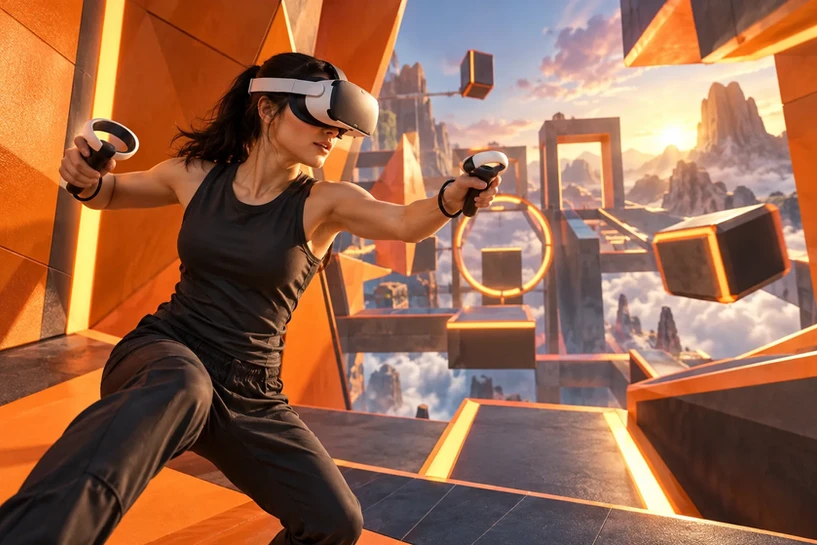
Virtual Reality (VR) has rapidly evolved into one of the most influential technologies reshaping how people learn, practice, and experience digital content. While VR is often associated with gaming, it has expanded far beyond entertainment — becoming a core tool for enterprise training, simulation, education, and high-stakes performance environments.
Understanding how VR works requires exploring the hardware, sensors, tracking systems, software rendering, and spatial algorithms that blend seamlessly to create immersive worlds. Whether you’re inside a fast-paced VR game or navigating a realistic training simulation, the underlying technology functions the same: it creates a sense of presence so convincing that you feel present in a different environment.
Organizations using VR for workforce development — including those supported by Mimic XR — leverage this immersive “presence” to accelerate learning, reduce risk, and make training more intuitive. This article breaks down how VR works, why it’s effective, and how it’s transforming gaming and professional training.
Key takeaways
Virtual Reality (VR) has rapidly evolved into one of the most influential technologies reshaping how people learn, practice, and experience digital content.
While VR is often associated with gaming, it has expanded far beyond entertainment — becoming a core tool for enterprise training, simulation, education, and high-stakes performance environments.
Understanding how VR works requires exploring the hardware, sensors, tracking systems, software rendering, and spatial algorithms that blend seamlessly to create immersive worlds.
Organizations using VR for workforce development — including those supported by Mimic XR — leverage this immersive “presence” to accelerate learning, reduce risk, and make training more intuitive.
This article breaks down how VR works, why it’s effective, and how it’s transforming gaming and professional training.
Table of Contents
How VR Works: The Core Components
VR works by creating a fully digital 3D environment that responds to the user’s movements in real time. This “presence” is achieved through a combination of:
Head-mounted display (HMD)
Stereoscopic screens
Field-of-view optics
Six degrees of freedom tracking
Motion controllers
Spatial audio
Rendering and physics engines
These components function together to simulate a believable virtual space — a concept introduced in our earlier breakdown of what virtual reality is and where it’s used (VR definition and uses).
Tracking Systems & Motion Sensors
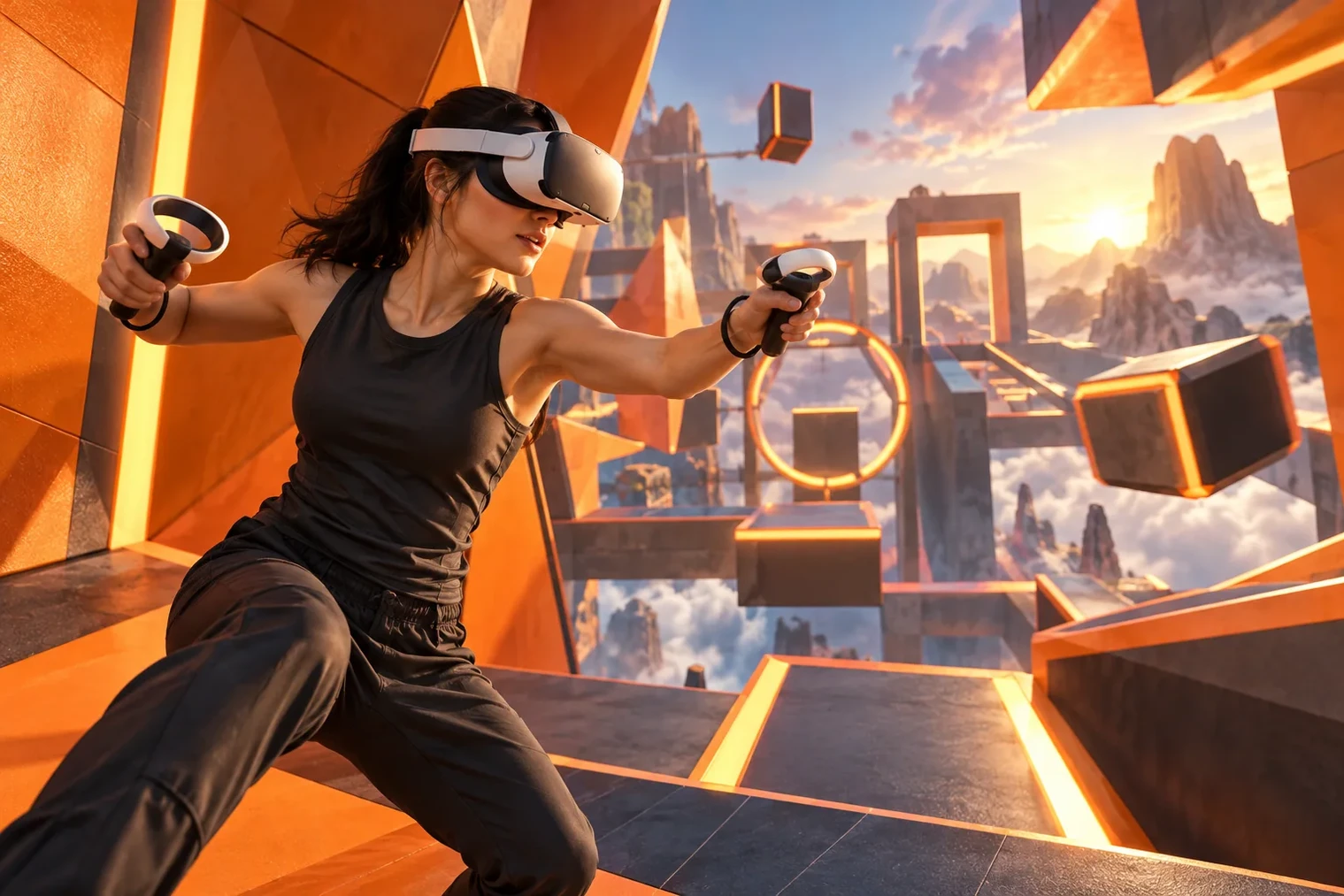
Tracking is the backbone of VR immersion. The system must know exactly where your head, hands, and sometimes your entire body are located at every moment.
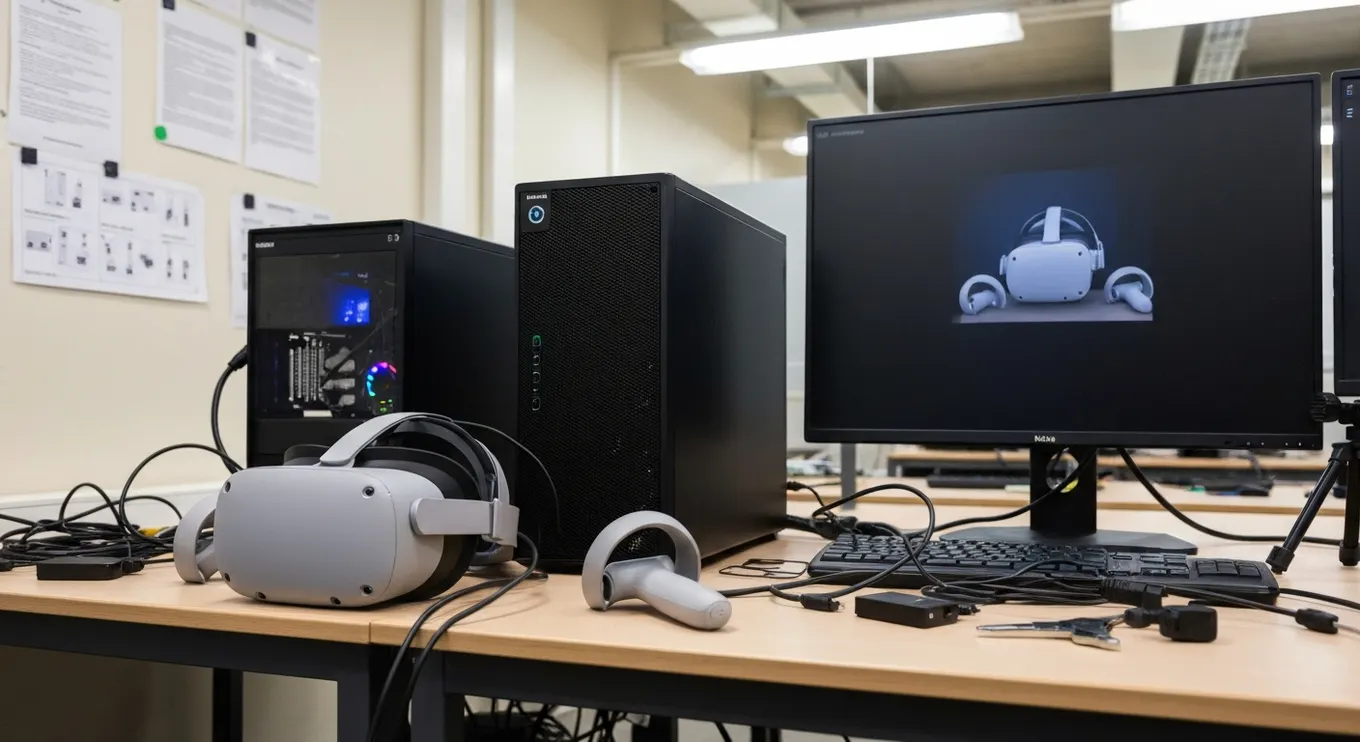
1. Inside-Out Tracking
Built-in cameras on the headset map the environment and track user movement.
2. Outside-In Tracking
External base stations or sensors track the headset and controllers.
3. 6DoF (Six Degrees of Freedom)
Tracks:
Up/down
Left/right
Forward/backward
Pitch
Roll
Yaw
This ensures movement feels natural — especially critical for enterprise training simulations.
Rendering & Visual Immersion
VR headsets use stereoscopic displays to create depth perception. Each eye receives an image from a slightly different angle, creating a stereoscopic view of the environment.
Key visual elements include:
High refresh rates (72Hz–120Hz) for comfort
Wide field of view for realism
High resolution to reduce pixelation
Dynamic lighting for authenticity
These concepts tie closely to photogrammetric VR environments — explored in our guide on how photogrammetry enhances XR (photogrammetry for XR).
Interaction: Controllers, Hand Tracking & Haptics
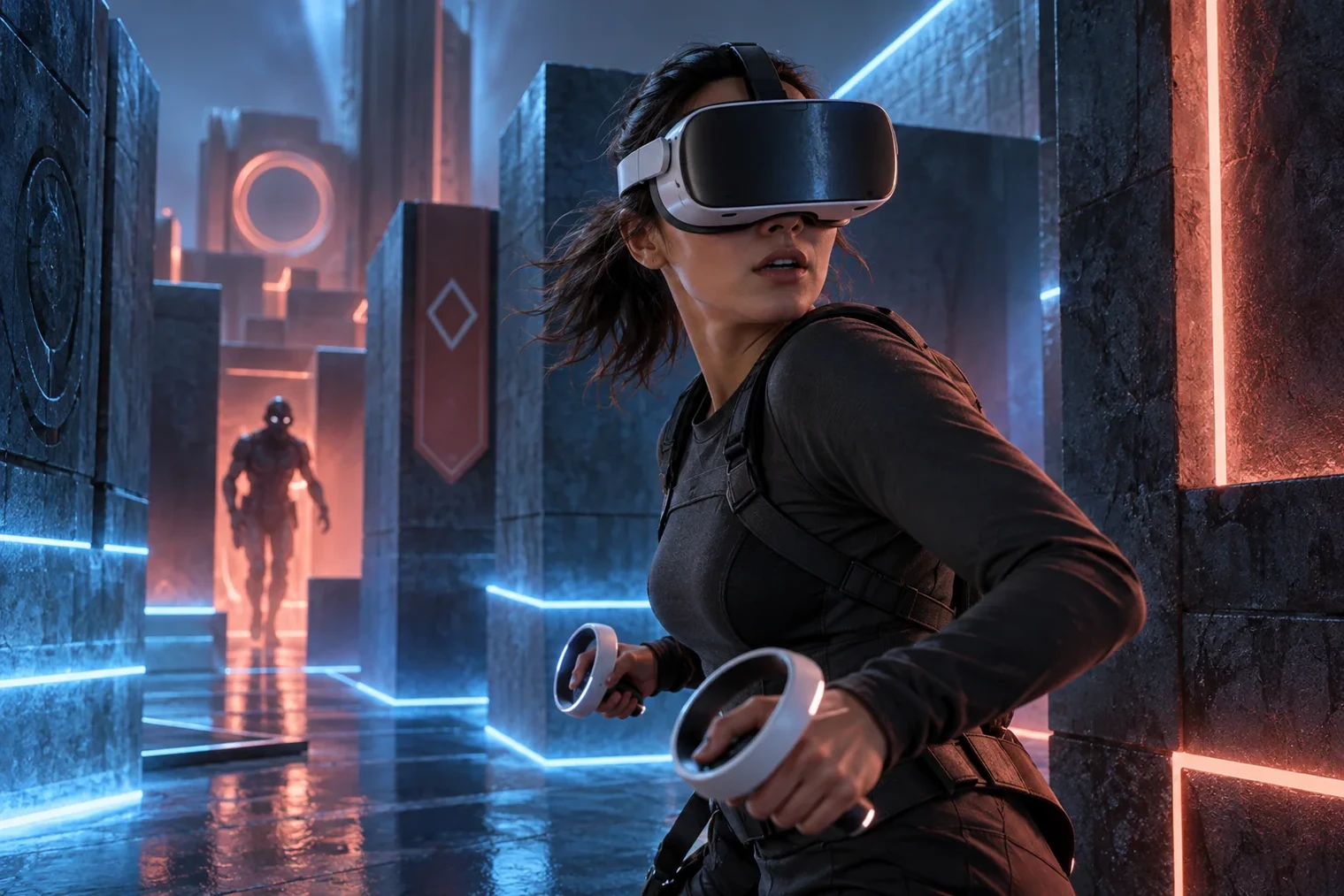
Interaction is what transforms VR from a visual display into a fully immersive experience.
Inputs include:
VR controllers
Finger tracking
Full-hand gesture recognition
Haptic feedback systems
Body tracking
Voice commands
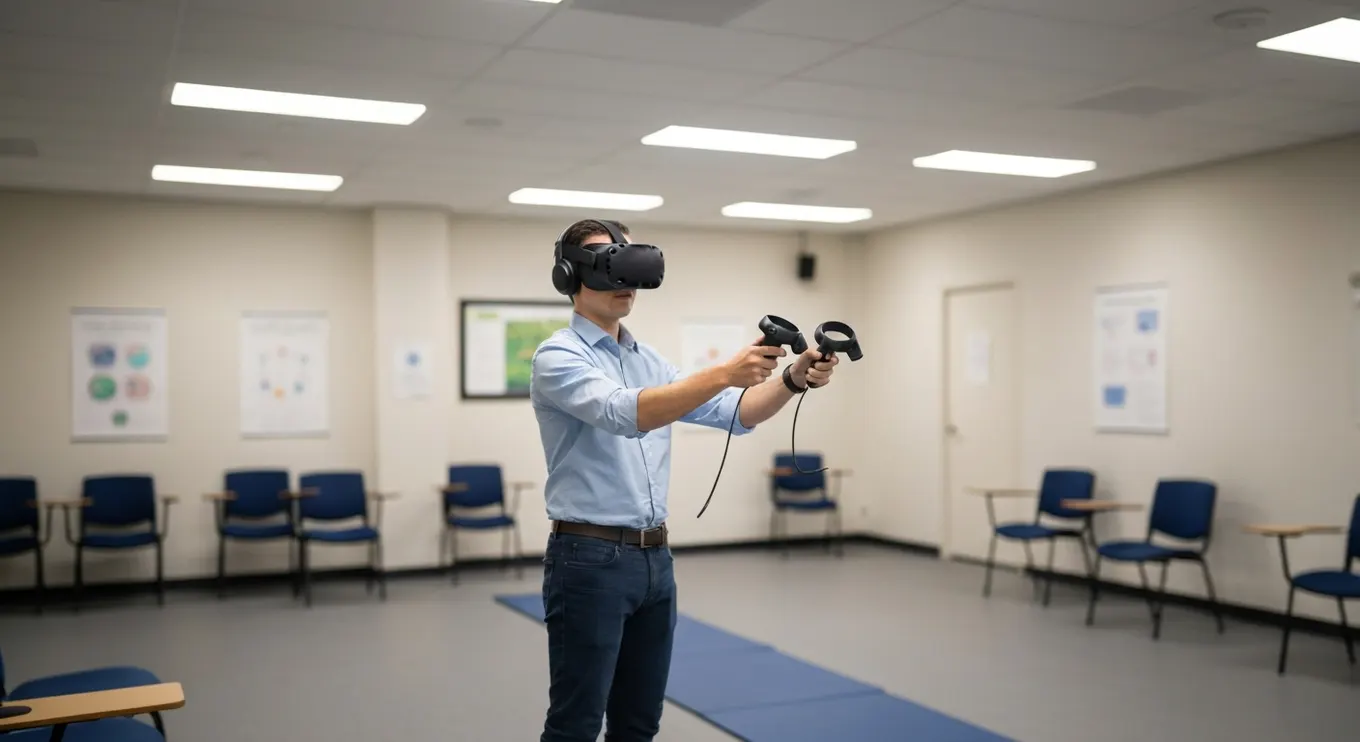
Hand tracking, in particular, is essential for natural interactions in training environments — enabling learners to manipulate tools, push buttons, and perform complex tasks the same way they would in real life.
Audio, Spatial Sound & Sensory Cues
VR uses 3D spatial audio to anchor sound to objects within the virtual space. This helps you identify the direction of a sound — enhancing presence.
Audio cues include:
Footsteps behind the user
Machinery humming to the left
A voice calling from above
Environmental ambience
Sound design is just as important as visuals in creating believable training and gaming environments.
How VR Works in Gaming
Gaming is where VR first gained mainstream attention — but the way VR transforms gameplay goes far beyond visuals.
VR gaming works by:
Mapping user movement into the game
Allowing full-body interaction
Delivering immersive storytelling
Enabling room-scale exploration
Simulating physics-based interactions
VR games use many of the same spatial principles found in augmented reality experiences, but with complete immersion rather than overlays.
Popular VR gaming mechanics:
Object grabbing and throwing
Realistic weapon handling
Puzzle-solving using gestures
Social VR experiences
Rhythm-based movement
VR gaming thrives because it offers physical, emotional, and spatial engagement — not just button input.
How VR Works in Training & Simulation
VR’s biggest impact is in professional training — an area where it’s rapidly becoming the preferred method for teaching high-risk or complex tasks.
Organizations adopt VR training to:
Reduce risk
Simulate dangerous environments
Standardize processes
Track performance data
Shorten learning curves
Improve retention
These scenarios often combine real-world context with immersive digital environments — similar to training workflows enhanced through mixed reality environments (mixed reality environments).
Types of VR training simulations:
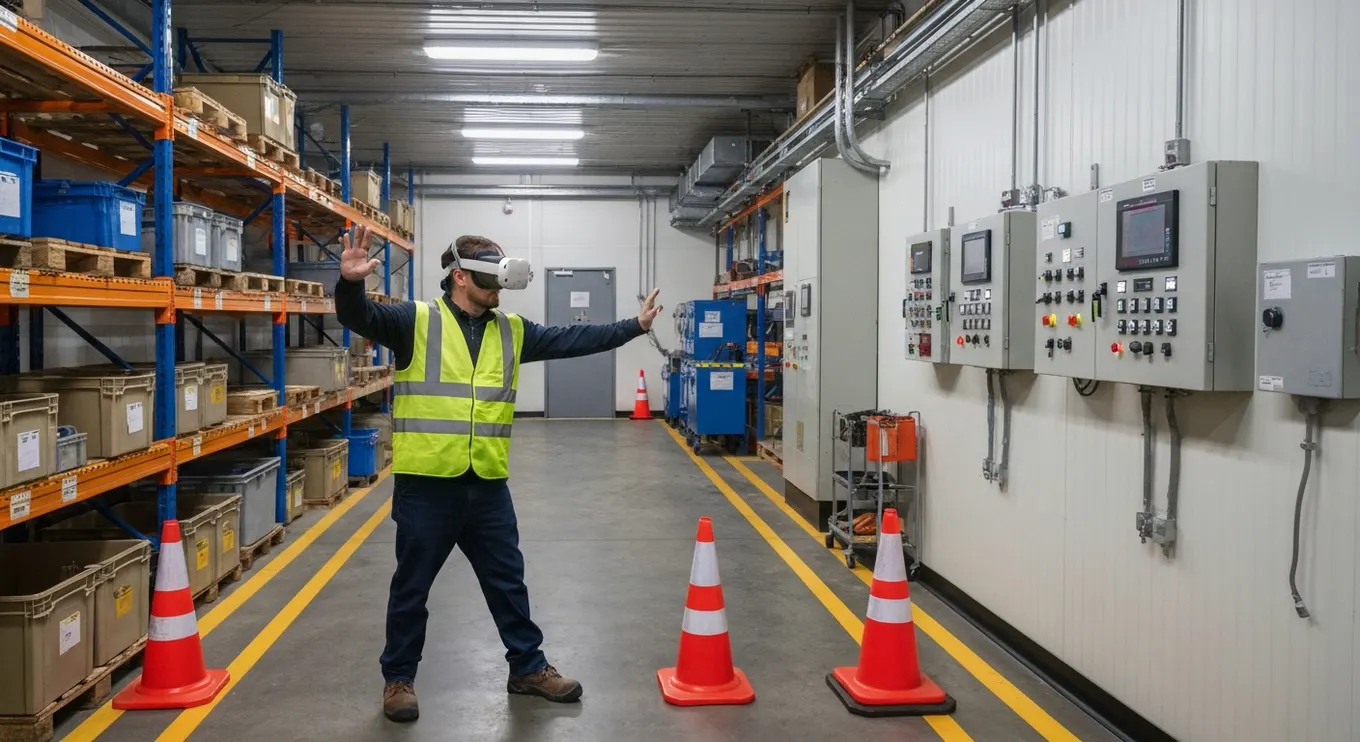
Safety training (hazards, fire response, PPE)
Industrial equipment training
Soft skills and communication
Workplace scenario training
Emergency response drills
VR gives learners complete control and repeatability — something traditional training cannot offer.
VR vs AR vs MR
VR does not exist in isolation. It’s part of a broader XR ecosystem that includes AR and MR.
Immersion — VR: Full; AR: Low; MR: Medium-high
Real World — VR: Hidden; AR: Visible; MR: Visible + interactive
Best Use — VR: Simulation & training; AR: Quick guidance; MR: Hybrid workflows
Hardware — VR: VR headset; AR: Phones, AR glasses; MR: MR headsets
Interaction — VR: Virtual objects; AR: Overlays; MR: Physical + virtual objects
To understand the full spectrum, our guides on AR and MR break down how each technology fits into modern immersive ecosystems.
Comparison Table: Traditional Training vs VR Training
Safety — Traditional Training: Real risk; VR Training: Zero risk
Repeatability — Traditional Training: Limited; VR Training: Unlimited
Engagement — Traditional Training: Passive; VR Training: Fully immersive
Cost — Traditional Training: Recurring; VR Training: One-time content investment
Accuracy — Traditional Training: Depends on trainer; VR Training: Standardized
Feedback — Traditional Training: Manual; VR Training: Automatic performance analytics
VR creates safer, more scalable, and more accurate training experiences.
Applications Across Industries
VR is now widely used in:
Manufacturing
Energy & utilities
Aviation
Automotive
Logistics & warehousing
Education
Public safety
Construction
Military & defense
Industry applications align directly with the sectors served by Mimic XR, where VR training significantly reduces human error and operational risk.
Benefits of VR
Highly immersive learning
Improved retention & comprehension
Low-risk environment for dangerous tasks
Cost-effective over time
Objective performance tracking
Faster skill acquisition
Consistent training quality
Remote multiplayer collaboration
VR turns learning into an experience — not a lecture.
Test the complete VR interaction loop
Choose one interaction that represents the experience: pick up an object, operate a control or respond to another character. Test whether a first-time user understands the cue, performs the action and recognises the result. Include reset, pause and recovery after an interrupted session.
For a game, assess whether the interaction supports the intended play. For training, check whether it represents the target skill and produces useful feedback. Avoid using completion time as the only success measure when accuracy or a deliberate sequence matters.
The spatial audio guide helps plan feedback beyond visuals. A VR development brief should name the target hardware, input method and acceptance task. For the background to these capabilities, read the history of VR technology.
Challenges & Considerations
Initial hardware investment
Need for high-quality content
Space requirements for movement
Hardware maintenance
Working with experienced XR teams such as Mimic XR ensures organizations deploy VR effectively and sustainably.
The Future of VR
The next evolution of VR will include:
AI-driven adaptive training
Photorealistic environments using photogrammetry
Wireless 4K headsets
Eye-tracked interactions
Full-body tracking suits
Haptic gloves and feedback systems
Enterprise metaverse-style collaboration
As VR continues to merge with AR and MR, immersive training and simulation will become the standard across global organizations.
Sources and further reading
Conclusion
VR has matured far beyond gaming — becoming one of the most impactful tools for workforce development, simulation, and enterprise learning. Its ability to replicate real-world environments with complete safety and control makes it invaluable for training high-stakes skills and improving operational efficiency.
With end-to-end immersive solutions designed by Mimic XR, organizations can harness VR to deliver consistent, engaging, and scalable training experiences that outperform traditional methods.
Understanding how VR works opens the door to deeper, more effective learning, whether in gaming, education, or the enterprise world.
FAQs
1. How does VR actually work?
VR creates immersive 3D environments using head tracking, motion sensors, stereoscopic displays, and real-time rendering.
2. Why is VR so effective for training?
It provides safe, repeatable simulations that mimic real situations without risk.
3. Is VR different from AR?
Yes — VR fully immerses you in a virtual world, while AR overlays digital elements onto your real environment.
4. Do VR headsets need a powerful PC?
Some require PCs; others like standalone headsets run independently.
5. Can VR be used for soft skills?
Absolutely — VR is widely used for customer service, leadership, communication, and behavioral training.
About this article
Mimic XR is an extended reality production studio based in Potsdam, Germany. This article provides general planning information; project decisions should be validated against current hardware, platform, privacy and operational requirements.
Creation note: AI tools assisted with drafting and structure. Mimic XR reviewed and is responsible for the published content. External technical sources are linked where relevant. Last reviewed: 29 October 2026.


