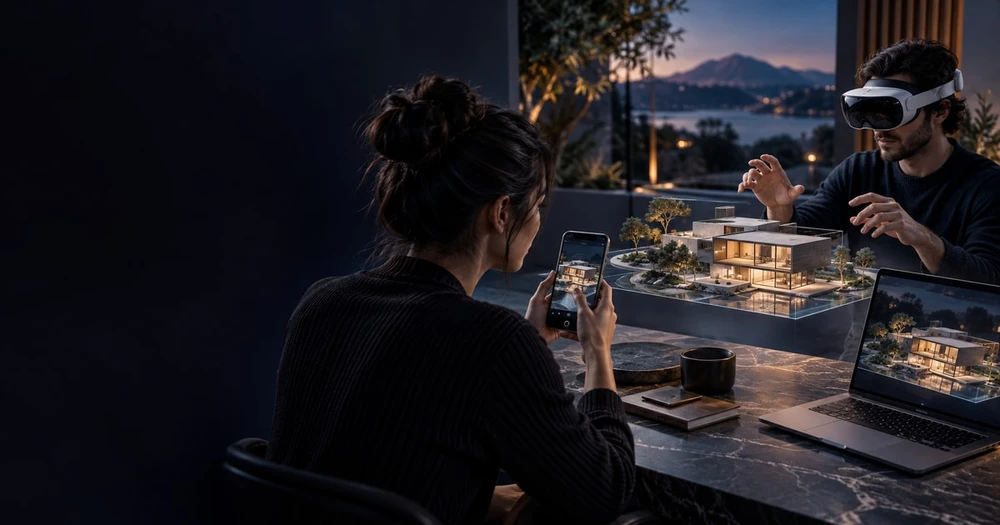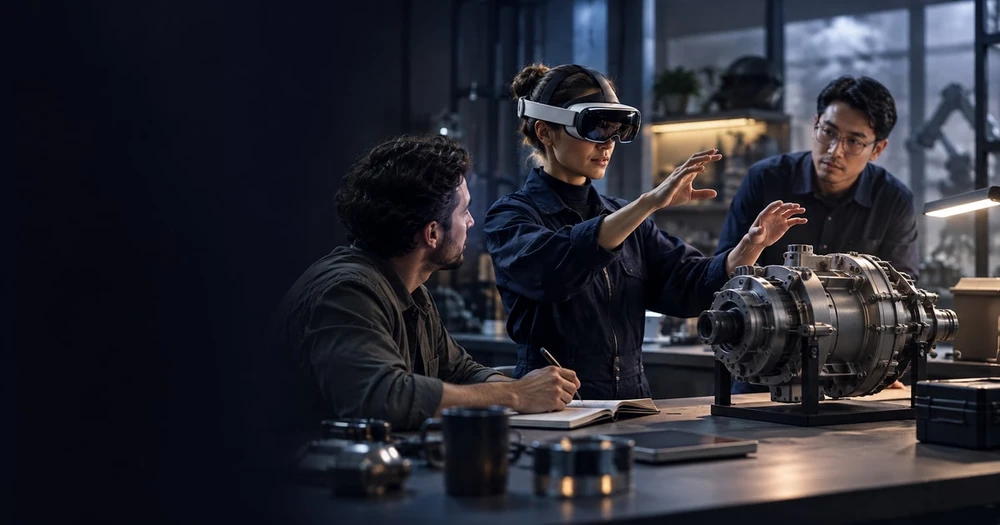
Extended Reality (XR) has evolved into one of the most important technologies for modern organizations. Instead of relying on traditional manuals, static screens, or outdated training formats, companies are now turning to XR to blend real-world environments with immersive digital information. This creates workflows that are faster, clearer, safer, and far more intuitive.
Businesses use it not just to innovate, but to reduce operational errors, improve training outcomes, and support teams in ways that were previously impossible.
This guide breaks down what XR technology is, how it works, and why organizations are integrating it into everyday workflows.
Key takeaways
Extended Reality (XR) has evolved into one of the most important technologies for modern organizations.
Instead of relying on traditional manuals, static screens, or outdated training formats, companies are now turning to XR to blend real-world environments with immersive digital information.
This creates workflows that are faster, clearer, safer, and far more intuitive.
Businesses use it not just to innovate, but to reduce operational errors, improve training outcomes, and support teams in ways that were previously impossible.
Table of Contents
What Is XR Technology?
XR (Extended Reality) is a broad term that covers Augmented Reality (AR), Virtual Reality (VR), and Mixed Reality (MR). Together, these technologies allow digital content to be placed over, integrated with, or fully replace the physical world.
To understand the basics, XR builds on the principles introduced in what augmented reality is and how it works, where digital overlays appear naturally within your real environment.
XR exists on a spectrum:
AR → Real world + digital information layered on top
VR → Fully immersive digital world
MR → Real and digital objects interacting with each other
This continuum allows organizations to use XR for multiple levels of immersion, depending on the task, complexity, and environment.
How XR Works
At its core, XR relies on a combination of sensing, tracking, and rendering technologies that work together to place digital content into physical spaces.
Here are the key systems that make XR possible:
Motion tracking to monitor the user’s head, hands, or device
Spatial mapping to understand surfaces and room layout
Object recognition to identify real objects or machines
Real-time rendering to display 3D content instantly
AI models that interpret data and enhance accuracy
When these systems operate together, XR devices understand what the user is looking at, where they’re standing, and how digital information should appear in that context.
A VR headset, for example, uses these technologies to create a fully virtual environment—similar to what’s explained in what virtual reality is and where it is used.
AR, VR, and MR: How They Fit Together
Even though AR, VR, and MR are separate technologies, organizations often combine them to support different moments of a workflow.
A quick breakdown:
AR is best for real-time guidance, maintenance, remote support, logistics, and training in live environments.
VR is ideal for full-simulation training, safety instruction, procedural rehearsal, and scenario-based learning.
MR blends the strengths of AR and VR — digital content attaches to real-world objects and reacts dynamically, as described in how mixed reality blends real and digital worlds (https://www.mimicxr.com/post/what-is-mixed-reality-and-how-it-blends-real-and-digital-worlds).
Together, these technologies form a unified XR ecosystem that organizations can deploy across multiple use cases.
Types of XR Systems (Balanced Mix Format)
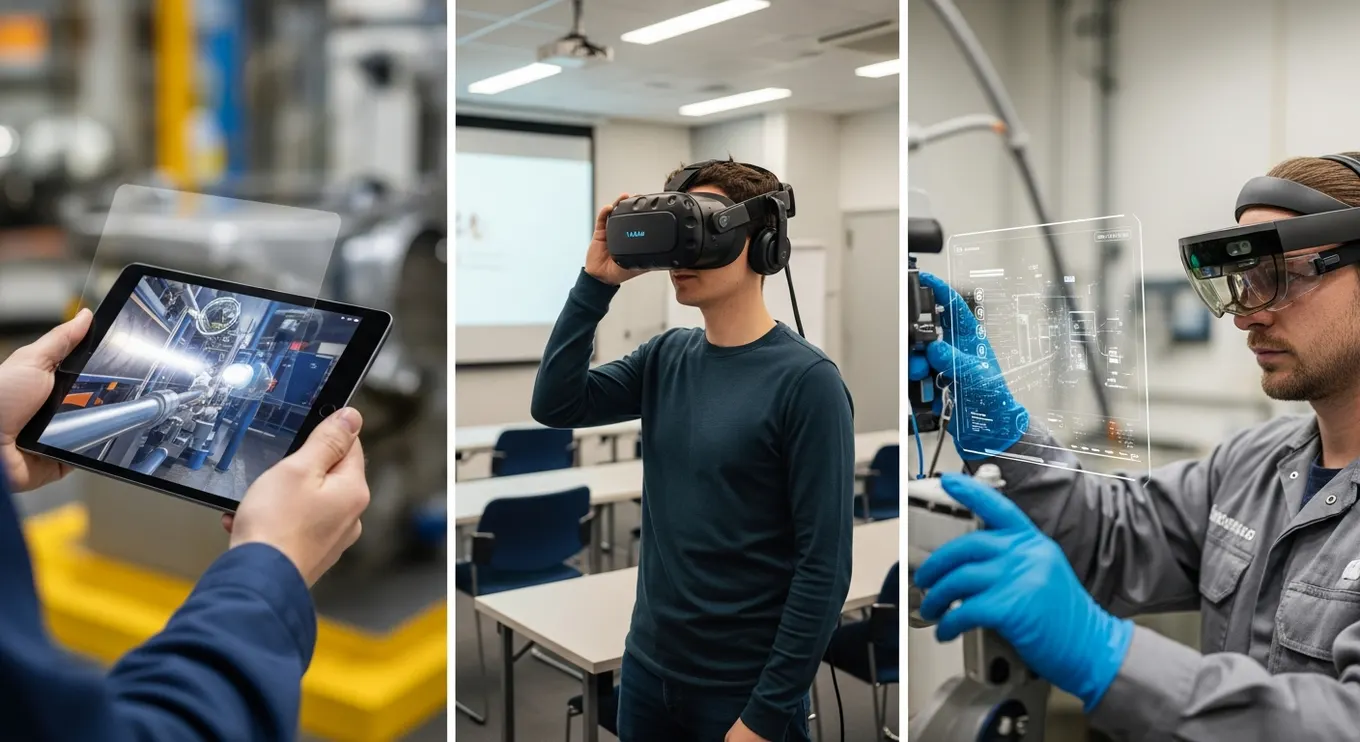
Organizations have several options when choosing XR systems, depending on the environment and workflow. Instead of thinking of XR as one tool, it’s more helpful to view it as a toolkit with multiple entry points.
Mobile XR
Companies often start with mobile-based XR because it uses devices employees already have—phones and tablets.Ideal for: quick inspections, product visualization, warehouse checks, onboarding.
Wearable XR (Smart Glasses & Headsets)
Wearables deliver hands-free functionality, which is powerful for high-precision environments.Common uses include: equipment repair, assembly guidance, remote instructions, logistics picking.
Desktop or Laptop XR
This is typically used at the planning or design stage, where teams evaluate 3D models, run simulations, or prepare prototypes.
Projection-Based XR
Digital instructions are projected directly onto physical surfaces.This works well in: assembly lines, quality checks, and environments where wearing a device isn’t convenient.
Immersive XR Headsets (VR & MR)
With these options available, organizations can adopt XR gradually, selecting the system that best fits each workflow.
Why Organizations Use XR for Immersive Workflows
Companies adopt XR because it improves how employees learn, collaborate, and execute tasks—making work faster, safer, and more consistent.
Here’s what XR improves most:
Training becomes experiential rather than theoretical
Support becomes visual and hands-free
Workflows become standardized across teams
Collaboration becomes instant, even at long distances
Errors decrease due to visual clarity and step-by-step overlays
XR changes how information is delivered: instead of reading instructions, workers see exactly what to do.
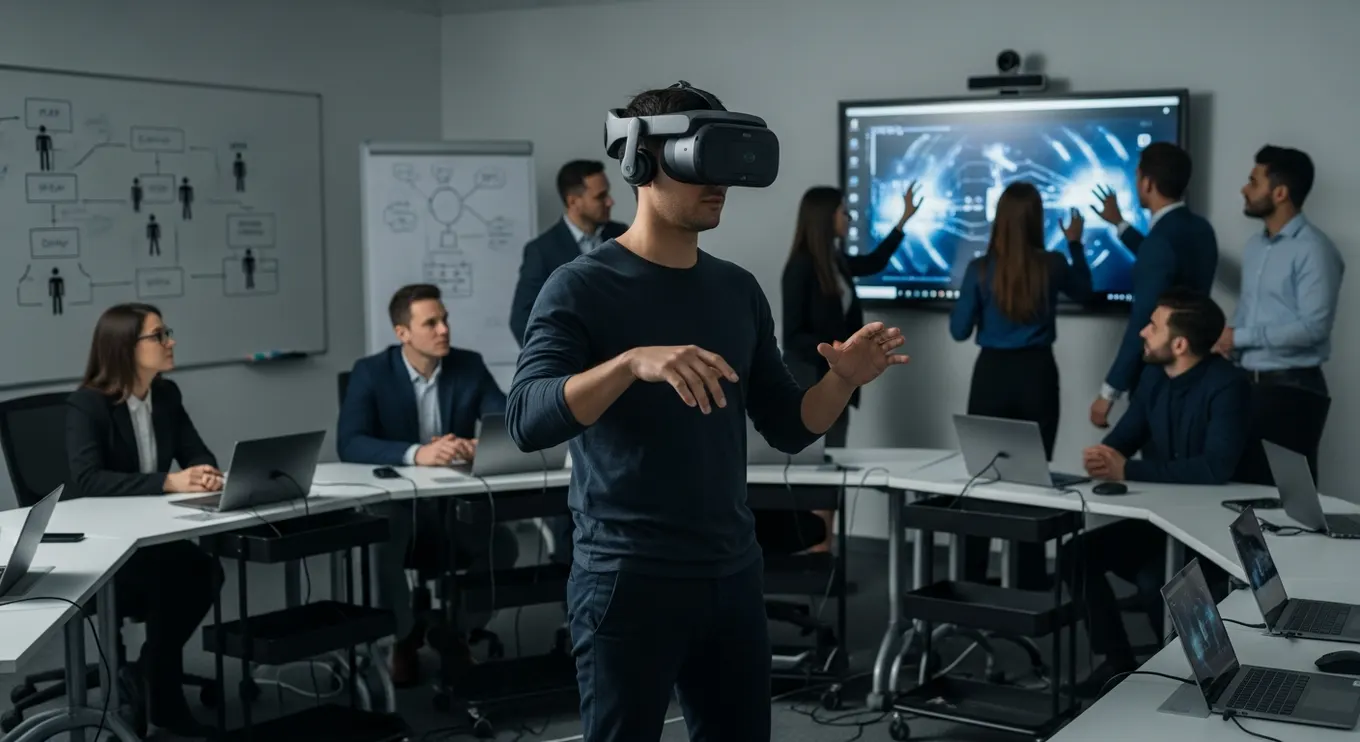
Real-World XR Applications Across Industries
XR is extremely versatile, which is why adoption is accelerating across so many sectors. Here’s a balanced mix of examples:
Manufacturing
Workers follow visual instructions during assembly, machine diagnostics, and safety operations. AR reduces uncertainty and lowers the risk of mistakes.
Construction & Architecture
Teams visualize building structures at full scale, overlay plans on-site, and catch design conflicts early.
Logistics & Warehousing
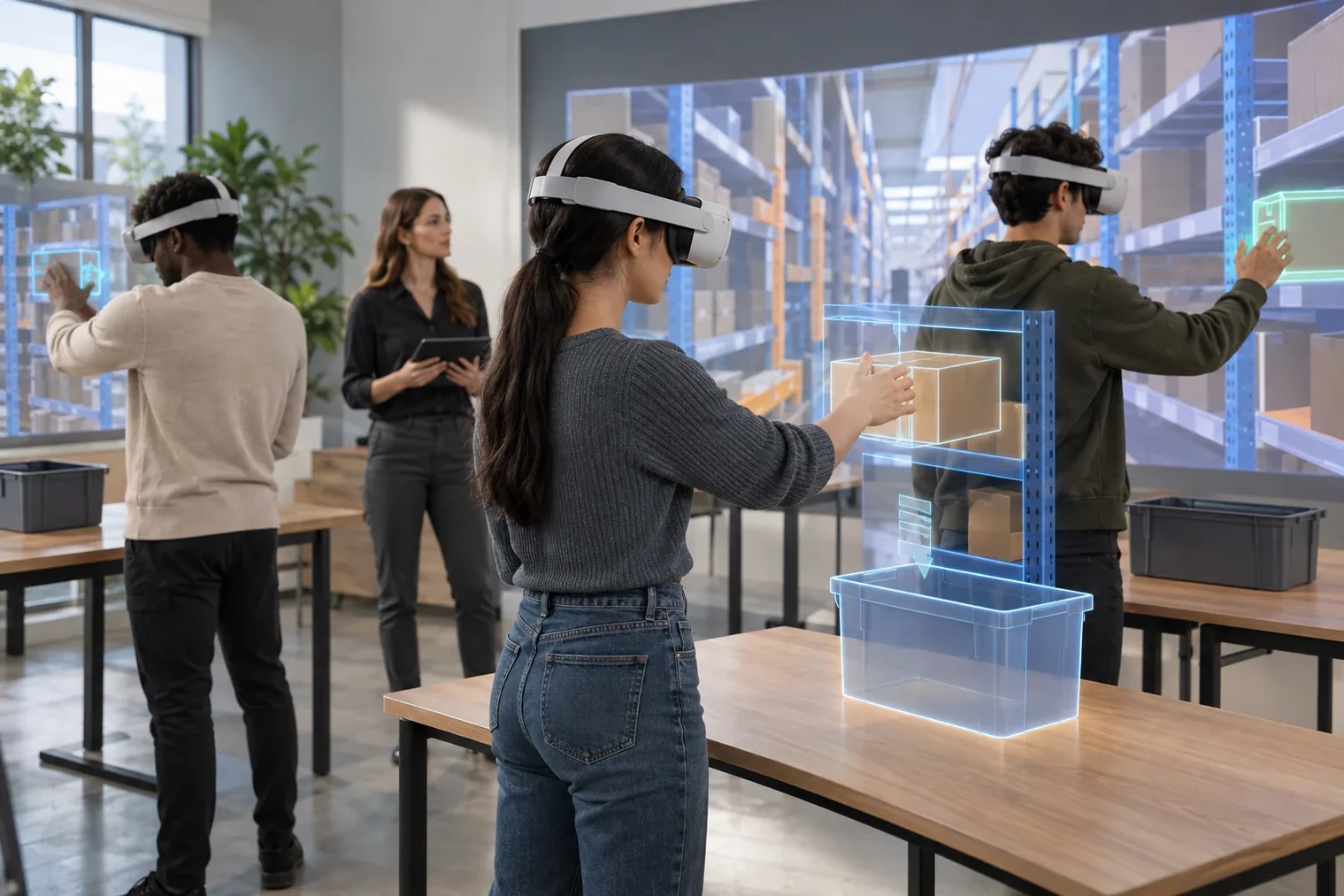
AR overlays simplify navigation, picking, packing, and inventory checks. Workers complete tasks faster and with fewer errors.
Education & Corporate Training
Hands-on virtual environments make learning more engaging and accessible for students and employees.
Retail & Customer Support
Brands use XR for virtual try-ons, immersive product demos, and guided setup instructions.
Field Service & Maintenance
Technicians receive step-by-step digital overlays and remote expert support, reducing repair times dramatically.
Benefits of XR
XR adoption comes with measurable improvements across speed, accuracy, and operational performance. Here’s a balanced mix of benefits:
Faster onboarding because workers learn through hands-on guided tasks
Lower costs due to reduced travel, fewer mistakes, and better workflow timing
Improved safety as risky procedures can be practiced virtually first
Higher productivity from real-time, contextual information
Better decision-making when teams visualize 3D models at scale
Enhanced remote support using shared spatial views
These advantages compound over time, making XR a long-term strategic asset.
Write an operational workflow brief
Document the starting trigger, the user’s action, the information shown and the record that leaves the experience. For each step, name the content owner and the system of record. This makes it easier to decide whether the project needs a new application, an integration or a simpler visual aid.
Choose one exception to test alongside the successful path: missing data, loss of connection or an unavailable expert. Define the approved fallback and who follows up. A workflow is not complete merely because the visual interface works in a demonstration.
The immersive technology guide covers the full user journey. For an equipment task, continue to the AR maintenance guide and its work-order handover checklist.
Challenges of XR Adoption
XR is powerful, but organizations must plan around a few challenges:
Hardware purchase costs, especially for enterprise-grade headsets
Employee training, since XR devices introduce new interaction methods
Custom content creation, which requires accurate 3D assets or workflows
Legacy system integration, particularly with old machinery
Space requirements, as some XR experiences need open, trackable areas
With a phased rollout and proper support, organizations typically overcome these challenges quickly.
The Future of XR: AI, Spatial Computing & Wearables
XR is entering a new phase with powerful shifts driven by AI, lighter hardware, and spatial computing. Here are the trends shaping the next decade:
AI-powered object recognition and workflow automation
Lightweight XR glasses replacing bulky headsets
Persistent spatial environments that remember layouts
Cloud-based collaboration, allowing teams to work together from anywhere
Full-body tracking & natural gesture input
Hyper-realistic holographic content used for everyday tasks
As these technologies converge, XR will become a foundational tool across industries worldwide.
Sources and further reading
Conclusion
XR technology is revolutionizing how organizations train employees, support field teams, visualize complex information, and streamline operations. By blending immersive digital content with real-world contexts, XR enables faster learning, safer environments, and more precise execution.
With advancements in AI, wearable XR, and spatial computing, the capabilities of XR will continue expanding—opening new opportunities for business transformation. Mimic XR, with its deep experience in immersive workflows and real-time 3D solutions, helps organizations implement XR strategies that increase productivity, enhance training quality, and modernize operations.
FAQs
1. What is XR technology?
XR refers to AR, VR, and MR—technologies that combine real and digital environments to create immersive experiences.
2. How does XR work?
It uses sensors, cameras, tracking systems, and rendering engines to anchor digital content realistically into the user’s environment.
3. Why do companies use XR?
For training, remote support, workflow guidance, simulations, design visualization, and improved decision-making.
4. What is the difference between XR and AR?
AR overlays digital content on reality, while XR includes AR, VR, and MR as a combined ecosystem.
5. Are XR headsets expensive?
Enterprise headsets can be, but mobile XR and lightweight glasses offer affordable entry points.
6. What devices support XR?
Smart glasses, VR headsets, MR headsets, mobile devices, tablets, and projection-based systems.
7. Will XR replace traditional training?
It won’t replace it entirely, but it is becoming a major component of modern workforce development.
About this article
Mimic XR is an extended reality production studio based in Potsdam, Germany. This article provides general planning information; project decisions should be validated against current hardware, platform, privacy and operational requirements.
Creation note: AI tools assisted with drafting and structure. Mimic XR reviewed and is responsible for the published content. External technical sources are linked where relevant. Last reviewed: 29 October 2026.
Ready to apply this to a real project? Explore Mimic XR’s mixed reality solutions or contact the studio to discuss scope, platform and next steps.