
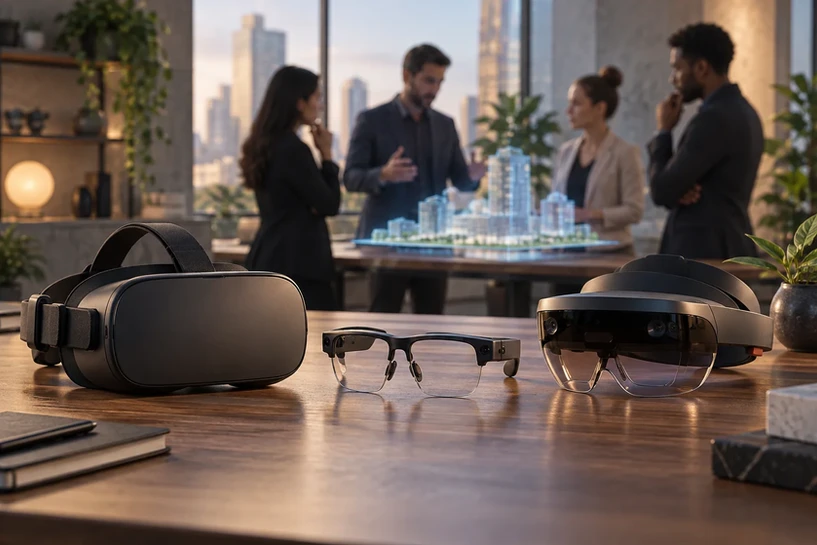
Immersive technologies are no longer experimental—they are core to how modern organizations train employees, visualize data, plan operations, and collaborate across distributed teams. But while VR (Virtual Reality), AR (Augmented Reality), and MR (Mixed Reality) are often grouped together under the XR umbrella, each technology serves a very different purpose in real-world workflows.
Some tasks require full simulation. Others need digital guidance layered onto real environments. And some demand a blended approach where virtual objects react to the physical world. Understanding the difference between VR, AR, and MR is essential for choosing the right solution for enterprise adoption, training efficiency, and operational improvement.
This guide breaks down how VR, AR, and MR differ, where each one fits, and why organizations increasingly rely on XR ecosystems to improve productivity and decision-making.
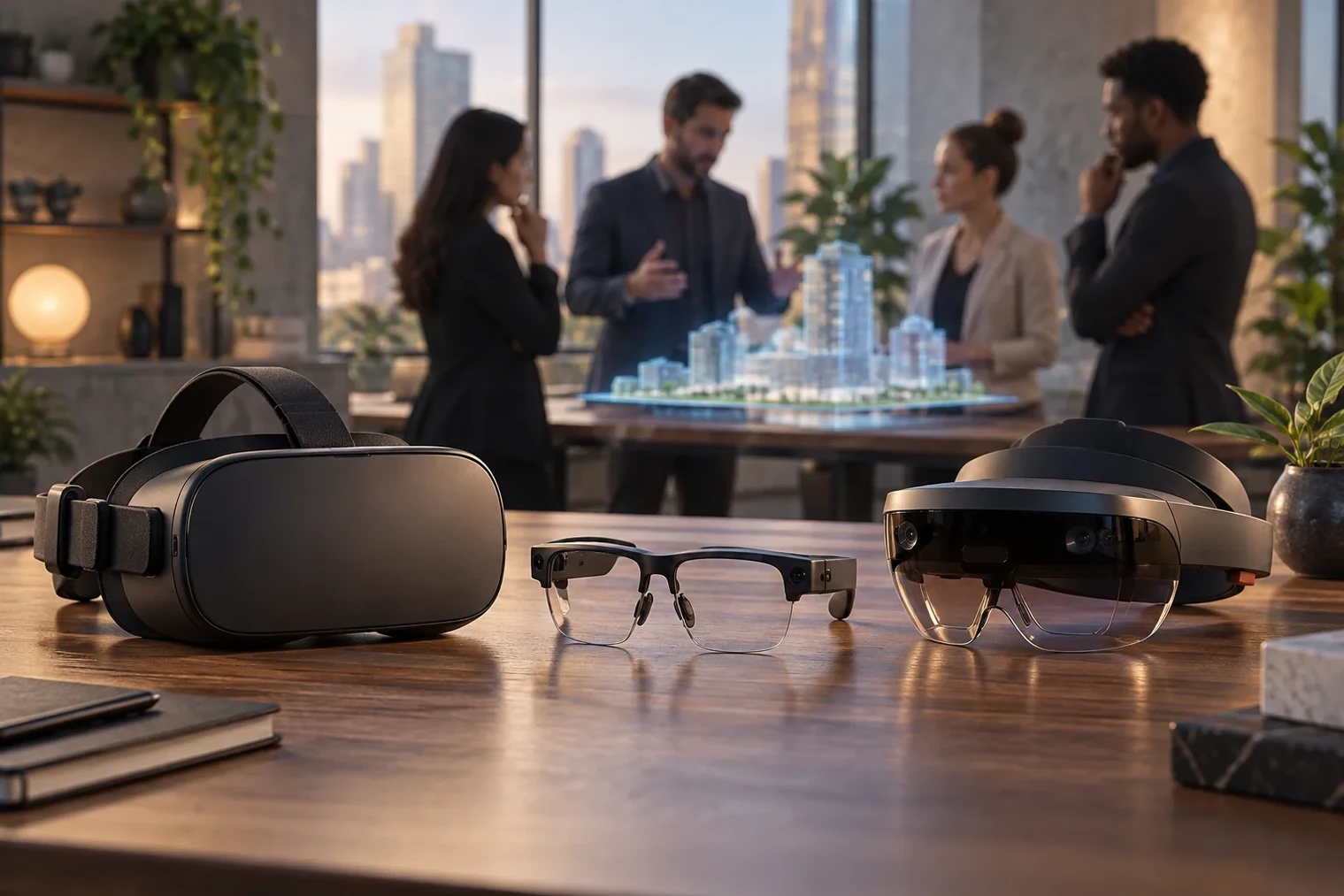
What Is VR, AR, and MR? A Clear Breakdown?
Before comparing them in workflows, let’s define what each technology does—simply, precisely, and from an enterprise perspective.
Key takeaways
Immersive technologies are no longer experimental—they are core to how modern organizations train employees, visualize data, plan operations, and collaborate across distributed teams.
But while VR (Virtual Reality), AR (Augmented Reality), and MR (Mixed Reality) are often grouped together under the XR umbrella, each technology serves a very different purpose in real-world workflows.
And some demand a blended approach where virtual objects react to the physical world.
Understanding the difference between VR, AR, and MR is essential for choosing the right solution for enterprise adoption, training efficiency, and operational improvement.
This guide breaks down how VR, AR, and MR differ , where each one fits, and why organizations increasingly rely on XR ecosystems to improve productivity and decision-making.
Table of Contents
2. Augmented Reality (AR): Digital Overlays on the Real World
3. Mixed Reality (MR): Digital Content That Interacts With Reality
1. Virtual Reality (VR): Fully Digital Immersion
VR places users inside a completely virtual environment.The physical world disappears, replaced by a digital space designed for training, simulation, exploration, or collaboration.
Learners experience VR through headsets that create virtual reality environments built with 3D models, simulations, and spatial interaction systems.
VR strengths:
Ideal for full immersion
Perfect for high-risk or high-cost scenarios
Supports experiential learning and memory-building
Enables controlled, repeatable simulations
Offers distraction-free environments
VR limitations:
Users cannot see the real world
Requires dedicated training spaces
Limited in hands-on tasks needing physical context
VR is the best choice when the goal is total simulation, especially in industries where realism matters.
2. Augmented Reality (AR): Digital Overlays on the Real World
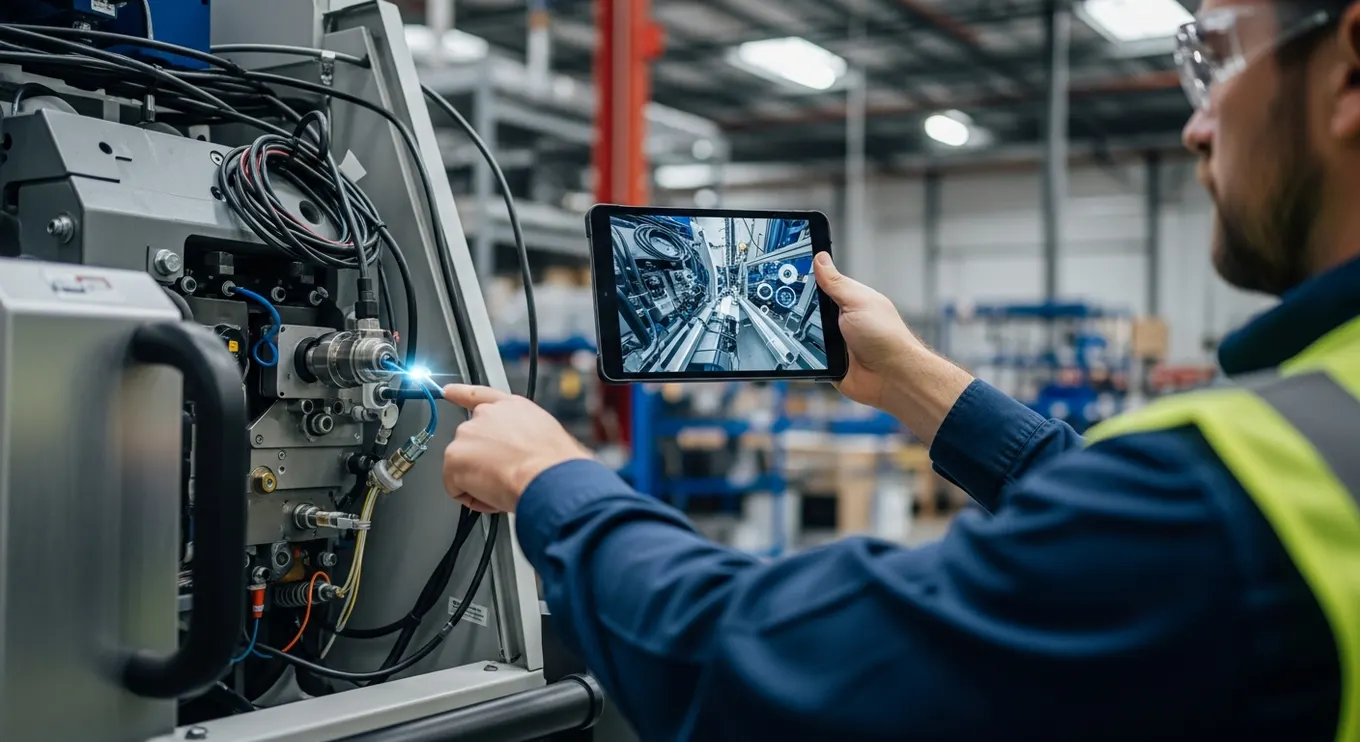
AR enhances physical environments by adding digital instructions, labels, holograms, and interactive information on top of real spaces.
Professionals often learn AR through augmented reality fundamentals, which explain how AR uses mobile devices or smart glasses to guide real-time decision-making.
AR strengths:
Ideal for hands-free instructions
Enhances productivity during real tasks
Perfect for field service, inspections, and maintenance
Works anywhere without needing full simulation
Minimal setup required (tablet, phone, or smart glasses)
AR limitations:
Overlays depend on lighting and environment
Tracking real-world surfaces can vary
Not as immersive as VR or MR
AR excels in workflows where users need real-world awareness with digital assistance.
3. Mixed Reality (MR): Digital Content That Interacts With Reality
MR blends VR and AR by placing digital objects into physical space and letting them react to real surfaces, lighting, and movement.
Organizations grasp MR’s potential through mixed reality blending tools, where holograms behave like part of the real world.
MR strengths:
Digital objects anchor realistically to surfaces
Supports advanced collaboration
Enables spatial interactions and precise alignment
Allows hybrid real + virtual task execution
MR limitations:
Requires advanced hardware
More resource-intensive
Best suited to controlled environments
MR is the ideal middle ground for tasks needing both real-world awareness and interactive digital overlays.
Core Differences Between VR, AR, and MR (Explained Simply)
1. Level of Immersion
VR = fully immersive
AR = minimally immersive (enhanced reality)
MR = moderately to deeply immersive (blended reality)
2. Relationship With the Physical Environment
VR ignores it
AR overlays it
MR interacts with it
3. User’s Role
VR users experience simulated worlds
AR users perform real tasks with digital help
MR users blend real tasks with digital tools
4. Use Case Focus
VR = training, simulation, learning
AR = productivity, guidance, real-world tasks
MR = precision workflows, collaboration, interactive design
How VR, AR, and MR Are Used in Real-World Workflows?
Now that differences are clear, here’s how each technology supports enterprise tasks step-by-step.
1. Training & Skill Development
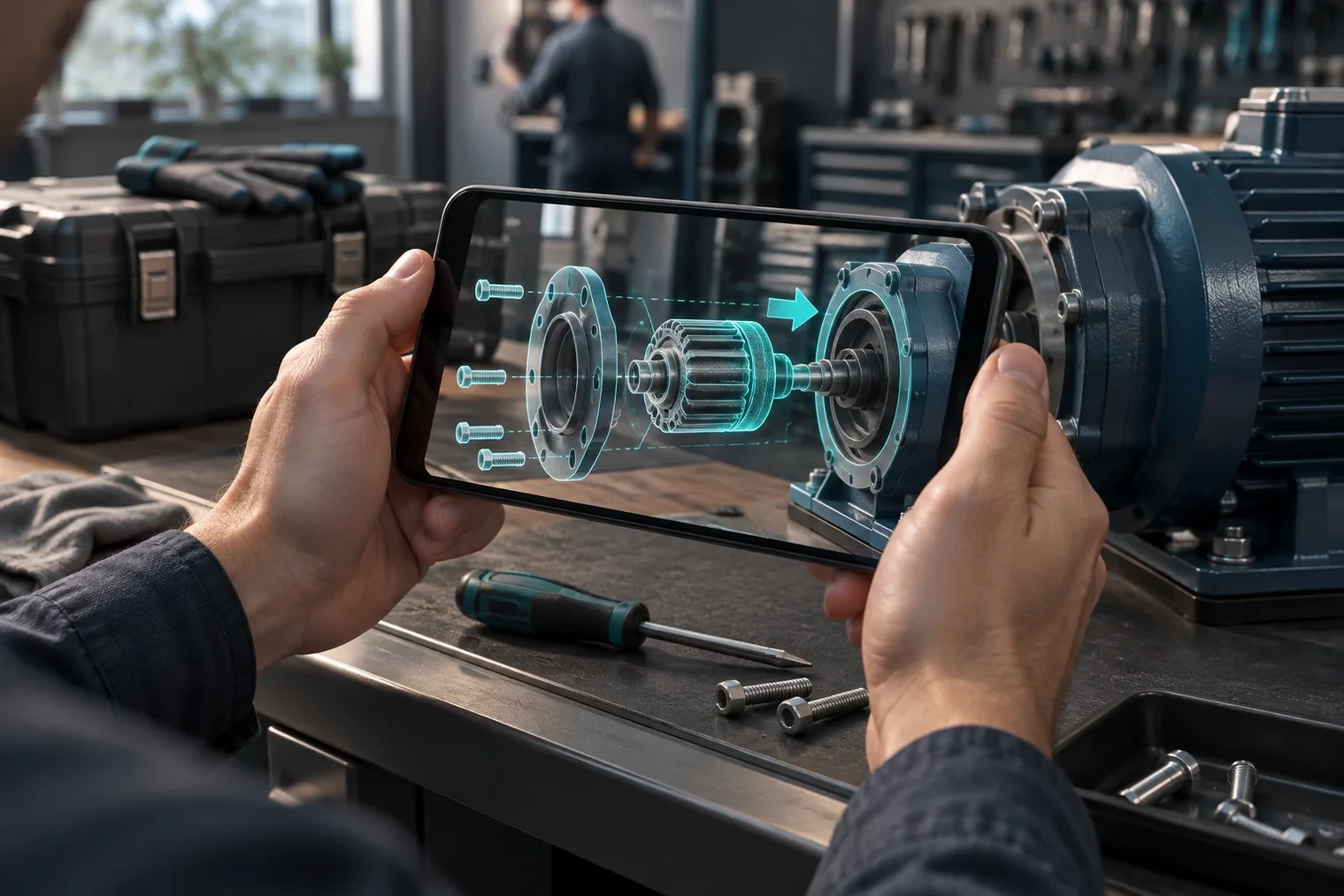
VR for training
VR creates full, risk-free simulations for:
emergency response
machinery operation
hazardous environments
AR for training
AR supports on-the-job learning:
step-by-step instructions
equipment labels
visual overlays for new workers
MR for training
MR blends practice with real tools:
engineering calibration
interactive assembly verification
Immersive learning is most effective when XR is selected based on the task, supported by workflows described in XR technology workflows used in organizations.
2. Manufacturing & Industrial Tasks
VR
Simulates factory layouts, training lines, and safety scenarios.
AR
Guides technicians with:
holographic arrows
part identification
real-time checklists
MR
Enables precision alignment for:
assembly
inspection
calibration
quality assurance
4. Remote Collaboration
VR
Creates shared virtual rooms for:
design reviews
training
workshops
AR
Allows remote experts to annotate directly on a worker’s physical environment.
MR
Enables teams to gather around shared 3D models in hybrid spaces.
5. Field Service, Logistics, and Maintenance
VR
Used for pre-training before field deployment.
AR
Helps frontline workers follow instructions hands-free.
MR
Merges real equipment with interactive holographic overlays for deep troubleshooting.
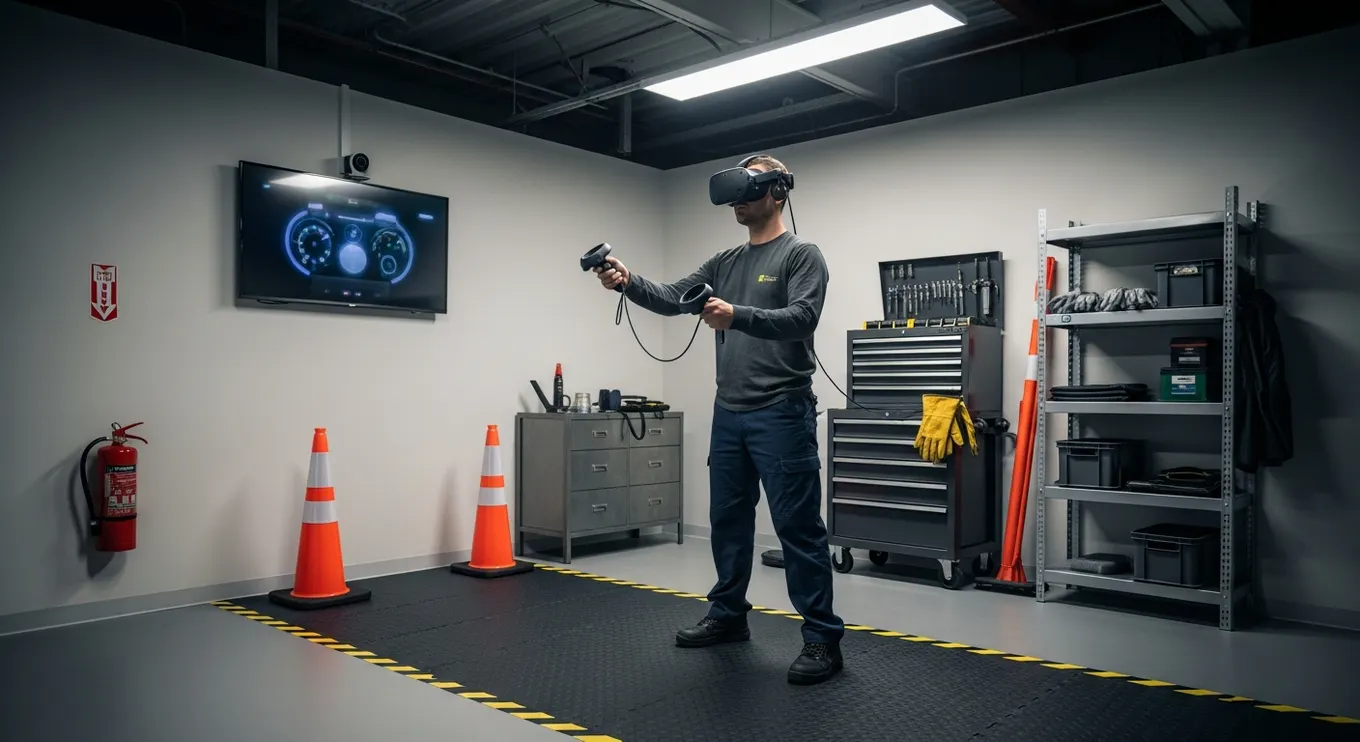
Compare formats using the same task
Write the task in one sentence before choosing the technology: rehearse a conversation, identify a part on real equipment or review a design together. Decide whether the user must remain aware of the physical surroundings and whether digital content needs a stable relationship to a real object.
Compare the simplest suitable implementations, including a normal screen. For each, record required hardware, interaction steps, supervision, accessibility alternatives and the evidence needed to judge success. Terminology varies across platforms; a product labelled MR still needs to demonstrate the specific interaction your task requires.
Use the XR technical explanation to understand the dependencies, then explore the mixed reality article collection for practical deployment choices.
Choosing Between VR, AR, and MR for Enterprise Adoption
Organizations often ask: Which is better — VR, AR, or MR?
The real answer: it depends on the workflow.
Choose VR if:
You need full simulation
Safety is a priority
Tasks require repeatable practice
Real-world risk is high
Choose AR if:
Workers need real-world awareness
Hands-free instructions improve productivity
Field service or logistics are involved
Choose MR if:
Precision matters
Digital twins must align with real equipment
Teams collaborate on complex 3D models
Future of VR, AR, and MR in Enterprise
Expect major advancements in:
Lightweight, all-day wearable XR devices
AI-driven spatial assistants
Real-time holographic collaboration
Advanced hand tracking and haptics
Personalized adaptive learning
Persistent digital overlays in workplaces
Multi-user spatial computing environments
As hardware becomes more accessible, XR will evolve into the default interface for enterprise analytics, training, and operations.
Conclusion
VR, AR, and MR each play distinct but complementary roles in the future of immersive computing.VR delivers full simulation, AR strengthens real-world productivity with digital guidance, and MR merges both worlds into interactive spatial experiences. Together, they form a powerful XR ecosystem that reshapes how organizations train, collaborate, and operate.
Mimic XR helps organizations deploy the right technology at the right moment—building immersive workflows that improve efficiency, strengthen skill development, and elevate enterprise performance.
FAQs
1. What is the main difference between VR, AR, and MR?
VR replaces reality, AR enhances it, and MR blends both together.
2. Which technology is best for training?
VR for full simulations, AR for real-time guidance, MR for hybrid precision tasks.
3. Do all XR systems require headsets?
Not always—AR works on mobile devices, while VR/MR use specialized headsets.
4. Is MR more advanced than AR?
Not necessarily, but MR offers deeper interaction by anchoring digital objects into physical environments.
5. Are these technologies used together?
Yes—enterprises combine VR, AR, and MR depending on workflow needs.
6. Does XR reduce training costs?
Significantly—especially in high-risk or equipment-heavy environments.
7. What is the future of XR?
Persistent spatial interfaces powered by AI, digital twins, and lightweight wearable devices.
Sources and further reading
About this article
Mimic XR is an extended reality production studio based in Potsdam, Germany. This article provides general planning information; project decisions should be validated against current hardware, platform, privacy and operational requirements.
Creation note: AI tools assisted with drafting and structure. Mimic XR reviewed and is responsible for the published content. External technical sources are linked where relevant. Last reviewed: 29 October 2026.
Ready to apply this to a real project? Explore Mimic XR’s mixed reality solutions or contact the studio to discuss scope, platform and next steps.