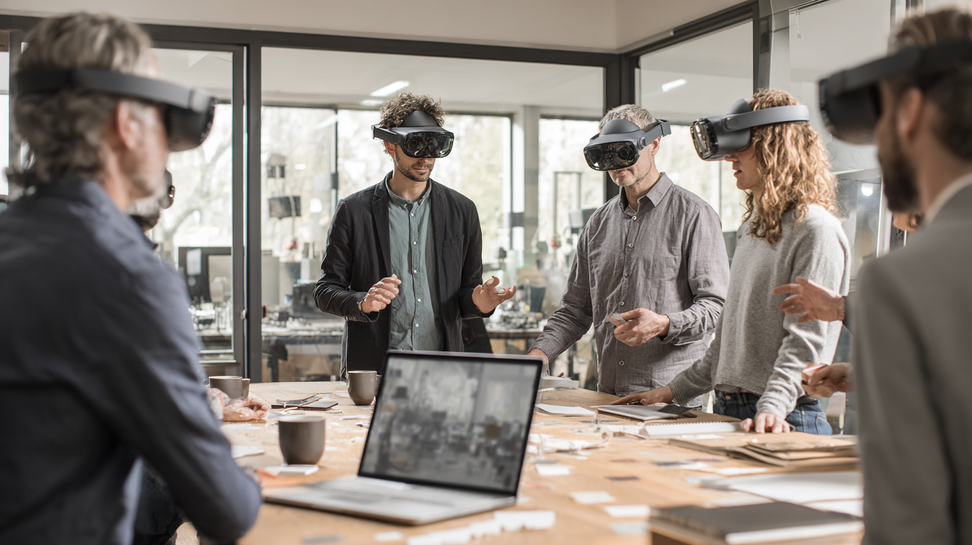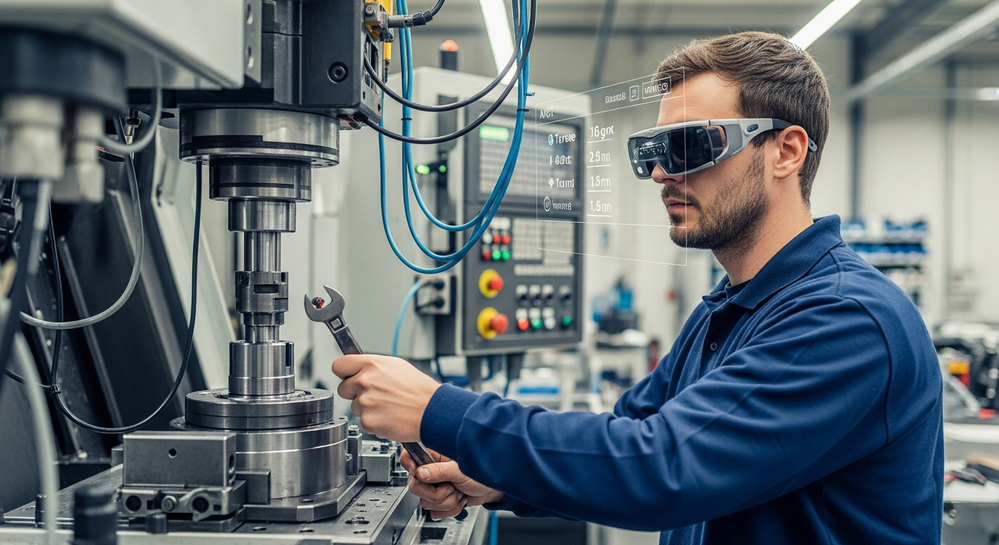
Augmented Reality (AR) has evolved from a novelty used in gaming and marketing into one of the most transformative technologies in the enterprise world. Organizations across industries now use AR to support field workers, guide technicians, accelerate training, improve decision-making, enhance customer interactions, and reduce operational errors. Instead of displaying information on screens or manuals, AR brings digital instructions, visual overlays, and interactive models directly into the user’s physical environment.
From overlaying repair steps onto complex machinery to providing surgeons with real-time anatomical guidance, AR creates clarity at the moment of action. It transforms workplace performance and empowers teams with spatial, contextual information that aligns perfectly with real tasks. With lightweight AR glasses, robust mobile AR, and increasingly intelligent systems, AR has become a foundational tool for modern digital workflows.
This guide explores real-world Augmented Reality examples and explains why AR is rapidly becoming indispensable for enterprise operations.
What Makes AR So Valuable for Enterprise Workflows?
Before diving into examples, it helps to understand how AR works from a foundational level. AR projects digital data into physical spaces, enhancing tasks without disconnecting users from their environment. Professionals often build this understanding through augmented reality fundamentals, where AR is framed as a hands-free, real-time enhancement layer that empowers users with instant clarity.
AR benefits enterprises by providing:
Hands-free guidance
Context-aware overlays
Faster decision-making
Higher accuracy during real tasks
Improved training efficiency
Better remote collaboration
Stronger safety compliance
Now let’s look at the practical examples driving AR adoption.
1. AR for Maintenance & Equipment Repair
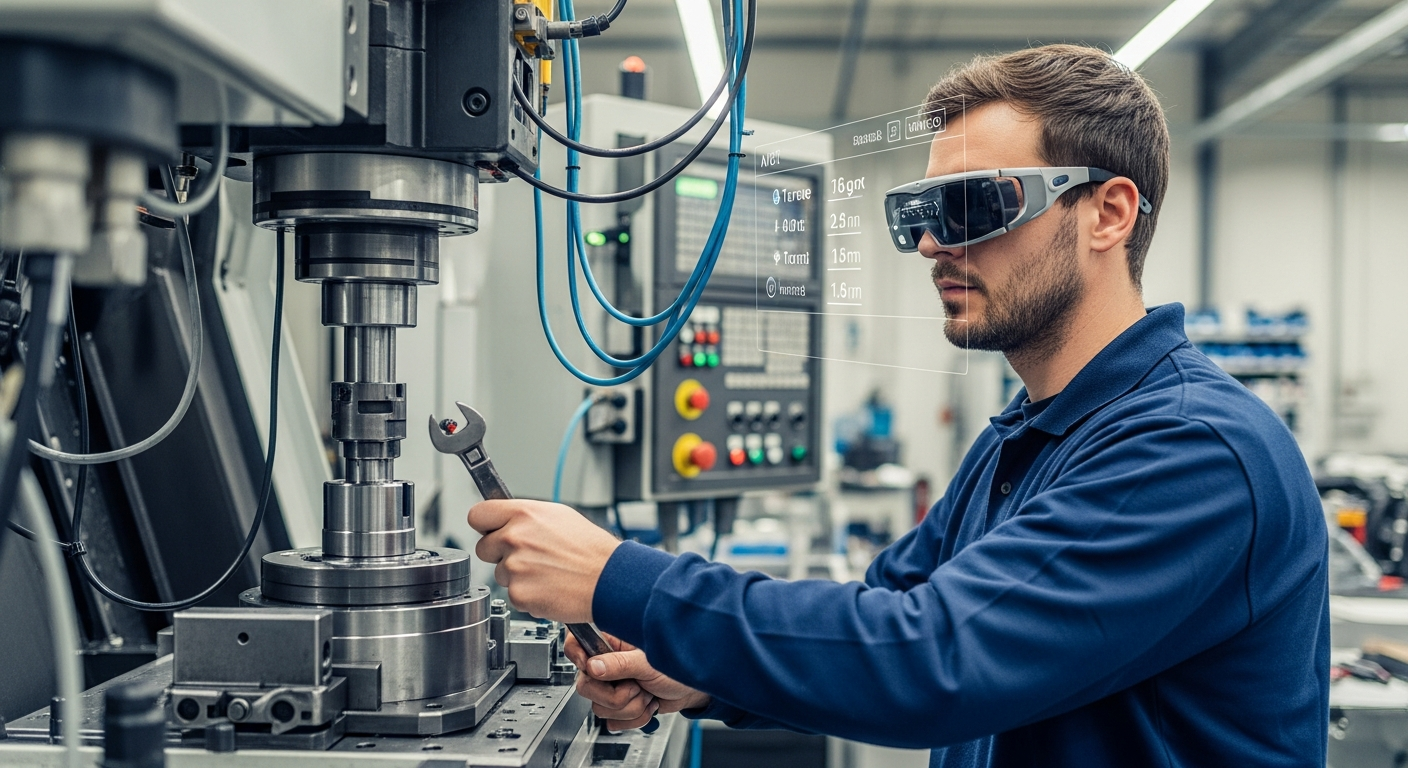
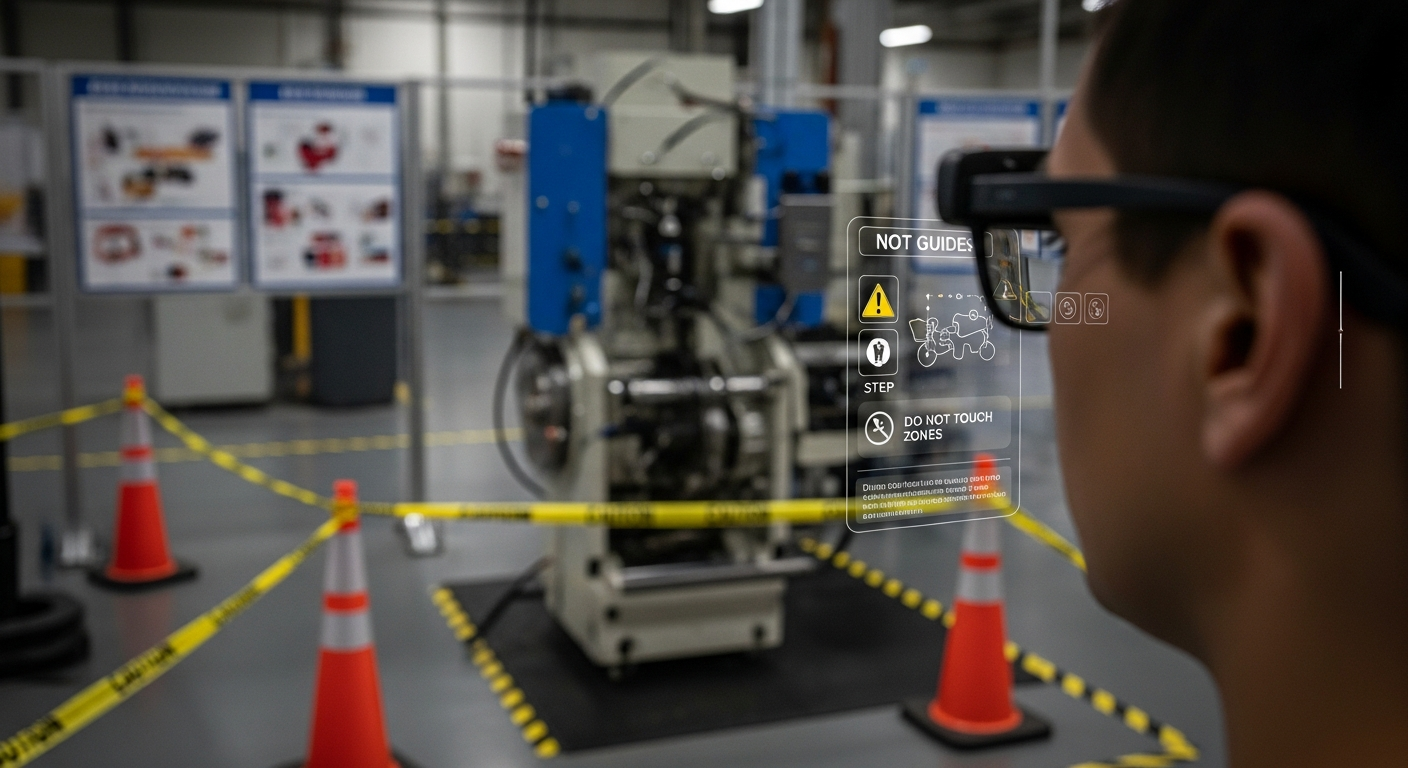
Maintenance teams often work on complex machinery where small mistakes can cause delays or safety risks.AR solves these challenges by displaying step-by-step holographic instructions directly on equipment.
How AR helps maintenance workers:
Highlights correct parts and components
Shows torque values, wiring paths, and assembly order
Provides animations for each repair step
Detects incorrect tool use
Warns about hazards or incorrect parts
Technicians perform tasks with fewer errors, faster completion times, and higher consistency.
This kind of workflow mirrors the broader benefits seen in XR technology systems used across organizations, where spatial tools streamline operational tasks.
2. AR Remote Assistance
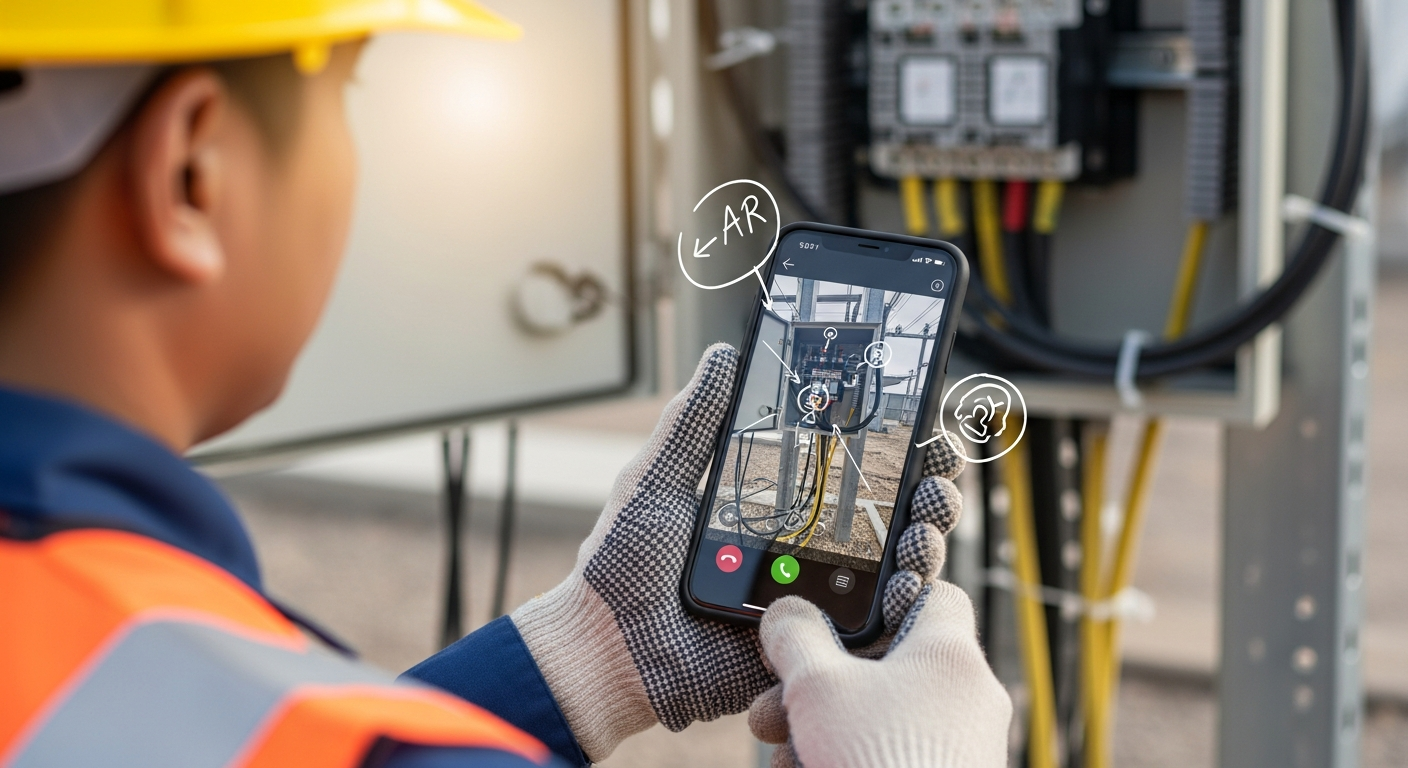
Field technicians often need expert guidance while working on-site in remote or hazardous locations. AR remote assistance lets experts “see what the technician sees” through an AR camera and provide real-time guidance.
Remote AR assistance features:
Live annotations on equipment
Real-time pointing, highlighting, and drawing
Shared 3D reference overlays
Instruction checklists
Photo and video capture for documentation
This reduces downtime, prevents travel, and accelerates problem resolution.
3. AR for Medical Visualization & Clinical Guidance
AR is transforming healthcare by giving clinicians real-time overlays during procedures. Anatomy models can appear directly above a patient, and tool paths can be projected onto the body.
Medical AR examples:
catheter insertion guidance
visualizations of vascular structures
holographic overlays during minimally invasive surgery
AR navigation for imaging-guided procedures
Clinicians benefit from greater accuracy, reduced cognitive load, and improved patient safety.
These hybrid AR environments often work alongside MR workflows described in mixed reality blending concepts for enterprise.
4. AR for Industrial Training & Safety
Training new employees on equipment, factory floors, or processes can be resource-intensive and dangerous. AR allows trainees to learn in a safe environment while interacting with digital overlays on real machinery.
AR training includes:
interactive safety instructions
guided equipment operation
real-time error correction
workflow simulations in physical space
gamified learning modules
This reduces the time-to-competency and helps prevent costly safety incidents.
5. AR for Warehouse & Logistics Optimization
AR headsets and tablets improve warehouse operations by guiding workers through picking, sorting, and inventory tasks.
AR supports:
aisle navigation
product identification
quantity verification
real-time updates from inventory systems
hands-free scanning and confirmation
Workers move more efficiently and make fewer mistakes.
6. AR for Construction & Site Planning
Construction teams use AR to overlay architectural models onto real sites, making planning, review, and execution far more efficient.
AR enables:
on-site BIM overlay
structural alignment verification
clash detection
1:1 scale model visualization
layout planning for complex environments
Decision-makers can evaluate infrastructure before construction even begins.
7. AR in Manufacturing Assembly
AR assembly instructions reduce production variance, speed up assembly, and help new workers learn quickly.
Manufacturers use AR to:
show each assembly step
indicate correct component orientation
verify part placement
ensure tool accuracy
reduce scrap and rework
The result: consistent quality and streamlined production.
8. AR for Classroom & Technical Education
Students and trainees benefit from interactive holograms that turn complex concepts into hands-on exploration.
Educational AR examples:
3D biology models
physics simulations
engineering mechanisms
procedural demos
spatial learning modules
Educators use AR to increase retention by transforming abstract ideas into tangible visuals.
9. AR in Retail & Customer Experiences
Retailers use AR to help customers visualize products before buying.
AR enhances retail by enabling:
virtual furniture placement
clothing try-ons
cosmetic and eyewear previews
appliance sizing in the home
interactive in-store displays
These experiences feel intuitive because they build on principles from immersive technology foundations, where spatial interaction improves engagement.
10. AR for Remote Inspections & Compliance
Inspectors can capture evidence, validate conditions, and follow checklists with AR-enhanced tools.
Benefits include:
real-time risk detection
automated report generation
accurate measurement overlays
remote supervisor validation
Industries like oil & gas, aviation, and energy rely heavily on these capabilities.
11. AR for Telemedicine & Patient Support
AR enables doctors to assist patients remotely with:
medication guidance
exercise instruction
wound care assessment
home monitoring
chronic condition support
Patients receive high-quality care without traveling.
12. AR-Driven Facility Management
AR helps teams manage utilities, equipment, and infrastructure through:
asset visualization
maintenance scheduling
location-based diagnostics
holographic meter readings
Facility teams become more proactive and efficient.
Why AR Is Becoming a Core Enterprise Tool?
Every example above reveals why AR is now foundational in digital transformation strategies.
AR is essential because it:
reduces human error
improves task speed and accuracy
enhances training and workforce preparedness
supports remote collaboration
lowers operational costs
elevates safety and compliance
enables visual, spatial understanding
makes workflows more intuitive
AR bridges the gap between human capability and digital intelligence.
The Future of AR in Enterprise
Over the next decade, AR systems will incorporate:
lightweight AR glasses
AI-driven contextual insights
persistent spatial anchors across facilities
holographic collaboration rooms
digital twins synchronized with real-time data
mixed-reality procedural workflows
AR will transition from “an innovation project” to “a standard enterprise interface.”
Conclusion
Augmented Reality is reshaping enterprise workflows by bringing digital intelligence into physical environments. Through examples ranging from maintenance support to surgical guidance and remote collaboration, AR demonstrates its ability to improve accuracy, efficiency, safety, and innovation at scale. As spatial computing evolves and AR becomes more intelligent, organizations that embrace these immersive tools will gain a significant advantage in productivity and operational excellence.
With expertise in immersive design, XR development, and enterprise integration, Mimic XR helps organizations deploy AR solutions that modernize workflows and elevate performance across industries.
FAQs
1. What industries benefit most from AR?
Manufacturing, healthcare, logistics, construction, education, and field services.
2. Why is AR useful for enterprise training?
It provides hands-on, guided learning directly in the work environment.
3. Can AR improve accuracy in physical tasks?
Yes — through visual overlays, error prevention, and dynamic guidance.
4. Does AR reduce operational costs?
Absolutely — fewer mistakes, less downtime, and streamlined training.
5. How does AR support remote work?
Through remote assistance, collaborative hologram sessions, and shared visual context.
6. What devices are used for AR?
Mobile devices, tablets, AR glasses, and hybrid MR headsets.
7. Is AR difficult to integrate?
With the right workflow design, AR integrates smoothly into existing operations.
8. What is the future of AR?
AI-driven overlays, lightweight glasses, enterprise digital twins, and seamless spatial computing.