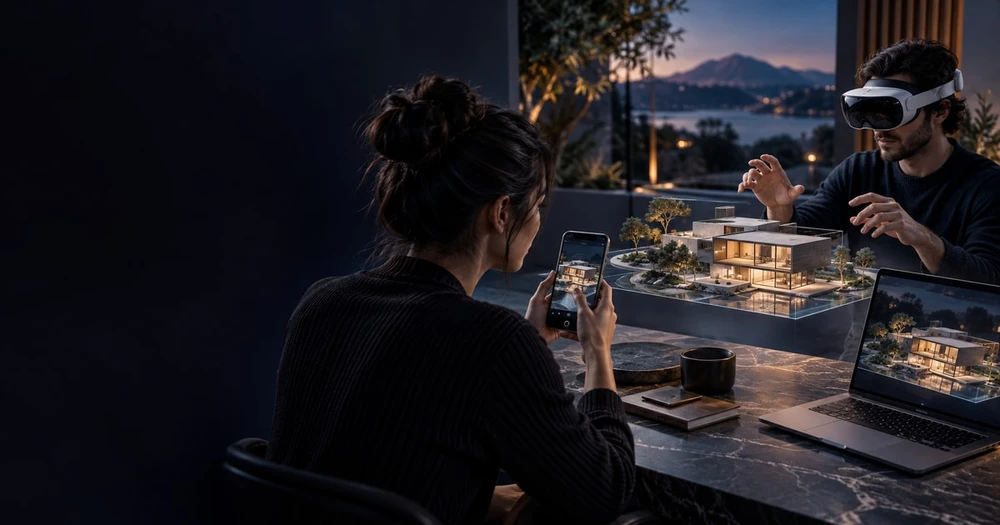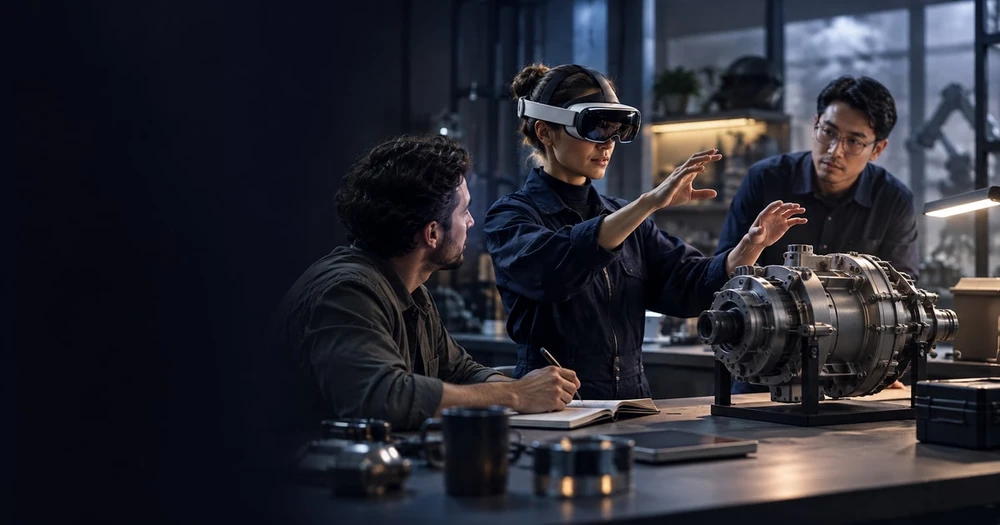
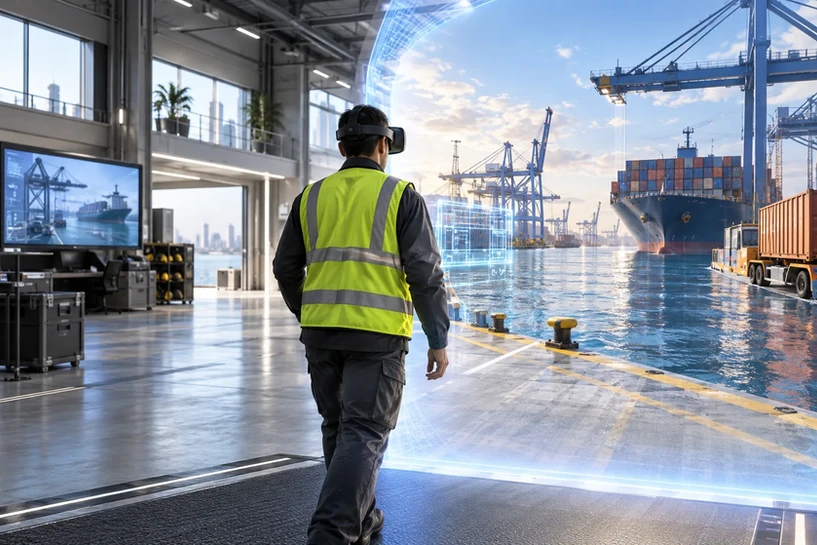
Virtual worlds are no longer limited to games or entertainment. In today’s enterprise landscape, they have become one of the most powerful tools for training, collaboration, and high-stakes decision-making. A virtual world replicates real environments—or imagines entirely new ones—allowing people to learn, practice, and work inside simulated spaces where every action feels immersive and meaningful.
For organizations that rely on precision, safety, or complex coordination, virtual worlds offer something traditional classrooms or video calls never could: full experiential learning. With XR headsets, AI-driven interactions, and real-time 3D simulations, virtual worlds are reshaping how teams learn and work together.
This guide breaks down what virtual worlds are, how they function in XR environments, and why organizations across industries are adopting them for modern training and collaboration.
Key takeaways
Virtual worlds are no longer limited to games or entertainment.
In today’s enterprise landscape, they have become one of the most powerful tools for training, collaboration, and high-stakes decision-making.
A virtual world replicates real environments—or imagines entirely new ones—allowing people to learn, practice, and work inside simulated spaces where every action feels immersive and meaningful.
For organizations that rely on precision, safety, or complex coordination, virtual worlds offer something traditional classrooms or video calls never could: full experiential learning .
Table of Contents
What Is a Virtual World?
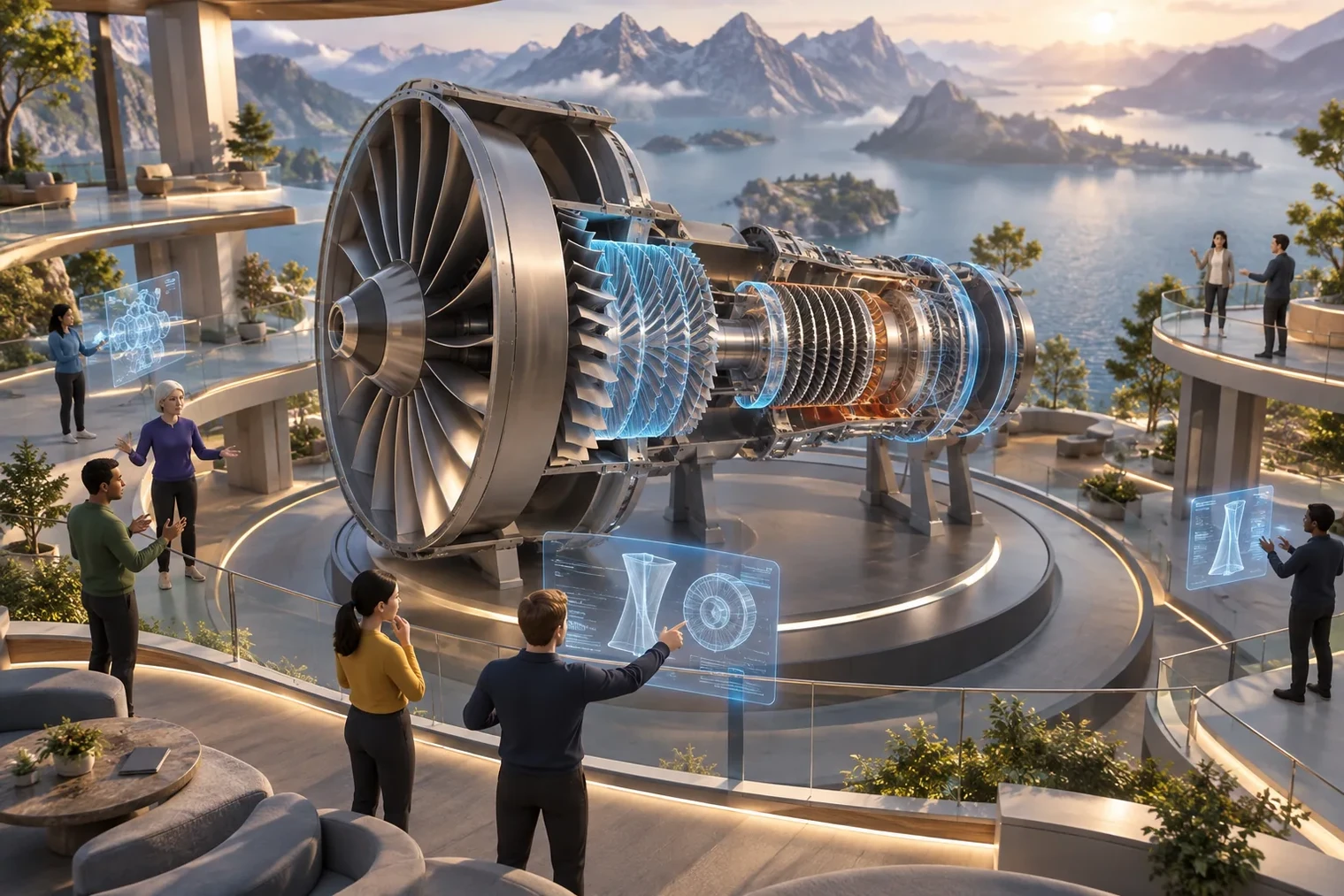
A virtual world is a computer-generated environment where users can explore, interact, and perform tasks as if they were physically present. Virtual worlds can range from realistic digital twins of existing workplaces to imaginative, stylized environments designed specifically for training or teamwork.
They build on principles described in what virtual reality is and where it is used, but expand further by enabling persistent spaces, interactive tools, and collaborative avatars.
In XR contexts, virtual worlds typically include:
3D environments that replicate real or hypothetical spaces
Interactive elements like tools, machines, objects, or data layers
Avatars representing users, trainers, or AI-driven assistants
Physics and feedback that mimic real-world behavior
Persistent states, meaning worlds can save progress or adapt over time
Virtual worlds act as “digital campuses” where employees can learn, practice, and collaborate with far fewer constraints.
How Virtual Worlds Work in XR?
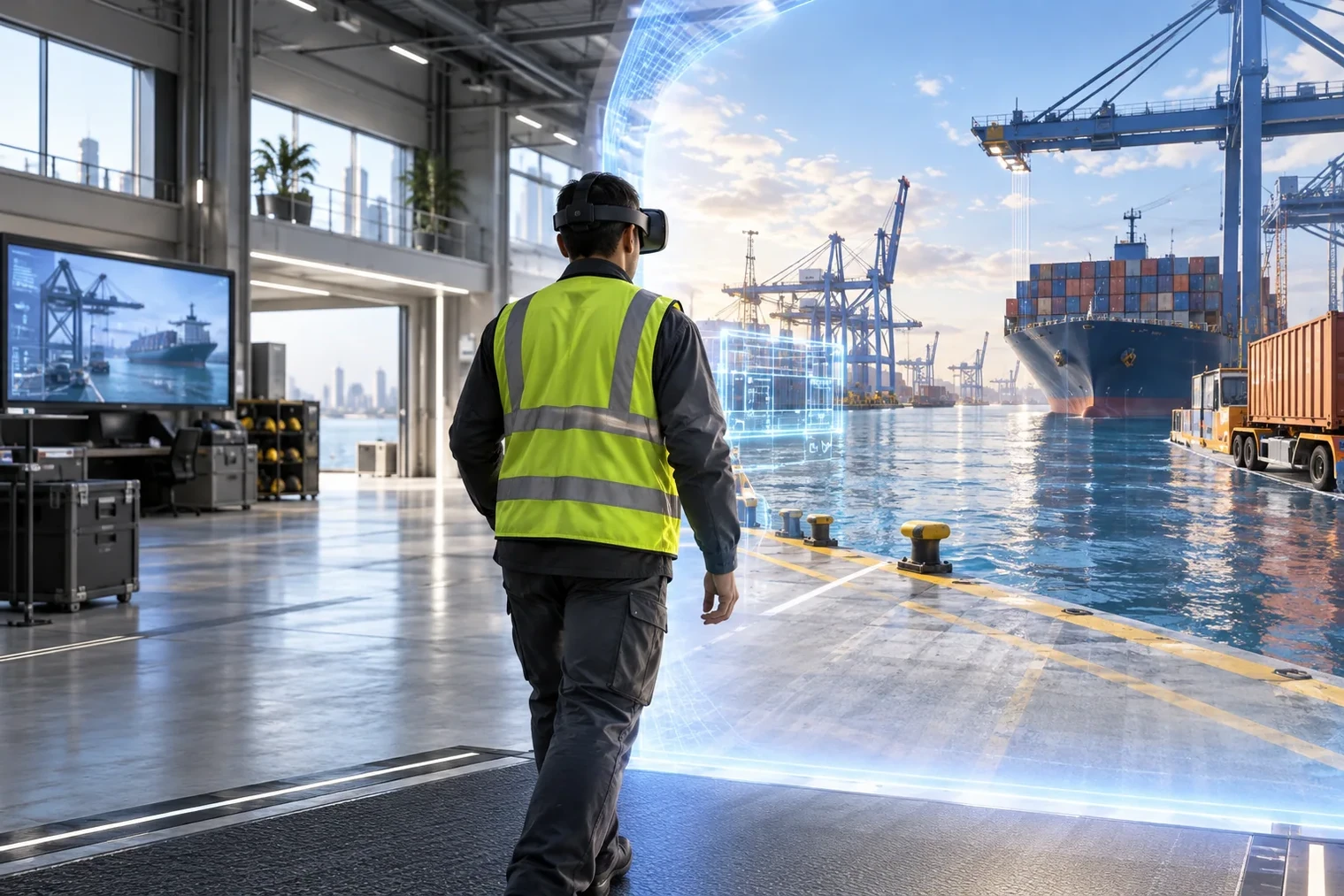
Virtual worlds rely on a backbone of XR technologies that make environments feel interactive, navigable, and believable.
Key components include:
Spatial simulation that recreates realistic layouts and movement
3D asset rendering that brings tools, equipment, and objects into view
Multi-user networking to allow collaborative sessions
Motion tracking to reflect user movement inside the world
Physics engines to simulate interactions (grabbing, pushing, assembling)
Audio spatialization so sound matches orientation and distance
Many training environments also layer mixed reality behavior, enabling virtual objects to respond to real-world motion or physical surfaces.
Virtual worlds become especially powerful when paired with XR headsets that allow full-body movement, gesture input, and natural interaction. This combination creates immersive learning experiences that outperform traditional methods.
Types of Virtual Worlds Used in XR Training & Collaboration
Organizations typically deploy virtual worlds in several formats, depending on the type of training or teamwork required.
Scenario-Based Training Worlds
Employees learn by doing, not just by observing.
Collaboration & Meeting Spaces
Virtual rooms serve as shared environments where distributed teams meet, brainstorm, co-create 3D objects, or analyze data together.
Gamified Learning Environments
These use challenges, rewards, and interactive missions to build engagement and retention.
Digital Twins
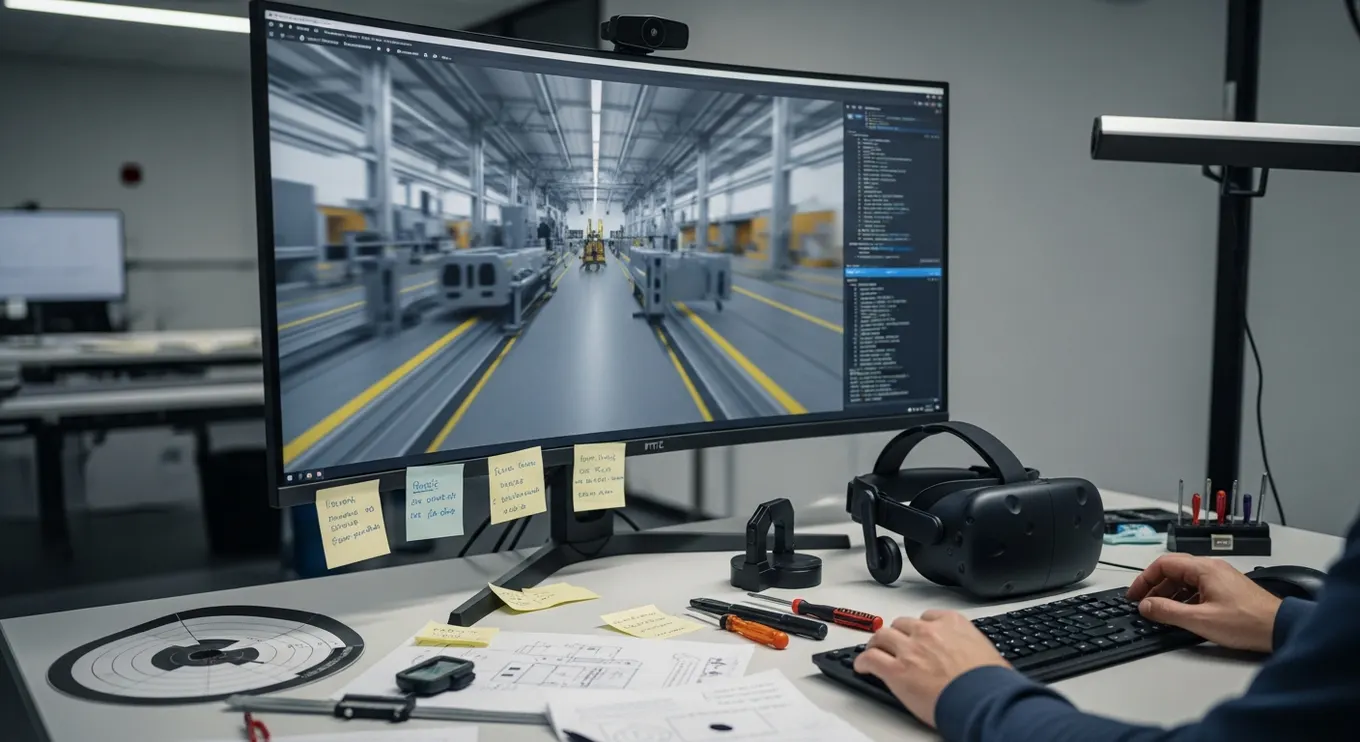
A virtual replica of a real facility, used to prepare workers, plan operations, or evaluate procedures without interrupting real-world production.
This diversity makes virtual worlds adaptable to nearly any training or collaboration need.
Why Virtual Worlds Are So Effective for Training?
Traditional training—manuals, slideshows, videos—often struggles with engagement and real-world relevance. Virtual worlds solve this by placing learners inside the experience.
They improve training outcomes because:
Learning becomes experiential, not theoretical
Mistakes carry no real-world risk, enabling safe experimentation
Repetition is unlimited, letting workers practice until confident
Real-world conditions can be recreated, including noise, pressure, or equipment complexity
People retain knowledge better when they perform tasks physically
Training can be standardized, ensuring every team member learns identically
Virtual worlds allow workers to build practical familiarity and situational awareness before ever touching real equipment.
The underlying mechanics often mirror the systems described in how VR works for gaming and training, but are adapted for workplace environments.
Why Virtual Worlds Boost Collaboration?
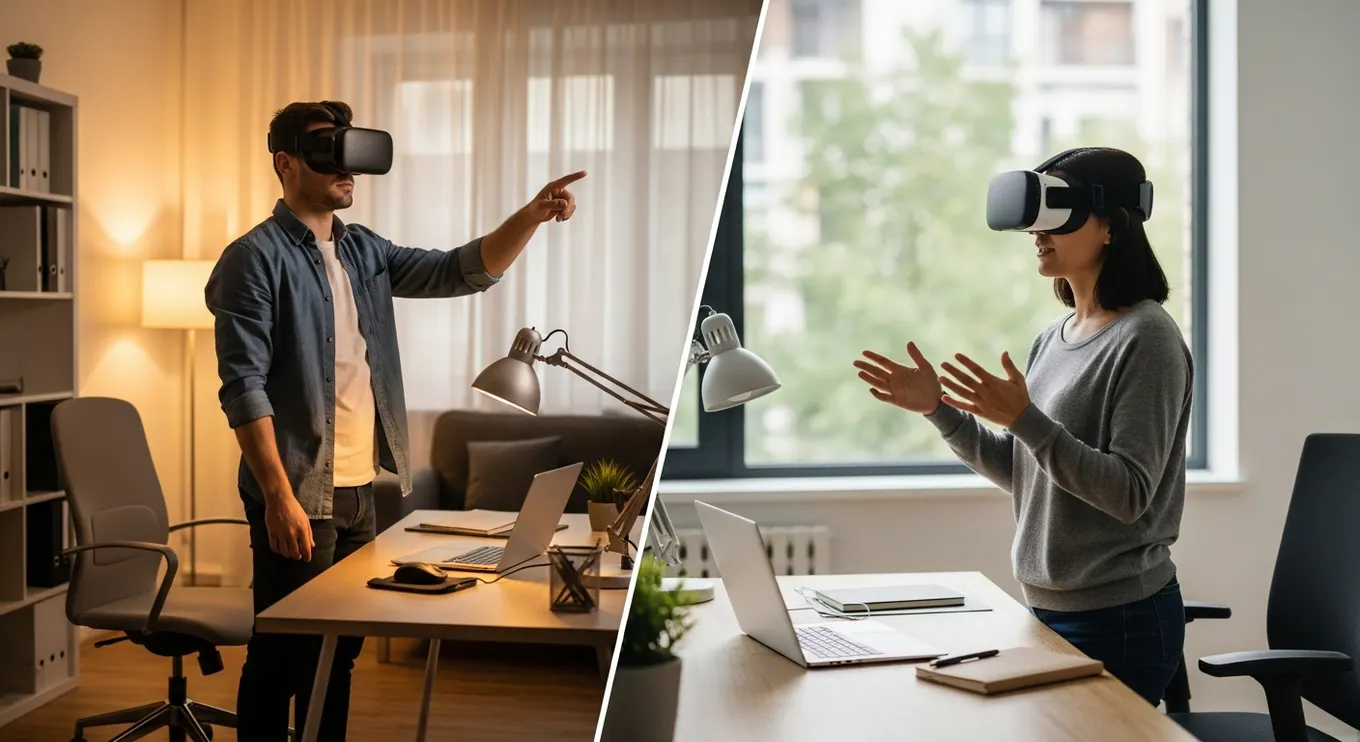
Remote collaboration is one of the strongest use cases for virtual worlds. Instead of talking on a video call, teams meet inside shared environments where their avatars stand, gesture, draw, build, and move together.
Virtual worlds support better teamwork because:
Teams feel present, not distant
Body language and spatial communication return
Complex ideas are easier to explain in 3D
Meetings become interactive, hands-on experiences
Global teams collaborate without travel
Multi-user environments democratize participation
A virtual collaboration session can feel like being in the same room—even when participants are continents apart.
Real-World Use Cases of Virtual Worlds in Organizations
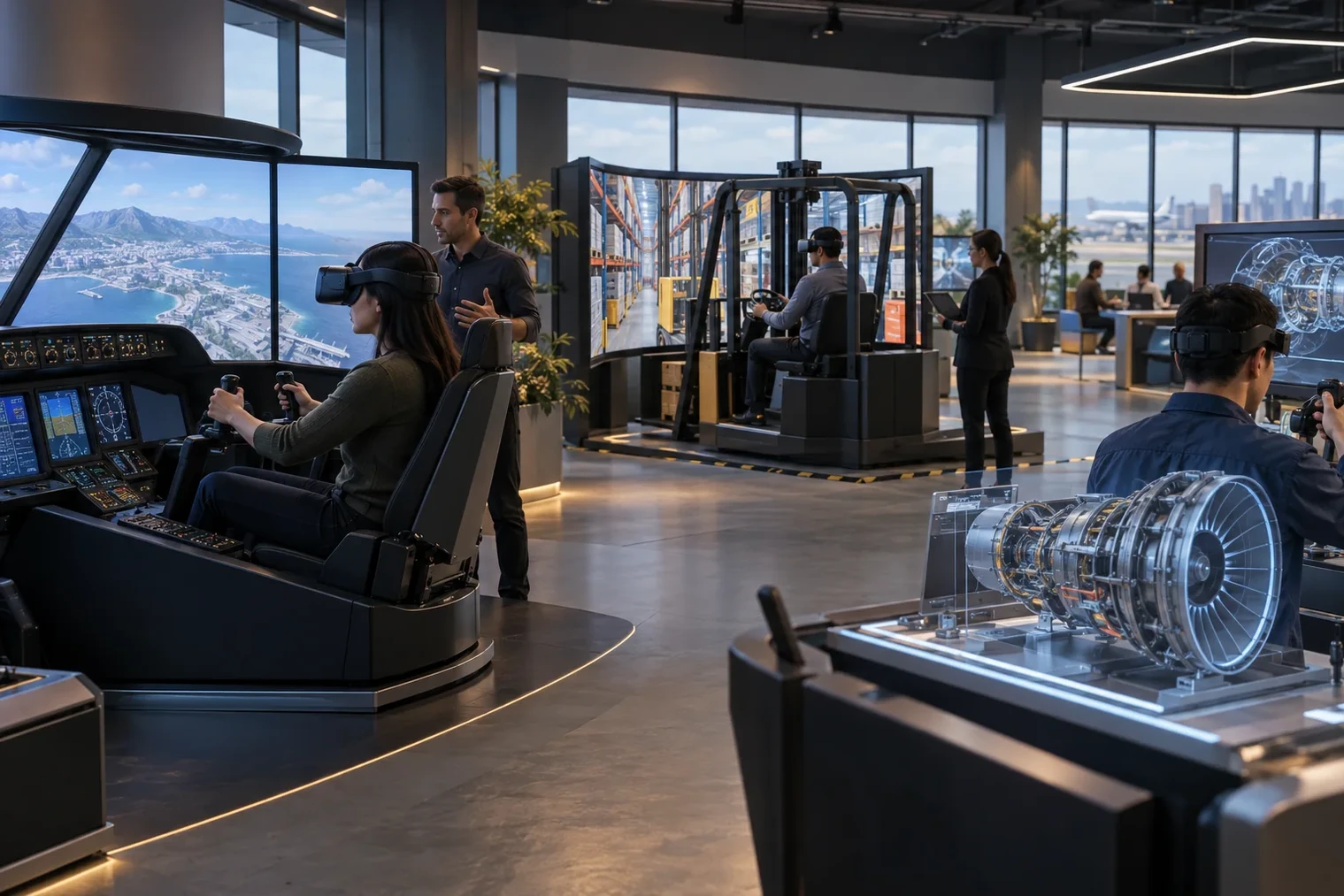
Virtual worlds are being deployed across industries to train, align, and support teams. A balanced mix of examples includes:
Manufacturing
Workers practice assembly, maintenance, and safety procedures in digital replicas of factory floors.
Construction & Engineering
Teams walk through full-scale buildings, identify design problems, and coordinate changes before construction begins.
Logistics
Warehouse teams learn picking routes, forklift navigation, and workflow efficiency inside digital layouts.
Corporate Training
Soft skills training—communication, leadership, crisis response—feels more realistic in a virtual environment.
Retail & Customer Service
Employees simulate customer interactions or product demonstrations inside virtual stores.
These are many of the industries highlighted across the Mimic XR industries ecosystem.
Benefits of Virtual Worlds in XR Training & Collaboration
Organizations adopt virtual worlds because they deliver measurable value. Here’s a balanced blend of benefits:
Better knowledge retention thanks to active participation
Reduced training costs by eliminating travel, materials, and instructor time
Safer practice spaces for high-risk or complex tasks
More consistent training across global teams
Faster onboarding through hands-on repetition
Improved collaboration using spatial, multi-user environments
Enhanced confidence when employees face real-world conditions after simulation
Scalable content that can update quickly with new procedures
Virtual worlds offer a level of engagement and realism that traditional tools can’t match.
Define shared state before adding more rooms
List what participants must see consistently: object position, annotations, task progress and who is allowed to change each item. Test two people acting at the same time, a late arrival and a reconnecting participant. Decide which changes persist after the session and how a facilitator resets the activity.
Include moderation, access and a clear route out of the space. Agree the supported devices and test the least capable device in the intended audience. Increasing the size of the world is not useful if the shared task or onboarding remains unclear.
The metaverse guide distinguishes persistence from interoperability. Discuss the scene, participant roles and handover through virtual world development.
Challenges of Using Virtual Worlds
Despite their advantages, virtual worlds come with a few hurdles:
Hardware costs, particularly for VR headsets
Learning curve, as first-time users adapt to immersive environments
Content creation needs, since training and collaboration require custom 3D scenarios
Space requirements, especially for full-room VR
IT setup & security considerations, which must be planned into deployment
Most challenges are easily managed with proper onboarding and an incremental rollout strategy.
The Future of Virtual Worlds in XR
Virtual worlds are evolving rapidly thanks to AI, spatial computing, and lighter XR devices. The next generation will introduce:
AI-driven virtual instructors and assistants
Persistent shared worlds that teams can revisit across sessions
Real-time data visualization layered into simulations
Wearable XR glasses replacing bulky headsets
Digital twins updated automatically from IoT data
Voice, gesture, and eye-based interaction
Cloud-based multi-user environments that host hundreds of participants
As these technologies mature, virtual worlds will become a standard component of enterprise training, collaboration, and daily workflows.
Sources and further reading
Conclusion
Virtual worlds represent one of the most powerful advancements in XR technology. By immersing employees inside realistic or purpose-built environments, organizations can train more effectively, collaborate more intuitively, and build workforce confidence with greater precision. These worlds offer freedom from physical limitations, allowing people to practice, learn, and interact in ways that traditional methods cannot match.
With the rise of AI, real-time 3D, and lightweight wearable devices, the potential for virtual worlds continues to expand. Mimic XR, through its deep expertise in immersive environments and interactive training solutions, helps organizations unlock these next-generation capabilities and bring virtual workflows into everyday operations.
FAQs
1. What is a virtual world in XR?
A virtual world is a 3D digital environment where users can explore, learn, and collaborate using XR devices.
2. How are virtual worlds used in training?
They simulate real tasks and scenarios so employees can learn by doing—without real-world risk.
3. Can multiple people work together inside a virtual world?
Yes, multi-user environments allow teams to collaborate, brainstorm, and train simultaneously.
4. How realistic are virtual worlds?
They can range from stylized training rooms to photorealistic digital twins of real facilities.
5. Are virtual worlds expensive to implement?
Costs vary, but enterprise VR adoption is becoming more affordable with lightweight hardware and reusable content.
6. What devices do virtual worlds require?
VR headsets, MR headsets, or desktop XR platforms depending on the workflow.
7. Do virtual worlds improve learning outcomes?
Yes—studies consistently show better knowledge retention, faster onboarding, and safer skill development.
About this article
Mimic XR is an extended reality production studio based in Potsdam, Germany. This article provides general planning information; project decisions should be validated against current hardware, platform, privacy and operational requirements.
Creation note: AI tools assisted with drafting and structure. Mimic XR reviewed and is responsible for the published content. External technical sources are linked where relevant. Last reviewed: 29 October 2026.