Motion capture for XR is the bridge between human performance and believable spatial experience. In immersive worlds, users notice movement before they notice technical detail. A training instructor who gestures naturally, a digital human who shifts weight while listening, or a game character who reacts with grounded body language can make a virtual scene feel human instead of mechanical.
For Mimic XR, motion capture sits naturally beside 3D scanning, performance capture, smart avatars, virtual world development, and real-time simulation. The goal is not simply to record movement. The goal is to turn performance into reusable interaction that supports training, entertainment, product demos, events, and enterprise workflows.
This guide explains how motion capture for XR works, where it creates business value, what assets teams need, and how to plan a first project without overbuilding the experience. It also connects the topic to the broader XR foundation for spatial interfaces that shapes how people learn, work, and interact inside immersive environments.
Table of Contents
What Motion Capture for XR Means
Motion capture records body, face, hand, or object movement and translates it into digital animation data. In XR, that data can drive avatars, instructors, characters, remote collaborators, procedural trainers, or interactive scenes inside AR, VR, and mixed reality experiences. The difference in XR is immediacy. A film shot may be polished over weeks, while a real-time training simulation may need movement that responds instantly to users.
Motion capture becomes most powerful when it works with the rest of the XR stack: tracking, spatial mapping, 3D assets, animation rigs, real-time engines, and interaction logic. Teams that want the technical foundation can also review how extended reality works through sensors, mapping, rendering, and spatial logic.
Mocap, Performance Capture, and Keyframe Animation
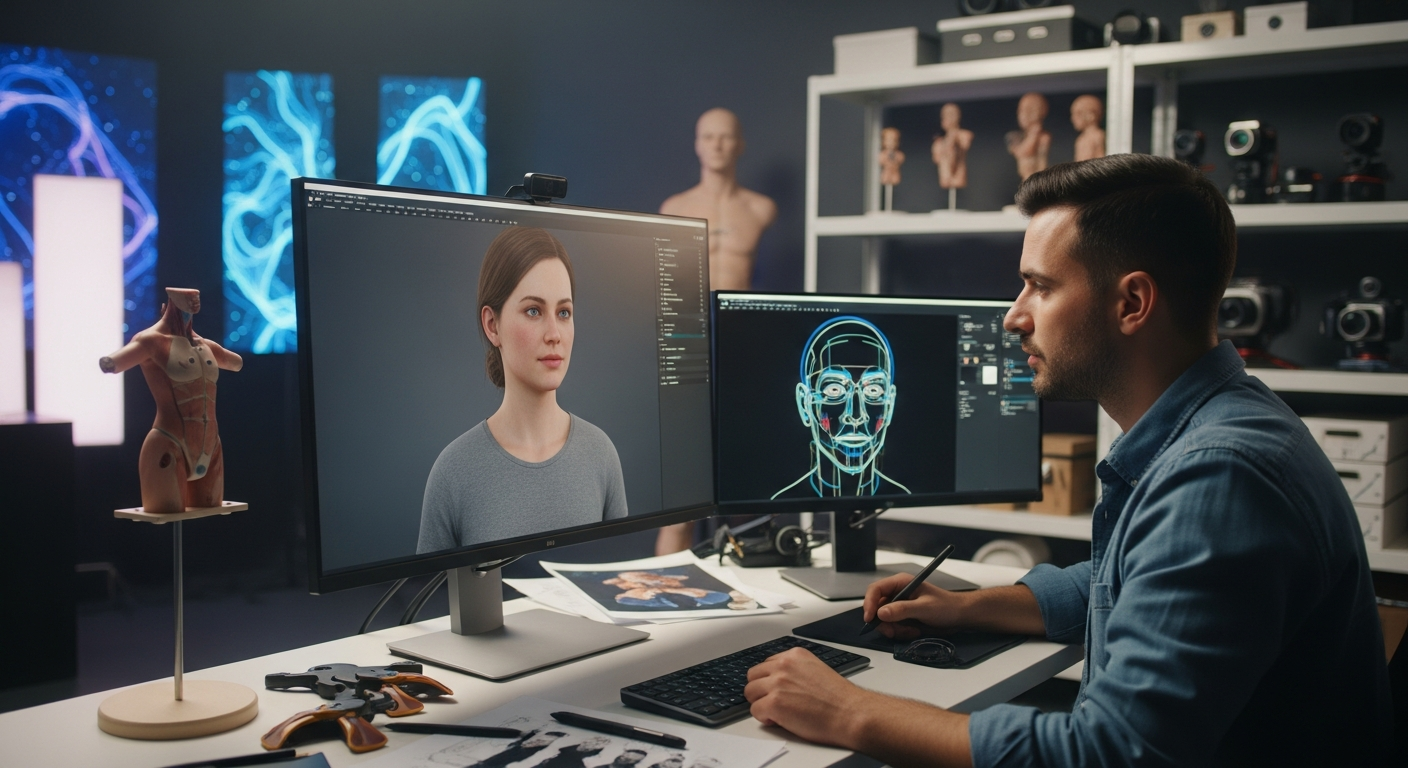
A good XR production does not have to choose one animation method forever. Motion capture, performance capture, and hand-authored animation each serve different needs. Body mocap is useful for walk cycles, gestures, sports movement, procedural actions, and repeatable training behavior. Performance capture adds face, hands, voice, and subtle acting choices, which matters when users must believe in a digital human, instructor, customer, or character.
Keyframe animation is still useful for stylized motion, impossible actions, corrections, loops, safety indicators, and moments where exact human movement is not required. AI-assisted motion tools can accelerate cleanup and variation, but they still need review when realism, safety, or brand identity matters.
Benefits and Use Cases
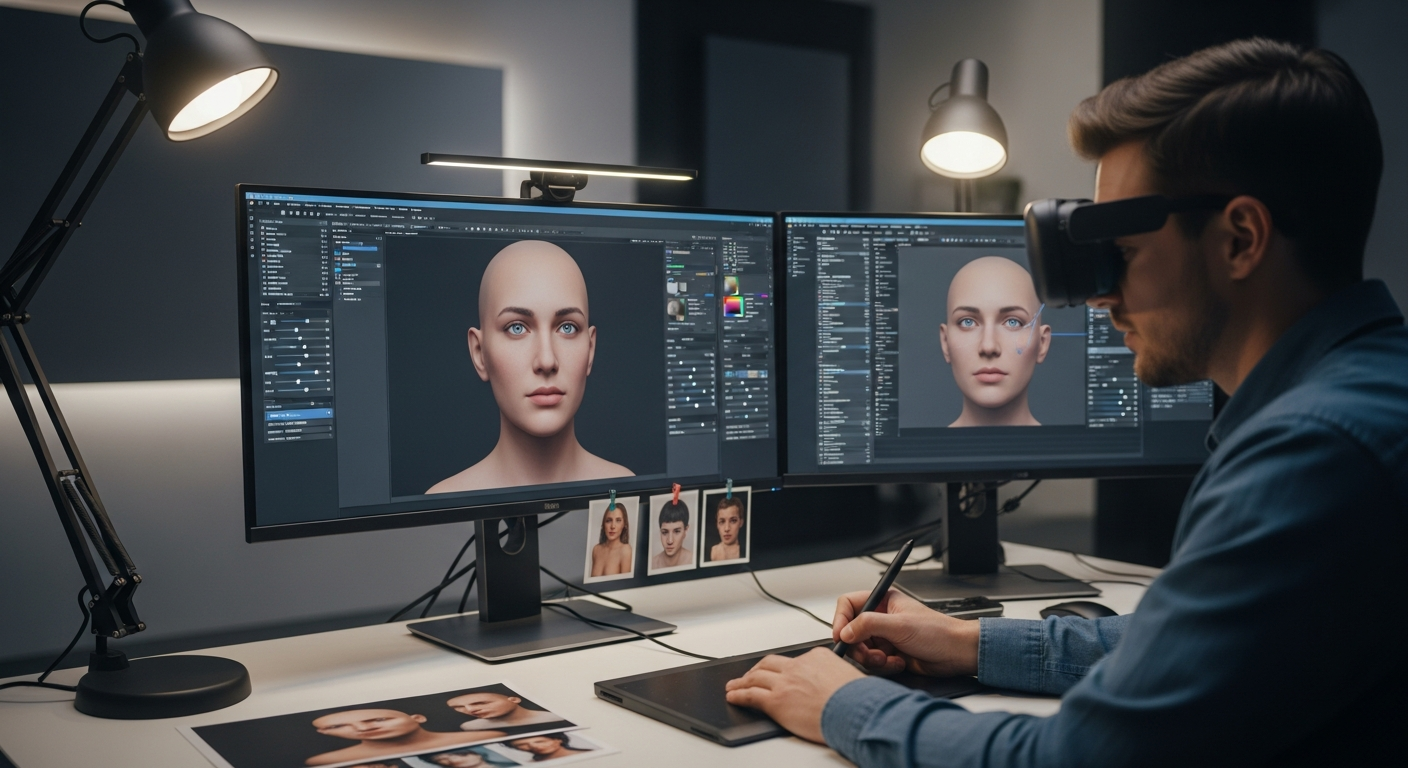
In XR, lifelike movement affects trust, comfort, comprehension, and recall. A realistic avatar should not feel like a stiff model reading lines. It should breathe, gesture, turn, react, and shift attention in ways that make conversation easier. This connects directly to Mimic XR's work around digital humans inside XR experiences.
Enterprise training: capture expert instructors, safety procedures, customer service role-play, and emergency response behaviors.
Gaming and entertainment: drive characters, NPCs, live avatars, combat movement, sports mechanics, dance, and interactive cinematic moments.
Virtual events and brand worlds: create hosts, performers, presenters, product guides, and audience-facing characters that feel alive.
Healthcare and education: record clinician movement, patient scenarios, anatomy demonstrations, therapy exercises, and guided learning actions.
Retail and product demos: pair product visualization with human guides who explain scale, usage, ergonomics, or configuration decisions.
When teams already use realistic avatars, motion capture can deepen the experience. The same asset strategy that helps teams build realistic avatars for training and simulation becomes more persuasive when movement, posture, and gestures come from real performance.
Production Pipeline and Asset Requirements
A motion capture project succeeds when the pipeline is planned before the shoot. Teams need character rigs, calibration, cleanup, retargeting, engine integration, interaction logic, and QA inside the actual delivery device. Pre-production defines the user journey, performer needs, capture setup, safety constraints, and final XR platform. Capture records body, face, hands, props, and voice as needed. Cleanup removes noise, fixes foot sliding, aligns timing, and maps motion to the target skeleton.
The asset checklist includes optimized models, clean topology, correct skeletons, facial blendshapes, hand rigs, action lists, emotional tone, platform constraints, approved claims, actor permissions, likeness rights, privacy handling, update ownership, and version control. A practical asset plan also helps reuse: one captured instructor can support onboarding, sales demos, refresher training, and customer support when the data is organized well.
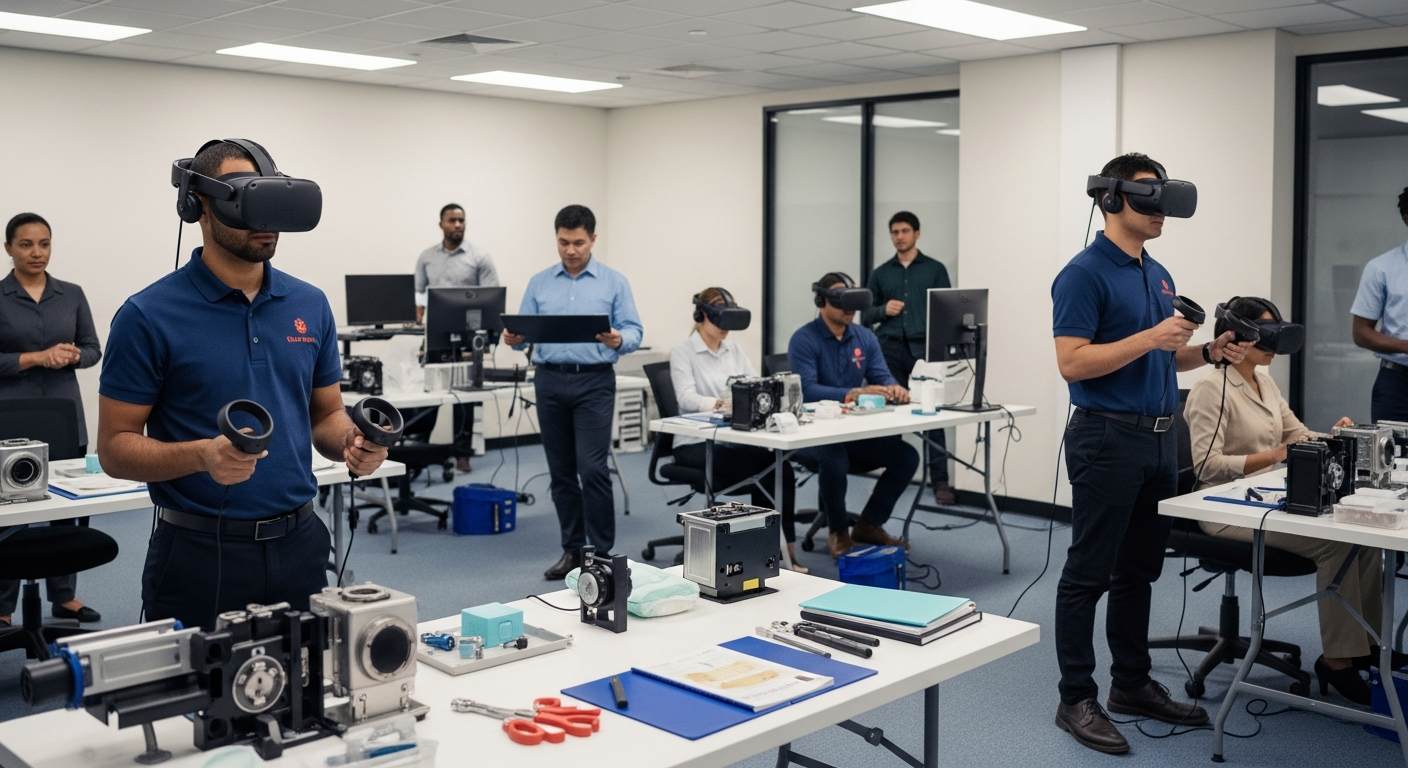
This pipeline should connect to the intended business workflow. A project built for enterprise VR training across global teams needs repeatability and assessment. A branded launch world may need emotion, timing, and character presence. A product demo may need clarity more than dramatic performance.
Implementation Steps
Define one measurable outcome: a training task, character interaction, product explanation, event performance, or customer support flow.
Choose the capture approach: body-only, face, hands, props, voice, or live performance capture.
Prototype one scene: test the avatar, motion, scale, and interaction before expanding into a full library.
Add prompts, branching choices, feedback, analytics, or instructor review only where they support the user journey.
Pilot with real users, simplify distracting motion, then document naming rules, retargeting standards, approvals, and reusable animation patterns.
If motion capture is part of a larger immersive rollout, it should fit into a practical spatial computing strategy for enterprise XR adoption. That prevents the first capture session from becoming an isolated asset dump.
Mistakes and KPIs
The most common mistake is assuming realism comes automatically from capture. Motion data is only useful when it is performed, cleaned, retargeted, and integrated for the actual XR context. Avoid capturing too many actions before the core journey is validated, using weak rigs, ignoring headset comfort, treating synthetic motion as final without review, forgetting consent and actor usage terms, or measuring only visual quality.
KPIs should connect motion quality to business value. Training teams can track task completion, error reduction, repeated-attempt improvement, assessment score, and time to proficiency. Avatar teams can measure trust, conversation completion, perceived naturalness, gesture clarity, and reduced distraction. Sales and event teams can track demo completion, configuration confidence, lead quality, stakeholder alignment, session length, and return visits.
Privacy and Responsible AI
Motion capture can involve body movement, facial expression, voice, likeness, biometric-adjacent signals, and behavioral analytics. When AI avatars are involved, the experience may also process questions, intent, and scenario decisions. Teams should define who owns captured performance, how long data is retained, whether actor likeness can be reused, what analytics are collected, and how users are informed.
Responsible AI also protects the experience. If a digital guide answers questions in a training simulation, it should stay within approved knowledge, disclose its role, and escalate when the user needs a human expert. This is especially important for mixed reality solutions that place digital guidance inside real workflows.
Future of Motion Capture in XR
The future of motion capture in XR will be more real-time, more accessible, and more blended with AI. Headsets, cameras, depth sensors, and machine learning are improving body tracking. Real-time engines are making it easier to blend captured movement with procedural behavior. Digital humans are becoming more responsive, more expressive, and more useful as guides.
This does not remove the need for performance craft. As motion tools become easier, the differentiator becomes direction: which gestures matter, what emotion belongs in the scene, how the motion supports the user's decision, and how the character behaves when the user does something unexpected. The same human performance can become a flexible layer inside many virtual training and real-time simulation experiences.
FAQ
What is motion capture for XR?
It is the process of recording human or object movement and using that data to drive avatars, characters, instructors, or interactive scenes inside AR, VR, and mixed reality experiences.
How is performance capture different from motion capture?
Motion capture often focuses on body movement, while performance capture can include face, hands, voice, emotion, and acting choices that make a digital human feel believable.
Does every XR project need motion capture?
No. Mocap is most useful when human movement, realism, training sequence, character behavior, or live performance affects user understanding or trust.
Can motion capture be used for enterprise training?
Yes. It can record expert demonstrations, safety procedures, customer scenarios, role-play behavior, equipment handling, and repeatable practice sequences.
What assets are needed before a mocap shoot?
Teams usually need target avatars, skeletons, action lists, props, performance direction, platform requirements, capture setup, and approval rules.
Can captured motion work with Metahuman or digital humans?
Yes. Captured body and facial performance can be retargeted to realistic avatars when the rig, cleanup, and real-time integration are planned correctly.
How do companies measure ROI from XR motion capture?
Useful measures include training completion, error reduction, user trust, engagement, lead quality, demo completion, content reuse, and reduced future production time.
Is motion capture data sensitive?
It can be. Body movement, facial expression, voice, and likeness data should be handled with clear consent, usage rights, retention rules, and privacy safeguards.
How should a team start its first XR mocap project?
Start with one high-value scene, one target audience, and one measurable outcome. Validate the character, motion, and interaction before expanding into a larger library.
Conclusion
Motion capture for XR works best when it is treated as a human performance system, not just an animation shortcut. It can make digital humans more believable, training more memorable, games more responsive, product demos more persuasive, and virtual worlds more alive. The strongest results come from pairing capture craft with real-time production discipline: clean assets, good rigs, clear user journeys, responsible data handling, and measurement that connects movement quality to business value.
Talk to Mimic XR about motion capture, smart avatars, 3D scanning, and real-time XR development for training simulations, digital humans, virtual worlds, and immersive experiences that need lifelike performance.