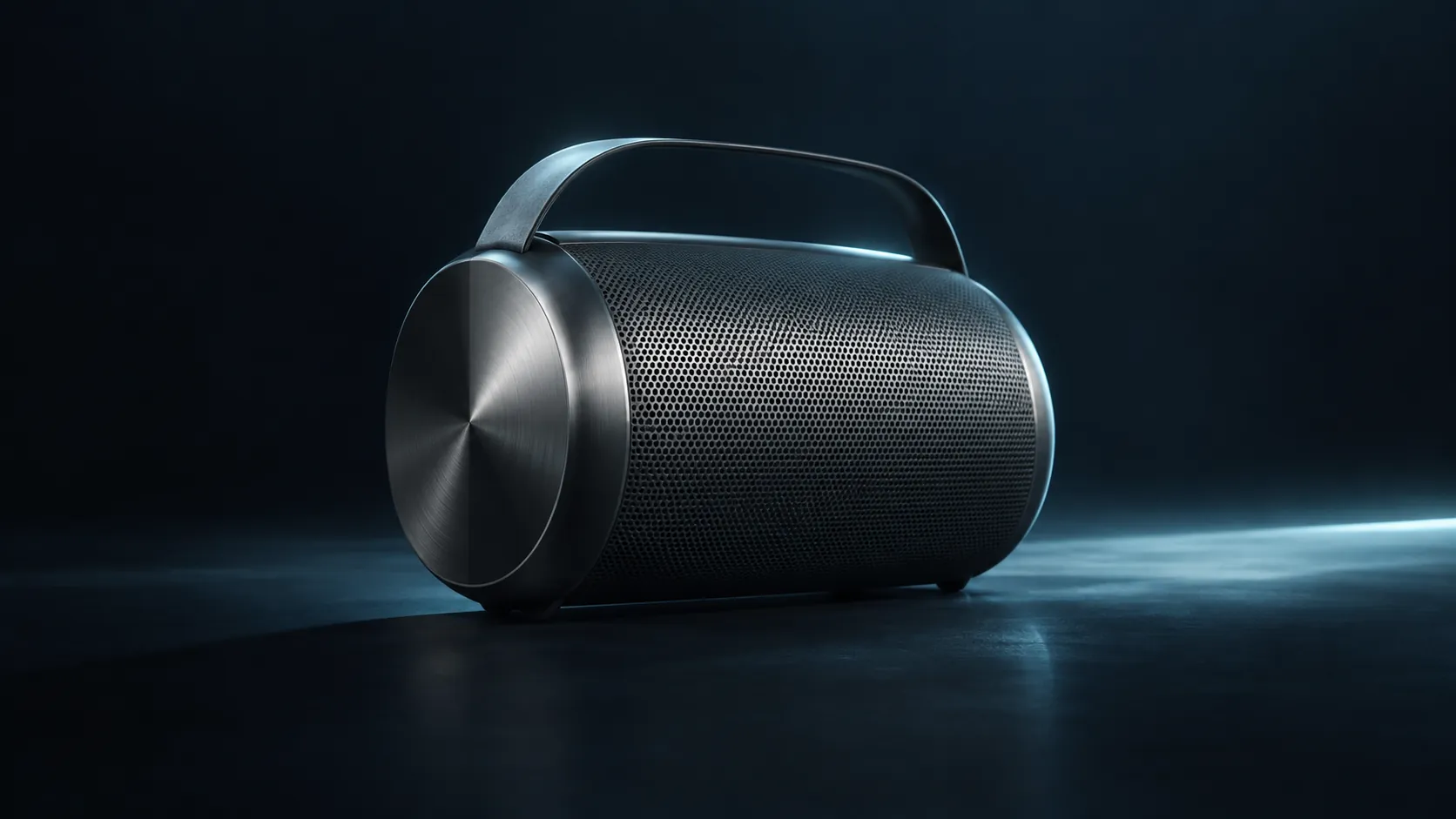
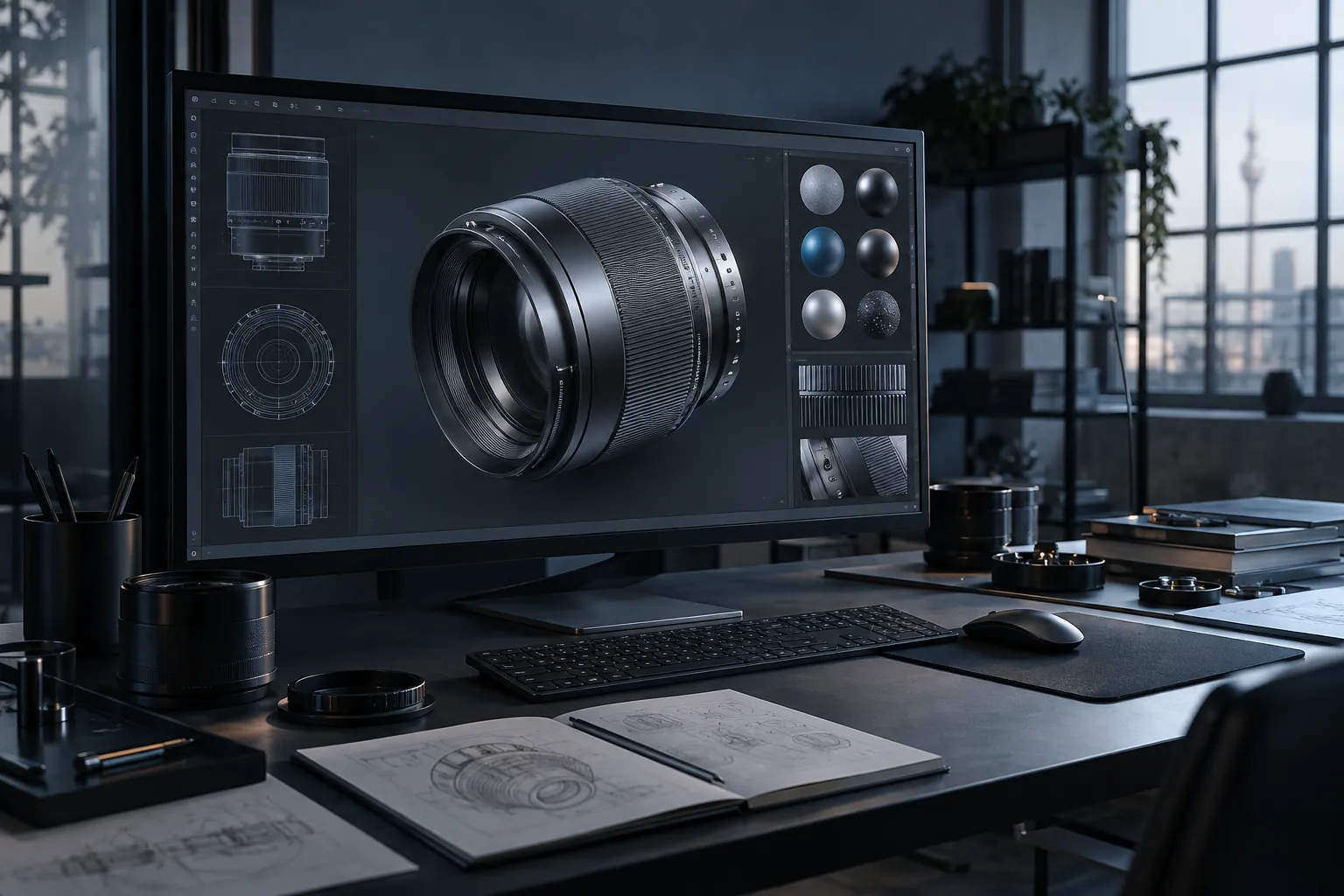
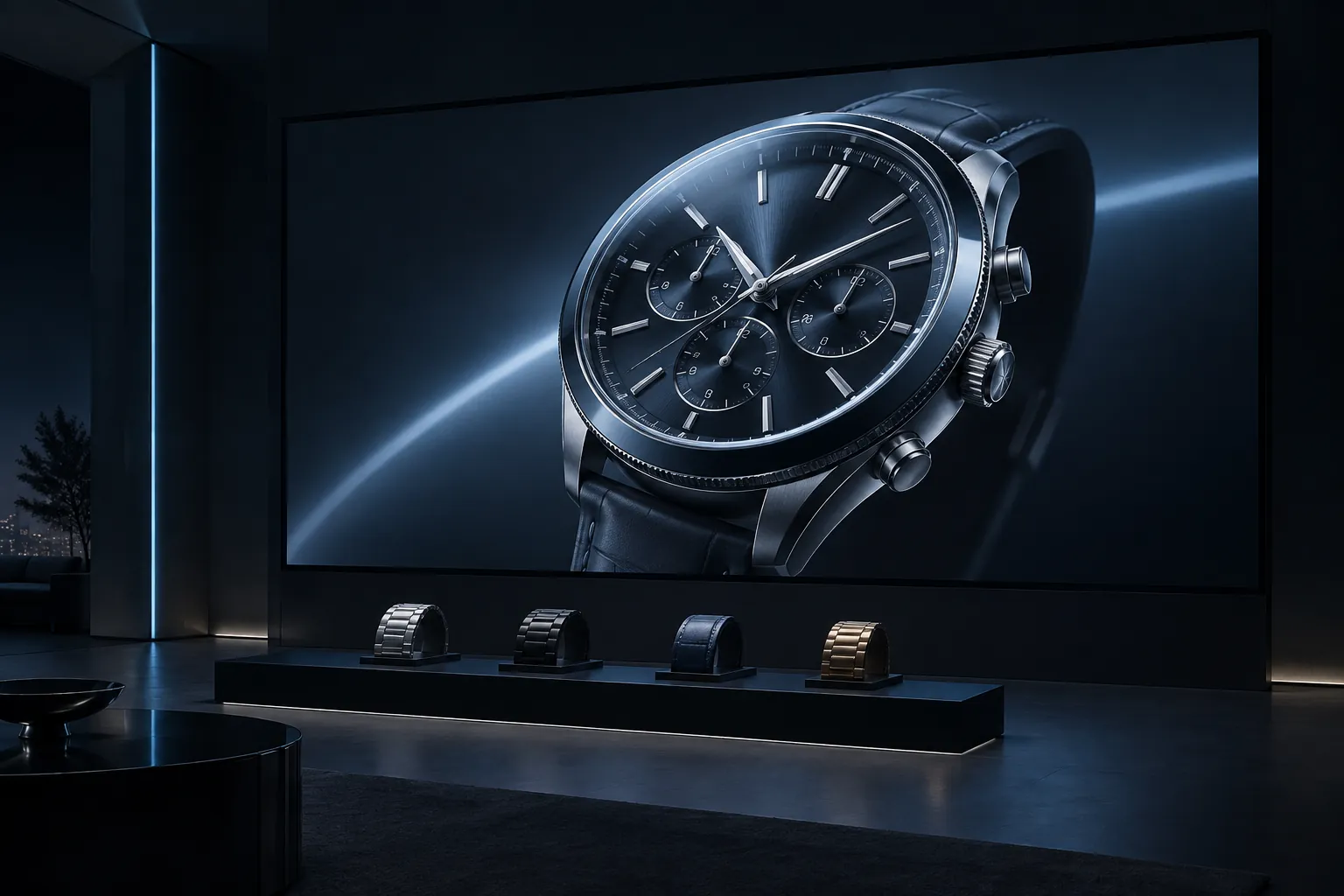
3D product visualization turns a physical product or design into a digital object that can be lit, framed and explored before every variation has been photographed. We create models and visual content for product launches, sales presentations and interactive experiences, with the output shaped around where it will appear.
01 / Our approach +
Build the visual around the product
Start with the product decision the visual needs to support. A still image, turntable, real-time viewer and AR placement experience ask different things of the model. We agree the source material, visual standard and delivery formats before committing to the production route.
We review supplied CAD, photographs, measurements and material references, then identify what must be modelled, simplified or checked. An early look-development stage tests form, finish and lighting against approved references. The final asset is prepared for its agreed channel, whether that is a campaign image, presentation film or interactive product view. For technical products, your team remains the authority on dimensions, specifications and approved options.
02 / Production scope
What we can build with you.
01
Product modelling
+
Create or adapt the product geometry from supplied CAD and reference material, with detail matched to the intended viewing distance and output.
02
Materials and visual direction
+
Develop surfaces, lighting and camera views that communicate the product clearly, with review points for colour, finish and important details.
03
Channel-ready outputs
+
Deliver agreed renders, motion or optimised real-time assets in the formats needed for your website, campaign or sales team.
Present a new object before a full photography set or every physical variant is available, with all visual claims checked against the approved product.
02
Sales and specification
+
Give teams detailed views of form and finish so a buyer can understand the object before asking for a sample or specification.
03
Digital product experiences
+
Prepare a consistent 3D asset foundation for a web viewer, configurator or AR placement experience when interaction is part of the brief.
04 / Planning your project +
Plan the outputs before the model.
A visualization project can serve a single launch image or become the foundation for a wider digital product system. Decide which views need to be fixed and which need to respond to user input. Confirm the product version, material variants, colour references and legal approval path. For interactive use, budget for performance testing and a fallback on unsupported devices. For stills and motion, define aspect ratios and review milestones early so one approved asset can be composed for each channel without promising a new technical capability.
Start with one representative product.
A focused first asset gives the team a practical way to approve modelling detail, materials and lighting. Share the product category, source files, intended audience and channels. If several variants are planned, tell us which physical changes matter and who approves the technical and visual details. We can then define a production package and the next assets it should support.
Start with a conversation.
Share the product, available CAD or references, the views you need and where the visual will be used.
Often. We review the available files and adapt them for the intended visual output. Manufacturing geometry may need cleanup, materials and simplification before it can be rendered or used in real time.
Is this the same as a 3D configurator?+
No. Visualization creates the model and agreed views or motion. A configurator adds option rules, controls, product data and a user journey. We can scope those additional parts separately.
Can the same model be used for web and AR?+
Sometimes, after channel-specific preparation. File size, material support, lighting and device performance differ. We test the intended destinations before promising one asset will work everywhere.
What do you need to estimate the work?+
Share the product range, available CAD or references, the outputs you need, required accuracy, target channels and deadline. A representative product helps us scope the first asset and review process.
06 / 3D product visualization
Tell us what you need to show.
Share the product, available CAD or references, the views you need and where the visual will be used.