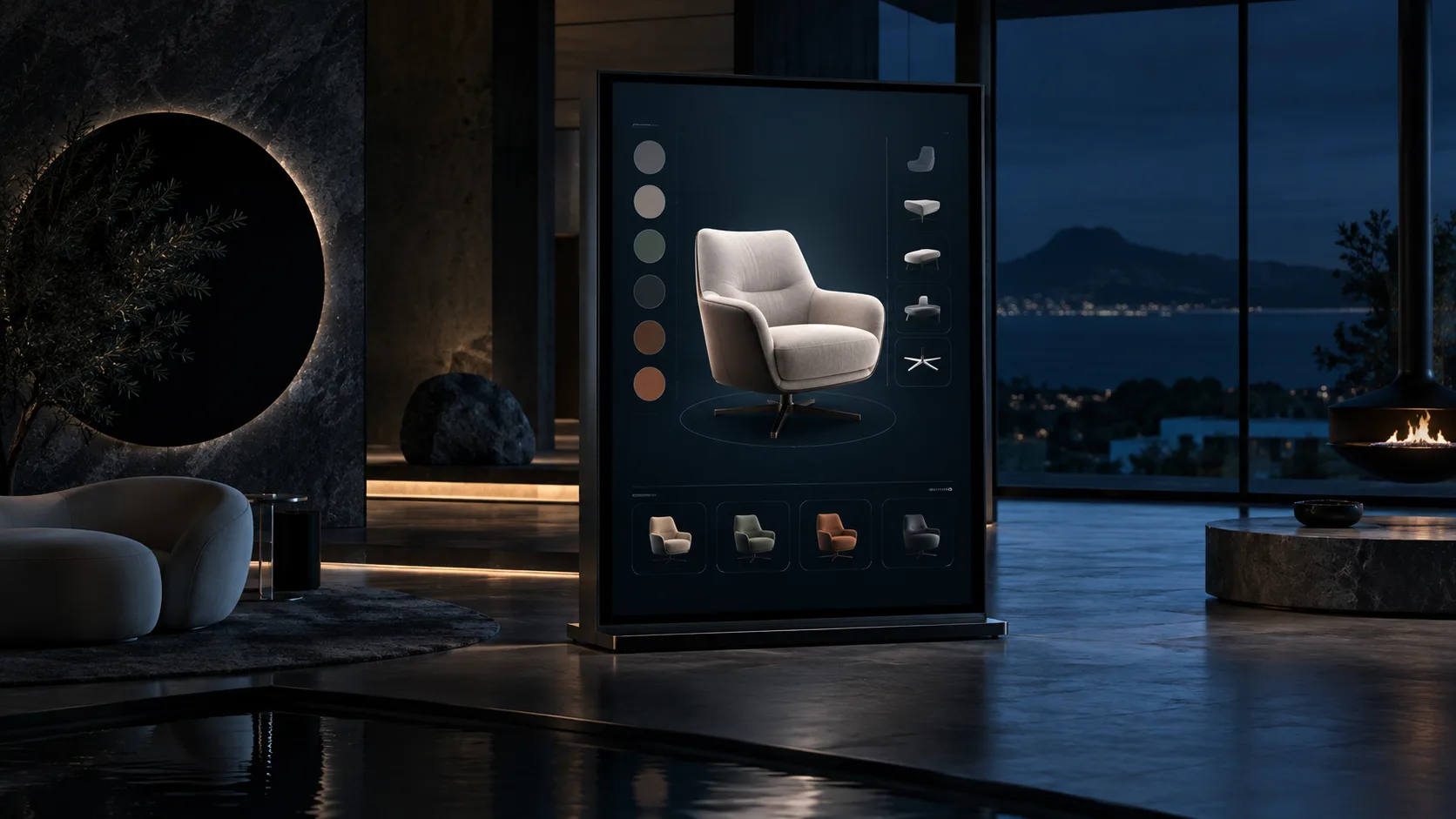
A 3D product configurator gives people a clearer way to explore a range, compare approved options and understand how a selection changes the product. We develop the real-time content and interface around the decisions that matter in your sales or specification journey.
01 / Our approach +
Start with the choices that change the product
Configuration needs more than a model on screen. The product rules, available variants, source data and next action must agree, so the experience remains useful to customers and practical for the teams who maintain it.
We begin with the range, the rules that govern valid combinations and the product details people need to compare. CAD, material references and product data inform the asset and interface plan. A focused prototype tests loading, control clarity and whether a selected configuration can lead reliably to a product page, specification or enquiry.
02 / Production scope
What we can build with you.
01
Product model preparation
+
Review supplied CAD, photography and technical references, then prepare real-time models with an agreed level of detail and visual standard.
02
Configuration interface
+
Design option, material, component and camera controls around the actual choices people need to make, including states for unavailable or incompatible combinations.
03
Journey and handover
+
Scope product identifiers, saved configurations, links and analytics events with the surrounding website or commerce platform, plus ownership for future updates.
Present compatible variants, components and finishes where a static product page cannot make the available combinations clear.
02
Sales and specification
+
Give customers or sales teams a guided way to inspect a product before requesting a quotation, sample or technical specification.
03
Retail and showroom experiences
+
Bring a broader range into a touchscreen, web or assisted sales environment while keeping product information connected to approved source data.
04 / Planning your project +
Connect the product model to the product system.
A configurator is most useful when the visual choices, product data and next action remain aligned. Establish which system owns available options, names, prices and compatibility rules, and how changes will reach the experience. For a larger catalogue, start with representative products that expose the material, geometry and rule complexity. Test the first configuration flow on the intended devices before expanding the range, and define how loading failures or unsupported features should return visitors to useful standard product information.
A useful brief begins with product decisions.
You do not need every model ready to begin. Share representative products, the variants that matter most and the information customers need before they enquire or buy. Include the intended platform, existing product systems and target launch date if known. We can use that material to identify a focused prototype and the production decisions that follow.
Start with a conversation.
Share the product range, the choices people need to make, available CAD or reference material, and where the configurator should lead next.
Often as a starting point. Manufacturing files usually need review and adaptation for real-time rendering, materials and responsive loading before they are ready for a configurator.
Can a configurator connect to our product data?+
It can be scoped where suitable data and an integration route are available. We agree which system owns names, prices, availability and configuration rules before implementation.
Can visitors save or share a configuration?+
Yes, when explicitly included. A shareable configuration needs a stable way to store selections, define expiry or access rules and handle changes to the product catalogue.
Will every configuration be technically valid?+
That depends on the product rules supplied and the scope of validation. We can model agreed compatibility rules, but engineering approval and product-data ownership remain separate responsibilities.
06 / 3D product configurators
Tell us about the product range.
Share the product range, the choices people need to make, available CAD or reference material, and where the configurator should lead next.