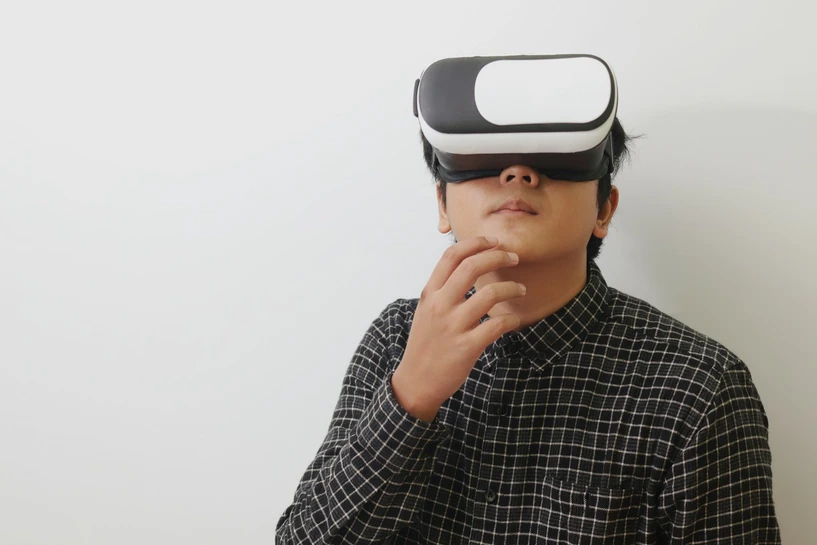
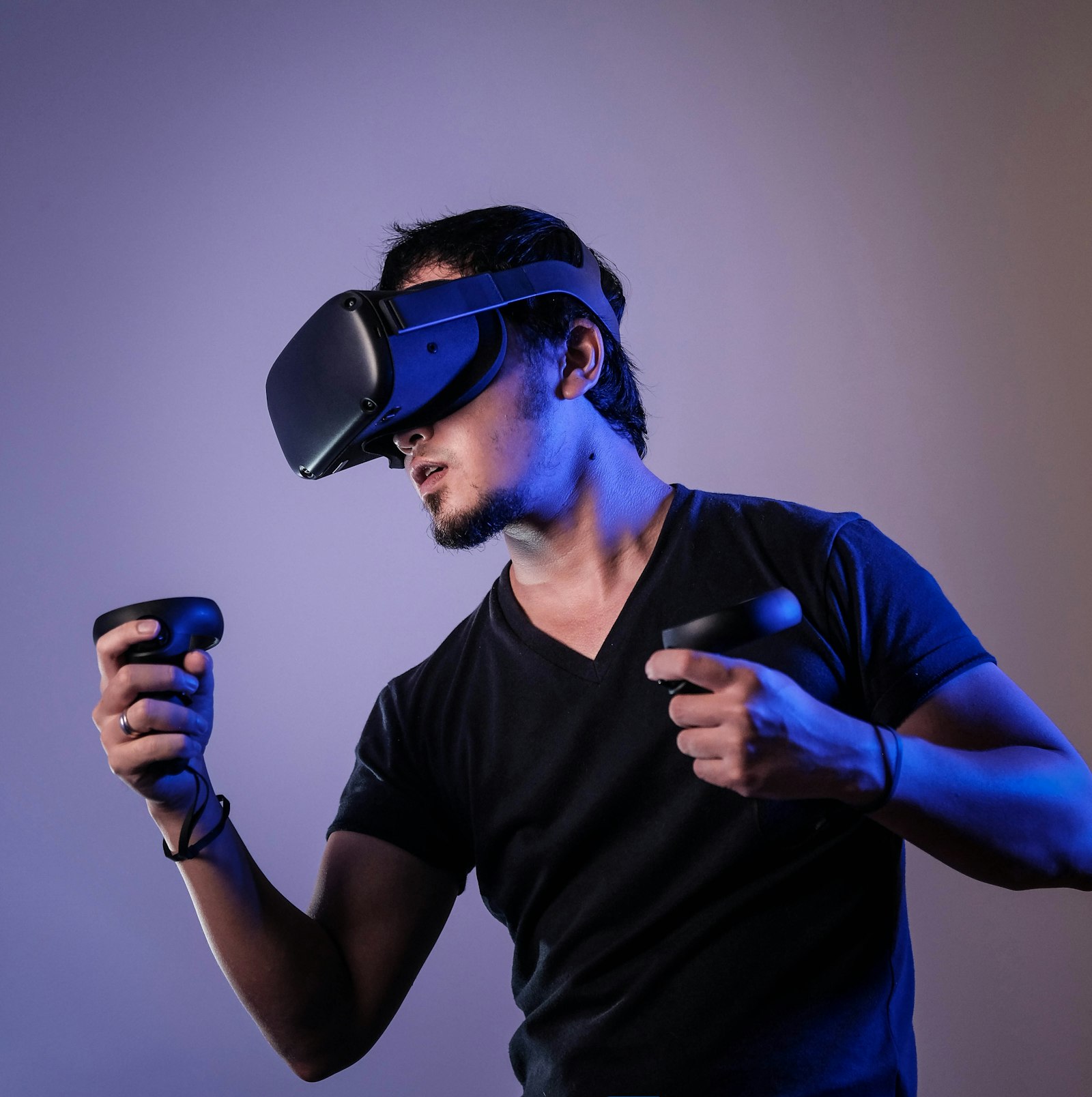
AI XR training simulations are changing how teams practice high-stakes conversations, technical procedures, customer interactions, and safety workflows. Instead of asking employees to remember a slide deck, companies can place learners inside realistic AR, VR, or mixed reality scenarios where they make decisions, receive feedback, and repeat the moment until confidence improves.
For Mimic XR, this topic connects immersive world building, realistic digital humans, motion capture, 3D asset creation, and AI integration. A strong simulation does not only look cinematic. It gives people a believable place to practice, a smart guide to respond to them, and a measurement layer that shows whether the training actually helped.
This guide explains how AI-powered XR training works, where smart avatars add value, what data and assets are required, and how enterprise teams can launch a first simulation without turning the project into an expensive technology showcase.
Table of Contents
What AI XR Training Simulations Mean
An AI XR training simulation is an immersive practice environment that combines extended reality, real-time 3D content, adaptive feedback, and intelligent characters. The learner may wear a VR headset, use a mobile AR experience, interact through a mixed reality device, or enter a browser-accessible 3D scene. The difference is that the training does not stay fixed. It can respond to what the learner says, does, misses, repeats, or asks.
This builds on the wider foundation of what extended reality is and why spatial interfaces are useful for learning. XR gives the learner context. AI gives the simulation memory, variation, coaching, and conversation. Smart avatars make the practice feel human enough that communication, judgment, and confidence can be trained instead of merely explained.
The goal is not to replace instructors. The goal is to give instructors and organizations a repeatable practice layer. Learners can rehearse difficult conversations, safety steps, technical tasks, emergency decisions, product demonstrations, or service scenarios before the stakes become real.
AI Avatars vs Scripted Simulations
Scripted simulations are useful when a task has one approved path. A learner follows steps, gets prompts, and completes a scenario. AI avatar simulations are different because the interaction can change. A digital customer can ask a new question. A virtual patient can react to tone. A trainee can try a different explanation. A smart guide can observe hesitation and offer a smaller hint instead of revealing the full answer.
That flexibility matters for soft skills, field support, sales enablement, healthcare communication, leadership practice, and customer service. It also matters for technical learning when users need to understand why a step matters, not just where to click. Mimic XR's work around digital humans and lifelike avatars gives this kind of training a believable human layer.
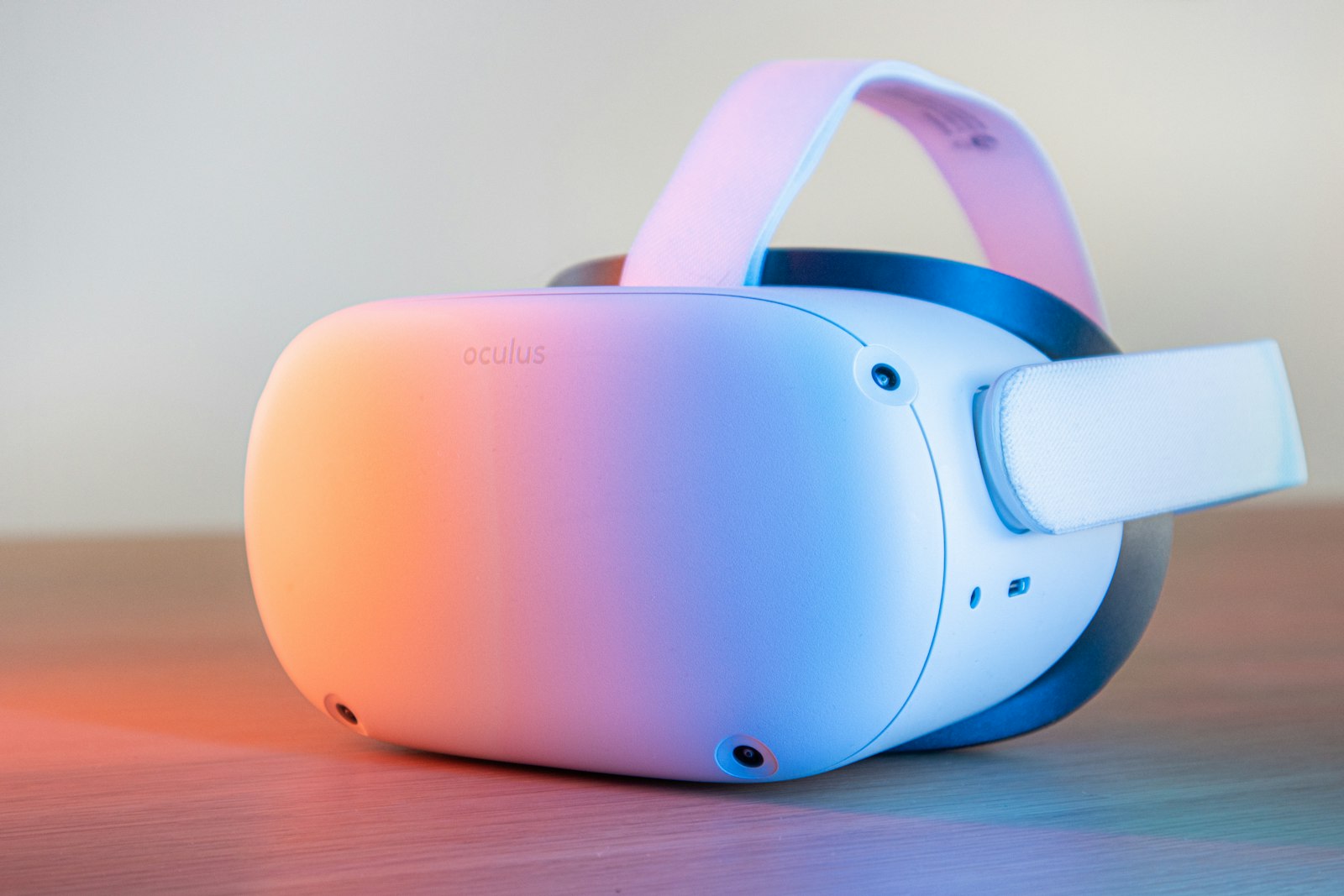
A useful comparison is simple: scripted XR trains consistency, while AI-enabled XR trains adaptability. Most enterprise programs need both. The first keeps core knowledge accurate. The second prepares people for the unpredictable human moments that make real work difficult.
Benefits for Workforce Learning
The strongest benefit of AI XR training is safe repetition with believable pressure. Employees can practice the same situation multiple times without using a real customer, real patient, real machine, or real emergency. The scenario can become harder as confidence improves, and the feedback can focus on specific behaviors rather than generic completion.
Better retention: immersive practice helps learners remember context, sequence, and consequence.
Higher confidence: learners can repeat difficult moments before they face a live audience.
Consistent coaching: every learner gets access to the same approved scenario, criteria, and feedback logic.
Faster iteration: teams can test new scripts, hazards, product changes, or customer objections inside the training world.
Useful analytics: training leaders can see completion, hesitation, repeated mistakes, and improvement over time.
These benefits connect naturally to Mimic XR's previous guide on virtual reality training for global teams. AI adds a new layer: the simulation can coach, adapt, and create richer practice without forcing every interaction to be manually scripted.
Use Cases Across Industries
AI XR training works best when the learner needs to practice judgment, movement, communication, or situational awareness. That makes it useful across many of Mimic XR's core industries.
Corporate learning: leadership practice, sales conversations, onboarding, compliance scenarios, and customer escalation training.
Healthcare and education: patient communication, anatomy guidance, emergency drills, clinical decision practice, and student coaching.
Manufacturing and design: equipment walkthroughs, safety rehearsals, maintenance guidance, quality checks, and spatial procedure training.
Retail and customer service: product explanation, complaint handling, store associate training, guided selling, and post-purchase support.
Gaming and entertainment: NPC behavior, character rehearsal, interactive storytelling, and performance-driven virtual worlds.
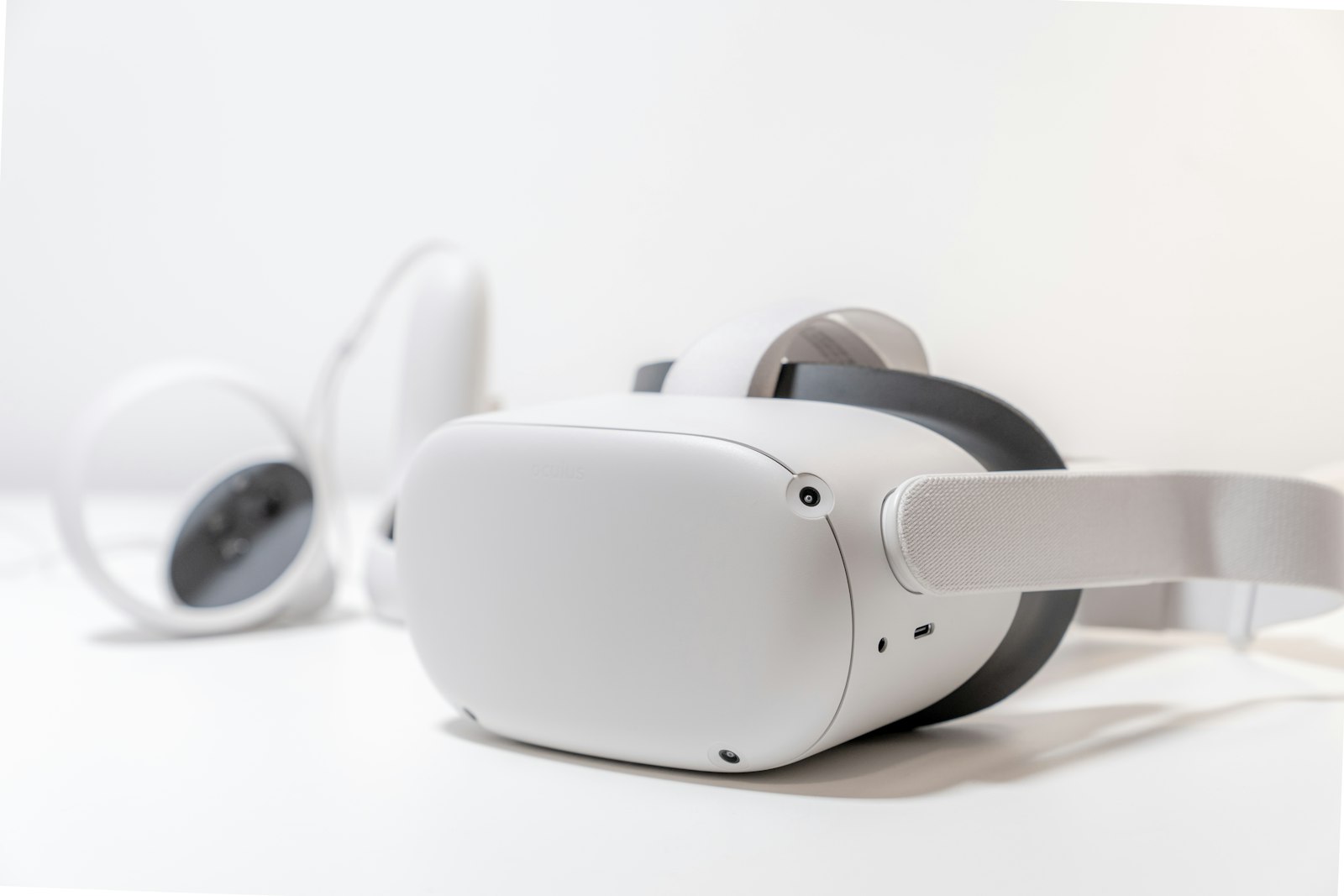
A customer journey view is helpful here. In discovery, immersive previews show what training can feel like. In onboarding, smart avatars guide first-time users. During practice, AI feedback supports repetition. After launch, analytics help managers improve the curriculum. Over time, the same asset library can support training, support, product demos, and virtual events.
Data and Asset Requirements
AI XR training depends on clean inputs. A beautiful avatar will not fix weak learning objectives, unapproved scripts, inaccurate product knowledge, or missing performance criteria. Before production begins, teams should define the simulation's learning goal, scenario boundaries, scoring logic, and evidence sources.
Scenario data: learner roles, tasks, decision points, correct actions, risk levels, and escalation rules.
3D assets: environments, props, equipment, product models, character rigs, animation states, and optimized textures.
Avatar inputs: persona, voice tone, emotional range, approved knowledge, motion style, and facial performance needs.
Feedback criteria: what the system should notice, how it should respond, what counts as improvement, and when a human trainer should review.
Analytics plan: completion, decision quality, confidence, repeat attempts, response time, and scenario outcomes.
The visual layer should also match the training need. A highly realistic human may need motion capture for XR, facial animation, voice direction, and careful retargeting. A simple equipment walkthrough may need lighter 3D assets and clearer spatial prompts instead.
Implementation Roadmap
The safest implementation path starts narrow. Choose one audience, one scenario, one measurable behavior, and one delivery format. A first pilot should prove that the simulation improves understanding or performance before the team builds a full content library.
Define the training outcome: a safer procedure, better conversation, faster onboarding, stronger product explanation, or improved decision quality.
Select the XR format: VR for full simulation, AR for contextual guidance, MR for real-world overlay, or browser 3D for easier access.
Build the smallest useful scene: one environment, one avatar or guide, one interaction loop, and one feedback pattern.
Test with real learners: watch where they hesitate, what they misunderstand, and whether the AI feedback helps or distracts.
Scale the system: document content rules, avatar behavior, data handling, analytics, update ownership, and instructor review workflows.
Teams planning a larger rollout should connect the pilot to a spatial computing strategy so hardware, content, governance, and ROI measurement do not become separate workstreams later.

Mistakes and KPIs
The most common mistake is treating AI XR training like a futuristic demo instead of a performance system. Learners need clear goals, believable context, realistic feedback, and enough repetition to improve. If the experience only impresses stakeholders once, it will not become a durable training tool.
Avoid overbuilding before the core scenario is validated.
Avoid AI avatars that answer outside approved knowledge or make unsupported claims.
Avoid heavy 3D assets that reduce comfort, frame rate, or access on real devices.
Avoid measuring only completion when the real goal is confidence, accuracy, safety, or behavior change.
Useful KPIs include scenario completion, repeat attempts, response quality, decision accuracy, time to proficiency, confidence lift, instructor review scores, support reduction, safety incident reduction, customer satisfaction, and content reuse across departments. The best metric is the one tied to the reason the simulation was funded.

Privacy and Responsible AI
AI XR training can involve voice, movement, facial expression, role-play answers, spatial maps, performance scores, and behavioral analytics. That makes trust part of the product. Learners should understand what is being captured, why it is needed, how long it is stored, and who can review the results.
Responsible AI also protects training quality. A smart avatar should stay within approved content, disclose when it is a simulated character, avoid pretending to be a real person, and escalate sensitive or high-risk situations to a human instructor. If the training involves healthcare, safety, finance, hiring, or regulated decisions, the review process should be stricter.
Privacy rules should cover data minimization, consent, access controls, retention, anonymized analytics, bias review, and user appeal paths. These decisions are easier to design early than to repair after launch.
Future of AI XR Training
The future of AI XR training will be more conversational, more multimodal, and more personalized. Learners will speak naturally, receive feedback from avatars, move through adaptive scenarios, and practice with digital humans that understand context. Generative tools will also help teams create variations faster, from customer objections to safety hazards and branching role-play moments.
At the same time, the differentiator will not be AI alone. The best training systems will combine accurate content, cinematic realism, useful measurement, expert review, and a production pipeline that keeps simulations updated. Mimic XR's strengths in smart avatars, 3D scanning, motion capture, virtual worlds, and mixed reality solutions fit this next stage because the future is not a single tool. It is a complete practice environment.

As devices become lighter and AI assistants become more natural, organizations will have a practical way to train judgment, communication, spatial awareness, and technical skill at scale. The winners will be the teams that start with one real learning problem and build from evidence.
FAQ
What are AI XR training simulations?
They are immersive training environments that combine XR, 3D scenes, smart avatars, adaptive feedback, and analytics so learners can practice realistic scenarios safely.
How does AI improve XR training?
AI can vary conversations, observe learner choices, provide coaching, summarize performance, generate scenario variations, and make avatars respond more naturally.
Do AI XR simulations require VR headsets?
No. VR is useful for full immersion, but AR, mixed reality, mobile, tablet, and browser 3D formats can also support training depending on the workflow.
Where do smart avatars add the most value?
They are strongest in communication practice, customer support, sales training, healthcare scenarios, onboarding, leadership rehearsal, and guided technical workflows.
What assets are needed for an AI XR training pilot?
Teams usually need a scenario script, learning goals, 3D environment, avatar or guide, approved knowledge base, feedback criteria, device assumptions, and analytics plan.
How should companies measure AI XR training ROI?
Useful measures include completion, error reduction, time to proficiency, confidence lift, instructor scores, support reduction, safety improvement, and learner retention.
Is learner data sensitive in XR training?
It can be. Voice, movement, facial expression, spatial maps, role-play answers, and performance analytics should be handled with clear consent and retention rules.
How should a team start its first AI XR training project?
Start with one high-value scenario, one learner group, one measurable outcome, and one delivery format. Prove value before expanding to a larger library.
Conclusion
AI XR training simulations work best when they are designed as practice systems, not novelty demos. The right combination of immersive context, smart avatars, approved knowledge, motion, analytics, and human review can help teams train the moments that are hardest to teach through slides or videos.
Talk to Mimic XR about building AI-powered XR training simulations, smart avatars, motion capture pipelines, and immersive learning environments that help your workforce practice with confidence before the real moment arrives.