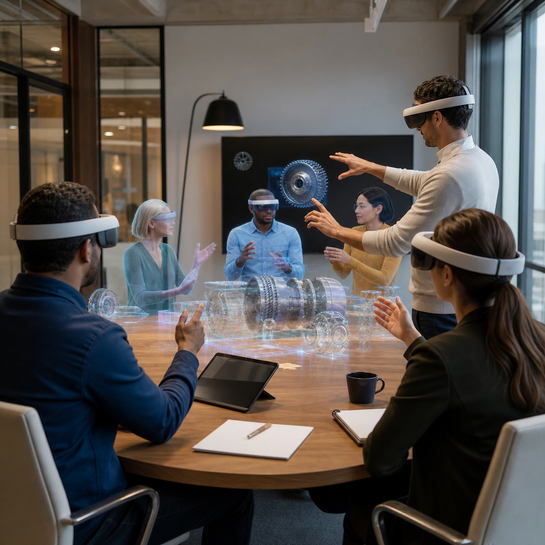
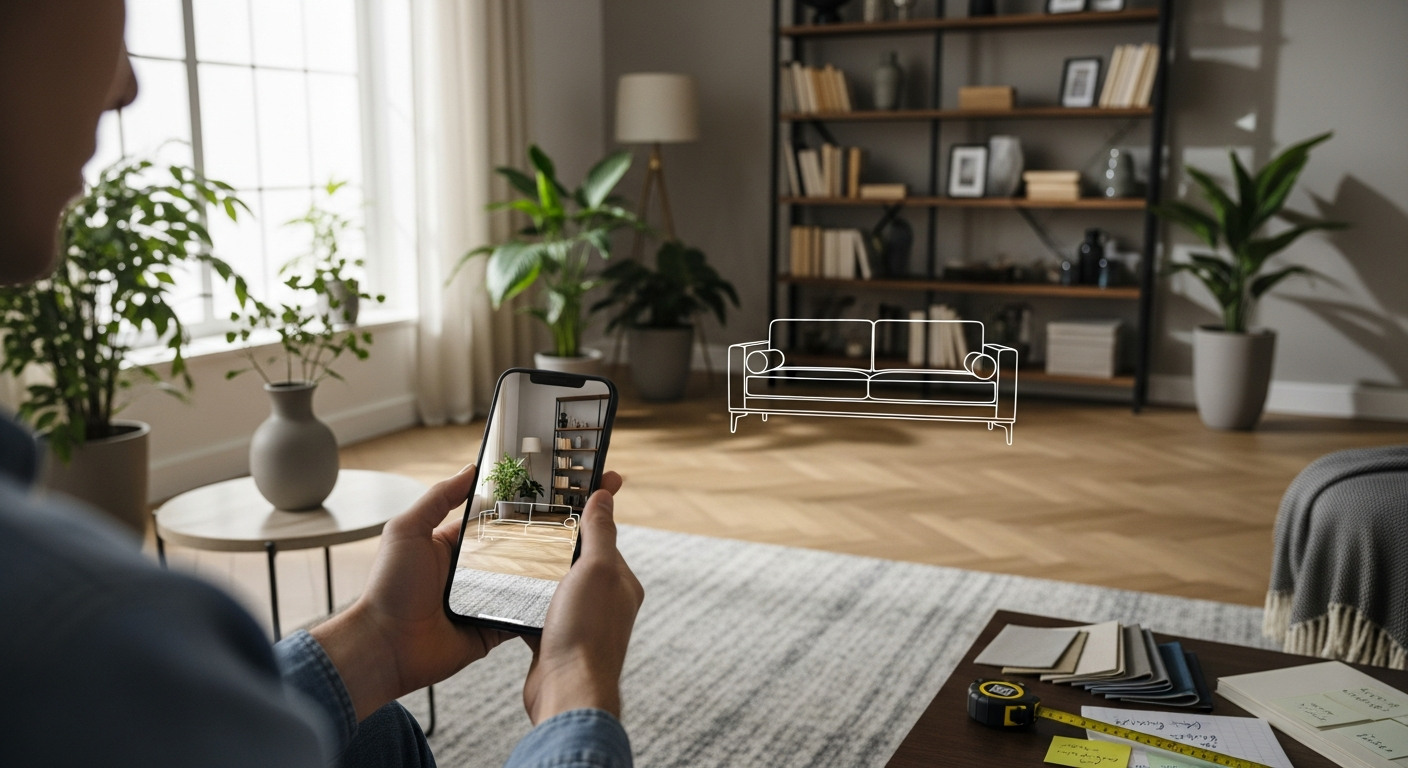
XR product visualization is becoming one of the most practical ways to help buyers understand complex products before they commit. Instead of relying only on flat photos, spec sheets, videos, or showroom visits, brands can let customers inspect products at real scale, configure options, explore spatial context, and interact with smart guidance inside AR, VR, or mixed reality environments.
For Mimic XR, this sits naturally between 3D modeling, AR product visualization, virtual world development, digital humans, and real-time interaction design. A strong visualization system does more than make a product look impressive. It makes a buying decision easier, faster, and more confident.
The opportunity is especially strong when a product is expensive, configurable, technical, spatial, hard to transport, or difficult to explain in a standard sales call. XR gives teams a way to turn product knowledge into an experience people can see, move around, and remember.
Table of Contents
What XR Product Visualization Means
XR product visualization uses immersive technologies to let people inspect, customize, and understand products in a more spatial way. The experience may run through mobile AR, a browser-based 3D viewer, a VR showroom, a mixed reality headset, or a guided virtual world. The format depends on the buyer journey, the device reality, and the level of interaction required.
The core idea is simple: the buyer should not have to imagine the product from static material alone. They should be able to see scale, compare variants, understand movement, inspect details, and ask better questions. This builds on the wider XR foundation described in what Extended Reality is and why it shapes spatial interfaces, but focuses specifically on helping products become easier to evaluate.
In practical terms, XR product visualization can include real-time 3D models, AR placement, interactive configurators, smart avatars, guided demos, spatial audio, virtual showrooms, and analytics that show where users spend time. The result is a product experience that feels closer to a conversation than a catalog page.
XR Visualization vs Traditional Product Content
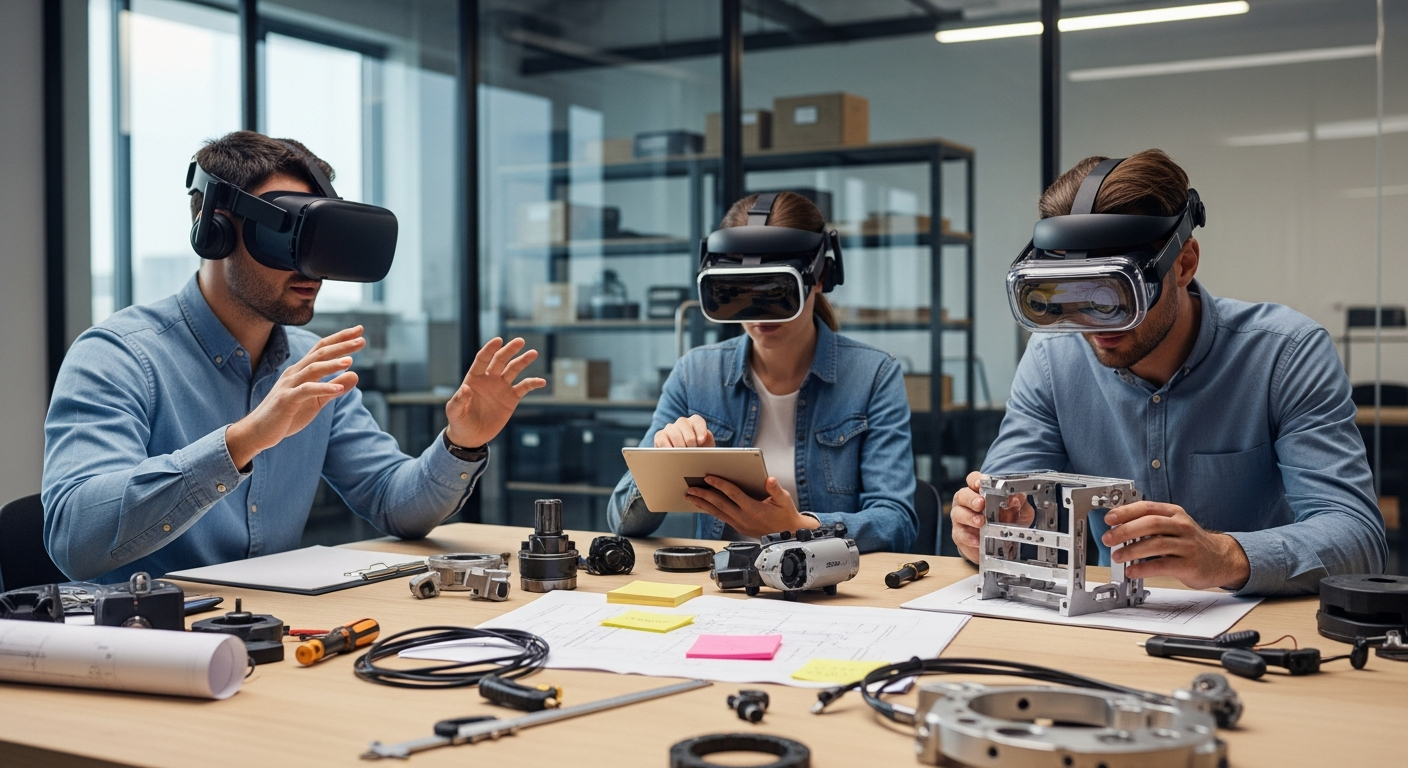
Traditional product content is useful, but it often asks the buyer to fill in too many gaps. Photos show one angle. Videos control the pacing. Sales decks explain features but rarely communicate scale. XR visualization changes that by letting the buyer control attention and explore the product in context.
Photos and videos are best for quick awareness. 3D viewers are best for inspection and comparison. AR is best when the product must be understood in a real space. VR showrooms are strongest when a brand needs immersion, narrative, or guided exploration. Mixed reality is useful when digital instructions or product behavior must stay tied to physical surroundings. Teams comparing formats can also use Mimic XR's guide to the difference between VR, AR, and MR before choosing the first build.
A useful comparison is not about which medium is most futuristic. It is about which medium removes the most friction from the buyer's next decision. If the buyer needs confidence about fit, AR may matter. If they need to understand workflow, a guided XR demo may matter. If they need to compare technical variants, an interactive 3D configurator may be enough.
Benefits for Sales, Training, and Customer Experience
The biggest benefit of XR product visualization is confidence. Buyers can understand what they are choosing, why it matters, and how it fits into their environment. This is valuable in ecommerce, B2B sales, product launches, trade shows, training programs, and customer onboarding.
Clearer understanding: buyers can see scale, configuration, and context instead of guessing from static images.
Shorter sales cycles: teams can explain complex features through guided interaction rather than repeated presentation calls.
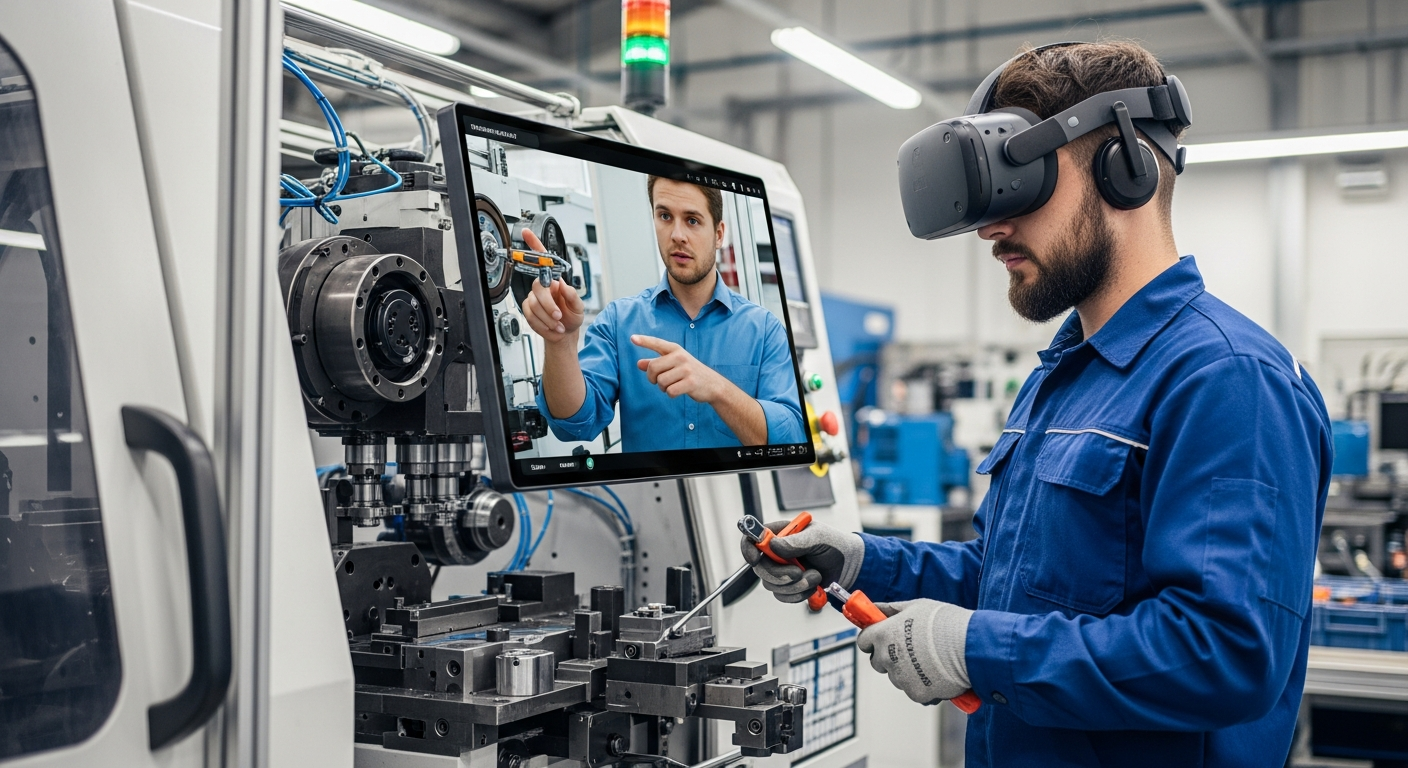
Better training: employees and customers can learn product operation inside realistic spatial scenarios.
Higher engagement: interactive product stories create stronger memory than passive content.
These benefits mirror the logic behind AR in retail, but the same principle applies far beyond shopping. Any product that depends on space, movement, customization, or trust can become easier to evaluate through XR.
Use Cases Across Industries
XR product visualization works best when the experience is shaped around the buyer, not the technology. Different industries need different levels of realism, guidance, device support, and data capture.
Retail and ecommerce: preview furniture, accessories, appliances, fashion items, or custom products in the buyer's real environment.
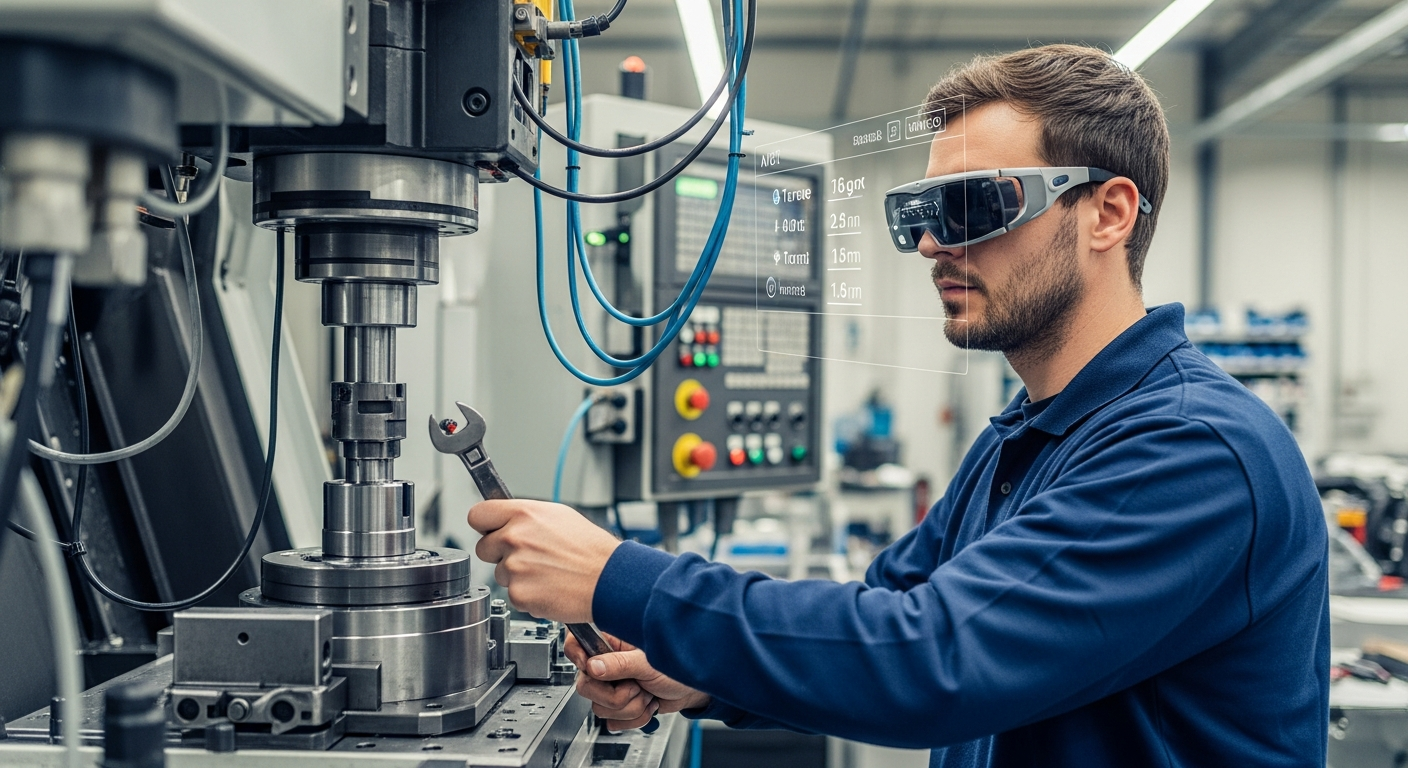
Manufacturing and design: inspect machinery, compare layouts, review components, and explain technical systems before site visits.
Healthcare and education: teach anatomy, devices, procedures, and equipment use through interactive 3D models and guided scenarios.
Entertainment and events: turn launches into immersive worlds where products become part of a story, not just a display.
Customer support and onboarding: pair product models with digital humans that answer questions and guide next steps.
When the product story requires a human guide, digital humans can add clarity and warmth. Mimic XR's article on digital humans for support and onboarding shows how avatar-led guidance can scale product education without forcing every interaction through a live representative.
Customer Journey Opportunities
Product visualization can support the full journey, not only the final sale. In discovery, a lightweight AR or 3D preview helps buyers understand the offer quickly. In consideration, configurators and comparison scenes help them weigh options. During purchase, guided visualization can reduce uncertainty. After purchase, XR onboarding can teach setup, safety, and maintenance.
Discovery: interactive previews make complex products easier to notice and remember. Consideration: buyers compare size, options, materials, and workflows. Purchase: AR placement and guided demos reduce hesitation. Onboarding: spatial instructions help users succeed faster. Retention: updated scenes, avatars, and support flows keep the relationship useful after the first conversion.
This is where XR becomes more than a marketing layer. It becomes a reusable product education system. The same asset library can support sales demos, training modules, support guides, event experiences, and customer-facing configurators if it is planned carefully from the start.
Data and 3D Asset Requirements
XR product visualization depends on accurate and optimized inputs. Beautiful assets are not enough if they are too heavy for real-time performance, incorrectly scaled, missing product variations, or disconnected from the buyer journey.
Product geometry: CAD files, scan data, 3D models, dimensions, materials, and variant rules.
Experience logic: what users can configure, inspect, compare, animate, or ask about.
Performance targets: device type, frame rate, file size, lighting, and loading expectations.
Commercial data: pricing rules, lead capture fields, CRM handoff, localization, and analytics events.
Governance: approved claims, safety guidance, privacy policy, user permissions, and update ownership.
Teams planning deeper simulation can also learn from how virtual environments support company training and planning. The same asset discipline that helps simulation also helps product visualization scale beyond one campaign.
How to Implement XR Product Visualization
Implementation should begin with one product, one audience, and one measurable decision. Trying to build every product, every variant, and every device path at once usually slows the project before learning starts.
Define the buying problem: identify what customers struggle to understand, trust, compare, or remember.
Choose the right format: select mobile AR, browser 3D, VR showroom, MR demo, or hybrid delivery based on the workflow.
Prepare assets: clean models, textures, variants, animations, interaction states, and approved product claims.
Prototype the core interaction: test scale, clarity, comfort, performance, and user comprehension early.
Add the experience layer: build guided scenes, avatar assistance, analytics, lead capture, and support handoffs only after the core works.
Pilot and improve: watch real users, measure behavior, simplify friction, and document reusable production standards.
For teams using visualization as part of a larger rollout, the broader spatial computing strategy roadmap can help connect the first experience to adoption, governance, and ROI.
Mistakes to Avoid
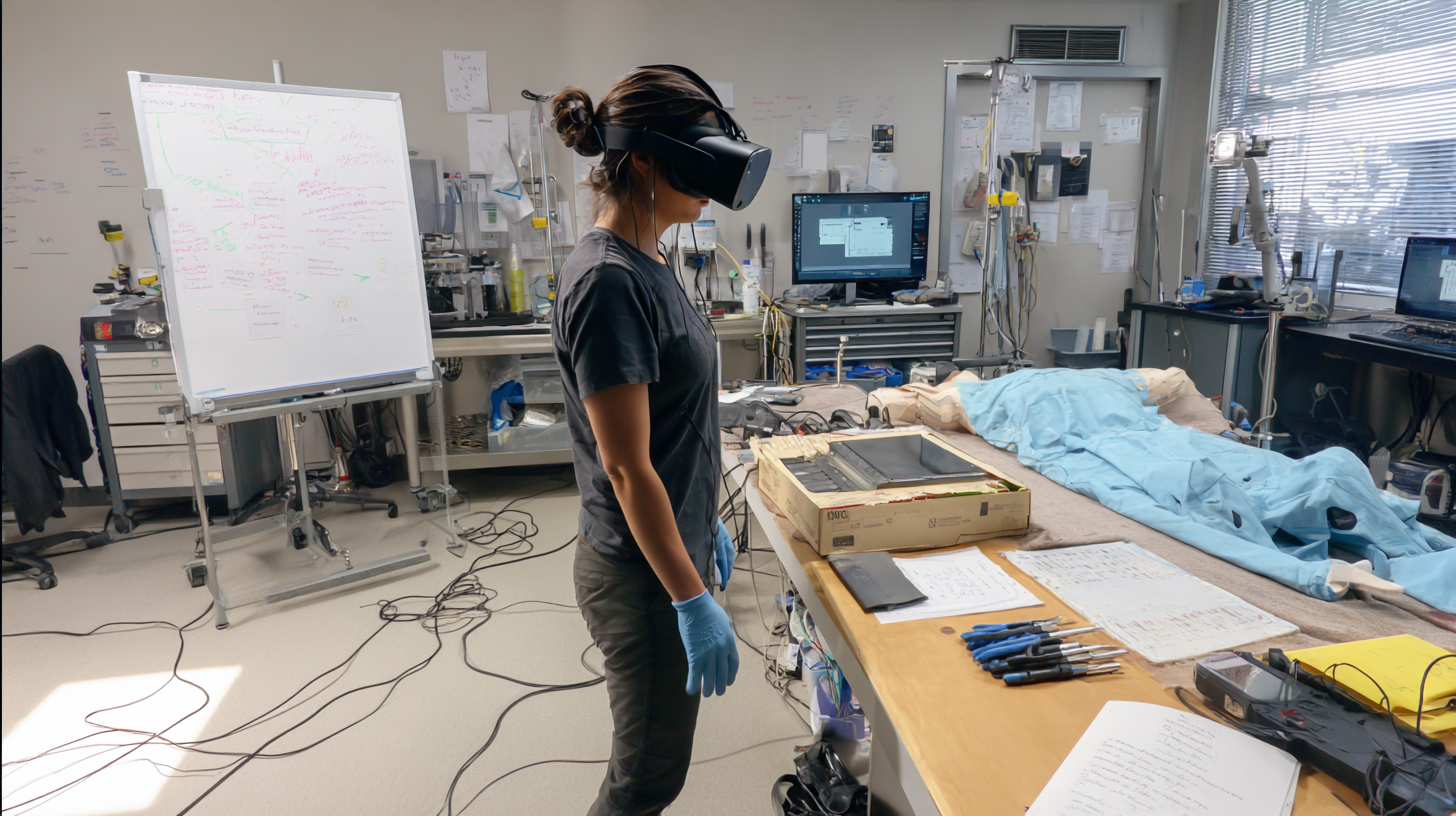
The most common mistake is treating XR product visualization as a visual effect instead of a decision tool. If the experience does not answer a real buyer question, it becomes hard to maintain after launch.
Starting with the device instead of the buyer journey.
Using high-detail models that look good but perform poorly on real devices.
Forgetting fallback access for buyers who are not ready for headsets or app downloads.
Measuring only views instead of confidence, completion, conversion, or support reduction.
Adding AI guidance without clear boundaries, escalation rules, or reviewed product information.
KPIs That Measure Visualization Value
The best KPIs depend on where visualization sits in the funnel. A showroom used at trade shows needs different metrics from an onboarding tool or an AR configurator embedded in ecommerce.
Engagement: session starts, time in scene, feature interactions, repeat visits, and content completion.
Sales impact: demo requests, qualified leads, configuration completion, assisted conversion, and proposal velocity.
Customer confidence: saved configurations, share actions, reduced return reasons, and post-demo survey scores.
Training value: setup completion, support tickets avoided, task time, error reduction, and user confidence lift.
Measurement should be planned before production. If a team wants to know whether visualization improves confidence, the experience must create moments where confidence can be observed, captured, or inferred from behavior.
Privacy and Responsible AI
XR product visualization may collect interaction data, device information, spatial context, lead details, voice inputs, or product preferences. When smart avatars or conversational AI are included, the experience may also process questions, intent, and support history. That makes privacy and responsible AI part of the product design.
Teams should explain what data is captured, why it is useful, how long it is stored, and who can access it. AI guides should be transparent about their role and should hand off to a human when the question involves safety, pricing exceptions, legal claims, medical guidance, or product limitations that require review.
Responsible design also improves trust. Buyers are more willing to explore deeply when the experience feels helpful, accurate, and respectful instead of intrusive.
Future of XR Product Visualization
The future of product visualization will be more adaptive, more conversational, and more connected to business systems. Buyers will expect products to appear in their environment, answer questions, compare variants, and remember preferences across channels.
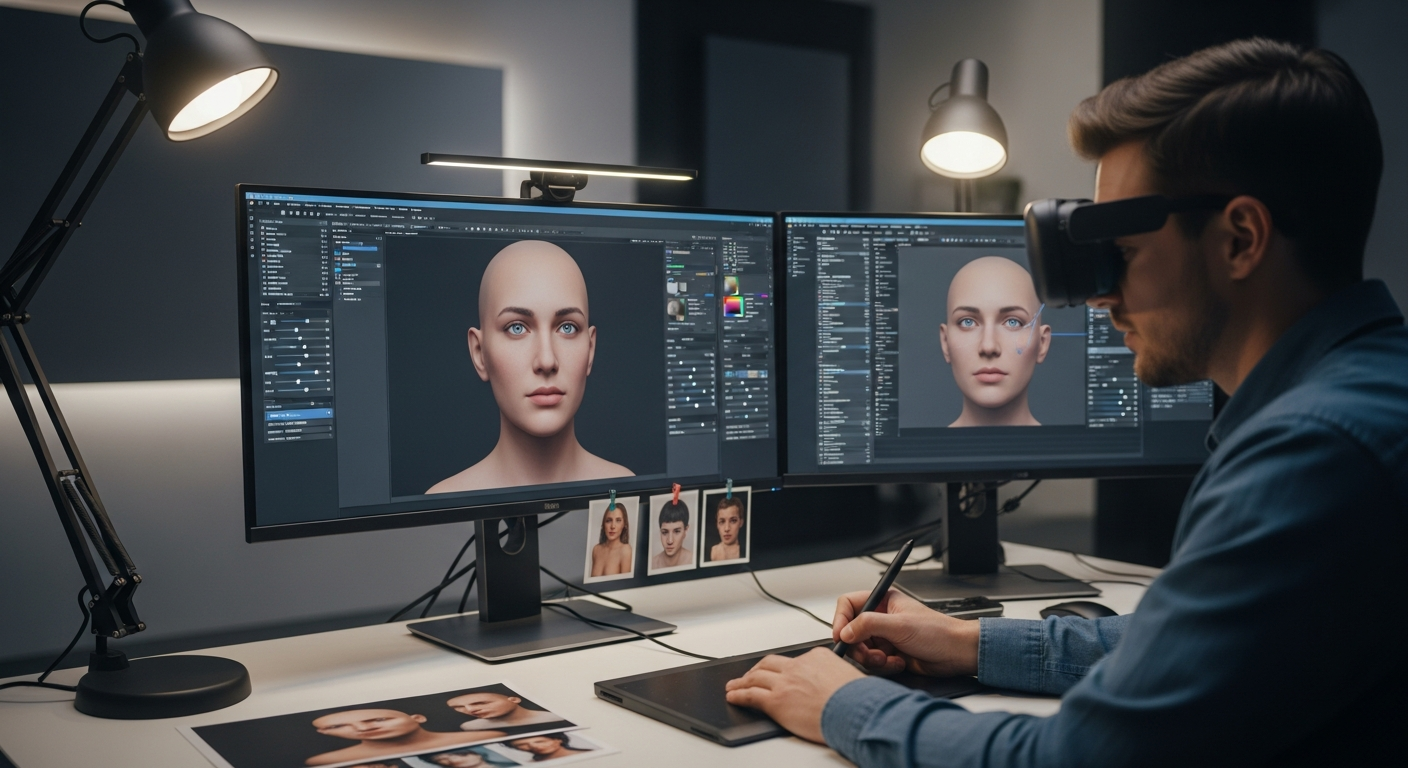
Real-time 3D engines, cloud rendering, spatial computing, digital twins, and smart avatars will make product experiences feel less like files and more like living demonstrations. A virtual showroom may connect to a sales CRM. A digital human may guide configuration. A training module may reuse the same product model created for ecommerce. A trade show booth may become a persistent virtual world instead of a weekend asset.
This aligns with the larger movement toward shared 3D workspaces and immersive experiences built around presence, perception, and human engagement. The brands that prepare reusable product assets now will be better positioned as spatial interfaces become normal.
FAQ
What is XR product visualization?
It is the use of AR, VR, MR, 3D models, and spatial interaction to help people inspect, customize, and understand products in immersive or real-world contexts.
How is XR product visualization different from a 3D viewer?
A 3D viewer lets users inspect a model. XR visualization can go further by adding AR placement, VR showrooms, guided scenes, avatars, analytics, and real-time interaction.
Which products benefit most from XR visualization?
Products that are expensive, configurable, spatial, technical, large, hard to transport, or difficult to explain usually benefit the most.
Does XR product visualization require a headset?
No. Many projects start with mobile AR or browser-based 3D. Headsets are useful when deeper immersion, mixed reality, or hands-free interaction is needed.
What assets are needed for XR visualization?
Teams usually need optimized 3D models, textures, product dimensions, variant rules, approved copy, interaction logic, performance targets, and analytics requirements.
Can smart avatars guide product visualization?
Yes. Digital humans can explain features, answer common questions, guide configuration, support onboarding, and route users to human teams when needed.
How do companies measure ROI from XR product visualization?
Useful metrics include product engagement, configuration completion, demo requests, conversion lift, sales-cycle speed, return reduction, support reduction, and customer confidence.
Is XR visualization useful for B2B sales?
Yes. B2B teams use it to explain complex products, compare configurations, reduce travel, support trade shows, improve stakeholder alignment, and make technical decisions clearer.
How should a team start its first visualization project?
Start with one high-value product, one audience, one decision point, and one delivery format. Prove clarity and business value before expanding the asset library.
Conclusion
XR product visualization works when it gives buyers confidence they cannot get from flat content alone. The best experiences combine accurate 3D assets, clear interaction design, useful guidance, and measurement that connects immersive engagement to business outcomes.
Talk to Mimic XR about building an AR, VR, MR, or smart-avatar product visualization experience that helps your customers understand, trust, and act faster. Start with Mimic XR's services or contact the team to shape a product demo, virtual showroom, or guided buyer journey around your next launch.