
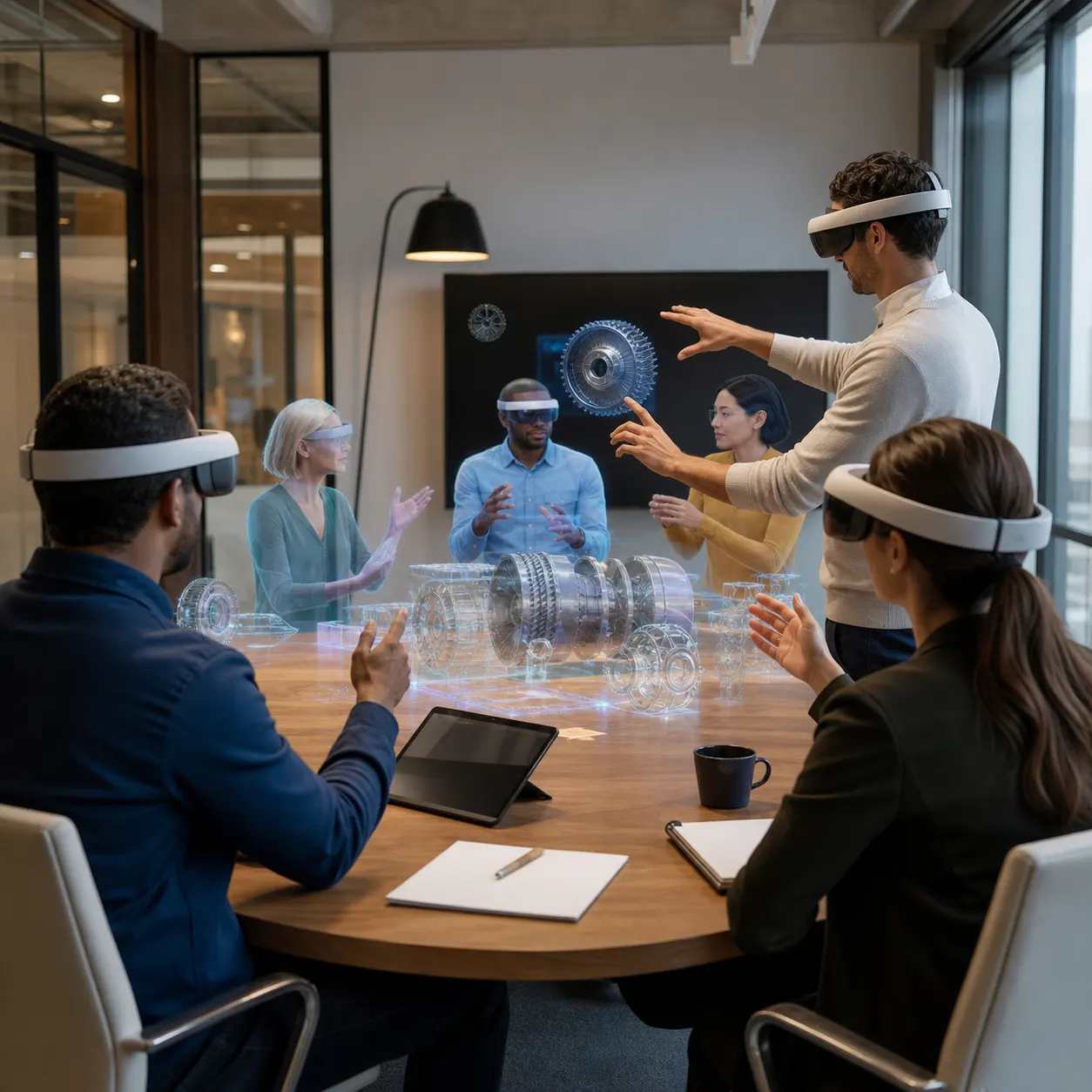
Can XR onboarding help new employees become confident before their first real shift, site visit, or customer conversation?
XR onboarding turns early employee training into hands-on practice. Instead of asking people to absorb policies, workflows, equipment steps, product details, and soft skills from static material alone, companies can place new hires inside guided virtual, augmented, or mixed reality scenarios where they learn by doing.
For Mimic XR, onboarding is a natural extension of XR training simulations, mixed reality solutions, smart avatars, 3D assets, and real-time interactive environments. The goal is not to make onboarding flashier. The goal is to shorten time to readiness, make critical knowledge easier to remember, and give managers a clearer view of whether people can actually perform the work.
Key takeaways
For Mimic XR, onboarding is a natural extension of XR training simulations , mixed reality solutions , smart avatars, 3D assets, and real-time interactive environments.
The goal is to shorten time to readiness, make critical knowledge easier to remember, and give managers a clearer view of whether people can actually perform the work.
XR onboarding is the use of extended reality technologies to help new employees understand a role, practice tasks, and build confidence before they are fully exposed to live operations.
It can include VR training modules, AR smart-glasses guidance, mixed reality walkthroughs, virtual worlds, product visualization, digital humans, and scenario-based assessments.
A warehouse employee may need spatial hazard recognition and equipment orientation.
Table of Contents
What Is XR Onboarding?
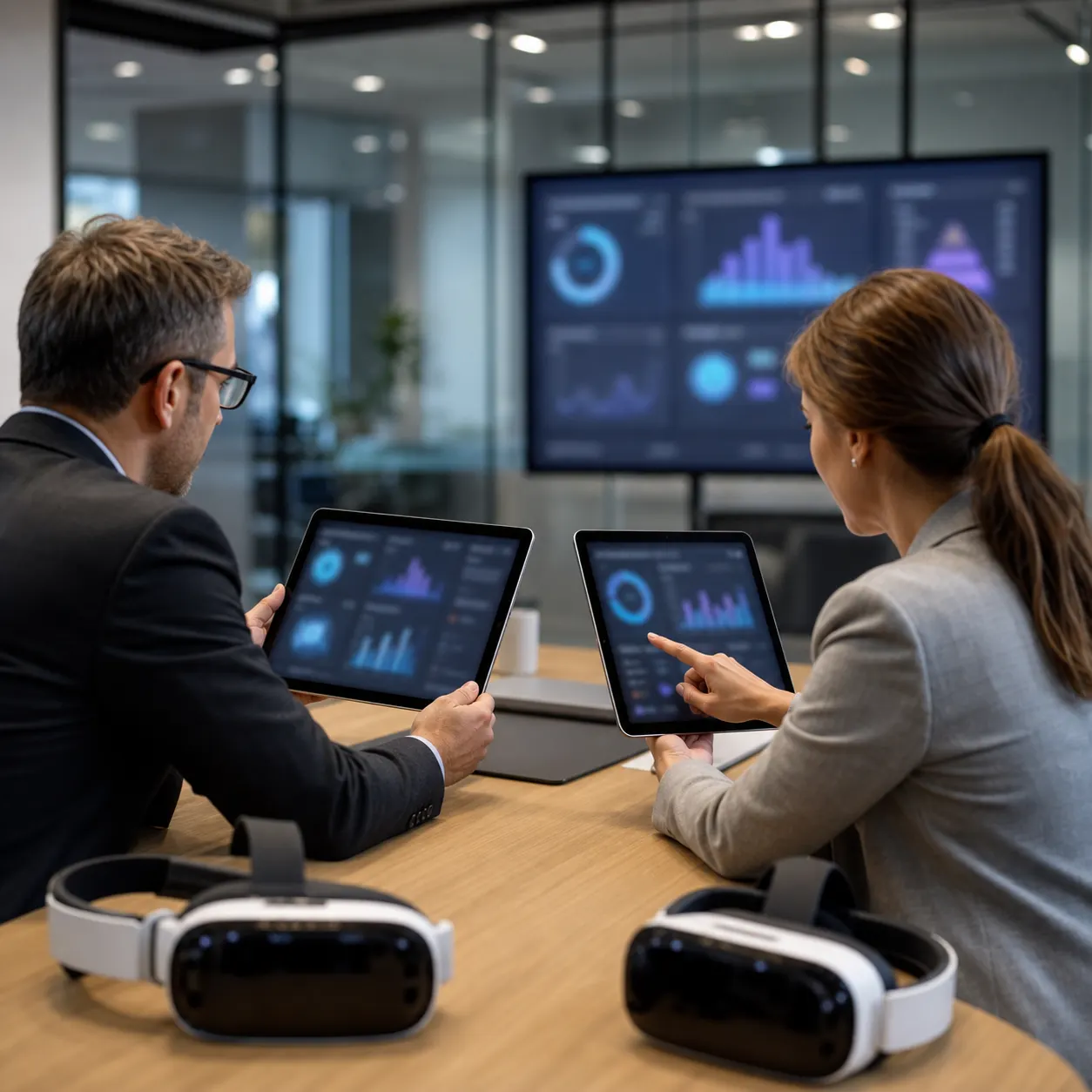
XR onboarding is the use of extended reality technologies to help new employees understand a role, practice tasks, and build confidence before they are fully exposed to live operations. It can include VR training modules, AR smart-glasses guidance, mixed reality walkthroughs, virtual worlds, product visualization, digital humans, and scenario-based assessments.
The format should follow the job. A warehouse employee may need spatial hazard recognition and equipment orientation. A sales representative may need product walkthroughs and customer role-play. A technician may need step-by-step AR guidance over real machinery. The value comes from aligning immersion with the first weeks of real work.
Mimic XR already covers the broader foundation of immersive learning and virtual training with XR and real-time simulation. Onboarding is where those ideas become practical: a structured path from first exposure to measurable readiness.
The most successful onboarding journeys are not single scenes. They are learning paths. A new employee might first tour a virtual workplace, then practice one critical task, then repeat a customer or equipment scenario, then review performance with a manager. XR can make each stage feel connected because the same 3D assets, avatars, environments, and scoring logic can support several learning moments.
Why Traditional Onboarding Needs More Practice

Traditional onboarding often compresses too much information into too little practice time. New hires may receive presentations, checklists, PDF manuals, short videos, and shadowing sessions, but still struggle when they need to act under pressure. They know the policy, yet they have not rehearsed the decision. They saw the process, yet they have not handled the variation.
XR gives organizations a middle step between explanation and live responsibility. Learners can repeat a product demonstration, a service call, a safety inspection, an equipment setup, or a customer conversation in a controlled environment. They can make mistakes without causing downtime, risking assets, or relying on a senior employee to recreate the same scenario again and again.
This matters for distributed teams. A company with offices, factories, field teams, retail locations, or remote employees may struggle to deliver consistent onboarding. With augmented reality applications and experiences, teams can add guidance to the real workplace. With VR, they can rehearse rare or hard-to-stage situations. With mixed reality, they can blend digital instruction with physical context.
It also helps subject matter experts scale their time. Instead of asking the best technician, trainer, or product specialist to repeat the same introductory session every week, teams can capture their process into a repeatable scenario. Experts can then spend more time coaching edge cases and reviewing performance rather than explaining the basics for the tenth time.
Where XR Onboarding Creates the Most Value
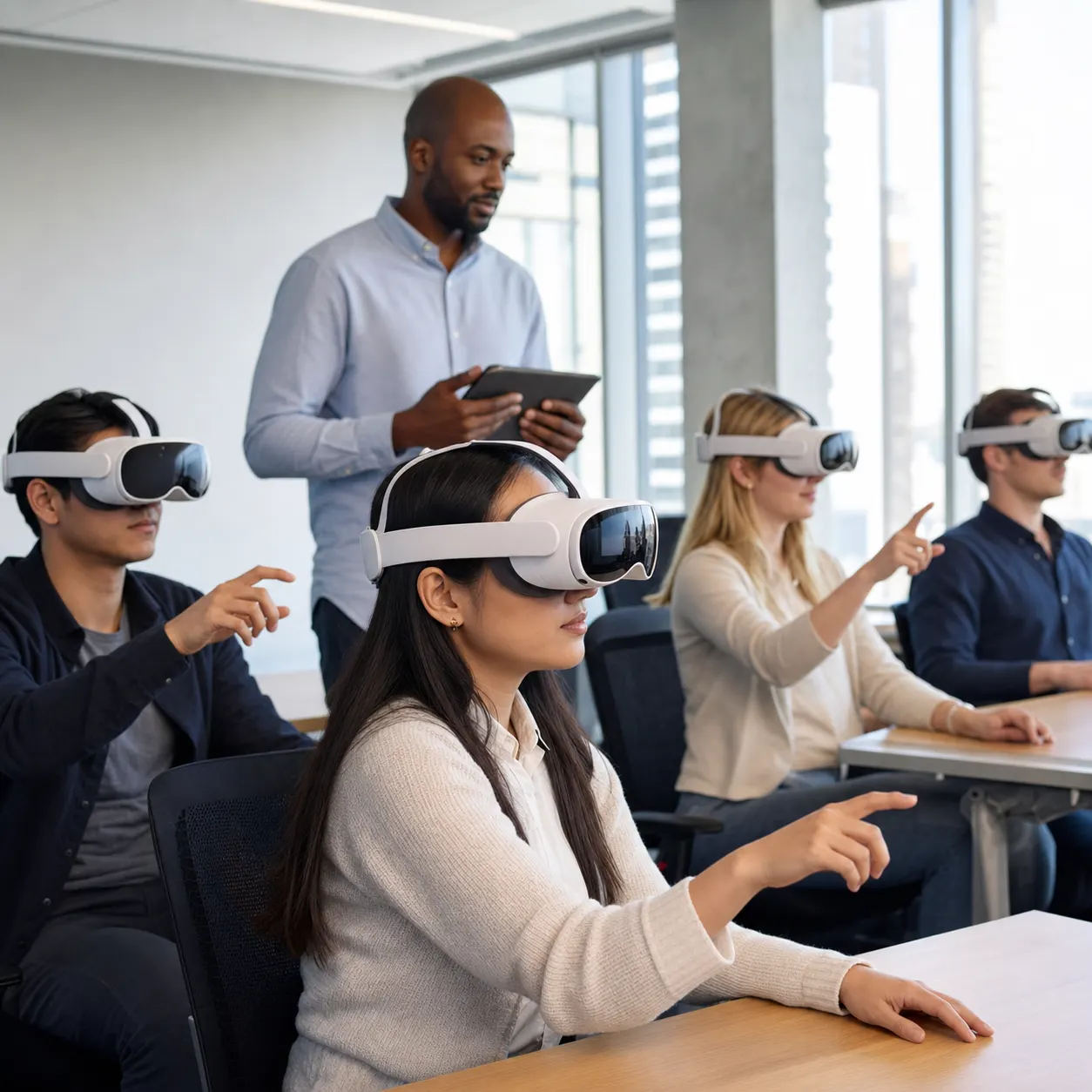
XR onboarding is strongest when a role depends on spatial understanding, procedural accuracy, human interaction, product knowledge, or safe repetition. It is not necessary for every policy document or welcome message. It becomes valuable when a person needs to do something, judge something, explain something, or respond to something.
Operations and manufacturing: equipment orientation, inspection routines, hazard recognition, and process handoffs.
Field service: AR work instructions, remote expert support, part identification, and first-time fix practice.
Sales and customer success: product visualization, objection handling, guided demos, and consultative conversations.
Corporate learning: leadership scenarios, compliance rehearsal, customer escalation, and culture-building simulations.
Mimic XR's posts on XR remote assistance for field teams and XR product visualization show how these onboarding experiences can connect to ongoing workflows after a new hire is fully ramped.
A useful way to choose the first use case is to ask where the first month is most fragile. If a new employee can only learn by waiting for a rare event, traveling to a special facility, shadowing a busy expert, or practicing on expensive equipment, that workflow is a strong candidate for immersive onboarding. The value is not only faster training; it is better access to the moments that are hardest to teach consistently.
How Smart Avatars Support New Hires
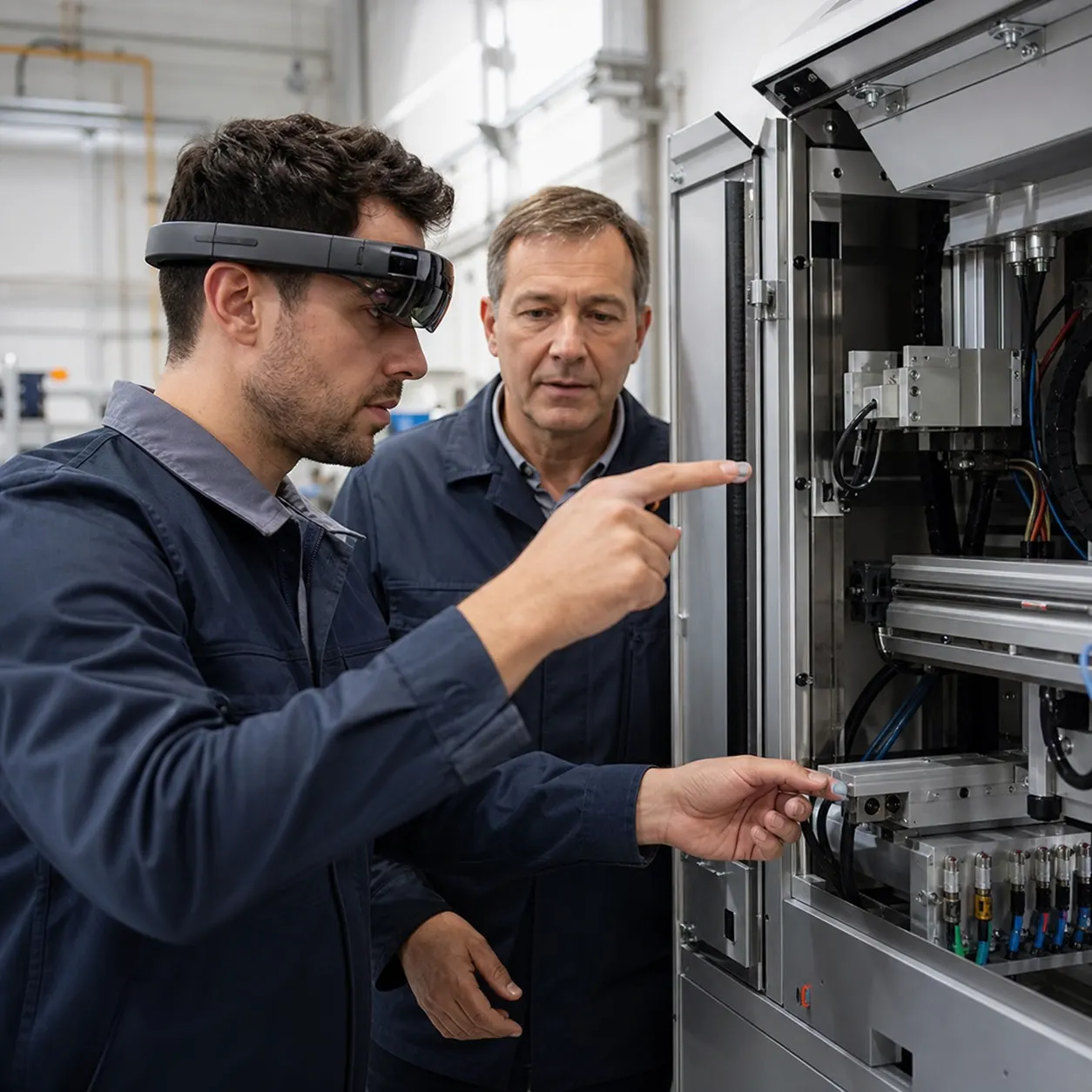
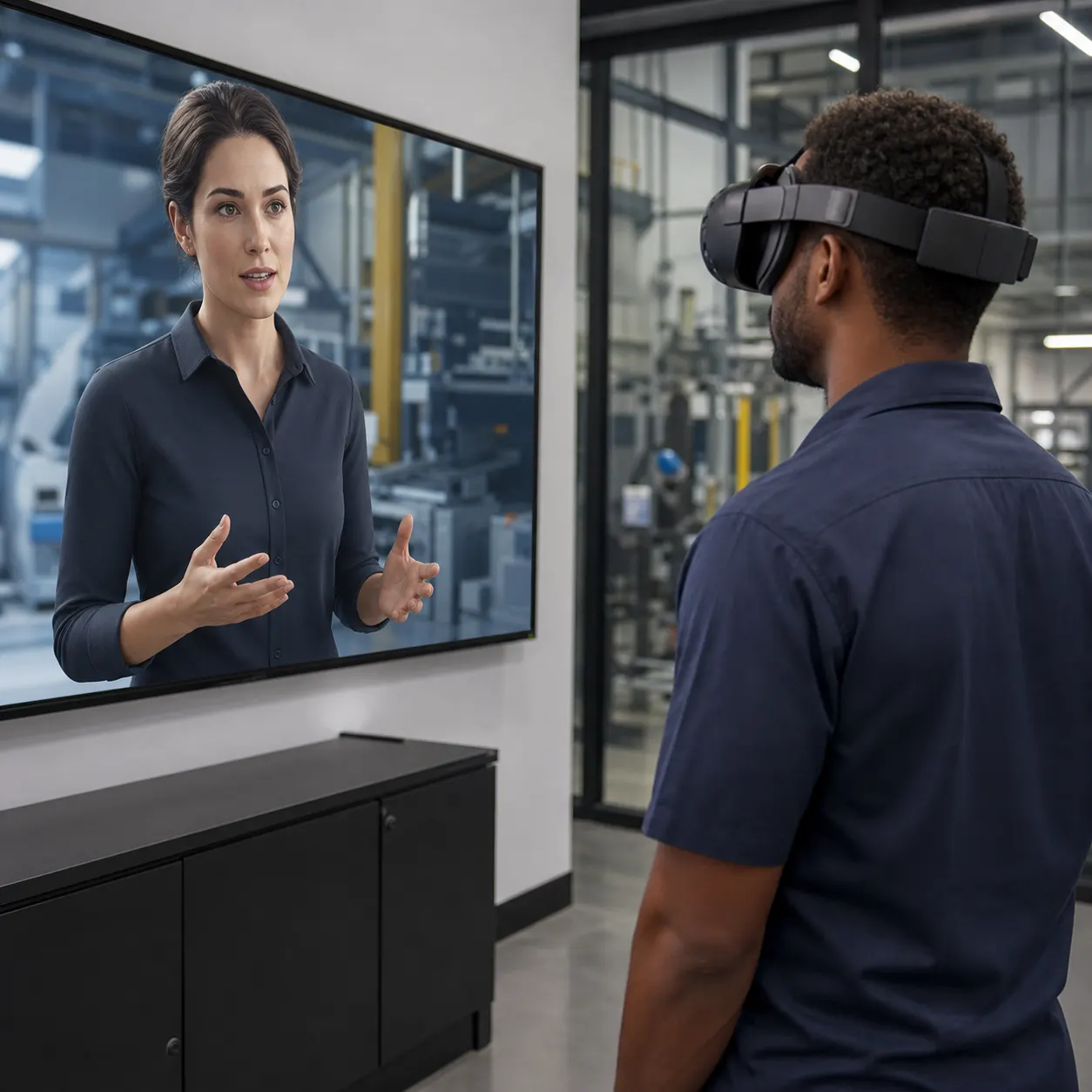
One of the most useful parts of XR onboarding is the ability to include an instructor, coach, customer, teammate, or supervisor inside the experience. A smart avatar can welcome the learner, demonstrate a task, ask questions, interrupt with realistic pressure, or guide the next step when someone gets stuck.
This is different from a passive training video. The learner can practice conversation, timing, sequencing, and judgment. A customer service employee can rehearse a difficult exchange. A field technician can receive step-by-step coaching. A manager can practice feedback conversations.
Mimic XR's smart avatars and NPCs service and article on AI XR training simulations are especially relevant here. Digital humans can make onboarding more personal while keeping training consistent across regions, languages, teams, and schedules.
Smart avatars also help onboarding feel less lonely. New employees often hesitate to ask basic questions in front of managers or peers. A guided avatar can let them repeat an explanation, make a choice, try again, and build confidence before a human review. That can be especially useful for technical teams, customer-facing roles, and employees joining remotely.
How to Measure XR Onboarding Success
The strongest onboarding programs define success before the first headset is deployed. XR should be measured against the business outcome it supports: time to productivity, first-task accuracy, supervisor confidence, knowledge retention, safe behavior, product fluency, customer readiness, or reduced reliance on scarce experts.
Useful metrics include completion time, repeat attempts, error types, confidence before and after the session, scenario scores, help requests, decision paths, and follow-up performance on the job. These measures give learning and operations leaders a better signal than completion alone. A person can finish a module and still be unprepared; XR can reveal how they acted during the module.
Teams should also track adoption friction. Were devices comfortable? Did setup take too long? Did learners need support? Did managers understand the results? Was the content easy to update? An onboarding simulation succeeds when it becomes part of a repeatable learning system, not a novelty that only works in one showcase session.
Measurement should be humane as well as operational. The goal is not to turn onboarding into surveillance. The goal is to spot where people need more practice, which instructions are unclear, which scenarios are too easy or too difficult, and which teams need better support. When data is used to improve coaching, XR becomes a learning system rather than just a technology deployment.
FAQ
What is XR onboarding?
XR onboarding uses virtual reality, augmented reality, mixed reality, and interactive 3D environments to help new employees practice role-specific tasks before they perform them in live work settings. It is most useful when the role involves procedures, equipment, spatial judgment, product understanding, or human interaction.
How is XR onboarding different from e-learning?
E-learning usually explains information. XR onboarding lets employees act inside simulated or guided environments, which makes it better for procedures, spatial judgment, conversations, equipment orientation, and decision practice. It can also generate performance signals that a normal video or quiz cannot capture.
Does XR onboarding require VR headsets?
Not always. VR is useful for full simulation, AR is useful for real-world guidance, and mixed reality is useful when digital instructions or objects need to align with physical space. The right format depends on the job, the workplace, and the level of realism required.
Can smart avatars be used in employee onboarding?
Yes. Smart avatars can act as coaches, customers, supervisors, teammates, or instructors. They help new employees practice conversations, receive guidance, experience realistic pressure, and repeat scenarios without needing a live trainer every time.
How do companies measure XR onboarding performance?
Teams can track completion time, attempts, errors, confidence scores, decision paths, help requests, scenario results, manager feedback, and follow-up performance in the real workplace. The best measures connect the XR session to readiness, not just completion.
Is XR onboarding useful for remote or distributed teams?
Yes. XR onboarding can standardize practice across locations while still giving learners a realistic sense of role-specific tasks, products, spaces, equipment, and customer situations. It is especially helpful when experts cannot be present for every new-hire session.
What should a company pilot first?
Start with one workflow where practice is currently inconsistent, costly, risky, or hard to measure. Good first pilots include equipment orientation, field-service guidance, product demos, safety routines, customer interaction scenarios, and workflows that depend heavily on expert knowledge.
Sources and further reading
Conclusion
XR onboarding helps organizations move new employees from passive introduction to active readiness. When designed around real workflows, it can make training more consistent, measurable, memorable, and safe while giving learners the confidence to perform before the stakes are high.
Explore Mimic XR services or learn more about Mimic XR to plan immersive onboarding, smart-avatar guidance, and XR training simulations for your workforce.
About this article
Mimic XR is an extended reality production studio based in Potsdam, Germany. This article provides general planning information; project decisions should be validated against current hardware, platform, privacy and operational requirements.
Creation note: AI tools assisted with drafting and structure. Mimic XR reviewed and is responsible for the published content. External technical sources are linked where relevant. Last reviewed: 29 October 2026.


