
The best VR headset for enterprise training is the one that delivers the required practice reliably within your operating model. Display specifications matter, but so do onboarding, controller use, cleaning, software distribution and support. This is a documentation-based shortlist checked on 5 October 2026, not a laboratory ranking or a claim that one device produces better learning outcomes.
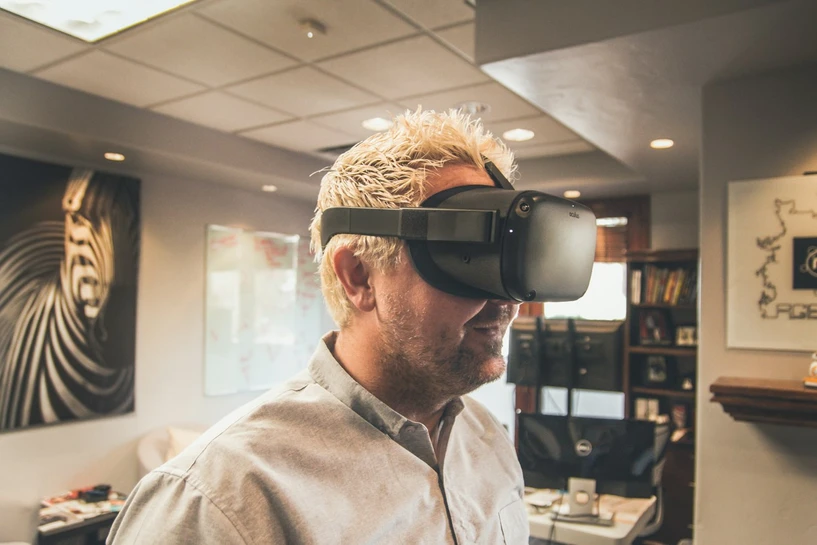
Cover photograph: Unsplash. Illustrative stock photograph; it does not depict a tested device comparison or a Mimic XR client project.
In this guide
Start with the training task
Define what learners must do: identify a hazard, rehearse a sequence, manipulate a component or practise a conversation. Decide what the assessment must capture and whether an instructor needs to observe. Test the hardest movement or smallest readable detail before producing the full environment.
Specify an alternative for learners who cannot comfortably use the headset. A seated mode, conventional screen version or facilitated exercise may be appropriate. The alternative should address the same learning objective, even when the interaction differs.
Meta Quest: evaluate the exact model and deployment route
Meta lists Quest 3 and Quest 3S in its device comparison, with differences in optics and display characteristics. Treat them as separate test targets. A scenario that is comfortable on one headset still needs validation on the other.
For organisational rollout, review Meta’s managed application distribution guidance. Confirm the supported account, private application and device-management arrangement for your organisation. Include update recovery and shared use in the pilot, not only the learning scene.
VIVE Focus Vision: assess operational features
The VIVE Focus Vision Business Edition documentation describes eye tracking, mixed reality, hot-swappable batteries and device management options. These are reasons to investigate it for managed training; they are not evidence that a particular simulation will improve performance.
If the experience depends on a PC connection, accessories or eye-tracking data, test the complete setup and confirm commercial support terms for your region. Decide whether those features answer a learning requirement that a simpler setup cannot.
Apple Vision Pro: assess the spatial workflow
Apple’s business overview describes spatial applications for work, including training and visualisation. Shortlist it when the required application and interaction suit the platform, then test how learners start, navigate and finish the exercise.
Evaluate fit, device sharing, application availability and the content-development pipeline alongside visual quality. Do not assume an existing Quest or PC VR application transfers unchanged to visionOS. Compare the same completed training task across platforms rather than promotional demonstrations.
Budget the training system
The headset is one cost line. Include content creation, licences, management, storage, charging, cleaning, spares, instructor time and updates. Record learner throughput and time between sessions. An inexpensive headset can become costly if staff repeatedly intervene.
Use the VR training ROI calculator to test cost assumptions, while evaluating learning outcomes separately. Our XR training simulation service can help scope a pilot. Contact Mimic XR with the task, learner group and available devices.
Frequently asked questions
Which headset is best for all training?
None. Select against the task, learners, environment and deployment requirements.
Is the highest display resolution always better?
Not by itself. Readability, interaction, comfort and application performance also matter.
Can we use consumer accounts for a shared fleet?
Confirm the supported organisational account and distribution arrangement before rollout.
Does eye tracking prove learning effectiveness?
No. It may provide useful signals, but the assessment design must establish what those signals mean.
Should we build before buying hardware?
Prototype on the intended hardware before committing to full content production or a fleet purchase.
What should the pilot measure?
Task performance, assistance required, comfort, operating time and the learning objective.
Can all learners use VR?
Offer an appropriate alternative and test accessibility with the intended users.
Does the calculator include learning benefits?
No. It compares entered costs and deliberately excludes unverified benefits.