
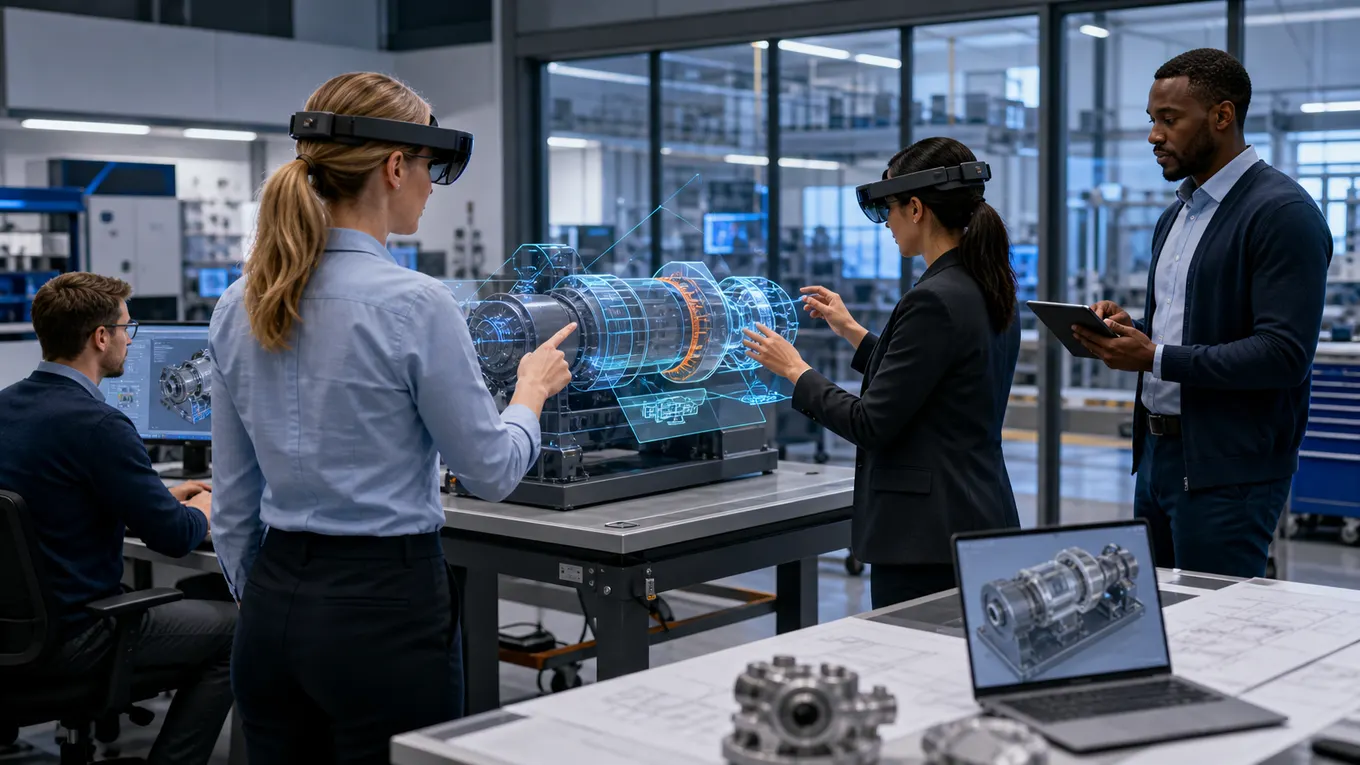
What does it take to move XR from an exciting pilot into a repeatable enterprise capability?
Enterprise XR implementation succeeds when teams treat immersive technology as an operational system, not a one-off demo. The best programs connect a real business workflow to the right blend of virtual reality, augmented reality, mixed reality, 3D assets, smart avatars, analytics, and change management. That makes the experience useful after the first showcase moment has passed.
Mimic XR’s work spans XR training simulations, mixed reality solutions, virtual worlds, product visualization, motion capture, and smart avatars. This roadmap explains how enterprise teams can turn those capabilities into a practical plan that supports training, field service, sales enablement, collaboration, safety, and customer experience.
Key takeaways
Enterprise XR implementation succeeds when teams treat immersive technology as an operational system, not a one-off demo.
The best programs connect a real business workflow to the right blend of virtual reality, augmented reality, mixed reality, 3D assets, smart avatars, analytics, and change management.
That makes the experience useful after the first showcase moment has passed.
Mimic XR’s work spans XR training simulations , mixed reality solutions , virtual worlds, product visualization, motion capture, and smart avatars.
This roadmap explains how enterprise teams can turn those capabilities into a practical plan that supports training, field service, sales enablement, collaboration, safety, and customer experience.
Table of Contents
Start With the Workflow, Not the Headset

A strong enterprise XR implementation begins with a workflow that already matters. That might be onboarding technicians, rehearsing safety-critical procedures, helping sales teams explain complex products, reviewing spatial designs, or letting distributed teams practice decisions together. The headset is only the interface. The real value comes from the job the experience helps people do better.
Start by documenting where the current workflow breaks down. Look for expensive travel, risky practice environments, inconsistent instruction, slow product understanding, scattered expert knowledge, or training that is difficult to measure. These pain points make better XR candidates than broad goals like innovation or engagement. A focused use case gives the project team a clear definition of success.
For example, XR safety training simulations work because they let learners repeat high-risk scenarios without exposing people or equipment to real danger. A product visualization use case works because buyers can inspect scale, options, and context before committing. The common thread is not novelty. It is controlled practice, clearer decisions, and more repeatable outcomes.
Choose the Right XR Format for the Job
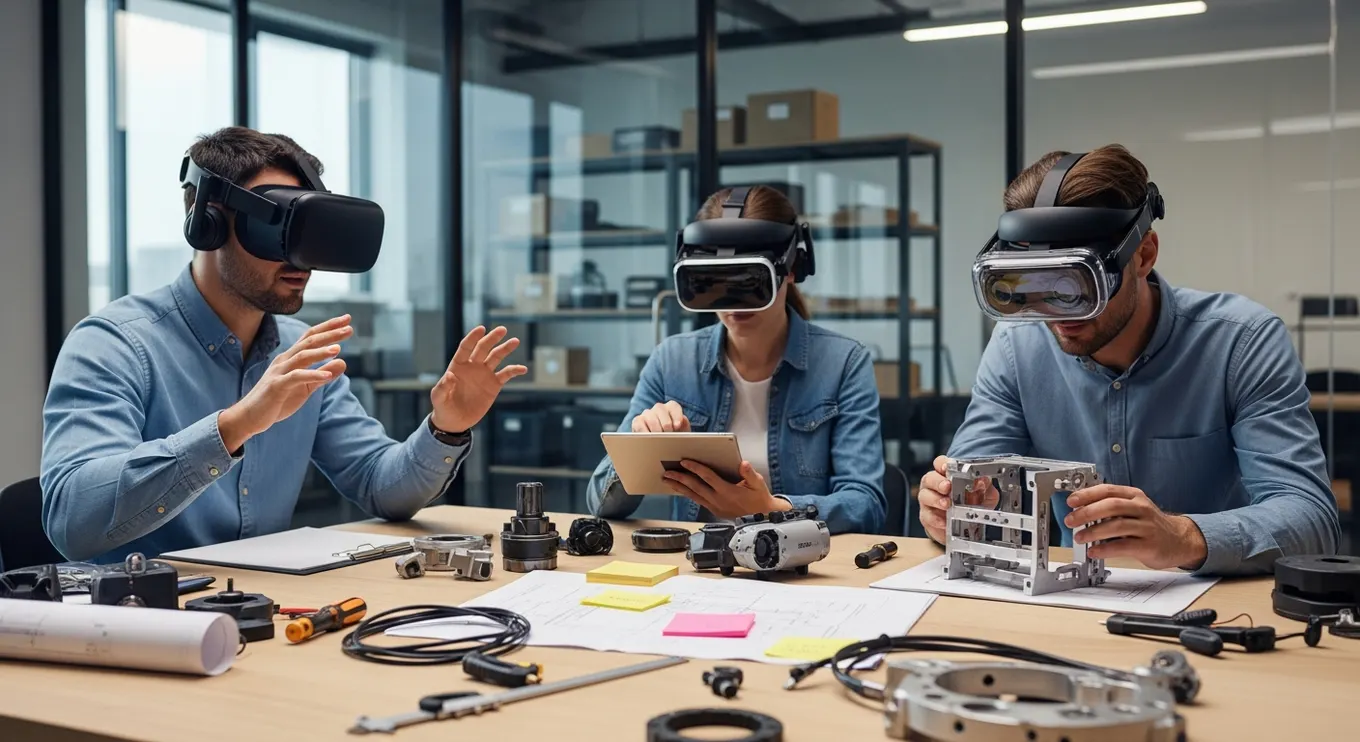
Not every immersive workflow needs the same format. Virtual reality is useful when people need to be fully transported into a training environment, simulated site, virtual world, or scenario that would be costly or impossible to stage physically. Augmented reality is useful when digital guidance needs to sit over the real world, such as work instructions, maintenance prompts, or product previews. Mixed reality is valuable when teams need real objects and digital objects to interact in the same space.
The decision should follow the task. If a learner must practice emergency response in a repeatable environment, VR may be strongest. If a technician needs live support while standing in front of equipment, XR remote assistance or AR guidance may be better. If stakeholders need to review a 3D asset together at real scale, mixed reality collaboration can make the conversation more concrete.
Hardware decisions also affect adoption. A beautiful experience that is difficult to distribute will struggle. A slightly simpler experience that fits the workplace can scale much faster.
Build a Content Pipeline Before the Pilot
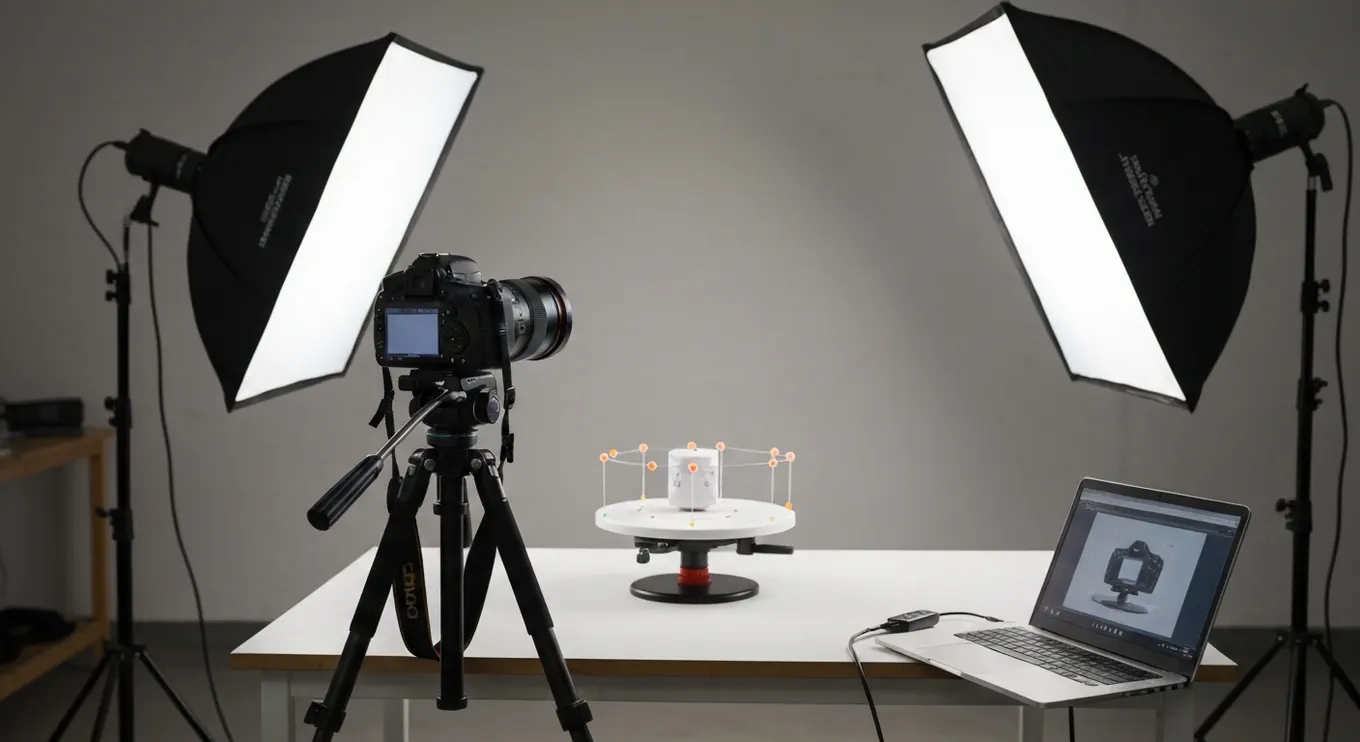
Many XR projects slow down because the content pipeline is treated as an afterthought. Enterprise XR needs assets, environments, procedures, characters, interactions, localization, analytics events, and update workflows. If those pieces are not planned early, the pilot may look impressive but become hard to maintain when equipment, policies, or product details change.
A practical pipeline starts with source material. Teams can use CAD files, product photography, spatial scans, training manuals, subject matter expert interviews, and real process videos. 3D scanning and photogrammetry can help capture real objects and spaces when realism matters. Motion capture can make avatars and procedural movement more believable. A content audit helps identify what can be reused, what must be simplified, and what needs to be created from scratch.
The pipeline should also define ownership. Who approves procedure accuracy? Who updates the experience when a machine changes? Who checks safety language? Who owns versioning? These questions may feel operational, but they decide whether XR becomes a durable capability or a stranded prototype.
Design the Pilot Around Measurable Outcomes

A pilot should test a business assumption, not only a technology assumption. Instead of asking whether people like XR, ask whether XR reduces time to competency, improves first-time task accuracy, lowers instructor dependency, increases buyer confidence, shortens review cycles, or captures performance data that was previously invisible.
Define baseline metrics before the pilot begins. For training, measure completion time, repeat attempts, error types, confidence, knowledge retention, and supervisor feedback. For design review, measure decision speed, rework reduction, stakeholder participation, and issue detection. For product visualization, measure engagement, quote quality, buyer understanding, and sales-cycle movement. These measures give leadership a reason to fund the next phase.
The pilot group should include real users, not only executives and innovation teams. Operators, trainers, sales representatives, technicians, managers, and support staff will reveal practical friction early. They will also help refine language, pacing, ergonomics, scenario difficulty, and handoff points between XR and existing systems.
Connect XR to People, Data, and Support
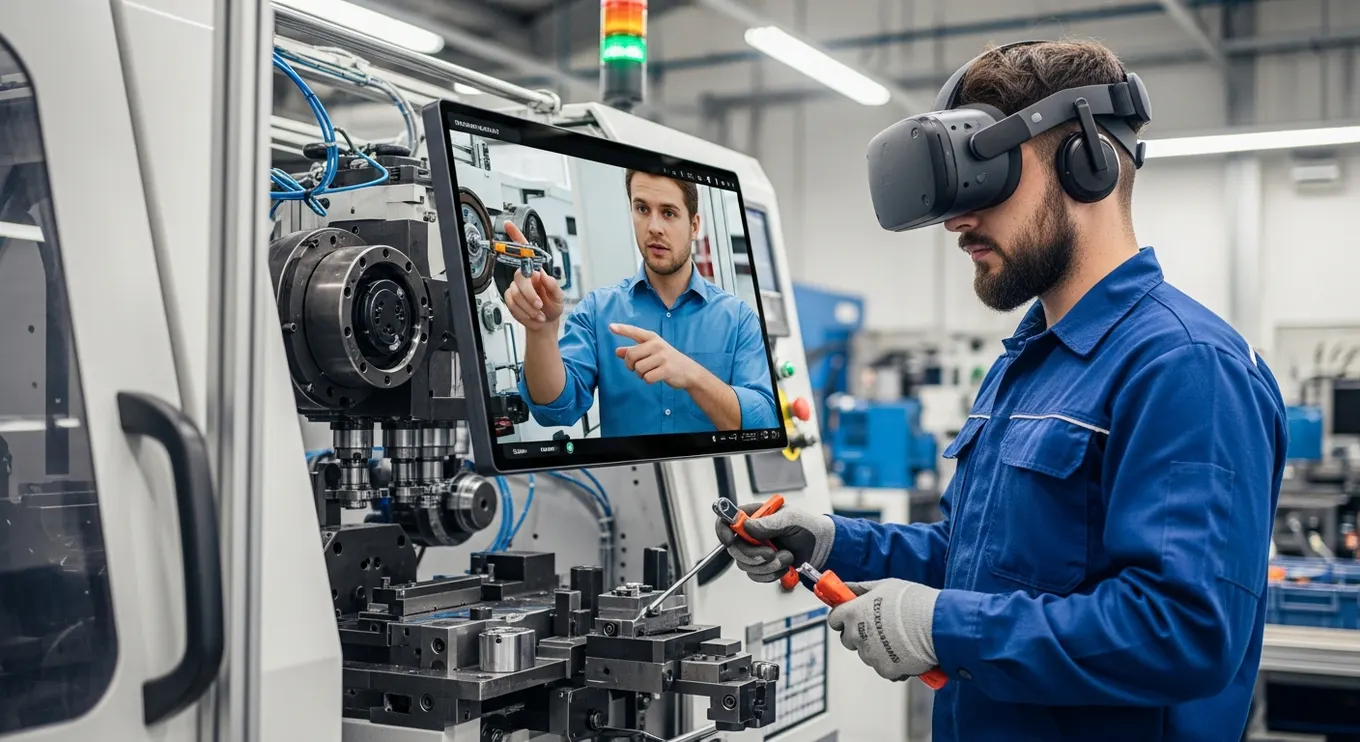
Enterprise XR works best when it connects to the organization around it. Learners may need records sent to an LMS. Field teams may need expert support, service tickets, or asset data. Sales teams may need product configurations connected to CRM workflows. Collaboration spaces may need permissions, identity, and secure content libraries. The experience becomes more valuable when it is not isolated from the systems people already use.
Smart avatars and digital humans can also reduce support friction. A guided avatar can explain a process, role-play customer conversations, deliver coaching, or provide always-available assistance inside the experience. Mimic XR’s smart avatars and NPCs service is especially relevant when teams need character-driven training, onboarding, product guidance, or interactive assistance.
Support planning matters too. Decide how devices will be cleaned, charged, stored, enrolled, and updated. Decide who helps users during onboarding. Decide how feedback gets collected after sessions. These details are less glamorous than 3D scenes, but they determine whether employees use the system more than once.
Enterprise XR integration: define the handoff before the pilot
For each connected system, record the business owner, data sent and received, user identity, permissions, failure behavior and acceptance test. For a training integration, agree what counts as completion, which learner record receives the result, and how repeated attempts appear. For a sales integration, specify which product choices and configuration identifier reach the next step.
Test the complete handoff with representative accounts and sample records before rollout. Include interrupted connections, expired sessions, duplicate submissions and unavailable services. Decide what users can do offline, how queued work is reconciled, and who resolves failures. A working XR scene alone does not prove that the business integration works.
Scale From One Use Case to a Portfolio
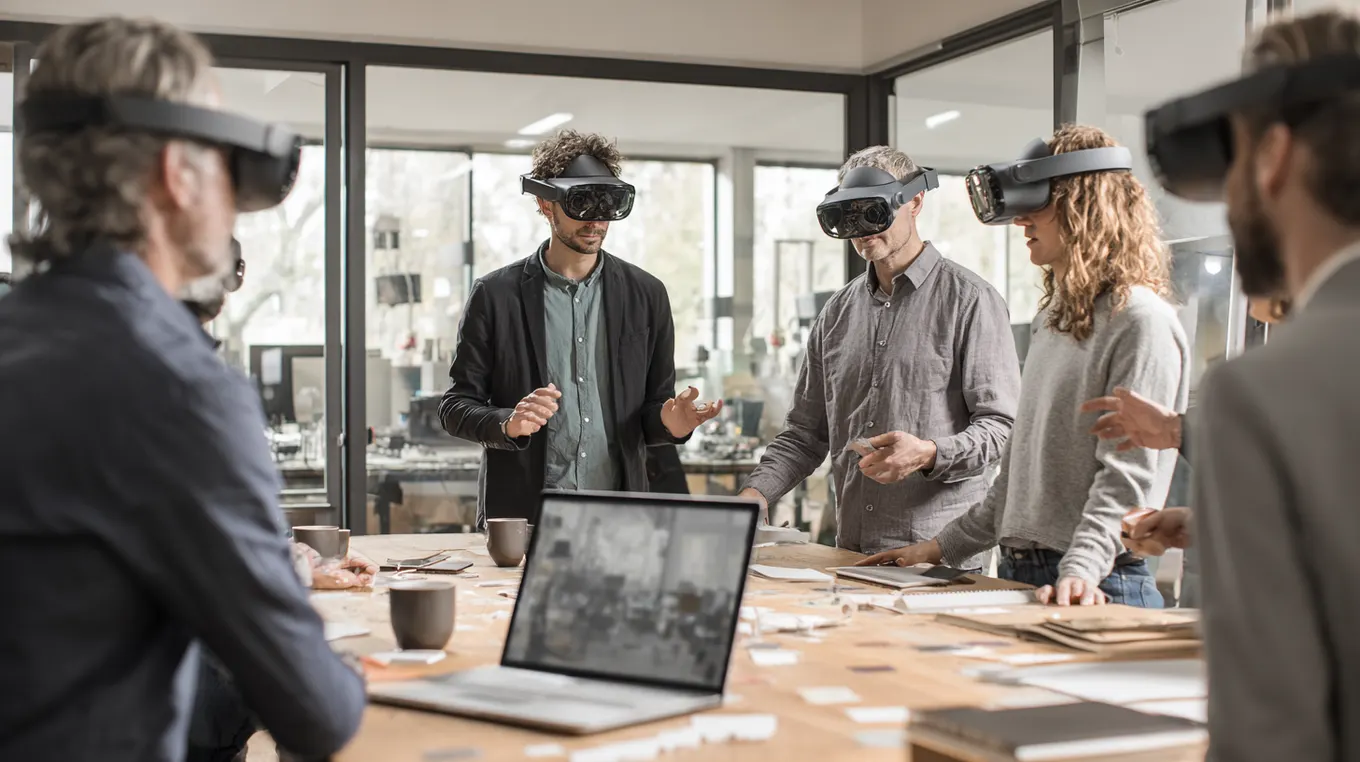
Once a pilot proves value, the next step is not simply making the first experience bigger. It is building a portfolio. A training simulation might lead to assessment modules, onboarding paths, safety refreshers, equipment familiarization, and remote assistance. A product visualization project might lead to configurators, showroom experiences, virtual event demos, and guided sales tools.
The portfolio approach helps enterprise teams reuse assets, interaction patterns, measurement frameworks, and governance. A 3D asset created for AR product visualisation can also support sales training or service guidance. An avatar built for onboarding can later support customer support. A virtual world created for collaboration can become an event space, simulation environment, or stakeholder review room.
Scaling also means governance. Create standards for interaction design, accessibility, analytics, scene performance, asset optimization, privacy, safety review, and content approval. That gives each new experience a faster starting point and prevents every team from reinventing the same decisions.
Build an enterprise XR project portfolio register
Use one row per proposed project: business problem; accountable sponsor; target users and sites; current baseline; outcome metric; device and platform; source assets; integrations; estimated build and ongoing costs; dependencies; evidence confidence; delivery owner; and next decision date. Mark each project as discovery, pilot, rollout, maintenance or retired. This is a management register, not simply a gallery of demos.
Prioritize with explicit evidence. Compare expected business value, user reach, delivery feasibility, asset readiness, operational readiness and reuse potential. Use an agreed scale, such as 1–5, and record the reason for each score. Keep unresolved dependencies visible rather than hiding them in an average. Do not prioritize a high-scoring concept until a sponsor, baseline and feasible pilot are identified.
Illustrative portfolio: start with equipment-familiarization training for one team; consider a maintenance scenario that can reuse approved assets next; keep a live remote-assistance workflow in discovery until connectivity and support ownership are tested. Reuse can reduce duplicate work, but each project still needs its own user validation, integration tests and outcome measure.
Use decision gates to expand, revise or stop
Discovery gate: approve the problem, owner, baseline, scope and testing plan. Pilot gate: review user outcomes, accessibility, device performance, integration results and support effort against criteria agreed in advance. Rollout gate: confirm content approval, training, deployment, monitoring, maintenance budget and rollback arrangements. Record the decision and evidence; an attractive demo is not a sufficient rollout criterion.
Review the portfolio at an agreed cadence with business, IT and delivery owners. Track outcomes, active use, recurring costs, unresolved incidents and content freshness. Decide which projects deserve expansion, which need revision and which should be retired. Assign responsibility for shared assets so one team’s update does not silently break another experience.
To scope the first project, use the XR project brief template and bring your candidate use cases, baseline measures and integration constraints to Mimic XR.
FAQ
What is enterprise XR implementation?
Enterprise XR implementation is the process of turning virtual reality, augmented reality, mixed reality, 3D content, avatars, and spatial interfaces into real business workflows. It includes use-case selection, design, content creation, hardware planning, pilot testing, analytics, training, support, and long-term governance.
How do companies choose the right XR use case?
The strongest use cases usually involve high cost, risk, complexity, inconsistency, or a need for spatial understanding. Training dangerous tasks, reviewing 3D designs, supporting field technicians, visualizing products, and onboarding teams are common starting points because XR can make practice and decision-making more repeatable.
Should an enterprise start with VR, AR, or mixed reality?
Start with the workflow. VR is helpful for fully simulated environments and repeatable practice. AR is helpful for real-world guidance and product previews. Mixed reality is useful when physical and digital objects need to coexist. Many programs eventually use more than one format.
How long does an XR pilot usually take?
A focused pilot can often be planned, built, tested, and evaluated in phases over a few months, depending on content complexity, hardware needs, integrations, and stakeholder availability. A pilot with heavy simulation logic, custom avatars, or detailed scanned environments usually needs more planning than a simple product or training prototype.
What metrics prove XR value?
Useful metrics include time to competency, error reduction, completion rates, confidence, retention, task accuracy, instructor time saved, rework reduction, engagement with 3D products, sales readiness, and operational feedback. The right metric depends on whether the use case supports training, service, sales, collaboration, or safety.
Do XR projects need custom 3D assets?
Most enterprise XR projects need some custom assets, but not every asset must be built from scratch. Teams can often reuse CAD files, scans, product models, photography, manuals, and existing training material. The key is optimizing those assets for performance, realism, learning goals, and updateability.
How can digital humans support enterprise XR?
Digital humans can act as guides, trainers, customers, assessors, assistants, or scenario characters. They make experiences feel more conversational and can help teams practice soft skills, receive instructions, or navigate complex processes without relying on a live instructor every time.
What should companies prepare before scaling XR?
Before scaling, companies should prepare device management, content governance, analytics standards, user support, security review, accessibility requirements, integration plans, content update ownership, and a portfolio roadmap. These foundations make it easier to reuse assets and launch new XR experiences faster.
What is an enterprise XR project portfolio?
It is a managed set of XR initiatives with owners, business outcomes, budgets, dependencies and lifecycle stages. A shared register helps teams prioritize pilots, reuse assets and decide which experiences to expand, revise or retire.
What should enterprise XR integration testing cover?
Test identity and permissions, data mapping, completion or handover records, repeated attempts, interrupted connections, expired sessions, duplicate submissions and support ownership. Define expected behavior and acceptance criteria for each connected business system.
Sources and further reading
Conclusion
Enterprise XR implementation is not a single technology purchase. It is a structured shift in how people train, collaborate, visualize, rehearse, sell, and support complex work. The organizations that succeed choose focused workflows, build maintainable content pipelines, measure real outcomes, and scale from a proven use case into a reusable XR capability.
For teams planning immersive training, mixed reality workflows, digital humans, product visualization, or virtual worlds, explore Mimic XR’s services or learn more about the studio on the Mimic XR about page.
About this article
Mimic XR is an extended reality production studio based in Potsdam, Germany. This article provides general planning information; project decisions should be validated against current hardware, platform, privacy and operational requirements.
Creation note: AI tools assisted with drafting and structure. Mimic XR reviewed and is responsible for the published content. External technical sources are linked where relevant. Last reviewed: 29 October 2026.


