
Should your furniture business buy configurator software or commission a custom build?
Start with your product rules and sales journey. A configurable chair with approved finishes is a different problem from a modular sofa, a made-to-measure storage system or a room planner. Choose the route that can represent valid products, keep their data accurate and hand a complete selection to the team or system that fulfils the order.
A platform can provide an established configuration engine and management tools. Custom development can give more control over a distinctive workflow. Many projects combine a platform with custom integration and specialist 3D asset production. This guide helps furniture brands and retailers compare those routes before committing to a licence or development brief.
Table of Contents
Separate a product viewer from a configurator
A viewer lets shoppers inspect a product from different angles. A configurator also lets them change meaningful options and checks the combinations they choose. A room planner adds spatial arrangement and may need walls, clearance checks or multiple products. Buying the wrong category of tool can leave the essential sales problem unsolved.
For example, a chair may offer three finishes and two seat fabrics. A modular sofa may require compatible corners, arms, seats and connectors, with different prices and dimensions for each arrangement. Made-to-measure cabinetry can add permitted dimension ranges, manufacturing constraints and quotation approval. Write down which of these behaviours you actually need.
Review the 3D product configurator examples guide to identify useful interaction patterns. Then define your own required outcome: inspect a fixed product, choose valid options, plan a layout, request a quote or complete a purchase. Treat additional features as optional until their business value is clear.
For a furniture-specific brief, our 3D furniture configurator service is the relevant starting point. The scope should connect the visual experience to your approved product information and the next step in the buying journey.
Map product rules before selecting software
Create a product-rule inventory in plain language. List which parts can connect, which finishes are available on each component, which dimensions are permitted and which combinations cannot be manufactured. Include dependencies: choosing one base may remove a leg option or require a different connector. These rules need an owner within the business.
Keep presentation choices separate from commercial rules. Rotating a model is a presentation action. Adding a chaise to the correct side of a sectional changes the order. Switching a fabric may affect price, availability or lead time. The proposed system should demonstrate how each commercially significant change is represented and passed downstream.
Ask suppliers to demonstrate difficult combinations using a small sample of your own catalogue. A polished generic sofa demo does not establish that the tool can represent your corner rules, mixed finishes or regional availability. Include at least one valid edge case and one invalid combination in the evaluation.
Decide where authoritative data lives. Product identifiers, price lists, availability and configuration rules may have different owners and update schedules. Document how changes reach the website, what happens if a connection fails and who checks the result. An accurate initial launch can still become unreliable if nobody maintains the catalogue.
For broader product ranges, compare the furniture requirement with our 3D product configurator development scope. The shared need is a dependable relationship between what the customer sees, selects and ultimately requests or orders.
When a configurator platform is a sensible choice
Evaluate a platform first when its existing configuration behaviour matches your catalogue and your team wants an established administration workflow. Suitable features might include material selection, component rules, saved configurations and a supported ecommerce integration. These are requirements to verify in a demonstration, not assumptions that follow from the word 'platform'.
Ask the vendor to show how your staff would add a new finish, change a price, retire a component and publish a catalogue update. Check which tasks require vendor assistance and which can be done in the interface. A tool that is easy for shoppers but difficult for the merchandising team can create recurring operational work.
Review the current plan limits and implementation scope. VividWorks’ published pricing and feature comparison, for example, distinguishes simpler configuration needs from modular and more complex workflows, and lists plan limits. That illustrates why the relevant plan matters; it is not a recommendation or a quote for your project.
Confirm the exact integration route, support commitments, data exports and exit process. Test how the experience behaves on your target devices and inside your actual product-page layout. A platform is a good candidate when its proven capabilities cover the important requirements without a growing list of unsupported workarounds.
Platform selection does not eliminate 3D production. You may still need models, material preparation, configuration setup, content entry and integration testing. Ask who performs each task and include those responsibilities in the implementation schedule.
When custom development deserves consideration

Custom development is worth assessing when a requirement central to the business cannot be handled well by the shortlisted platforms. Examples include an unusual ordering workflow, proprietary configuration logic or a tightly integrated dealer process. Identify the unmet requirement precisely rather than commissioning custom software simply to obtain a different visual design.
The advantage is control over the agreed application behaviour and its integration with your systems. The responsibility is maintaining it. Someone must own hosting, monitoring, dependency updates, browser testing, security maintenance and future catalogue changes. A finished launch does not remove those obligations.
Ask a development partner to separate the configuration engine, product data, visual assets and interface in the proposal. Establish how product rules can be updated and tested without rebuilding unrelated features. Request documentation and a handover plan that your future team can actually use.
A hybrid approach may be appropriate: a platform provides the underlying engine while a tailored interface or integration handles a distinctive sales process. Compare this with a full custom build using the same requirements and ownership assumptions. The cheapest licence or shortest development estimate is not a complete comparison.
Place the configurator within your wider retail and commerce experience. A specialised tool should support the buyer’s decision and your sales operation, rather than create a separate journey that loses the selected product when the shopper asks for help.
Budget for models, materials and catalogue maintenance
Your digital furniture assets need to represent the products accurately at the performance level required by the application. Start with dimensions, source CAD where available, finish references and approved component relationships. Confirm how upholstery, seams, wood grain and reflective details will be represented on the devices your customers use.
An asset prepared for a high-resolution marketing render may need adaptation for interactive use. Loading a large scene quickly and responding smoothly to option changes are different requirements from producing a still image offline. Our 3D model file-format guide provides background for discussing delivery formats and target environments.
Ask whether catalogue renders and interactive assets can share an approved source workflow. Our 3D product rendering buyer’s guide explains the deliverables and handover questions. Shared inputs can be useful, but do not assume every material or production scene transfers unchanged between outputs.
Plan for updates as well as initial asset creation. A new fabric, altered leg design or discontinued module can affect the visual model, option rules, pricing and saved configurations. Include a representative update in supplier evaluation so you can see the work involved and assign a realistic internal owner.
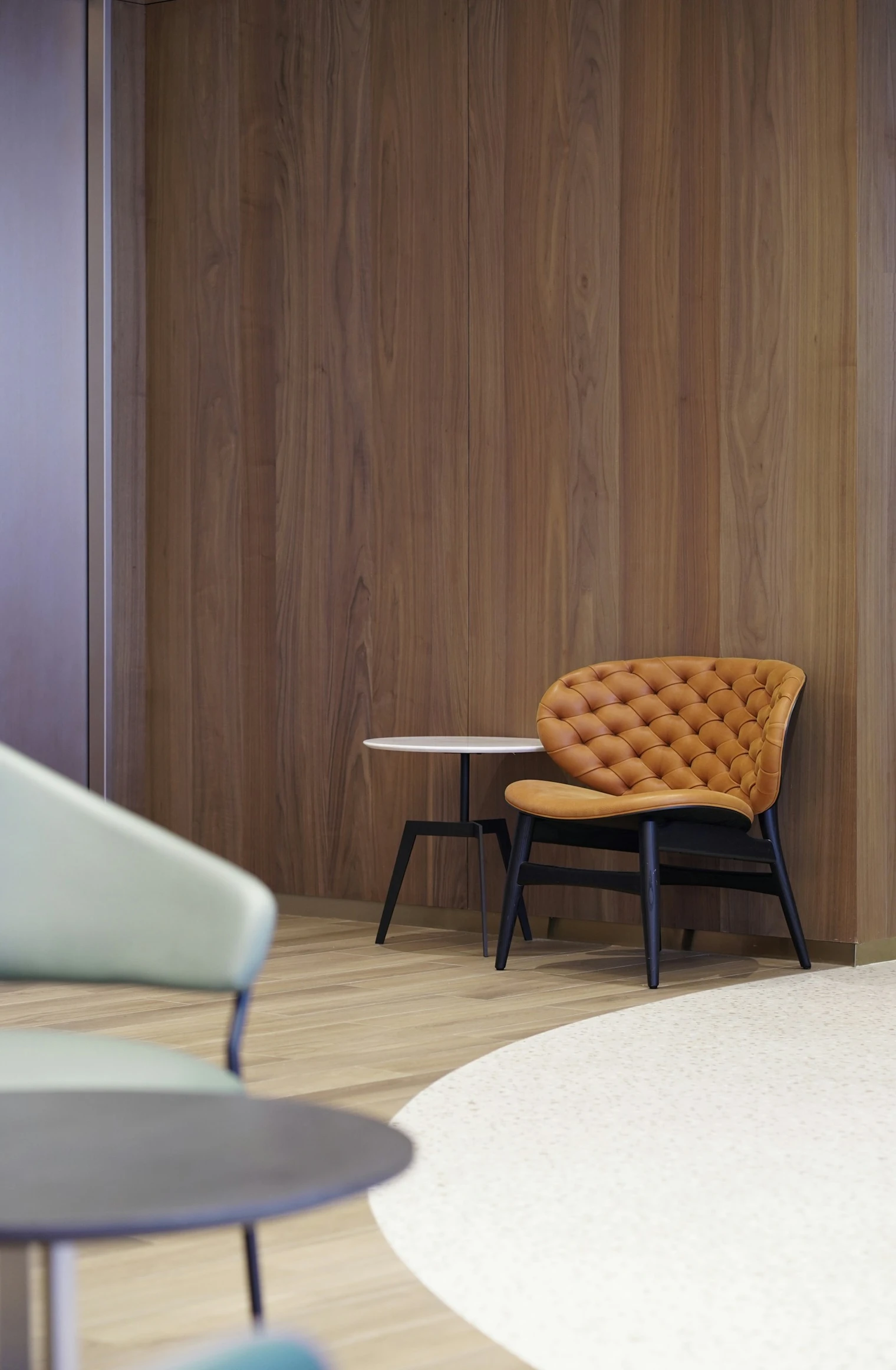
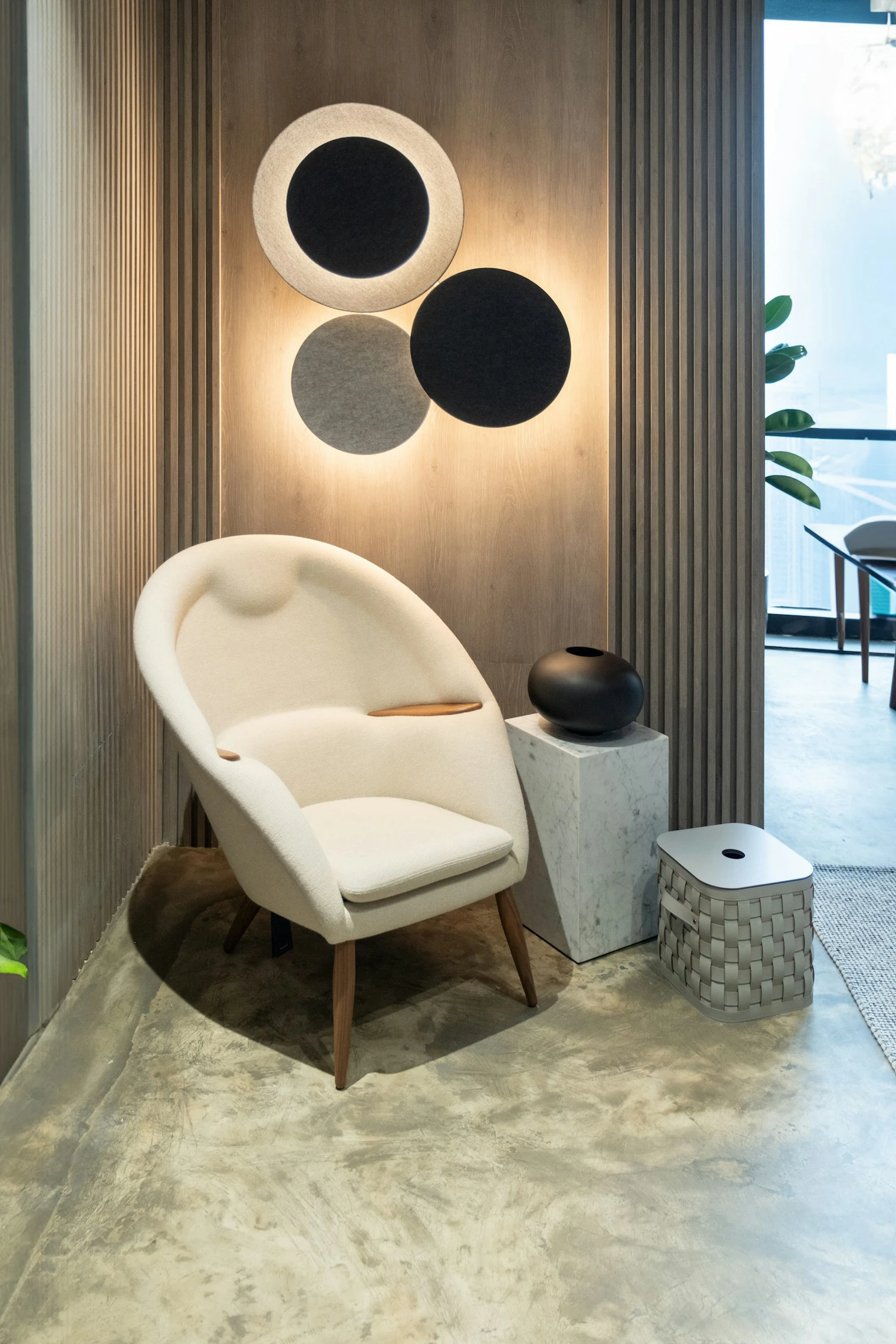
The stock photographs in this article illustrate furniture forms and material considerations. They do not show an implemented configurator or a Mimic XR client project. When evaluating a supplier, ask to test a working experience and verify the supplier’s role in its production.
Choose quote request, checkout and AR deliberately
A quote-led configurator should hand the sales team a usable record: selected components, finishes, dimensions, product identifiers and a configuration reference. The customer should receive a clear next step. If your team must ask the customer to recreate every choice, the configuration has not completed its job.
A checkout-led experience needs a dependable relationship with the cart and order system. Test quantities, prices, configuration changes and what happens when an option becomes unavailable. Define how the selected arrangement appears in the order record and whether fulfilment staff can interpret it without relying on an image alone.
AR can help a buyer understand placement and scale, but it should be scoped separately from product configuration. Discuss AR product visualisation when placement answers a real customer question. Check supported devices, scale accuracy and a useful alternative journey when AR is unavailable.
External evidence can help identify requirements. Epigraph’s Neighbor case study describes a modular furniture experience involving product logic, fabric choices and ecommerce integration. It is Epigraph’s project, not Mimic XR’s, and its reported outcomes should not be treated as a forecast for another brand.
Agree analytics events around the actual journey: starting a configuration, completing valid selections, requesting a quote and reaching the final enquiry confirmation. Check the event definitions with the website owner and avoid collecting personal information unnecessarily in analytics. Completed, usable enquiries are more informative than counting every option click as a lead.
Compare total cost and ownership using one scorecard
Compare proposals over a stated operating period, using the same catalogue size, traffic assumptions and integration requirements. Include discovery, asset production, configuration setup, licences, integration, testing, hosting where applicable, support and future changes. Ask suppliers to distinguish one-off work from recurring charges.
Use a short supplier scorecard with written evidence for each decision. First, product fit: can the proposed solution represent your difficult valid combinations and reject invalid ones? Second, sales fit: does it preserve selections through the quote or purchase handover? Third, operational fit: can your team maintain the catalogue reliably?
Then assess performance and access: does the experience work acceptably on agreed devices, with understandable controls and an alternative when 3D cannot load? Assess ownership: can you export the assets and configuration data you need, and what happens when the contract ends? Finally, assess support: who investigates a broken price, missing option or failed order handover?
Give each supplier the same test tasks and record what was demonstrated, what needs development and what remains uncertain. Avoid assigning a high score to a feature merely because it appears in a marketing checklist. Ask for acceptance evidence in your intended environment.
Review the Mimic XR production process when preparing responsibilities and approval milestones. Your agreement should identify the business owner for rules and pricing, the production owner for assets and the technical owner for integration and maintenance.
Run a representative pilot before expanding
Start with one product family that contains meaningful complexity without requiring the whole catalogue. Include the most important material choices, a representative component dependency and the intended quote or checkout route. Keep the pilot small enough to evaluate, but realistic enough to expose the assumptions that would make scaling difficult.
Write acceptance checks before development. An invalid combination should be prevented or clearly explained. A saved configuration should reopen correctly under the agreed rules. The handover should preserve the chosen options. Test the experience on agreed phones and computers, and check the behaviour when a model or service fails to load.
Ask a small group of prospective users and internal sales staff to complete specific tasks. Observe where they hesitate, whether the language matches how customers buy and whether sales staff can act on the submitted configuration. Record the problems, adjust the scope and retest before rolling out more families.
Use the XR project brief template to collect the catalogue sample, rule list, available assets, website platform, handover destination and decision makers. Include one example of a real customer request that the configurator should make easier to fulfil.
Expand when the pilot demonstrates a maintainable production workflow and a reliable customer journey. Measure qualified enquiries and completed orders alongside engagement, using the baseline and definitions agreed before launch. A configurator can support growth, but a new tool alone does not establish a conversion improvement.
Frequently asked questions
What is furniture configurator software?
It lets users choose furniture options while representing the selected product and applying relevant configuration rules. Depending on the implementation, the selection can be saved, quoted or passed to checkout.
How is a configurator different from a 3D viewer?
A viewer primarily allows inspection of a model. A configurator supports meaningful selections such as fabrics, components or dimensions and connects them to valid product combinations.
Should I choose a platform or custom development?
Choose based on demonstrated product-rule support, integration requirements, maintenance responsibilities and total cost. Evaluate a platform when its existing behaviour fits; consider custom or hybrid work for important unmet requirements.
Can a configurator handle modular sofas?
Some solutions support modular products, but your specific connection rules, dimensions and commercial requirements must be tested. A generic modular demo does not prove compatibility with your catalogue.
Do we need 3D models before selecting a supplier?
Existing models help evaluation, but are not always required at the start. Supply available CAD, dimensions, photographs and finish references so the supplier can scope asset creation or adaptation.
Is AR included automatically?
No. Confirm whether AR is included, which devices are supported and how the selected configuration transfers to that experience. Keep a useful non-AR path available.
What affects the total cost?
Product complexity, asset creation, rules, integrations, catalogue size, licences, testing, support and ongoing updates all affect scope. Compare proposals using the same requirements and operating period.
What should a first pilot include?
Use one representative product family, important option rules and a complete enquiry or checkout handover. Define acceptance checks for valid selections, data accuracy, device behaviour and maintenance.
Conclusion
The best route is the one that can represent your products accurately, support your sales process and remain manageable after launch. Compare demonstrated capabilities, agree ownership and prove a representative pilot before expanding. Request a furniture configurator scoping discussion with your product family, option rules and current website platform.
Prepared by the Mimic XR editorial team. Published 9 November 2026. This guide provides project-scoping guidance; individual requirements and supplier terms must be confirmed for each project.
Image sources: Cover photograph, Body photograph 1, Body photograph 2, Body photograph 3, Body photograph 4, Body photograph 5. Licensed through Unsplash; illustrative stock photography, not Mimic XR project evidence.