
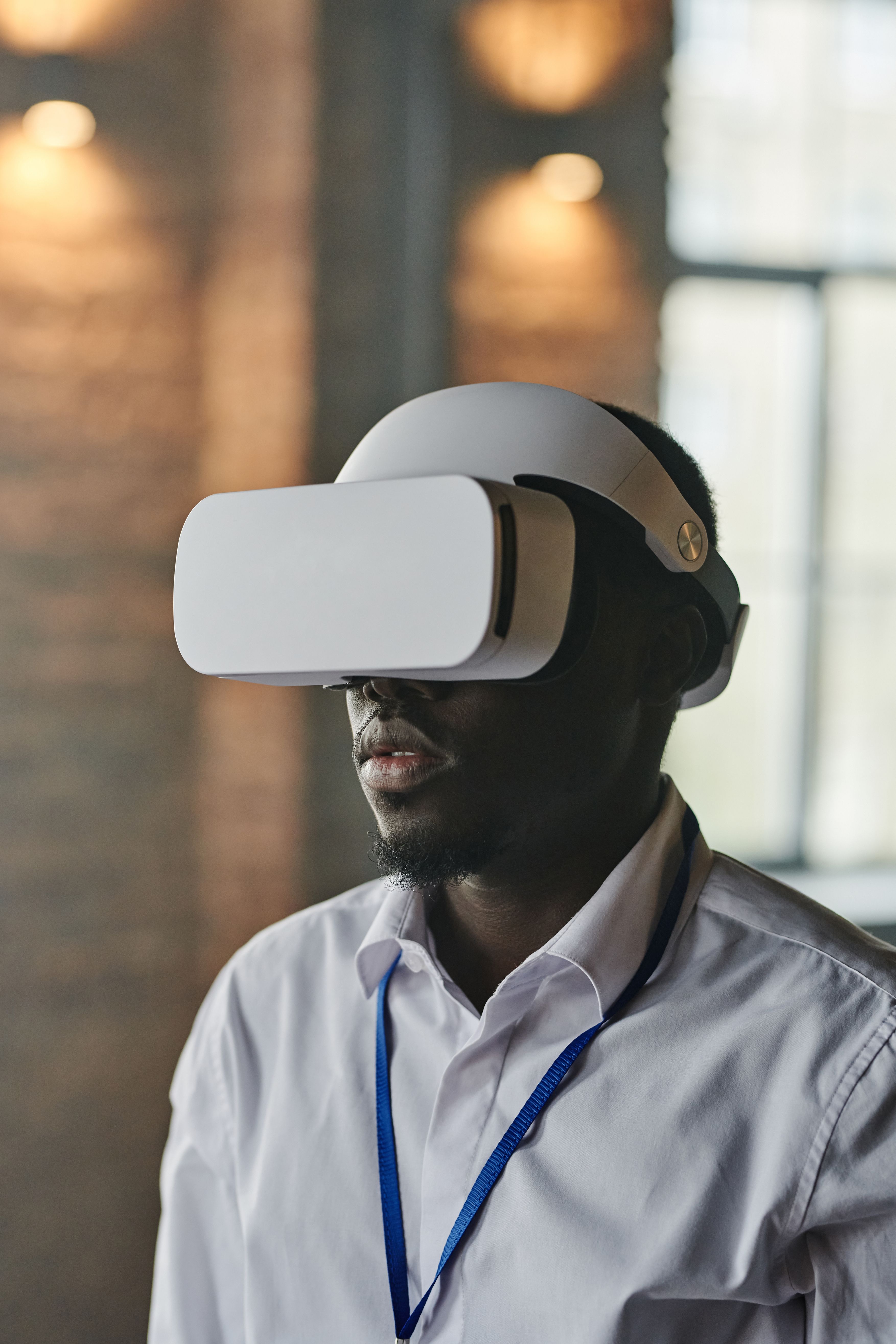
Should your business choose augmented reality or mixed reality?
Augmented reality vs mixed reality is more than a terminology question. The choice affects devices, interaction, audience reach, production scope, deployment, and the value users can gain from digital content in physical space.
This guide explains the practical difference between AR and MR, compares their strongest business uses, and provides a decision framework for planning a useful pilot.
Table of Contents
What Is the Difference Between Augmented Reality and Mixed Reality?
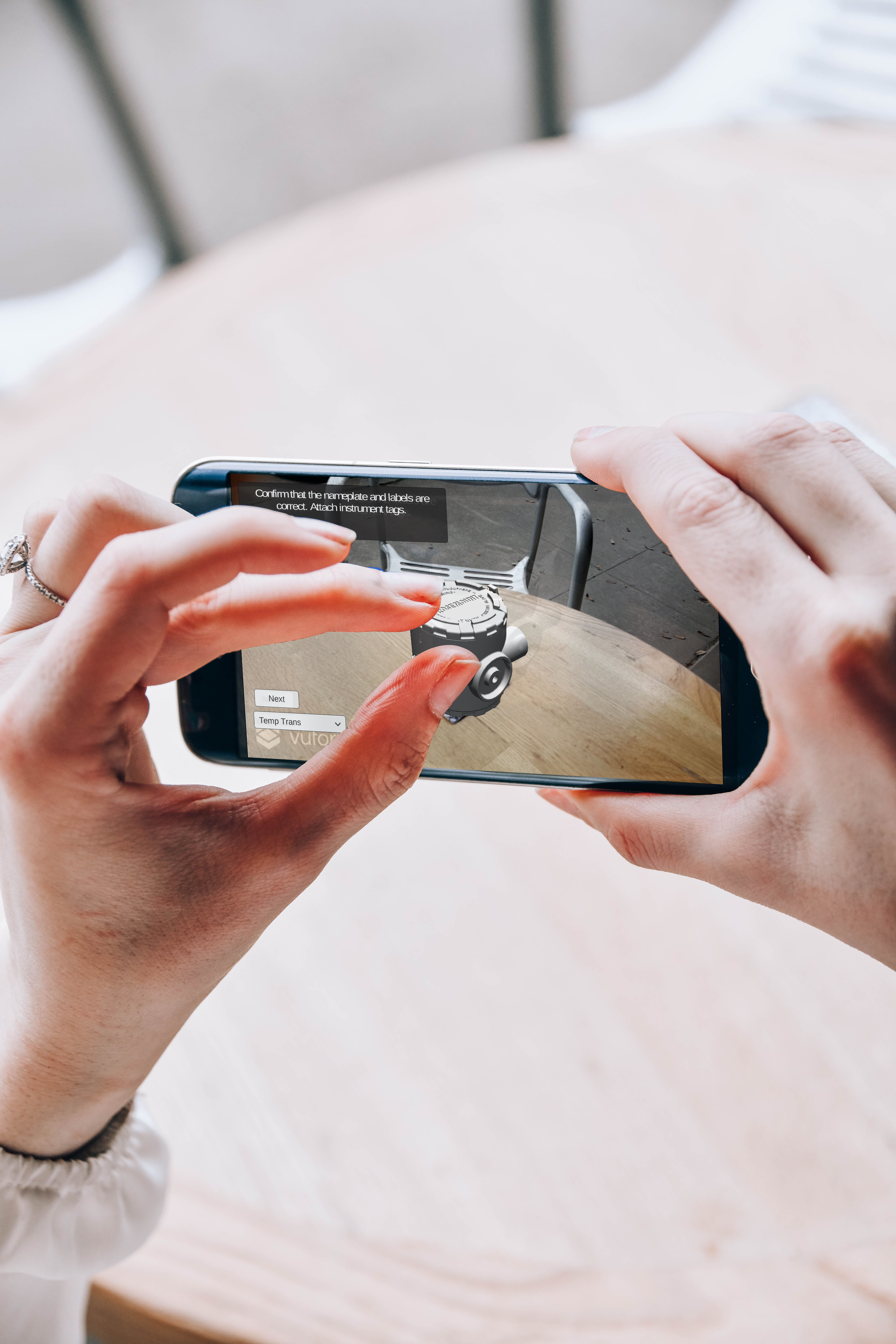
Augmented reality places digital content over a view of the physical world. A phone can show a product at true scale in a room, add labels to equipment, or guide a user through a location. The digital layer responds to the camera and device motion, but the experience can remain relatively lightweight. Many AR projects work through a mobile app or a browser, making them practical when reach and simple access matter most.
Mixed reality also combines physical and digital space, but the virtual content is expected to understand and behave within the environment. A digital object can remain anchored to a table, disappear behind a real wall, react to surfaces, or respond to a user’s hands and gaze. This deeper spatial relationship often uses a headset with mapping, tracking, and hands-free interaction.
The boundary is not always absolute. Advanced phone-based AR can include surface detection and persistent anchors, while some headset applications use simple overlays. For planning, the useful distinction is the interaction model: AR adds context to a live view; MR makes digital content a spatial participant. Mimic XR’s introduction to augmented reality and mixed reality solutions guide provide more background.
Choose the label only after defining what the user must accomplish. If a customer needs to preview a product with a phone, AR may provide enough capability. If a technician needs hands-free instructions fixed to a machine while moving around it, mixed reality may justify the added sensing and hardware.
How AR and MR Handle Devices, Space and Interaction
Device choice shapes the entire experience. Mobile AR uses equipment people already understand: a phone or tablet with a camera, screen, processor, and motion sensors. It can reach customers, sales teams, and field workers without distributing specialist headsets. The tradeoff is that one hand holds the device, the field of view is limited by the screen, and longer sessions can become tiring.
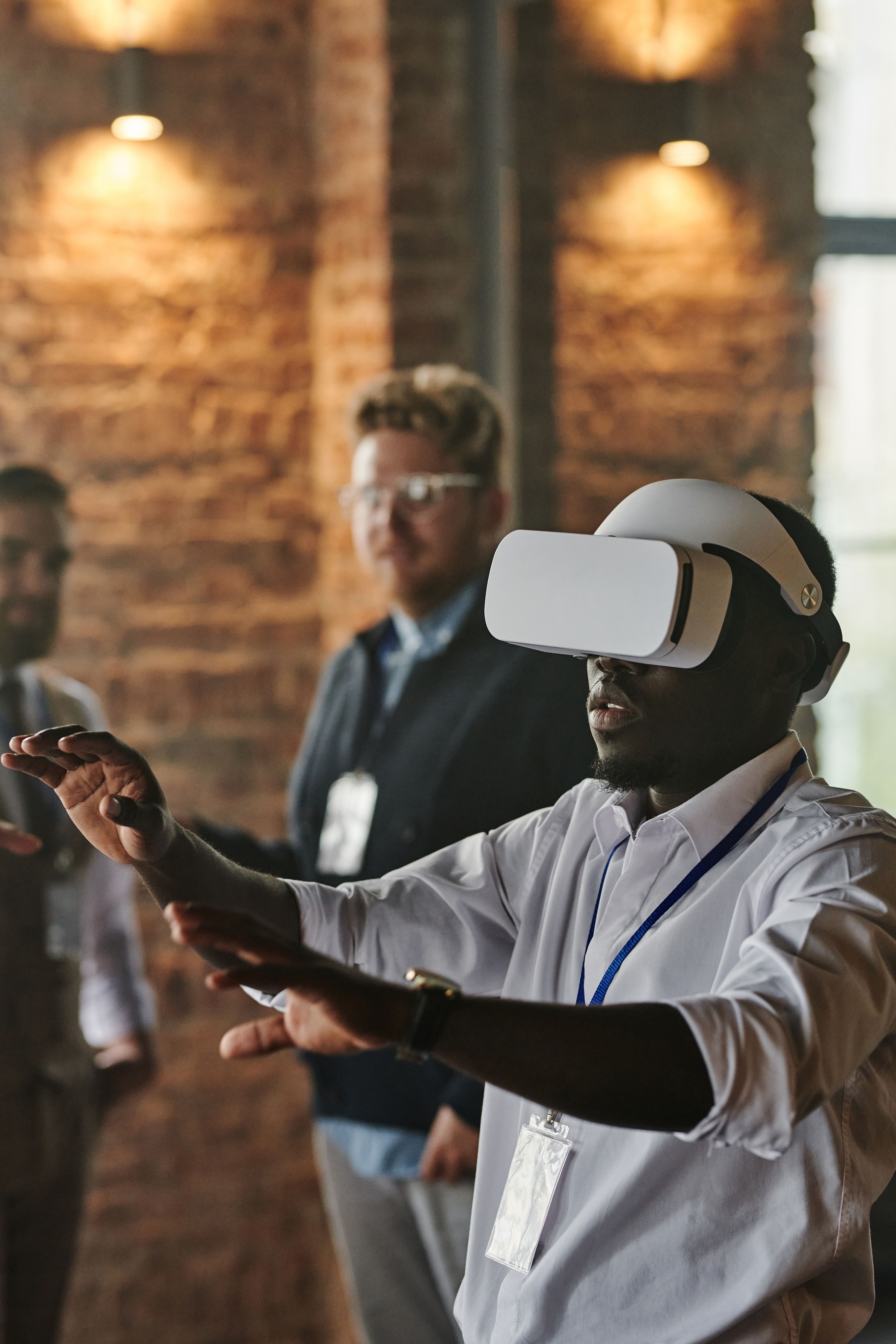
Mixed reality headsets leave the user’s hands available and place content across a wider spatial view. They may track the room, hands, eyes, controllers, and sometimes voice. This supports direct manipulation of 3D objects and instructions that remain attached to physical locations. It also introduces headset procurement, charging, device management, hygiene, comfort, fit, and user onboarding.
Spatial computing is the technical foundation behind many of these behaviors. Tracking estimates the device’s position; mapping identifies surfaces and boundaries; anchors keep content stable; rendering places the 3D asset from the correct viewpoint. Mimic XR’s spatial computing guide explains how these elements turn physical space into part of the interface.
Interaction should follow the work. Touch is familiar for consumer product exploration. Gaze, hands, and voice can be useful when a worker needs to keep hold of tools. Controllers suit precise or highly immersive tasks. A prototype should test the real lighting, room size, network, gloves, noise, and movement conditions rather than relying only on a studio demonstration.
Where Augmented Reality Creates the Most Value
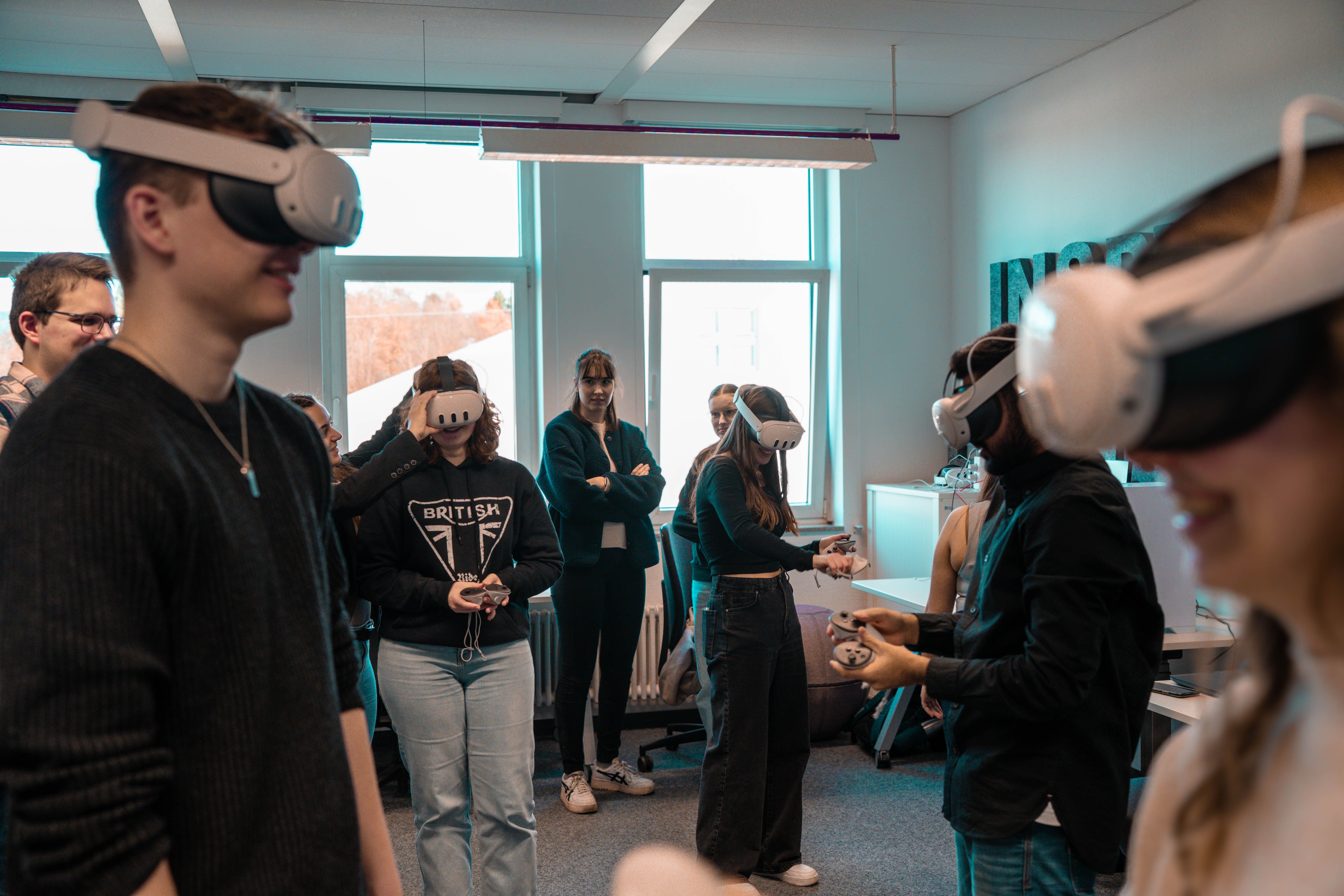
AR is a strong fit when the experience must travel through existing mobile devices and add useful information without fully changing the user’s surroundings. Retail teams can let customers preview furniture, products, colors, or configurations at home. Marketing teams can connect packaging, displays, and locations to interactive content. Sales teams can demonstrate a large or configurable product without transporting every version.
Field service and maintenance can also use mobile AR for visual work instructions, component identification, inspections, and remote assistance. A tablet may be easier to deploy than a fleet of headsets, especially when sessions are short or users work across many locations. The value comes from showing the right information beside the real task and reducing search, interpretation, or communication time.
The quality of the 3D asset is critical. A product model should preserve the features that influence a buying or service decision while remaining light enough to load and track reliably. Materials, scale, lighting, animation, and interface cues must support the goal. Mimic XR’s AR product visualisation service connects this work to customer-facing product experiences.
AR is less suitable when the task demands continuous hands-free work, deep spatial interaction, or a wide immersive field of view. It can still be the best first pilot because it lowers access barriers. A focused project can prove whether spatial guidance changes conversion, task time, accuracy, or confidence before the organisation adds more complex hardware.
Where Mixed Reality Earns the Extra Complexity
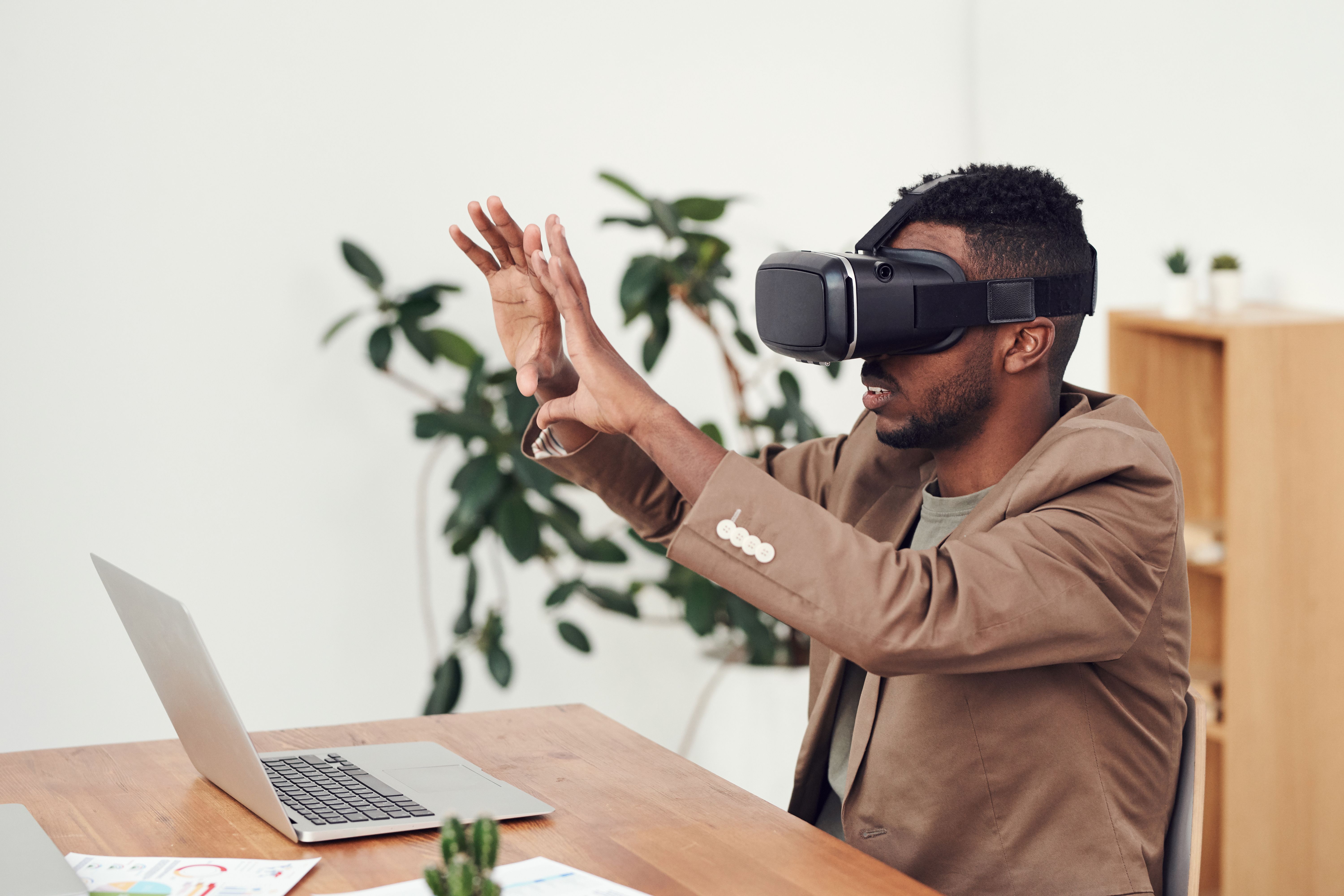
Mixed reality earns its place when digital content must remain spatially aligned with a real environment and the user needs both hands. A technician can see a procedure anchored to equipment, a designer can inspect a full-scale model in a physical room, and distributed participants can discuss the same shared object from different viewpoints. The user remains aware of the workplace while interacting with digital elements.
Training is another strong application. MR can place a digital machine, hazard, patient, or guide into a real training space. Learners practise physical sequences, make decisions, and receive feedback without requiring every asset or condition to be available. Compared with fully virtual training, MR can preserve useful real tools and surroundings. The XR training simulations service shows how interactive scenarios can support guided practice and assessment.
The added capability needs a clear business reason. Spatial mapping must work in the target setting, anchors must remain stable, and interactions must tolerate different users and environmental conditions. Headsets also require operational ownership: who configures them, updates software, cleans devices, supports users, and measures outcomes.
A mixed reality pilot should therefore test one valuable workflow end to end. Use a representative space, actual subject-matter experts, realistic content, and measurable acceptance criteria. Mimic XR’s mixed reality development service can support prototypes that connect interaction design, real-time 3D, and deployment planning.
How Cost, Reach and Production Differ
AR and MR budgets depend on content, interaction, integrations, platforms, testing, and rollout rather than the technology label alone. A simple mobile product viewer with one optimized model is very different from a global catalogue, and a short headset prototype is very different from a maintained industrial workflow connected to live data.
AR often reaches more users with less hardware because phones and tablets are already available. Teams still need device and browser testing, camera permissions, tracking fallbacks, content hosting, analytics, and support for varied screen and processor capabilities. Browser-based delivery can remove an installation step; Mimic XR’s WebXR business guide explains where browser access helps and where native applications offer more control.
MR adds headset costs and usually requires deeper spatial interaction, environmental testing, and device operations. It can still create better economics when hands-free work, reduced errors, faster reviews, or safer practice matter. A smaller number of high-value users may justify more capable hardware if every session saves time or avoids costly mistakes.
Estimate the full lifecycle: discovery, prototype, 3D asset preparation, software development, integrations, security, accessibility, analytics, hardware, training, deployment, updates, and content changes. The right comparison is cost per useful outcome across the expected audience and operating period, not only the initial build price.
A Decision Framework for Choosing AR or MR
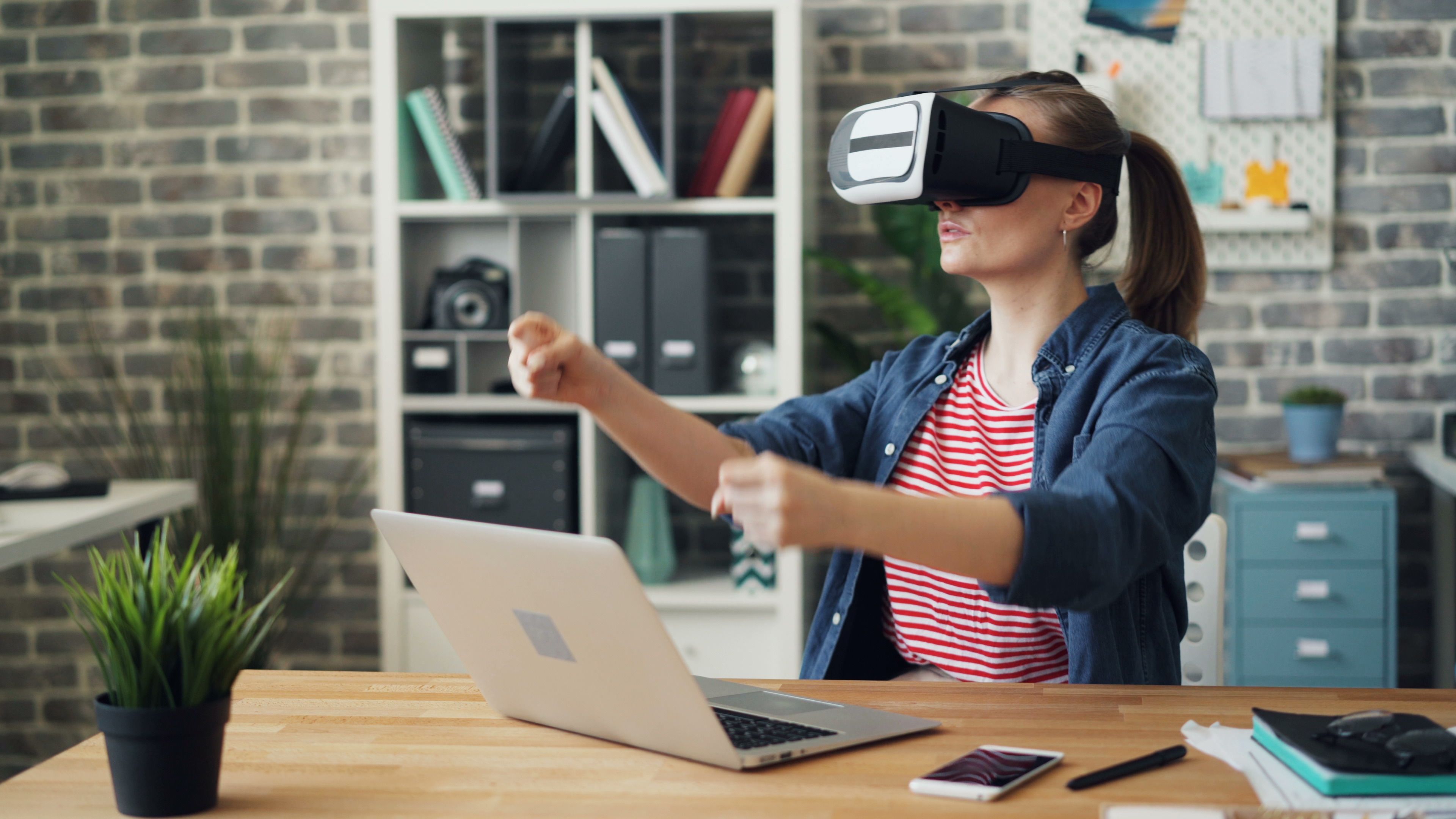
Start with the job, the user, and the environment. Write one sentence describing the behavior the experience must change. Then identify where it happens, how long it lasts, whether the user needs both hands, what physical objects matter, and how many people need access. These constraints often make the platform choice clearer than a feature list.
Choose AR when broad mobile reach, short sessions, product visualization, location-based information, or a low-friction customer journey is central. Choose MR when persistent spatial alignment, hands-free guidance, collaborative 3D review, or interaction with a mapped environment creates essential value. Consider VR when the real environment is unnecessary or distracting; Mimic XR’s XR versus VR guide helps place that option in the wider spectrum.
Build the smallest realistic prototype. Use representative assets and data, test on the intended device, and observe real users completing the task. Measure completion time, errors, assistance requests, confidence, learning performance, conversion, or another outcome linked to the business case. Test comfort and accessibility alongside technical performance.
Finally, plan the path beyond the demo. Define content ownership, device support, analytics, integrations, privacy, security, updates, and operational training. Mimic XR’s production process moves from definition through prototype, production, and delivery so technical decisions remain tied to audience and outcomes.
How to Brief an AR or MR Production Partner
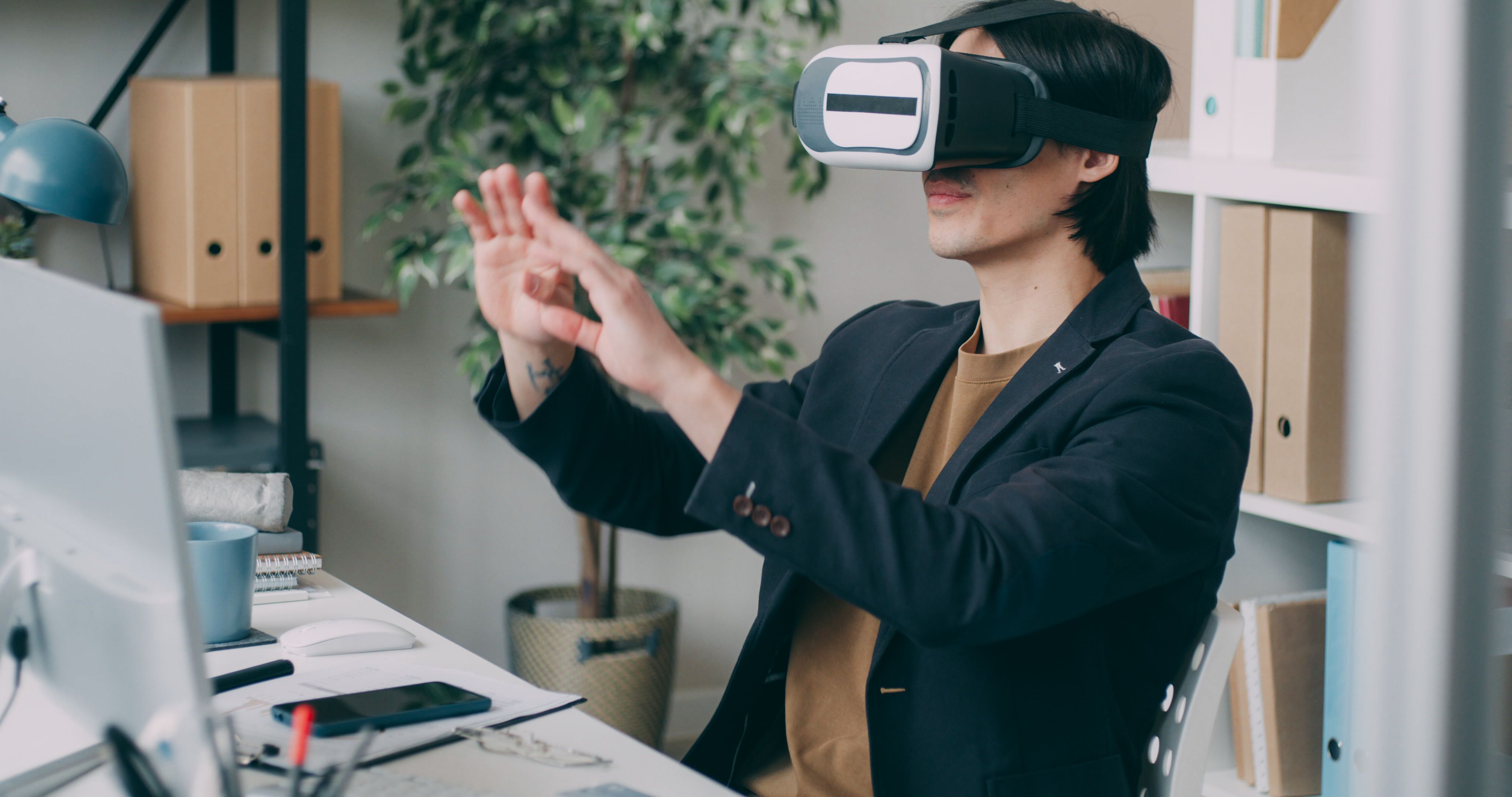
A useful brief explains the problem before prescribing a device. Describe the target users, their current workflow, the desired change, the environment, available data, physical objects, and success metrics. Include constraints such as network access, protective equipment, privacy, accessibility, languages, deployment regions, and internal review requirements.
Provide source material early: CAD files, product models, floor plans, process documents, brand guidelines, safety rules, and sample data. The production team can then assess what must be created, optimized, scanned, integrated, or simplified. Agree on the expected visual fidelity and interaction quality because these choices directly affect schedule and performance.
Ask how the partner validates tracking, scale, readability, comfort, and task completion. Confirm supported devices, test conditions, analytics, data handling, documentation, handover, maintenance, and change control. A convincing visual prototype is valuable, but a deployment also needs reliable builds, repeatable testing, and ownership after launch.
Look for a team that connects 3D craft, interaction design, and software engineering. Mimic XR combines those disciplines across extended reality production services. When you are ready to turn a use case into a testable scope, contact the Mimic XR studio with the audience, workflow, and technical conditions.
Frequently Asked Questions
Is mixed reality the same as augmented reality?
They overlap, but mixed reality usually describes digital content that maps to, remains anchored in, and interacts with the physical environment. AR can include simpler overlays viewed through a phone or tablet.
What is the simplest difference between AR and MR?
AR adds digital information to a view of the real world. MR treats digital objects as spatial elements that can respond to surfaces, position, hands, gaze, and real objects.
Do you need a headset for mixed reality?
Most advanced MR experiences use a headset because it supports hands-free spatial interaction and continuous environmental mapping. Some mobile experiences include MR-like features, so the required behavior matters more than the label.
Is AR cheaper than mixed reality?
AR can be cheaper to deploy when users already have compatible phones, but content, integrations, testing, and scale drive cost. Compare complete lifecycle costs and measurable outcomes.
Which is better for employee training?
AR works well for mobile instructions and short guided tasks. MR is stronger when learners need hands-free, spatial practice with real tools, equipment, or shared 3D content.
Which is better for product visualisation?
Mobile AR is usually the accessible choice for customers previewing products in their own space. MR can support deeper, hands-free inspection for design, sales, or engineering reviews.
Can AR and MR use the same 3D assets?
Often, but assets still need platform-specific optimization, materials, interaction rules, scale checks, and testing. One source model may produce several delivery versions.
How should a business test AR or MR?
Choose one valuable workflow, build a small realistic prototype, test it with target users in the real environment, and measure task performance, confidence, errors, adoption, and operational effort.
Conclusion
Choose AR when easy mobile access and contextual overlays can solve the problem. Choose MR when stable spatial content, hands-free interaction, and environmental understanding are essential. In either case, begin with a narrow workflow, test it with real users, measure a business outcome, and plan operations before scaling.
Ready to compare formats for a real use case? Talk to Mimic XR about an AR or MR prototype built around your users, environment, and success criteria.