
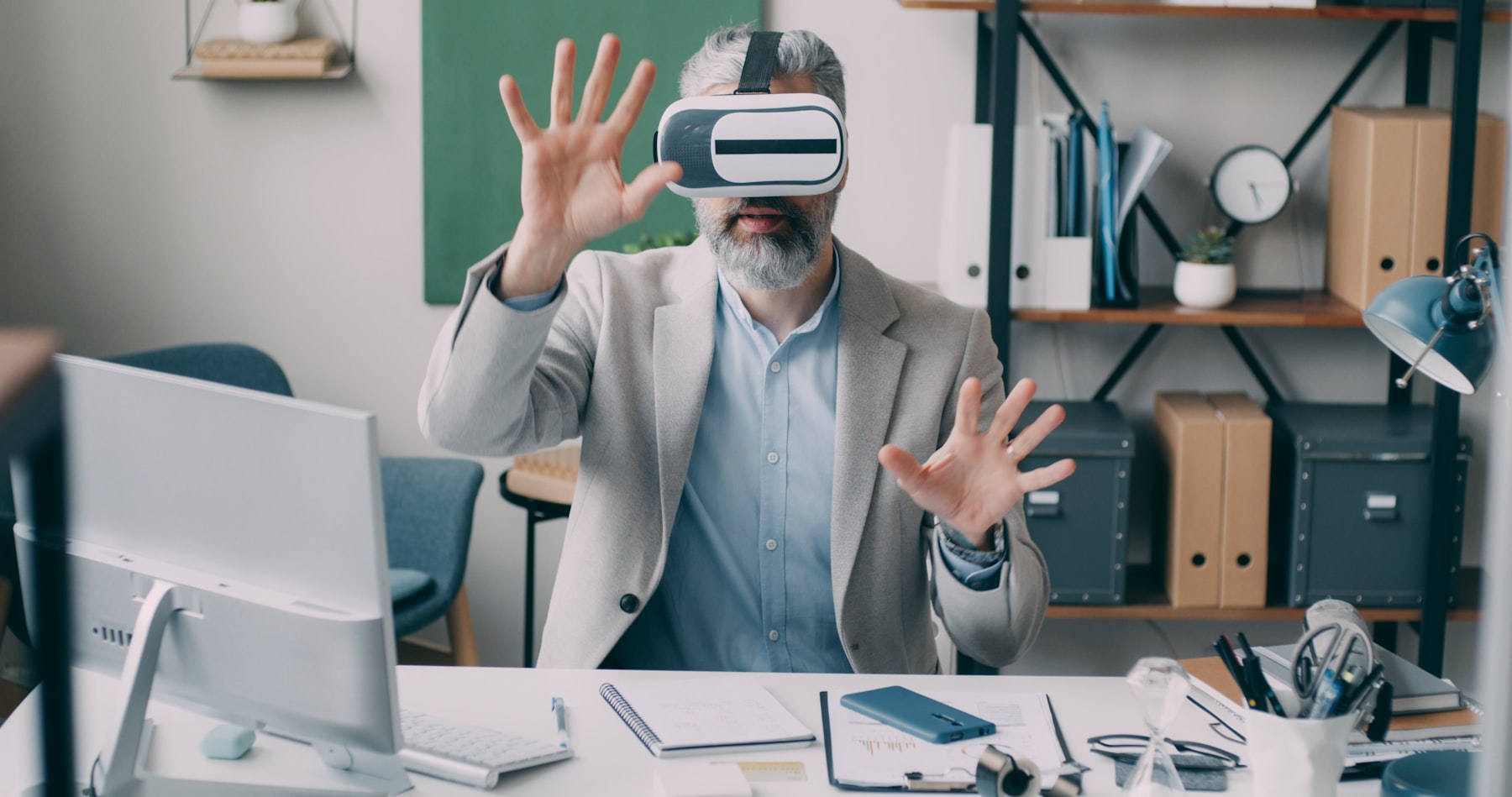
What is spatial computing, and why are businesses treating it as the next practical interface for digital work?
Spatial computing is a way of making digital content understand and interact with physical space. Instead of confining information to a flat screen, it lets people see, place, manipulate, and share digital objects in relation to rooms, equipment, products, and other people.
For organisations, that simple shift can change training, design reviews, remote assistance, product visualisation, and customer experiences. This guide gives a direct answer, explains how the technology works, distinguishes it from XR, and shows where a well-designed spatial experience creates measurable value. It draws on the practical capabilities behind Mimic XR’s immersive technology services.
Table of Contents
What is spatial computing?
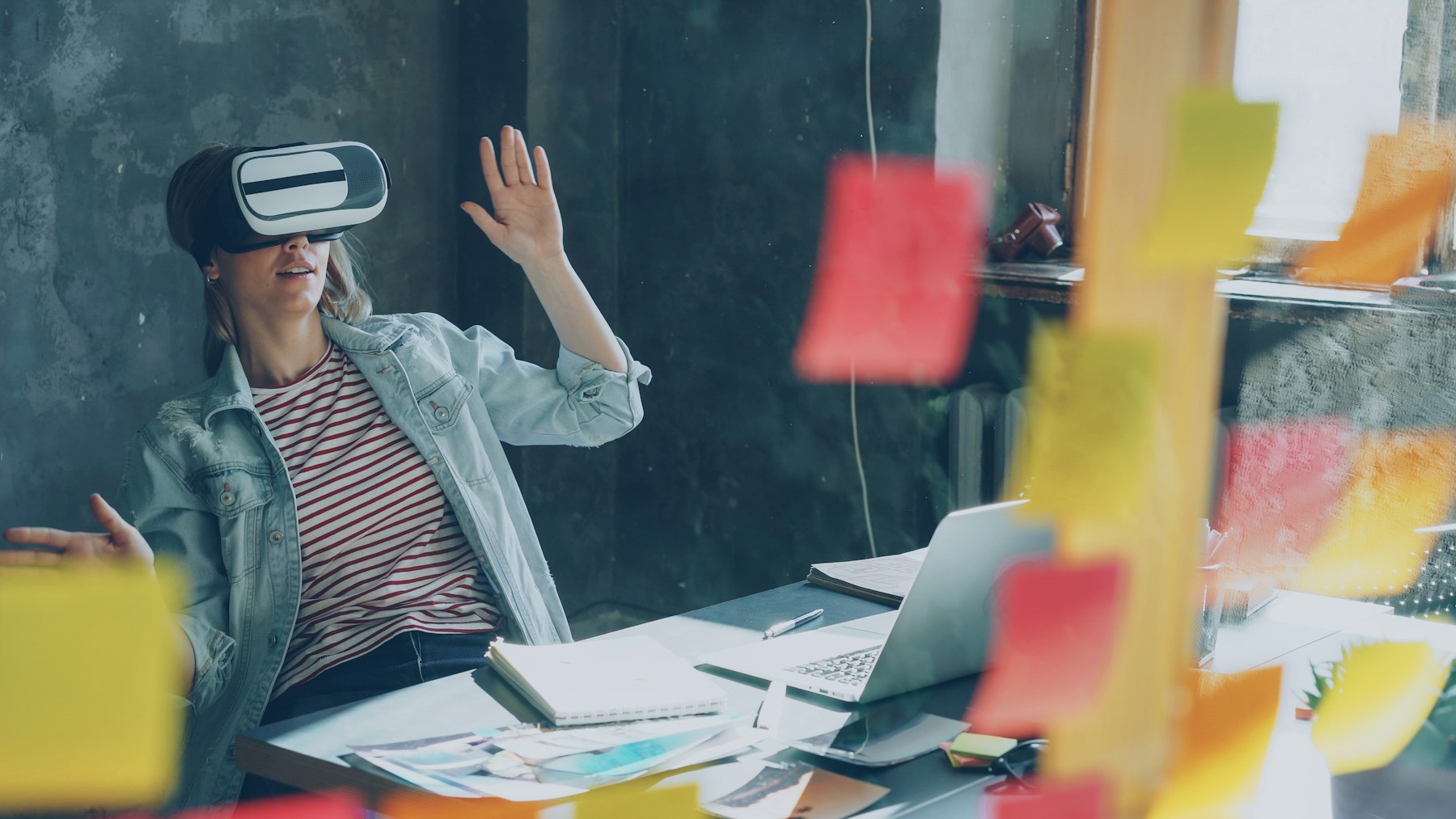
Spatial computing is an umbrella term for technologies that allow computers to perceive three-dimensional space and place digital content within it. A spatial system can understand where a user is, how a room is shaped, where an object sits, and how hands, eyes, voices, or controllers are moving. It then uses that context to make digital content behave as though it belongs in the surrounding environment.
A conventional application waits for clicks, taps, or keyboard input. A spatial application can also respond to position, distance, direction, gaze, gestures, surfaces, and real-world objects. That means instructions can appear beside the machine they describe, a digital prototype can sit at full scale on a conference-room floor, or a trainee can practise a risky procedure without exposing people or equipment to danger.
Spatial computing includes augmented reality, virtual reality, and mixed reality, but the phrase puts the emphasis on the system’s understanding of space. XR describes the experience spectrum; spatial computing describes the computing model that makes context-aware interaction possible.
In plain language: spatial computing lets software use the real or simulated world as part of its interface. The result can be fully immersive, lightly augmented, or somewhere between those extremes. What matters is that digital information is anchored to places, objects, and human actions instead of floating without context.
Another useful way to understand the concept is through spatial persistence. A digital marker can remain attached to the same wall, machine, or product between sessions, so the next user encounters information in the correct place. Shared anchors can also let several participants see the same model from their own viewpoint. This continuity turns a one-off visual effect into a reusable interface for work, learning, or collaboration.
Spatial computing is therefore not defined by photorealism alone. A simple overlay that appears in exactly the right location and helps a technician complete a step can be more valuable than an elaborate virtual scene. Accuracy, clarity, comfort, and responsiveness are the qualities that make a spatial interface useful.
How does spatial computing work?
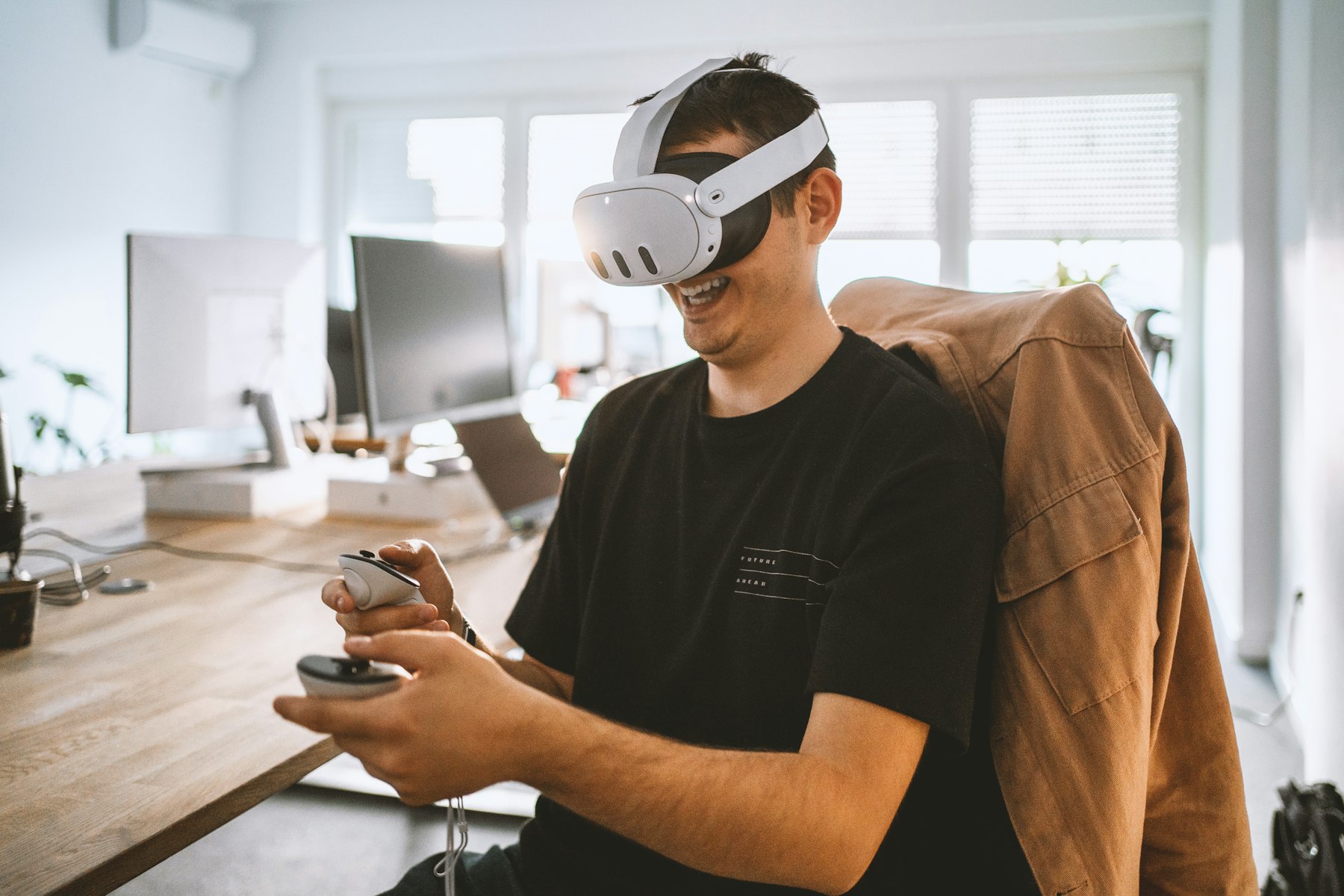
Most spatial computing experiences combine sensing, mapping, rendering, interaction, and application logic. Cameras, depth sensors, inertial measurement units, microphones, and sometimes eye- or hand-tracking sensors collect information about the user and environment. The device continuously estimates its own position and builds a usable map of the space.
Software then recognises surfaces, boundaries, objects, and movement. A rendering engine draws the digital content from the correct perspective, while spatial anchors help it remain stable as the user walks around. Low latency is essential: when the digital scene responds immediately and accurately, the brain accepts it as part of the environment. When tracking lags or objects drift, trust and comfort fall quickly.
The experience layer adds the business logic. In an XR training simulation, that logic may score decisions, trigger realistic consequences, and adapt the next scenario. In AR remote assistance, it may align a live annotation with a specific component and connect a field worker to an expert.
Artificial intelligence can make the interface more natural. Speech recognition allows hands-free commands; computer vision identifies objects or process steps; and smart avatars can act as coaches, customers, patients, or colleagues. The best systems do not add technology for spectacle. They use the minimum set of spatial and AI capabilities needed to remove friction from a real task.
Sensing captures movement, surfaces, objects, sound, and user input.
Spatial mapping creates a three-dimensional understanding of the environment.
Tracking keeps the user and digital content correctly positioned.
Rendering produces responsive 3D visuals, lighting, animation, and audio.
Interaction design turns gestures, gaze, voice, controllers, or touch into clear actions.
Application logic connects the experience to learning goals, operational data, or customer journeys.
Behind the experience, teams also need a content pipeline. Three-dimensional models may be created from CAD data, digital sculpting, photogrammetry, or 3D scanning. Assets are optimised so they load quickly on the target device while preserving the details users need. Interaction designers then decide what the user can select, move, inspect, hear, or ask, and developers connect those behaviours to analytics or enterprise systems.
Spatial audio contributes another layer of orientation. Sound can appear to come from a machine, character, hazard, or direction in the scene, helping users find information without adding more visual clutter. When visual, audio, and interaction cues agree, the experience feels coherent and users spend less effort learning the interface.
Where is spatial computing used in business?
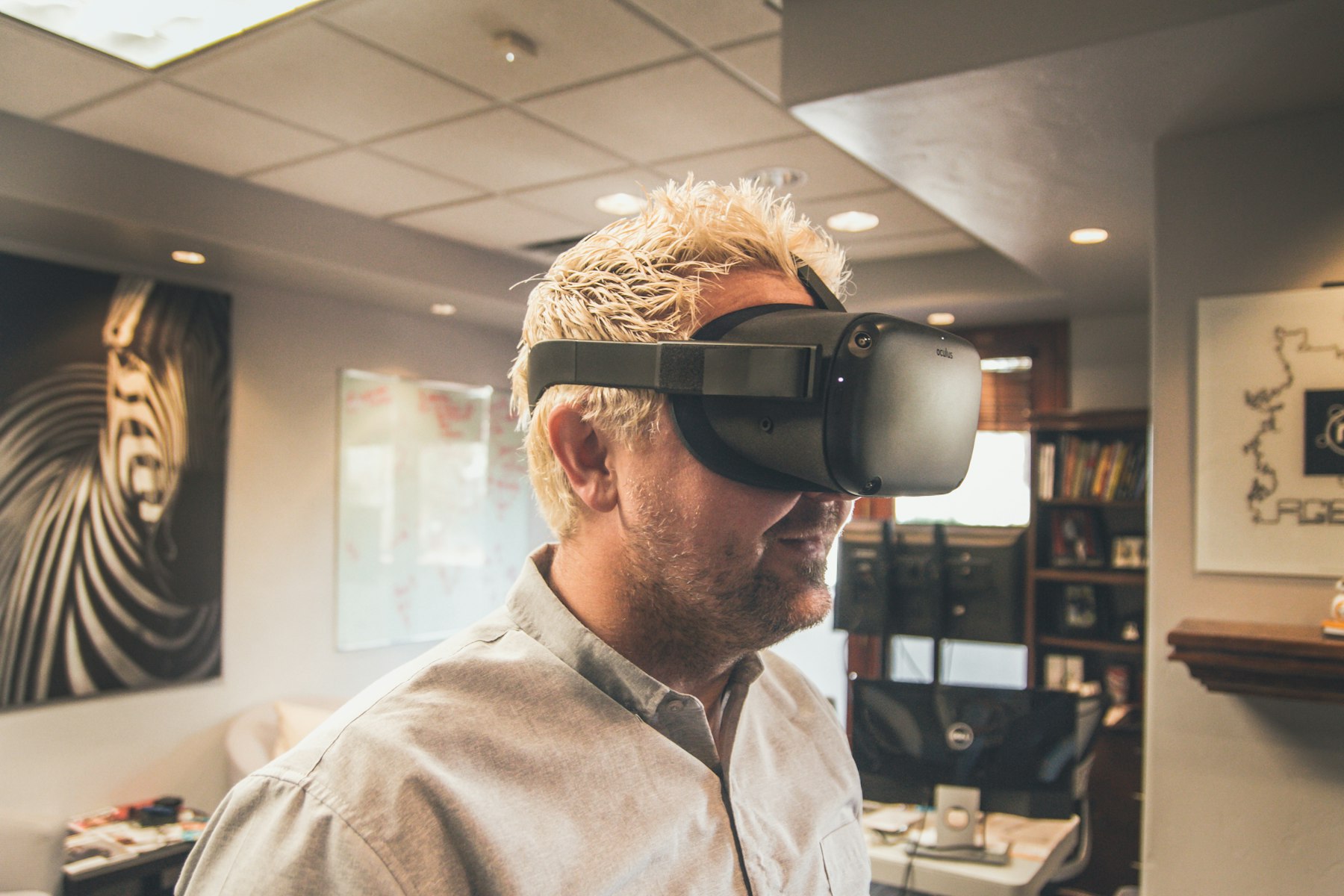
The most successful business deployments start with a valuable problem rather than a device. Spatial computing earns its place when a task is physical, three-dimensional, safety-critical, expensive to reproduce, hard to explain on a flat screen, or dependent on practice. It can also help when distributed teams need to understand the same object or environment.
Training and onboarding are strong examples. A company can create repeatable practice for equipment operation, safety procedures, customer conversations, or emergency response. Learners can make mistakes safely, receive immediate feedback, and repeat difficult moments. MimicXR’s guide to immersive learning explains why active rehearsal often creates a more memorable learning experience than passive instruction.
Design and product teams use spatial computing to review scale, ergonomics, reach, visibility, and assembly before physical prototypes are complete. Stakeholders can walk around a model, flag issues in context, and collaborate on the same 3D object. For customer-facing work, XR product visualisation lets buyers inspect products at realistic size, explore options, and understand features that are difficult to communicate with static images.
Field service teams can receive step-by-step instructions anchored to real equipment. Remote experts can point to a component, verify progress, and help technicians resolve uncommon faults. This is especially useful where downtime is costly, expertise is scarce, or conventional manuals force workers to keep shifting attention away from the task.
Collaboration is another practical use. Spatial teams can gather around a shared model rather than debate screenshots. A well-designed mixed reality collaboration workflow preserves the context of the object, the viewpoint of each participant, and the decisions made during a review.
Workforce learning: safer practice, repeatable assessment, and consistent instruction.
Design reviews: full-scale evaluation before committing to physical builds.
Maintenance: contextual guidance and remote expert support at the point of work.
Sales and retail: product configuration, virtual try-outs, and immersive demonstrations.
Healthcare and wellbeing: controlled simulations, guided education, and human-centred experiences.
Entertainment and culture: interactive worlds, characters, performances, and location-based storytelling.
A useful business case normally has a measurable baseline. Time to competence, error rates, travel costs, prototype cycles, downtime, conversion, retention, or customer confidence can all be tracked. That keeps the spatial project connected to outcomes instead of novelty.
For manufacturing and logistics, spatial instructions can reduce the mental translation between a manual and the equipment in front of the worker. In healthcare training, teams can rehearse communication and procedures without putting a patient at risk. In retail, a customer can evaluate size, configuration, or placement before a product exists in the room. In each case, the benefit comes from connecting information to a physical decision.
Marketing and live experiences use the same foundation differently. Spatial installations can make a brand story explorable, while virtual venues can connect remote audiences through shared presence. Museums and cultural organisations can reveal layers of context around an artefact or location. The technology remains similar, but the interaction, emotional tone, and success metrics change with the audience.
How should a company choose a spatial computing solution?
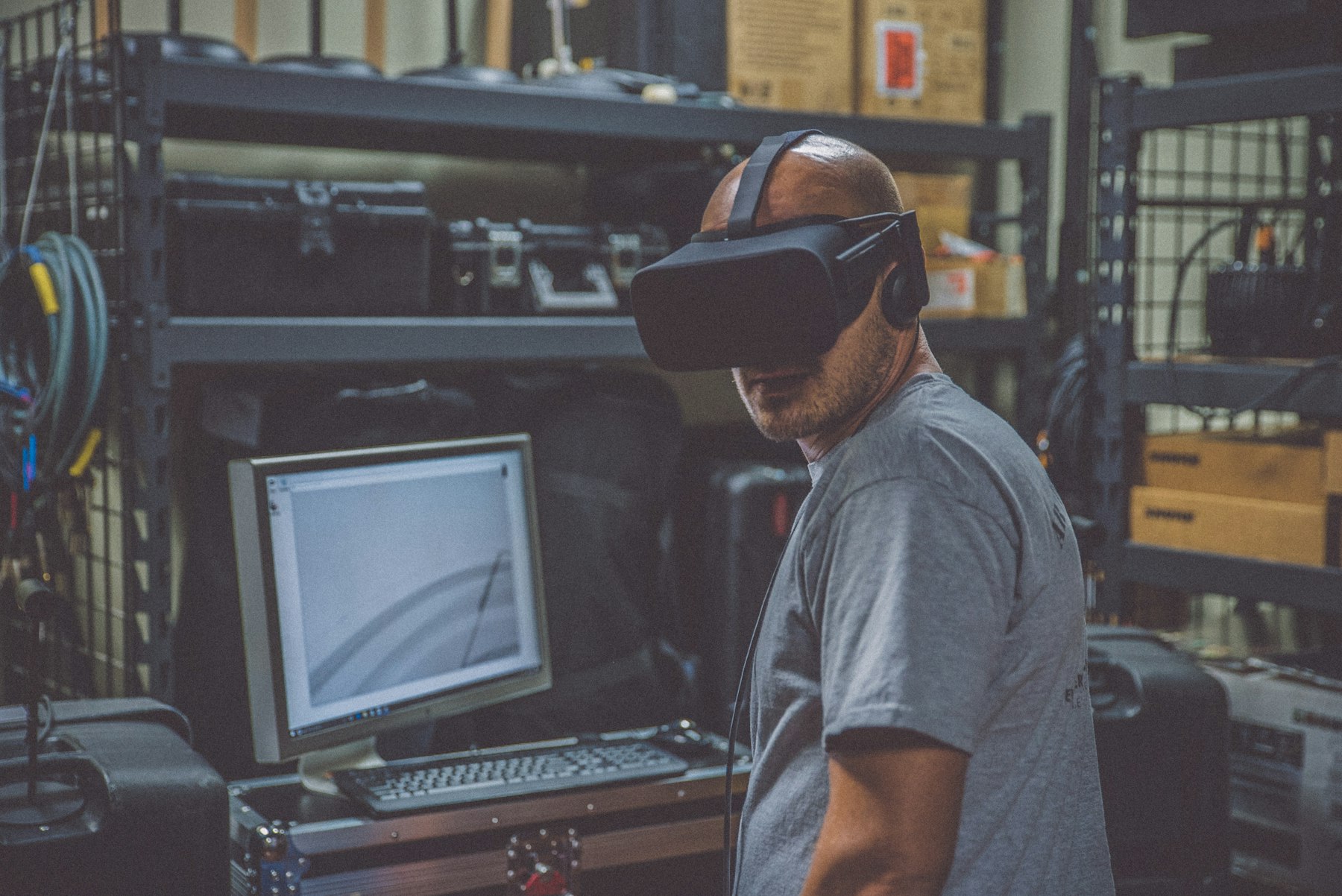
Begin with the user, task, and environment. Who will use the experience? What must they do better or understand faster? Will they be seated, walking, wearing protective equipment, sharing a room, or working with their hands? A beautiful concept can fail if it ignores comfort, accessibility, network conditions, cleaning requirements, or the realities of a busy workplace.
Next, choose the lightest technology that solves the problem. A mobile AR experience may be enough for product placement or simple guidance. A fully immersive headset may suit dangerous training or a virtual world. Mixed reality may be valuable when users must see real tools while working with digital instructions. Hardware should follow the interaction and operational requirements, not lead them.
Prototype one high-value workflow before scaling. Define success metrics, test with representative users, and record friction as carefully as performance. The enterprise XR implementation roadmap offers a useful way to move from discovery and pilot design toward integration, governance, deployment, and measurement.
Content quality matters as much as hardware. Accurate 3D assets, credible animation, clear spatial audio, natural interaction, and realistic scenarios determine whether users trust the experience. For people-centred simulations, behaviour design and believable characters can be more important than polygon count.
Finally, evaluate the partner’s ability to combine strategy, 3D production and spatial development. Ask how they validate use cases, reduce motion discomfort, optimise for target devices, integrate data, protect user privacy, update content, and measure outcomes. A capable partner should be able to explain trade-offs clearly and build a pilot that can grow without locking the organisation into an unnecessary stack.
Define one operational or customer problem in observable terms.
Select metrics before development begins.
Test the workflow with real users and real environmental constraints.
Plan device management, accessibility, privacy, analytics, and content updates.
Scale only after the pilot demonstrates usability and business value.
A pilot should also reveal the total cost of ownership. Consider content updates, device provisioning, support, analytics, security reviews, localisation, and changes to the physical environment. Reusable components and modular scenarios can make future versions faster to produce. A clear governance model determines who approves content, who owns data, and how teams respond when hardware or operating systems change.
Ask vendors to demonstrate work on the target hardware and explain how they tested it. Look for evidence of human-centred interaction design, real-time 3D optimisation, reliable deployment, and measurement—not only a polished showreel. The right spatial computing solution should feel understandable to users, manageable to operators, and credible to decision-makers.
Frequently asked questions
Is spatial computing the same as virtual reality?
No. Virtual reality is one form of spatial experience, usually replacing the user’s view with a simulated environment. Spatial computing is broader and can also include augmented and mixed reality systems that understand physical space.
What is the difference between spatial computing and XR?
XR is the spectrum covering AR, VR, and MR experiences. Spatial computing describes the underlying approach in which computers sense space and let digital content interact with people, places, and objects.
Does spatial computing require a headset?
Not always. Phones, tablets, projection systems, cameras, and specialised displays can support spatial experiences. The right device depends on the task, desired immersion, movement, environment, and deployment constraints.
What are common spatial computing examples?
Examples include VR safety training, AR repair instructions, full-scale product visualisation, collaborative 3D design reviews, virtual showrooms, location-based entertainment, and AI-driven avatars inside simulations.
How can spatial computing improve employee training?
It gives employees realistic practice, immediate feedback, and safe repetition. Organisations can standardise scenarios across locations and measure decisions or completion steps instead of relying only on attendance.
What data does a spatial computing system use?
Depending on the design, it may use camera images, depth data, device position, hand or eye tracking, voice, controller input, spatial anchors, and application data. Privacy and retention rules should be designed before deployment.
How long does a spatial computing project take?
Timing depends on scope, content complexity, hardware, integrations, and approval processes. A focused prototype can validate interaction and value before a larger production rollout is planned.
How should a business measure spatial computing ROI?
Compare the experience with the current baseline. Useful measures include training time, error reduction, avoided travel, fewer prototypes, faster reviews, reduced downtime, higher conversion, or improved knowledge retention.
Can AI be combined with spatial computing?
Yes. AI can support object recognition, adaptive scenarios, natural-language guidance, analytics, and responsive digital humans. It should serve a defined user need and be governed with appropriate privacy and reliability controls.
Turn physical space into a useful digital interface
Spatial computing is most valuable when it makes a complex physical task easier to learn, perform, review, or explain. It is not a single device or visual effect. It is a design approach that connects digital information to space, movement, objects, and human behaviour.
Ready to test a spatial use case with a focused, measurable pilot? Explore MimicXR’s services or contact the MimicXR team to turn your workflow into an immersive experience.