
What is WebXR, and when should a business use it instead of a downloadable AR or VR app?
WebXR is a group of web standards that lets compatible browsers deliver augmented reality and virtual reality experiences. A user opens a secure web link, grants the required permissions, and enters an interactive 3D experience on supported phones, headsets, or other spatial devices. There is usually no app-store search and no traditional installation step.
For businesses, the important idea is reach. A single campaign, showroom, learning module, or virtual space can be shared through a URL and connected to analytics, ecommerce, existing websites, and marketing journeys. WebXR is not automatically the right format for every immersive product, but it is often a strong choice when fast access, cross-device discovery, and easy distribution matter more than maximum hardware-specific performance. Mimic XR combines enterprise XR development with real-time 3D production to help teams choose the right delivery model for the outcome they need.
Key takeaways
WebXR is a group of web standards that lets compatible browsers deliver augmented reality and virtual reality experiences.
A user opens a secure web link, grants the required permissions, and enters an interactive 3D experience on supported phones, headsets, or other spatial devices.
There is usually no app-store search and no traditional installation step.
A single campaign, showroom, learning module, or virtual space can be shared through a URL and connected to analytics, ecommerce, existing websites, and marketing journeys.
WebXR is not automatically the right format for every immersive product, but it is often a strong choice when fast access, cross-device discovery, and easy distribution matter more than maximum hardware-specific performance.
Table of Contents
What Is WebXR and How Does It Work?
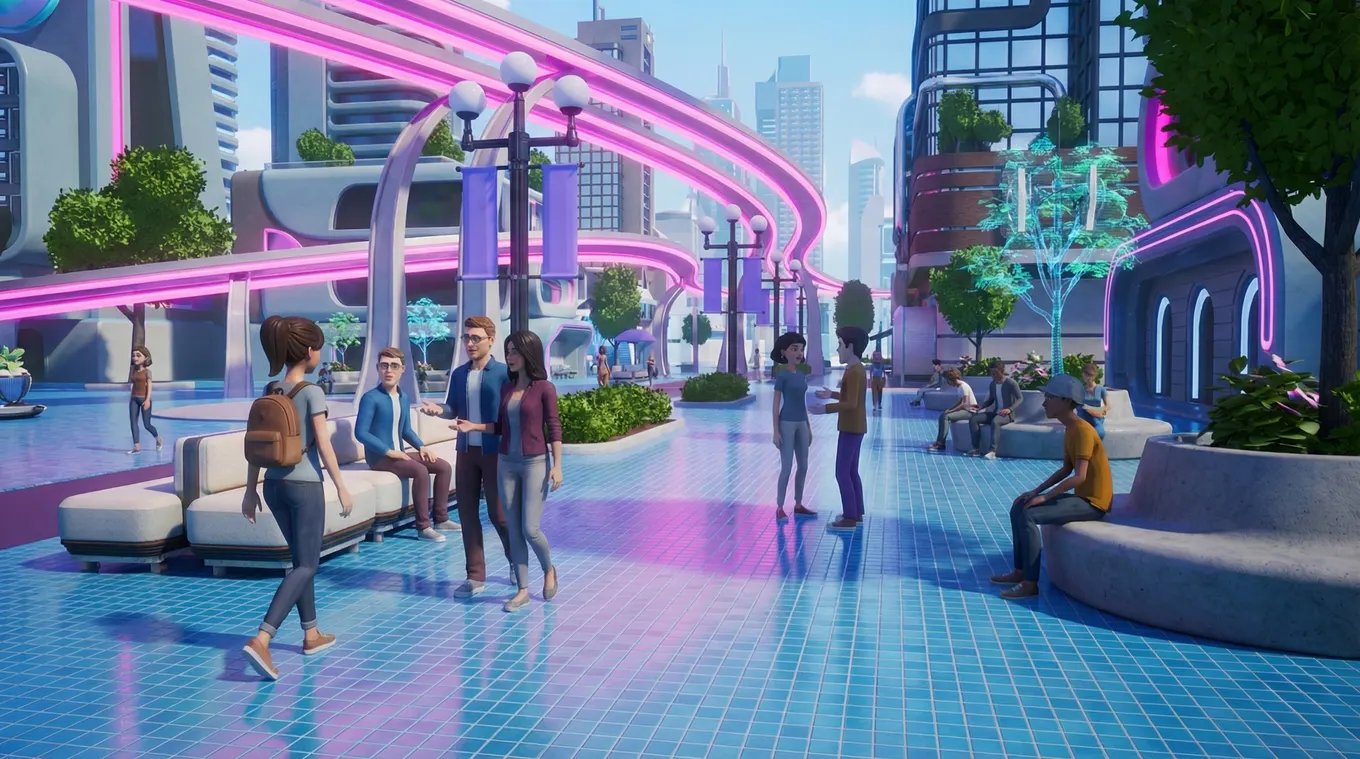
WebXR is the browser layer that connects web content with the tracking, display, and input capabilities of XR hardware. In ordinary web content, a browser draws a page onto a flat screen. In a WebXR session, the browser can request an immersive view, receive information about the user's head and controller position, and render a three-dimensional scene from the correct perspective for each frame.
The experience still uses familiar web delivery: a URL, HTTPS, JavaScript, 3D assets, and a rendering framework or engine. The WebXR Device API provides access to compatible XR capabilities, while technologies such as WebGL or WebGPU handle real-time graphics. Development frameworks can simplify scene creation, interaction, physics, animation, and device fallbacks. The result may run as immersive VR in a headset, immersive AR on a supported device, or a non-immersive 3D version on a standard screen.
A typical journey is simple. The visitor scans a QR code or follows a link, the page checks available capabilities, and the interface offers an appropriate mode. A headset may show an Enter VR button. A compatible mobile device may offer an AR view. A laptop may present an interactive 3D preview. Good WebXR development treats these modes as one experience family while adapting controls, camera behavior, asset quality, and instructions to each device.
The 3D world itself still needs careful production. Optimized models, textures, lighting, animation, audio, navigation, and interaction design determine whether the session loads quickly and feels credible. Mimic XR's virtual world development and 3D modeling and asset creation services address that production layer, while WebXR provides one possible route to the audience.
Why Do Businesses Use WebXR?
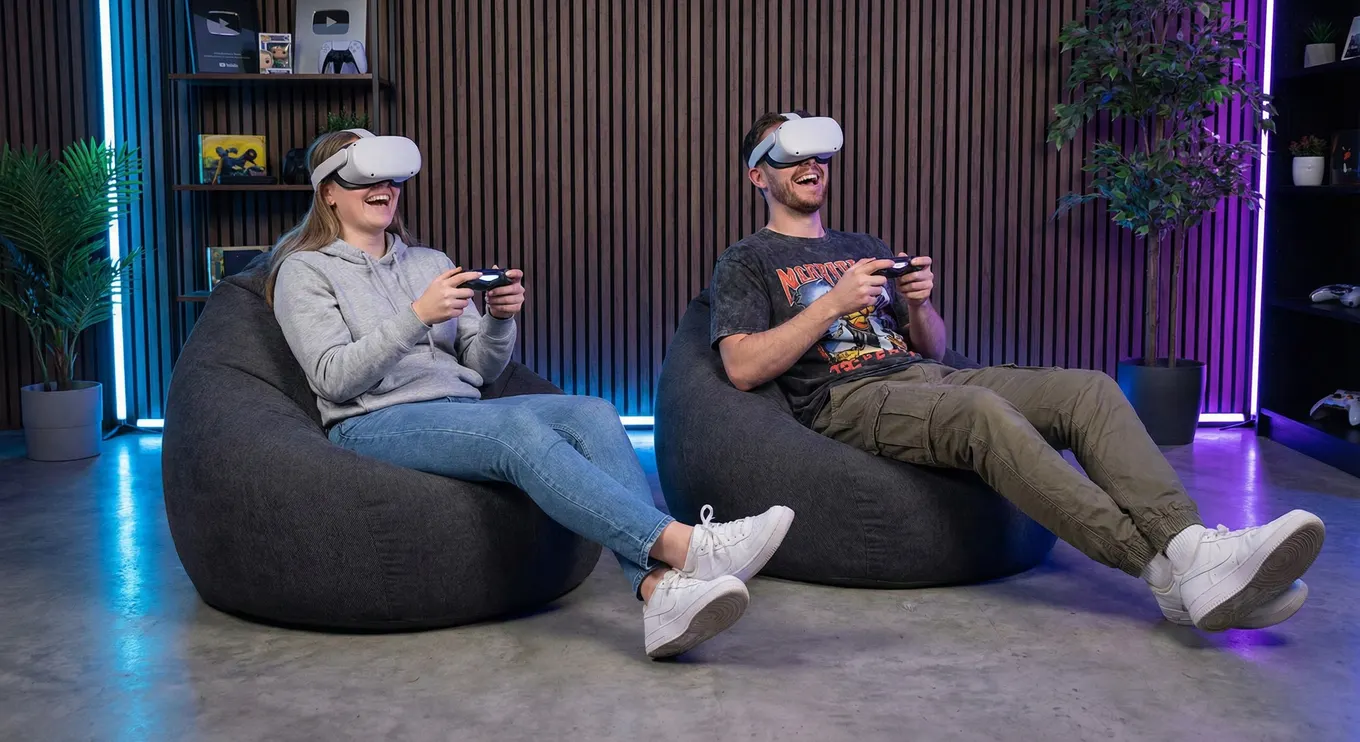
Businesses use WebXR primarily to reduce the friction between interest and experience. Every extra step in a digital journey can lose users: visiting an app store, downloading a large file, creating an account, waiting for installation, and granting unfamiliar permissions. A browser link can make the first interaction feel closer to opening a video or product page, which is valuable for campaigns, sales conversations, events, education, recruitment, and public experiences.
Reach is the second advantage. A well-planned WebXR project can serve several device classes from one web foundation. That does not mean every feature works identically everywhere. Browser and hardware support vary, especially for advanced AR capabilities. It means the experience can provide a useful fallback instead of ending with an unsupported-device error. A visitor without a headset might explore a 3D scene with touch or mouse controls, while a compatible headset user enters the same world immersively.
Updates are also easier to distribute. Because the application is delivered from the web, teams can release revised content centrally. The next visitor receives the current version without downloading a store update. This is especially useful for changing product ranges, exhibition content, training instructions, seasonal campaigns, and guided sales materials. It can also simplify measurement because sessions can connect to web analytics, campaign parameters, lead forms, or existing customer journeys, subject to privacy and consent requirements.
Lower access friction through links, QR codes, and embedded calls to action
A practical path from desktop or mobile 3D into supported immersive modes
Central content updates without requiring every user to install a new build
Connections to analytics, ecommerce, lead capture, learning systems, and web content
Easy sharing before, during, and after events, sales meetings, or training sessions
These benefits are most useful when they support a clear business goal.
What Are the Best WebXR Business Use Cases?

The best WebXR use cases have a strong reason to be three-dimensional and a strong reason to be easy to open. A static brochure does not become valuable merely because it is placed in a virtual room. The experience should help someone understand scale, rehearse a task, explore a place, compare a configuration, or participate in a story more effectively than flat content can.
Product visualization is a natural fit. A buyer can rotate a detailed model, inspect features, change materials, or view an item at real-world scale where supported. The link can live on a product page, in an email, on packaging, or beside a physical display. For complex equipment, the experience can reveal internal components and guided steps that would be difficult to communicate through photographs alone.
Training and onboarding can use WebXR when broad access and quick iteration matter. A learner might enter a virtual environment, follow a guided procedure, respond to a branching scenario, and receive feedback. Highly demanding simulations may still require a native application, but browser delivery can work well for orientation, product knowledge, spatial familiarization, soft-skills practice, and lightweight procedural learning. Teams considering deeper simulations can explore Mimic XR's
XR training simulations and its guide to immersive training for enterprises.
Marketing, events, museums, education, real estate, and virtual collaboration offer further opportunities. A campaign can turn a QR code into a participatory product story. A museum can extend an exhibition beyond the building. A property team can share an interactive walkthrough before construction. A distributed group can review a spatial concept together. In each case, the strongest WebXR concept gives the audience a meaningful action rather than using immersion as decoration.
Interactive product demos and configurable 3D showrooms
Browser-based AR previews for retail, interiors, packaging, and equipment
Virtual tours, cultural exhibitions, and location-based stories
Training, onboarding, guided practice, and safety orientation
Brand activations, event experiences, and shareable immersive campaigns
Collaborative design reviews and stakeholder walkthroughs
WebXR vs. Native XR Apps: Which Is Better?

Neither format is universally better. WebXR favors access, sharing, and web integration. Native XR applications favor deeper access to platform features, predictable hardware targets, demanding graphics, offline operation, and tightly controlled enterprise deployment. The correct choice follows the user journey and technical requirements, not a trend.
Choose WebXR when the audience may arrive from search, social media, a QR code, a product page, or an event sign and needs immediate access. It is also attractive when the project must connect closely with web content or reach people who will not install a dedicated app for a short interaction. A staged experience can begin as 3D on a standard screen and unlock immersive features when compatible hardware is available.
Choose a native app when the experience requires sustained high performance, large environments, advanced rendering, specialized sensors, reliable offline use, extensive device management, or features available only through a particular platform SDK. Complex industrial simulations, multi-hour games, and tightly integrated headset deployments often benefit from a native route. Mimic XR's
mixed reality solutions are scoped around the workflow and target devices, which helps avoid forcing a browser solution into a problem it cannot serve well.
A hybrid strategy is often strongest. The browser experience can create discovery, deliver a preview, qualify interest, or support lightweight sessions. A native application can then serve advanced users who need the full feature set. Shared 3D assets, design systems, content structures, and analytics definitions can reduce duplication if the architecture is planned early.
Audience: public discovery, invited users, employees, customers, or headset owners
Session: two-minute preview, guided ten-minute activity, or sustained application
Hardware: unknown devices, managed headsets, mobile AR, or a fixed installation
Performance: lightweight product scene or complex real-time simulation
Operations: online-only access, offline resilience, identity, security, and device management
Distribution: campaign link, internal portal, app store, private enterprise channel, or kiosk
How Do You Plan a WebXR Project?
Start with one audience, one moment, and one measurable outcome. A useful brief might say: help trade-show visitors understand a machine in under five minutes; let online shoppers check product scale before requesting a quote; prepare new employees to recognize hazards before entering a facility; or extend a museum exhibit to remote visitors. This is more actionable than asking for a WebXR experience without defining what should change.
Next, map devices and fallbacks. Identify the browsers and hardware the priority audience actually uses, then test capability assumptions early. Decide what a user sees when immersive AR or VR is unavailable. A graceful fallback might be an interactive 3D viewer, a guided video, a device handoff QR code, or a clear explanation of supported options. Compatibility should be part of experience design, not a message added at launch.
Build the smallest prototype that proves the difficult parts. Test loading time, visual quality, interaction clarity, scale, tracking, comfort, and the main conversion or learning action. Use representative devices and real users. A polished environment cannot rescue confusing controls, slow first load, unreadable interface elements, or a call to action that appears after users have already left.
Define the user, business question, and success metric
Audit available 3D assets and decide what must be created or optimized
Set target devices, browsers, network conditions, and fallback behavior
Prototype the core interaction before producing the full environment
Plan analytics, consent, security, accessibility, and content governance
Test with representative users and devices, then optimize load and frame performance
Launch a focused version and prioritize revisions from observed behavior
Measurement should match the goal. Useful signals can include qualified sessions, load completion, immersive-mode entry, time in experience, interaction completion, product configuration, learning decisions, repeat visits, lead submissions, or assisted conversions. Avoid treating time spent as success by itself; a short session that answers the user's question may outperform a longer but confusing one.
Mimic XR combines real-time art, interaction design, performance capture, and implementation planning. Learn more about the studio or review how motion capture and performance and smart avatars and NPCs can add believable human guidance to immersive experiences.
WebXR Frequently Asked Questions
Does WebXR require an app download?
Usually no. A WebXR experience is opened through a web link in a compatible browser. The browser may ask for camera, motion, or immersive-session permission, but the visitor does not normally complete a traditional app-store installation.
Do users need a VR headset for WebXR?
Not always. WebXR can support headset VR, device-based AR, and non-immersive 3D fallbacks. The exact mode depends on the experience, browser, operating system, and hardware. A good project defines useful behavior for priority devices before production begins.
Is WebXR the same as WebAR?
WebAR broadly describes augmented reality delivered through the web. WebXR is a standards-based browser API for immersive AR and VR device capabilities. Some WebAR experiences use WebXR, while others use different technologies or platform-specific viewers.
Which browsers support WebXR?
Support varies by browser, operating system, device, and individual WebXR feature. Chromium-based browsers and headset browsers commonly provide the strongest support, while some combinations have partial or disabled support. Always check current compatibility and test the exact devices your audience uses.
Can WebXR work on iPhones and iPads?
Browser-based 3D and some web AR workflows can work on Apple mobile devices, but native WebXR feature support can differ from Android and headset browsers. Projects targeting iOS should plan and test an appropriate fallback or platform-specific AR viewing route rather than assume identical behavior.
Is WebXR good for ecommerce?
Yes, when three-dimensional inspection or real-scale preview reduces uncertainty. WebXR can support product viewers, configurable showrooms, guided demonstrations, and AR placement. Commercial value depends on accurate assets, quick loading, clear controls, and a direct next step such as purchasing or requesting a quote.
Can WebXR be used for employee training?
Yes. It can support onboarding, spatial orientation, product knowledge, guided procedures, soft-skills scenarios, and lightweight simulations. Training that requires complex physics, specialized peripherals, offline reliability, or tightly managed hardware may be better suited to a native application.
Is WebXR secure?
WebXR experiences should be served through HTTPS and request only the permissions they need. Security also depends on identity, hosting, data handling, integrations, analytics, and organizational policies. Enterprise projects should include privacy and security review during planning, not after development.
How much does WebXR development cost?
Cost depends on scope: asset creation, scene complexity, interaction depth, supported devices, multiplayer, analytics, integrations, testing, and ongoing content updates. A focused prototype with one core journey is the best way to validate value and produce a credible production estimate.
How long does a WebXR project take?
A narrow prototype can be developed much faster than a multi-scene platform, but timelines vary with approvals, 3D asset readiness, technical risk, target-device coverage, and integration requirements. Early device testing and clear content ownership prevent many schedule surprises.
Sources and further reading
Conclusion
WebXR makes immersive content easier to discover and share by bringing compatible AR and VR experiences into the browser. Its greatest strength is not that it replaces every native application. It is that a link can connect more people to an interactive 3D moment, while supporting useful fallbacks and fitting naturally into existing web journeys.
The best next step is a focused feasibility and prototype phase built around your users, devices, assets, and measurable goal. Explore Mimic XR's services or contact the team to plan a browser-based immersive experience that is accessible, credible, and ready to grow.
About this article
Mimic XR is an extended reality production studio based in Potsdam, Germany. This article provides general planning information; project decisions should be validated against current hardware, platform, privacy and operational requirements.
Creation note: AI tools assisted with drafting and structure. Mimic XR reviewed and is responsible for the published content. External technical sources are linked where relevant. Last reviewed: 29 October 2026.


