

How do you turn a modular sofa range into a configurator that sales can actually use?
A modular sofa configurator should connect visual choices to valid components, approved materials and a usable sales record. This guide is for furniture brands and retailers commissioning that system, rather than consumers looking for a sofa to purchase.
Use the worked example below to prepare product rules, define an enquiry handover and test one representative range. All product identifiers, dimensions and rules in the example are fictional. Photographs are licensed stock references, not screenshots of a working configurator or Mimic XR client results.
Table of Contents
Specify modules, connections and dimensions
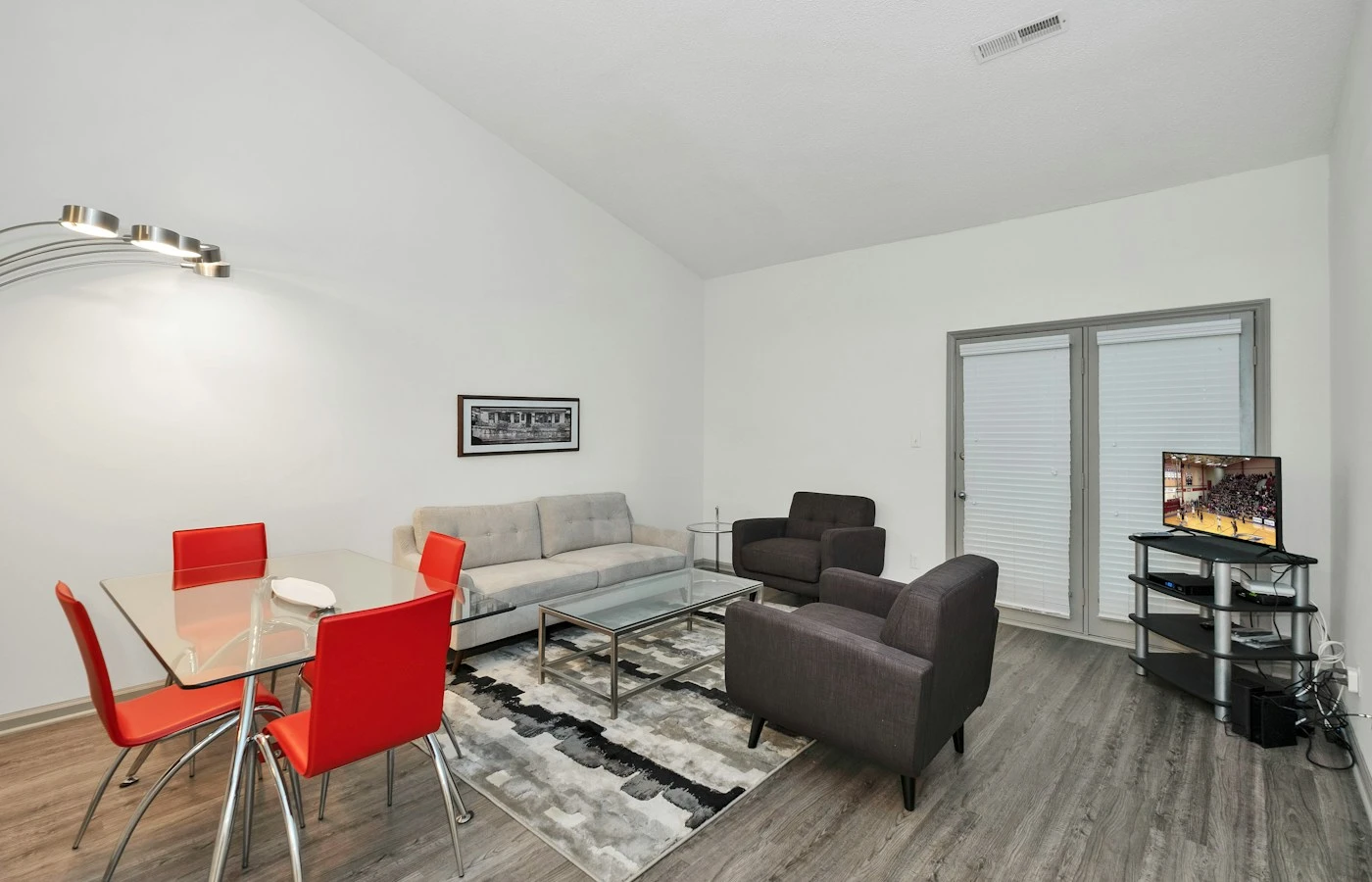
A modular sofa configurator lets a buyer combine approved seating components while preserving the rules that make the result buildable. For a furniture brand, the hard part is not rotating a sofa in 3D. It is ensuring that an arrangement shown on screen corresponds to the products, materials and quantities your sales team can actually quote.
Begin with a component register. Give each seat, corner, chaise, arm and ottoman a stable identifier. Record its approved dimensions, connection points, orientation, available finishes and commercial status. Keep a freestanding ottoman distinct from a component that must connect to another module. Do not infer compatibility simply because two models can be placed beside each other.
Consider this fictional training example, not a Mimic XR client product: a range contains a left-arm seat LA90, an armless seat S90, a right-arm seat RA90 and a freestanding ottoman O90. The first three modules are each 900 mm wide and 950 mm deep, including their finished outer geometry. Their approved straight arrangement is LA90–S90–RA90. With no overlap or gap in this illustrative connection rule, its overall width is 2,700 mm. Real catalogue dimensions and connector offsets must come from the manufacturer.
Write explicit rules for that example: an armless seat can extend the central run; arm units terminate the run; the ottoman remains separately positioned; and every component in a connected run must use an approved connection type. Define the response when a user removes the middle seat. The application might reconnect the remaining compatible modules or ask the user to choose a permitted arrangement. It must not silently leave an unsupported combination ready to order.
Add a corner or chaise only after its orientation is unambiguous. State whether left and right are defined while facing the sofa or sitting on it, and use the same convention in labels, illustrations and the sales record. A retailer's established convention should control the implementation. Do not assume that mirroring a 3D model creates an orderable opposite-hand product.
Our furniture configurator service addresses this connection between product choices and the buying journey. For the broader procurement decision, use the platform-versus-custom-development guide; this article focuses on the sofa-specific information either route needs.
Connect upholstery choices to approved product data

A material selector needs more than colour names. Give each fabric a stable code, display label, supplier reference and availability status. Record which modules support it and whether selecting it changes price, lead time or required approval. Decide whether customers may mix fabrics across modules or whether a connected run must use one upholstery specification.
For the fictional range, suppose F01 and F02 are approved across every seating module, while F03 is approved only for the ottoman. Choosing F03 on the full sofa should be rejected or clearly explained. If the user changes the range after choosing a fabric, preserve the selection only when it remains valid. Otherwise request a replacement and explain why the previous choice cannot carry across.
Separate visual reference from commercial accuracy. Photographs and physical swatches can guide material production, but the browser display is not a guarantee of an exact colour match. Agree how the interface offers swatch requests or material confirmation. Check fabric scale, grain direction, seam placement and cushion boundaries on one representative asset before applying the material library to the entire catalogue.
Choose an owner for product changes. When F02 is discontinued, decide what happens to existing saved configurations: preserve the historical selection for review, flag it as unavailable and suggest an approved alternative. Do not silently replace it with a similar colour. The rule version and material code should make the difference visible to the person preparing a quotation.
The 3D product visualization service provides the relevant production context. Use the product-rendering buyer's guide to distinguish still-image deliverables from interactive assets. A beautiful render is useful evidence of appearance; it does not prove that component rules, saved selections or sales integrations work.
Define the configuration record that reaches sales

The useful output of a quote-led configurator is a complete selection the sales team can understand. Before designing the final screen, agree the information that must survive the handover. A screenshot can help communicate appearance, but it cannot reliably replace module identifiers, quantities, orientation and material codes.
For the fictional sofa, an illustrative record could contain configuration reference DEMO-001, range EXAMPLE-A, rule revision 1, modules LA90 × 1, S90 × 1 and RA90 × 1, fabric F01, overall footprint 2,700 × 950 mm, and the customer's requested next step. Add the date the configuration was saved and whether availability still requires confirmation. These example identifiers are planning fields, not an implemented Mimic XR ordering system.
Keep the selected configuration separate from the customer's personal details until the enquiry process needs them. Agree which fields go to the CRM, who receives the request and how the customer knows submission succeeded. A successful button click is not the same as a received enquiry. If the receiving system is temporarily unavailable, preserve the selection and offer a clear recovery path rather than claiming it was sent.
Decide whether the first release requests a quote or calculates a binding order total. A quote-led pilot can submit the approved selection for review without implementing every tax, shipping or price-list rule. If live pricing is required, specify the source, market, currency, revision and error behaviour. Never display an old price as current simply because the latest price connection failed.
Saved links need a maintenance policy too. Test reopening a selection after a module is discontinued or a rule changes. Preserve its original meaning, show that review is required and prevent accidental submission as a newly valid order. For wider journey choices, the showroom-versus-configurator guide explains when product exploration and configuration should be separate.
If you already have a catalogue sample, discuss your modular sofa configurator requirements. Include the available models, important option rules and where a completed configuration should go. Unknown requirements can be marked undecided.
Use acceptance tests that expose costly mistakes

Ask suppliers to demonstrate a small set of written tests against your representative product family. A polished default sofa is an incomplete test. Include the combinations customers change, the inputs sales teams need and the failures that would otherwise create manual corrections. Record the expected result before reviewing the implementation.
Test one valid arrangement: LA90–S90–RA90 with F01 should display the correct outer dimensions and export the three identifiers with the same material. Then remove S90. Under the illustrative rule defined earlier, the remaining compatible arm units reconnect and the outer width becomes 1,800 mm. Check the scene, dimension label and saved record together; passing only the visual check is insufficient.
Test an invalid combination: apply ottoman-only F03 to the connected sofa. The application should prevent that selection or explain the required change before an enquiry is submitted. Test changing an arm orientation as a separate action and verify that the resulting component identifier corresponds to an actual approved catalogue item.
Test persistence and updates: save a configuration, reopen it on another supported device, then assess what happens under a newer catalogue revision. Test the agreed discontinued-fabric behaviour. Also check reset, undo and back navigation so a visitor can correct a choice without losing unrelated selections.
Test the handover end to end: submit a labelled test enquiry, verify the receiving record with the site owner and confirm the customer-facing success message only appears after the required acknowledgement. Avoid counting staff tests as leads. Agree how failures are reported and whether duplicate submissions are prevented.
Test usability on priority phones as well as desktop. Essential option names, dimensions and the enquiry route should remain available when 3D loading fails. If you add room placement, the AR product visualisation service is relevant, but AR is a separate scope with its own device and scale checks. It does not replace physical access measurements or delivery planning.
Commission one product family with clear handover
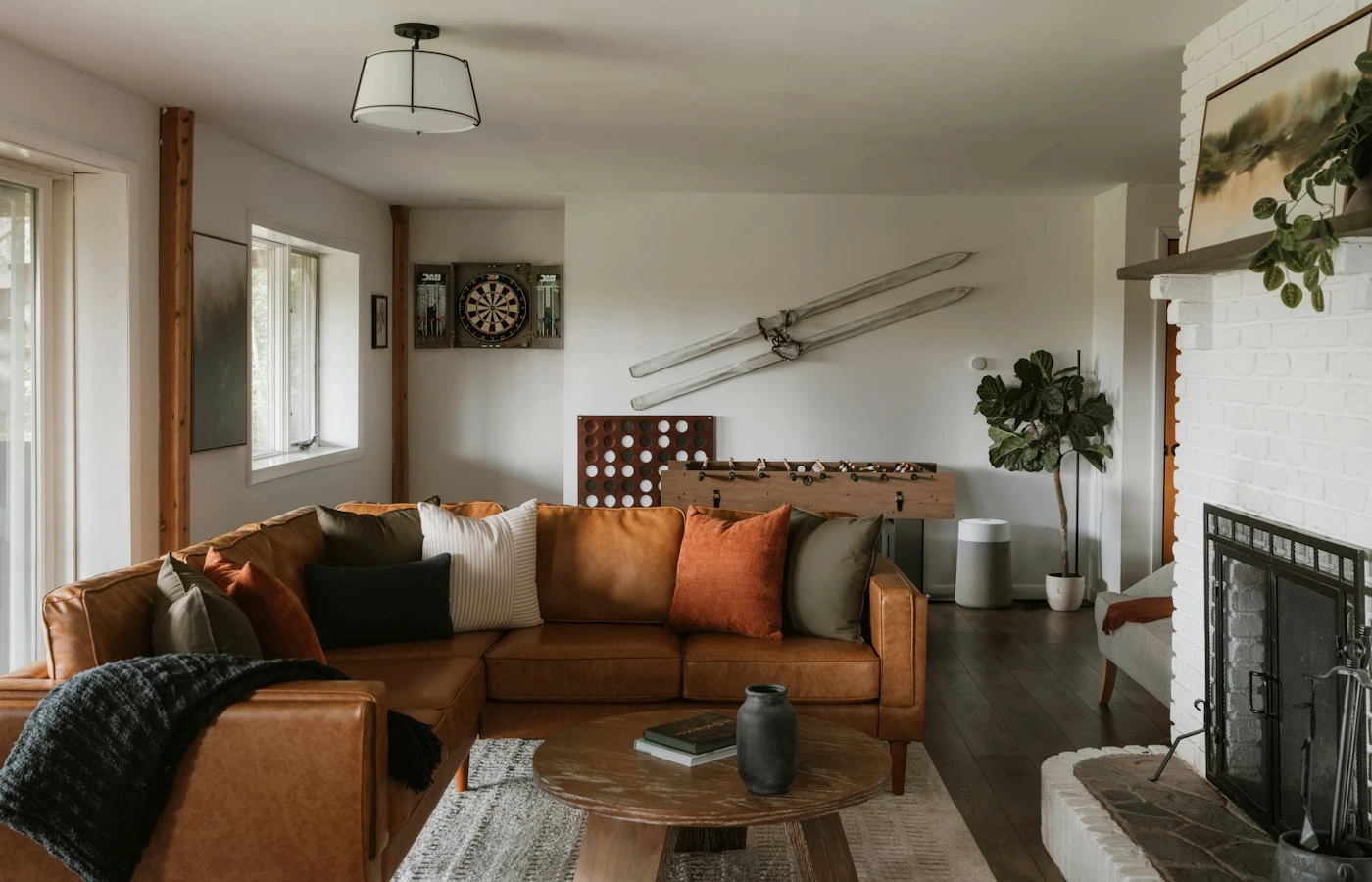
An effective first brief contains one representative range and enough complexity to expose the important decisions. Select a range with a real connection dependency, an orientation choice and a material restriction if those occur in your catalogue. Starting with the easiest fixed sofa may hide the work needed for the rest of the collection.
Provide an input pack: approved component identifiers and dimensions; current CAD or 3D models; photographs and material references; permitted and prohibited combinations; the intended website platform; and the destination for the completed selection. Name a product owner who can approve rules, a visual reviewer and an integration contact. Do not send confidential customer data when a fictional sample record will establish the requirement.
Request separate deliverables for the component and material assets, rule specification, customer interface, sales handover, acceptance testing and maintenance documentation. Ask which source files and licences transfer, who can add a fabric or retire a module, and which changes require development. Our production process can help structure review responsibilities.
Cost depends on component count, asset condition, rule complexity, pricing, integrations and device coverage. Ask suppliers to price the same input pack and acceptance tests. Do not multiply a generic per-model price by the catalogue size and assume it includes application logic. Record recurring platform charges, hosting, support and catalogue updates separately from initial production.
External examples show why these details matter. PARAMETRA's modular furniture demos describe compatible placements and composition changes linked to commercial outputs. AESTAR's modular sofa project describes a web configurator using the client's existing 3D models. These are the suppliers' own descriptions, not Mimic XR projects or independently verified conversion results.
Measure the pilot against the existing sales journey: valid configurations completed, enquiries successfully received, selections requiring manual correction and qualified follow-up. A longer session or more rotations is not automatically better. Review the configurator examples guide for broader patterns, then keep the rollout decision tied to your product data and actual enquiry quality.
Frequently asked questions
What is a modular sofa configurator?
It is an interface for assembling approved sofa components and choosing supported options. A complete commercial implementation also preserves the selection, applies product rules and passes usable information to a quotation or ordering process.
Is a sectional sofa configurator different?
The terms overlap. For a project brief, describe the actual modules, corners, chaise orientations and connection rules instead of relying on the label. A fixed sectional with fabric options needs less configuration logic than a freely assembled modular range.
Can existing sofa CAD files be used?
They can provide useful starting geometry and dimensions, but they need assessment. Interactive delivery may require simplification, materials, component separation and device testing. Confirm that the files match the approved production revision.
Does every possible combination need a separate 3D model?
Not necessarily. Reusable component assets can be assembled according to approved rules. Some products still need distinct geometry for particular variants. The asset plan should follow the real construction rather than assuming every variation is only a material change.
Should the first version include live pricing?
Only if the intended journey requires it and the authoritative price data is ready. A quote-led pilot can preserve the selection for sales review. Clearly state when price and availability need confirmation.
How do we handle discontinued fabrics?
Keep stable fabric identifiers and a versioned availability record. Define how older saved configurations are flagged and reviewed. Do not silently substitute another fabric or treat a historical selection as a current order.
Do we need AR room placement?
It is optional. Add it when showing scale in the buyer's surroundings solves a meaningful problem. Plan separate device tests and a non-AR alternative; room placement does not establish whether furniture can pass through doors or access routes.
What should we send to request a development estimate?
Send one product family, component dimensions, available assets, option rules, website platform, handover requirements and target date. Include a budget range if known and identify the people who approve product rules and appearance.
Start with an approved product brief
A useful modular sofa configurator pilot proves three things together: the arrangement is valid, the appearance represents approved options and the sales team receives the selection accurately. Keep the first product family focused and document acceptance before expanding the catalogue.
Use the XR project brief builder, then send your sofa configurator brief to Mimic XR. Include one product family, available assets, important rules, the sales destination and preferred date. Scope, timing and price depend on the agreed requirements.
Prepared by the Mimic XR editorial team. Published 13 November 2026. This is a development-planning guide, not a claim that Mimic XR has delivered the fictional sofa range. External supplier examples are attributed in the text; project requirements must be confirmed with the product owner.
Image credits: Cover — Clay Banks; hero photograph — Taylor Friehl; modules photograph — Zac Gudakov; materials photograph — Caroline Badran; handover photograph — Franco Debartolo; testing photograph — Franco Debartolo; pilot photograph — Clay Banks. All photographs are licensed through Unsplash and used as illustrative references.