Should you build a virtual showroom or a 3D product configurator?
Choose a virtual showroom when buyers need to explore and understand a product range in context. Choose a 3D product configurator when they need to select valid options and pass those choices into a quote or order. Combine them only when both jobs matter to the same buying journey.
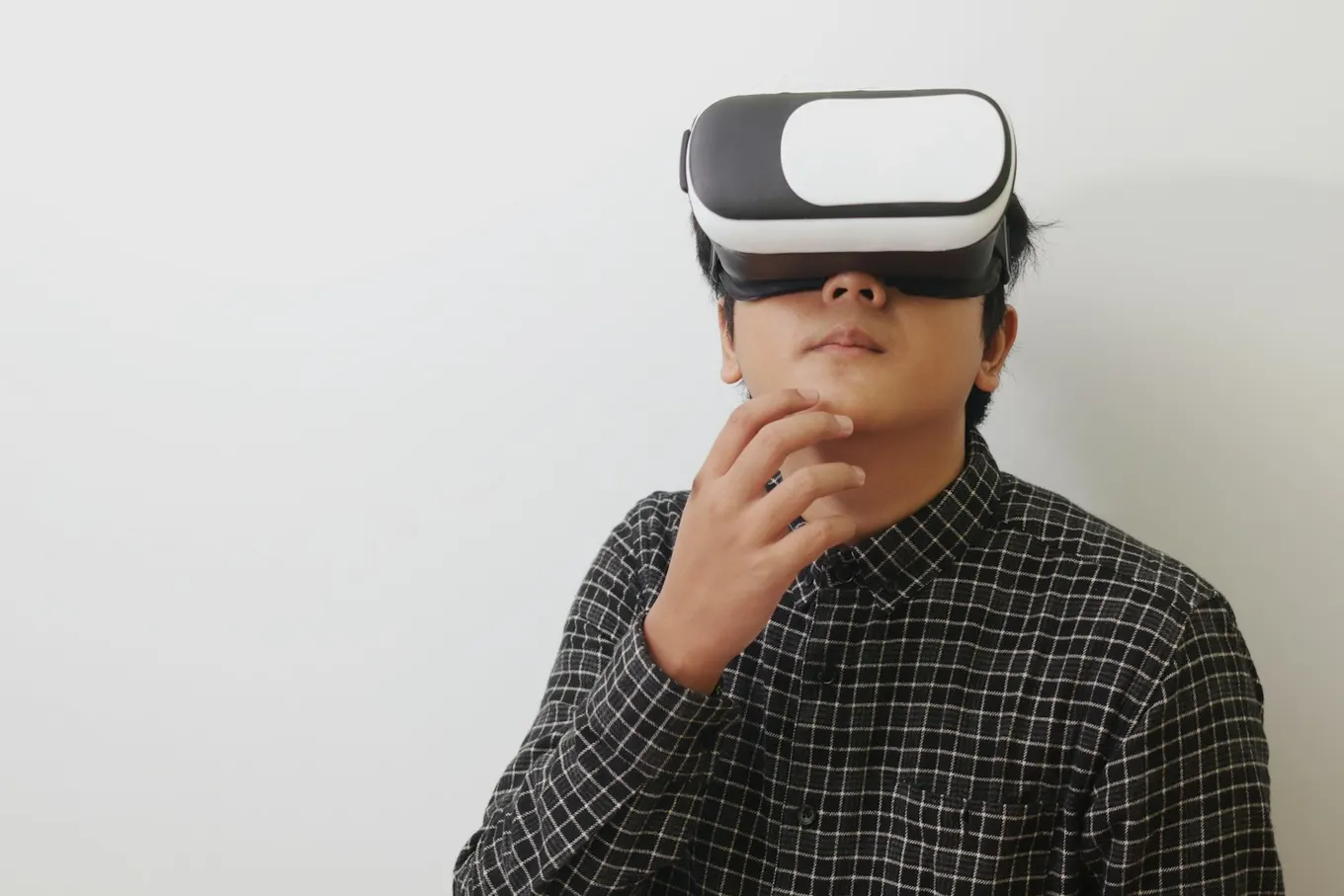
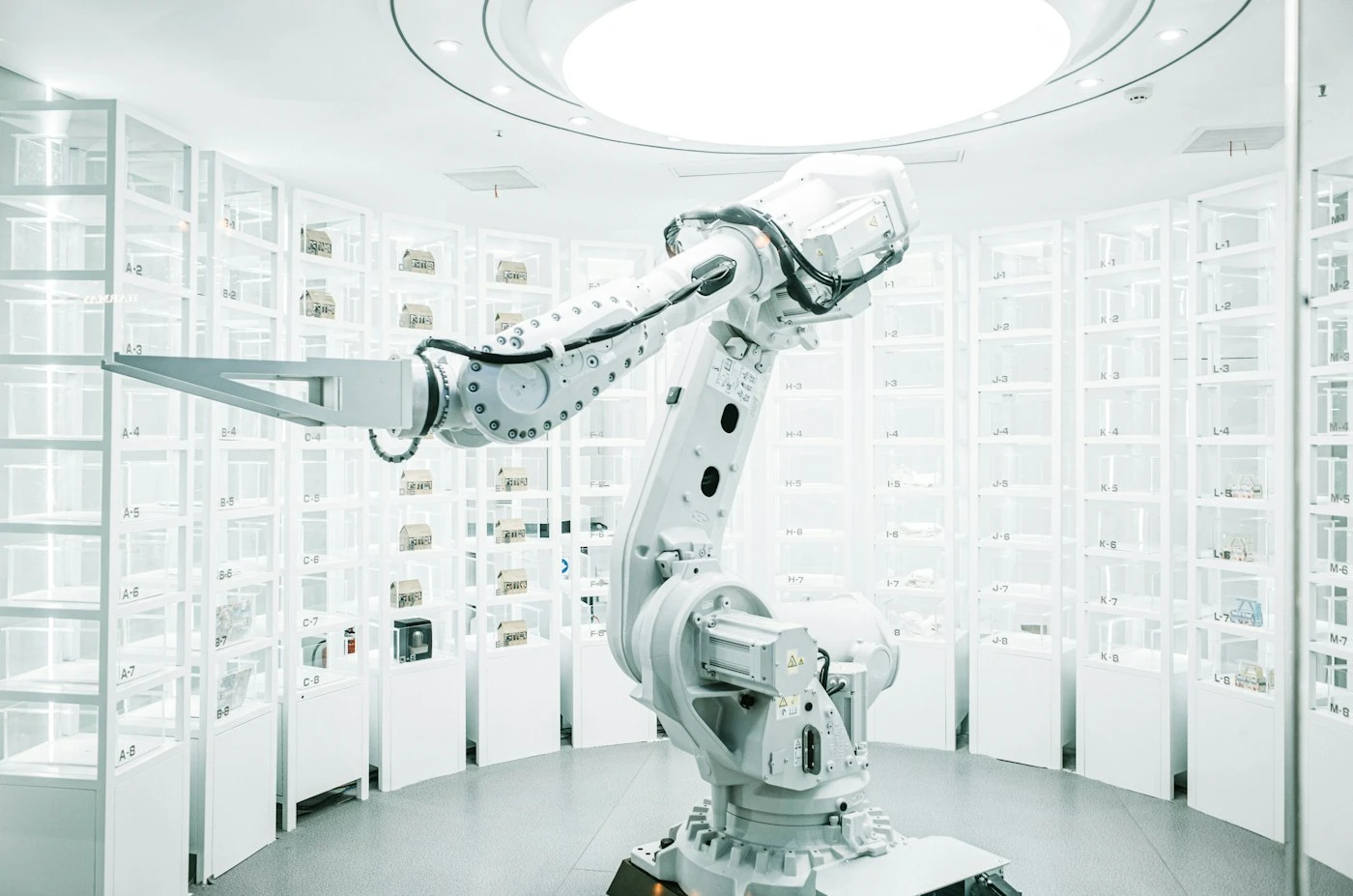
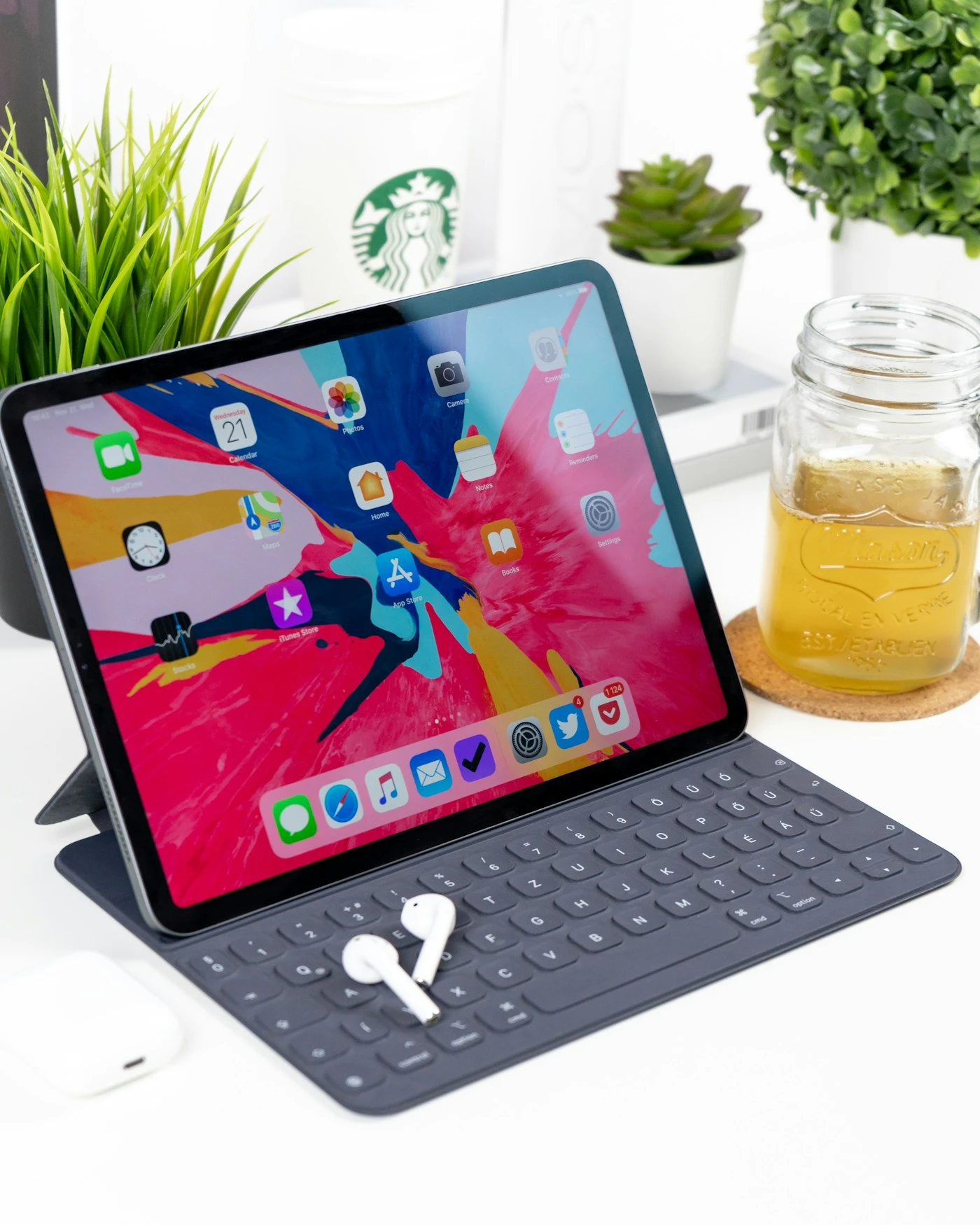
The distinction is about what the customer must accomplish, not whether the experience looks impressive. A showroom can contain a configurator, and a configurator can work on a conventional product page. This guide helps manufacturers, retailers and marketing teams define the right scope before buying software or commissioning development. Stock photographs illustrate physical products and devices; they are not screenshots of Mimic XR projects.
Table of Contents
Start with the buying decision, not a virtual building
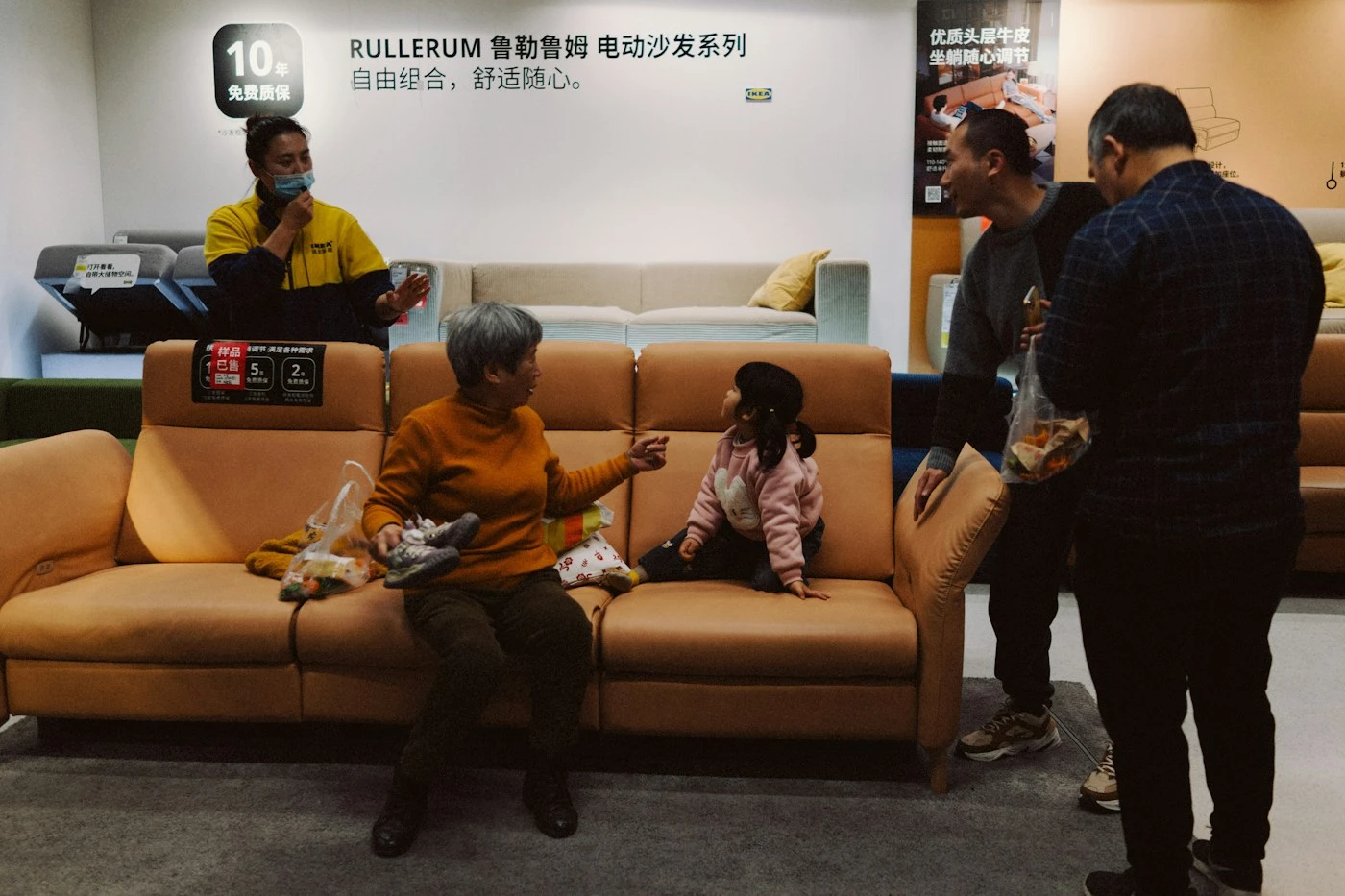
A showroom is a way of presenting products, their uses and their relationships. It may be a navigable environment, a guided product collection or a set of interactive demonstrations. Recreating the walls of a physical showroom is optional. If visitors mainly want to inspect one machine and download its specification, forcing them to walk through a digital reception area can add work without answering a useful question.
Consider the person using the experience. A distributor may compare several models, an engineer may inspect a component, and a procurement manager may need a summary to share internally. Write a short task for each priority audience. For example: identify the suitable product family, understand its installation footprint, and send a defined enquiry to the sales team.
A configurator answers a narrower but often more demanding question: which version should I choose? It connects options such as dimensions, materials, modules and accessories to permitted combinations. A visual colour switcher may be useful, but it should not be presented as a complete ordering configurator if selections do not connect to approved product information.
For product-range storytelling, explore the scope of virtual-world development. For controlled option selection and enquiry handover, start with 3D product configurators. Use the customer task to decide which capabilities belong in the brief.
Before proposing a new environment, review what the existing website already does well. Clear product navigation, photographs and specification downloads may remain the fastest route for routine purchases. Add interactive presentation where it resolves uncertainty that those resources do not address. Your first scope should name that uncertainty and describe how the visitor will leave with a better answer.
Compare showroom, viewer and configurator requirements
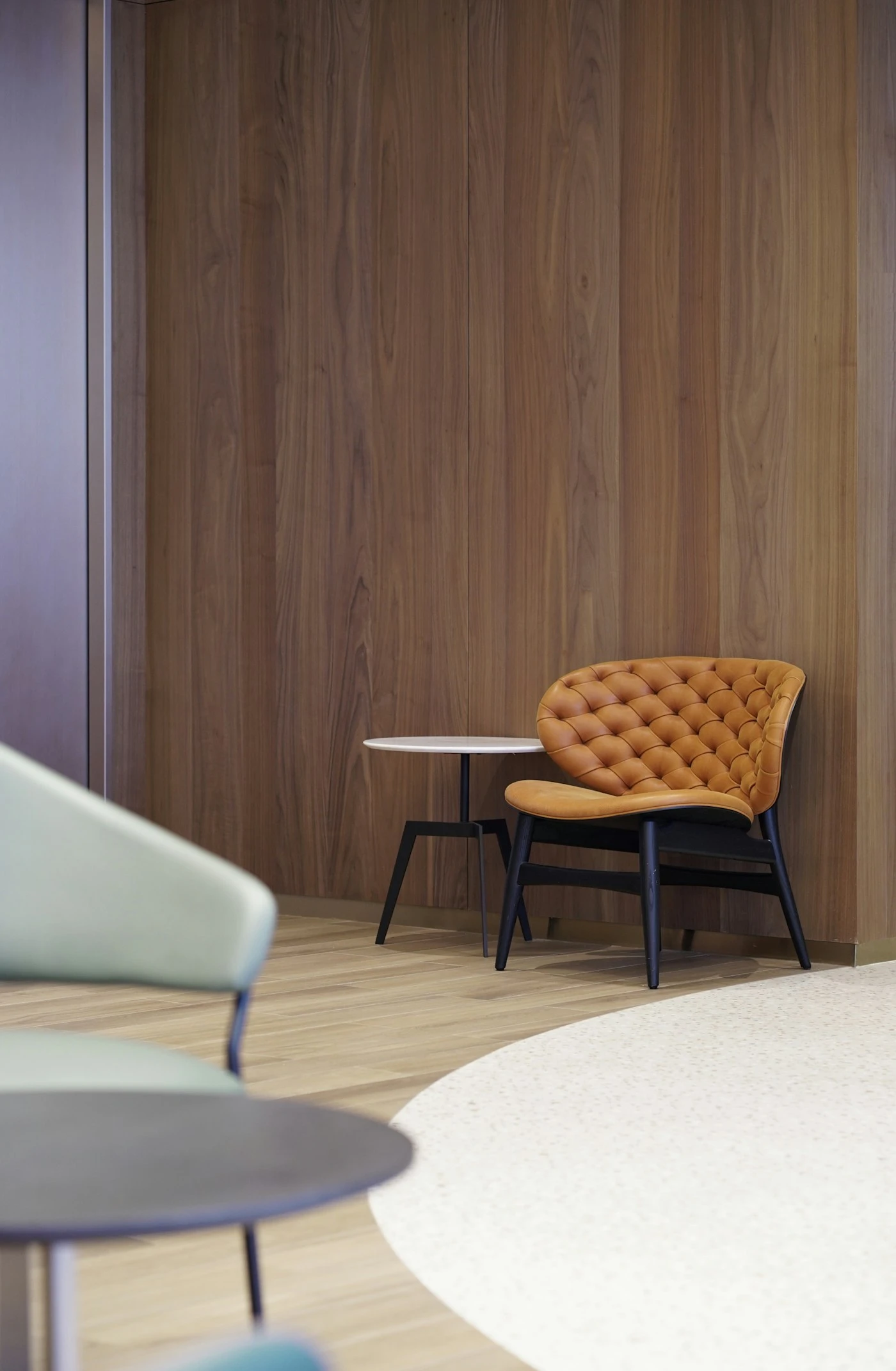
A product viewer primarily supports inspection: rotate, zoom and examine relevant details. A showroom adds context and discovery across products or environments. A configurator adds choices and rules. These are useful distinctions for procurement because they change the required data, development effort and acceptance testing.
For a showroom, list the products, environments, navigation routes, hotspots, media and downloadable information. Decide whether the visitor explores independently or follows a salesperson. A browser presentation may be enough; a headset version should have a separate reason, such as judging scale or spatial relationships during a supervised demonstration.
For a configurator, list each option and its effect. Some selections change only appearance. Others change dimensions, compatibility, price, availability or the manufacturing specification. Identify invalid combinations and the person who approves the rules. The visible model and the saved configuration must agree, including when a visitor goes back and changes an earlier choice.
A furniture collection makes the distinction clear. A showroom could explain where different chair and sofa families fit. A configurator could select the upholstery, legs and permitted sectional arrangement for one family. Our furniture configurator software comparison addresses platform versus custom-build decisions after the product requirements are understood.
Use the configurator examples guide to identify interaction patterns, then test them against your catalogue. Avoid copying an automotive configuration journey into a simple three-finish product. Conversely, a material picker alone will not resolve the rules of a made-to-measure storage system.
Record what happens when product information changes. Retiring a fabric should not silently substitute another finish in a saved request. Agree whether an old configuration remains viewable, becomes unavailable or needs a salesperson to confirm it. That maintenance behaviour belongs in the scope, not only in a discussion after launch.
Prepare assets and product information for the chosen route
Both routes need reliable source information, but the asset list should follow the customer task. Gather available CAD, measured dimensions, approved photographs, material references, product identifiers and descriptions. Mark the current approved version. A visually convincing model of an obsolete product is still incorrect.
A showroom may need environment assets, product positioning, lighting and explanatory sequences in addition to the products themselves. Ask whether a realistic room contributes useful context or whether a simpler presentation will communicate the product better. Each additional environment also creates work when branding, layouts or the catalogue change.
A configurator needs assets organised around the options that actually change. Separate interchangeable parts and check how materials map to the correct surfaces. The asset-production plan and product-rule plan must be developed together. Otherwise the interface may offer a valid selection that the model cannot display accurately.
High-resolution marketing imagery and interactive assets are different deliverables. Our 3D product rendering buyer’s guide explains production inputs and handover questions. When interactive reuse matters, request an explicit preparation and testing workflow rather than assuming that a finished render provides a browser-ready model.
Agree measurable acceptance conditions for the intended devices: acceptable loading behaviour, readable information, responsive controls and complete visual options. Ask the supplier to demonstrate the most complex representative product early. A simple sample model does not establish that a large configurable assembly will perform well.
Also agree what the supplier will retain and what your team will receive. Editable models, textures, product data, configuration rules and application code are separate handover items. Clarify licence dependencies and future update responsibilities in writing. This allows you to compare proposals on the full usable result, rather than on an attractive opening screen.
Choose devices and integration around the sales journey
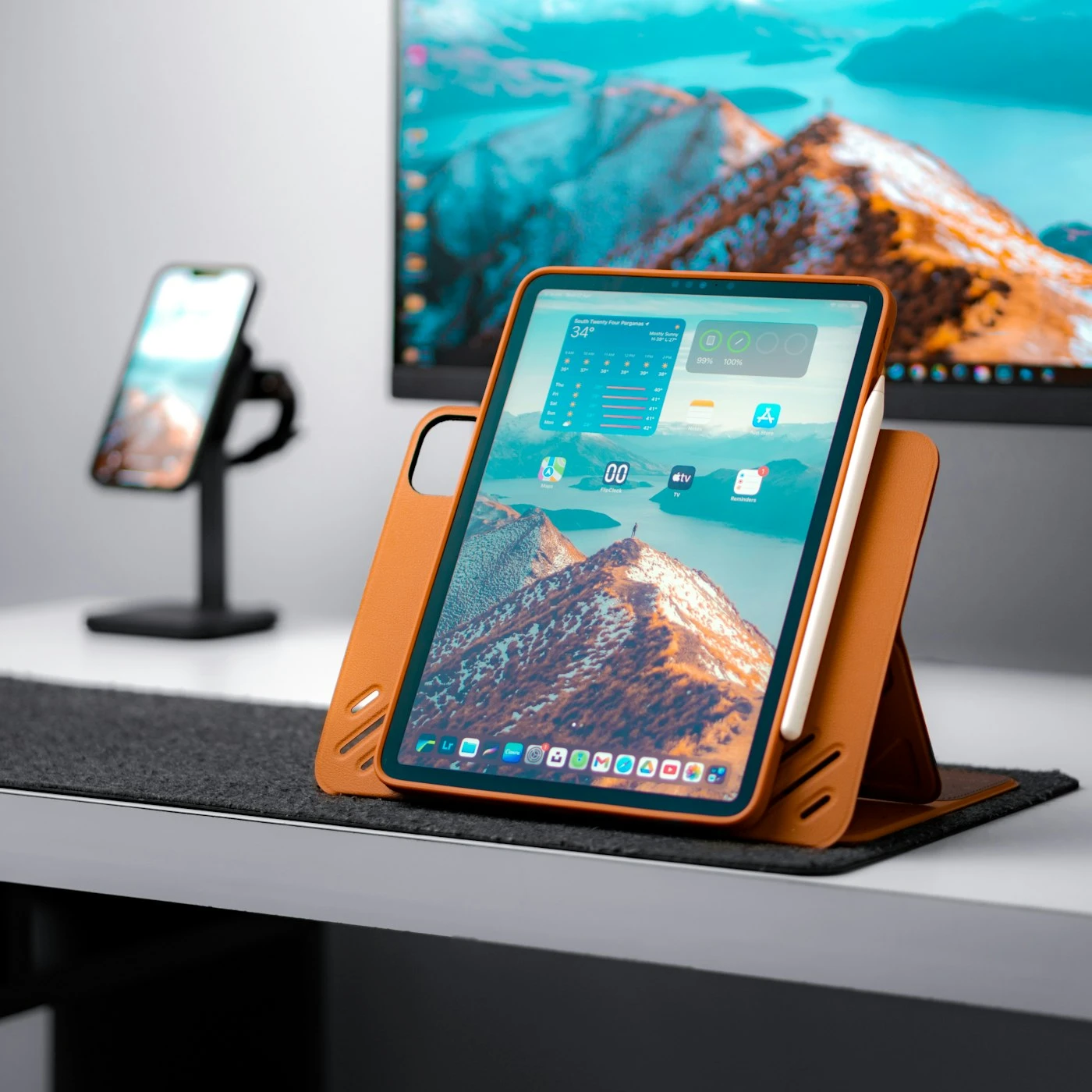
Browser-based access can make an experience easy to share, but it does not remove the need for device testing. A desktop sales presentation, a phone link and a touchscreen at an exhibition have different interaction conditions. Define the supported environment and a practical fallback before selecting visual effects or advanced input methods.
Our WebXR development service is relevant when browser delivery forms part of the project. However, a conventional browser 3D viewer does not automatically require immersive WebXR. MDN’s WebXR documentation identifies limited browser availability and secure-context requirements. Test the required capabilities instead of promising identical AR or VR behaviour on every device.
Decide what the visitor should do after exploring. A showroom might hand over the product of interest, viewed features and a requested demonstration. A configurator should preserve the selected options and a configuration reference. For a quote-led process, sales staff need enough information to respond without asking the visitor to reconstruct the entire session.
Checkout integration adds further responsibilities. Define how prices, quantities and identifiers reach the cart and order record, and how unavailable choices are handled. If the experience only provides indicative visual choices, say so clearly. Do not imply that a visitor has placed a valid order when the team still needs to check manufacturability.
Placement in the customer’s surroundings is another optional layer. Consider AR product visualisation when real-world scale helps the decision, and provide an alternative path when AR cannot launch. AR should not become a compulsory detour between a clear product choice and an enquiry.
For exhibitions, the same assets may support a different presentation mode. Our interactive trade-show demo guide explains how staffing, connectivity and visitor throughput influence the format. Sharing assets is useful; assuming every delivery environment is identical is not.
Compare costs and supplier evidence without false equivalence
Ask each supplier to price the same representative scope. For a showroom, include product preparation, environments, navigation, information content, hosting and updates. For a configurator, add the approved rules, data connections, saved selections and quote or order handover. A cheaper proposal may simply omit one of those responsibilities.
Separate one-off production from recurring operation. Licence fees, hosting, catalogue changes, support, analytics maintenance and integration updates can continue after launch. Request the assumptions behind traffic allowances, asset counts and support arrangements. A meaningful comparison includes what happens when your product range grows.
Review working examples and ask what the supplier actually delivered. VRtual X’s product and sales showroom page demonstrates product inspection and sales-presentation journeys. RealityMatters’ showroom examples describe manufacturer-specific applications. These are external suppliers’ examples, not Mimic XR work or performance evidence for your project.
Use those examples to develop questions, not to import another company’s results. Can the supplier explain the data workflow? Can a sales representative operate the experience without production support? Does the demonstrated project use comparable products and integrations? What must be built specifically for your catalogue?
A supplier’s role may have been asset creation rather than full application development. Ask for precise attribution, relevant responsibilities and the parts available for demonstration. Where client confidentiality limits public evidence, agree what can be reviewed privately. Do not treat a logo list or a concept image as equivalent to a working implementation.
Measure value against the original customer problem. If the task is understanding product scale, assess whether users can answer that question. If the task is a valid configured quote, assess the accuracy and completeness of submitted choices. More time inside a 3D environment is not automatically a better commercial outcome.
Run a small pilot with a complete enquiry handover
Choose one representative product family and one priority audience. Include a realistic source asset, the important content or rules, and the full next-step journey. A pilot that stops before the enquiry handover cannot establish whether the experience supports sales.
Write acceptance tasks before production. For a showroom, a visitor should find the relevant product, explain a key feature and reach the correct next step. For a configurator, the visitor should complete a valid selection, change an option without losing unrelated choices and send a record that sales can interpret. Test unsuccessful paths as well as the ideal sequence.
Have prospective users and internal sales staff complete the tasks on the agreed devices. Observe hesitation and misunderstanding rather than relying only on whether the screen looks polished. Record the issue, its effect on the buyer’s task and the proposed change. Retest the revised journey before expanding the catalogue.
Define measurement around meaningful outcomes: product discovery, completed configuration, submitted enquiry and qualified follow-up. Keep event definitions consistent and distinguish completed forms from button clicks. If the launch audience is small, report observations and enquiry quality rather than claiming a statistically established conversion increase.
Use the XR project brief template to gather the audience, representative products, source assets, options, website platform, sales handover and decision makers. Add a named owner for catalogue maintenance so the experience remains accurate after the first release.
The pilot should also prove an update. Change an approved description, finish or product entry and check that the revised version appears correctly. This small exercise exposes hidden dependence on developers or manual work. Expand only when the customer journey and the maintenance workflow are both practical.
Frequently asked questions
What is the main difference between a virtual showroom and a configurator?
A showroom helps people explore and understand products in context. A configurator lets them choose valid product options and retain those choices for a quote or order. One experience can contain both, but they require different acceptance checks.
Does a virtual showroom need a VR headset?
No. A showroom can run as an ordinary browser experience. A headset version is a separate delivery choice that should address a specific need, such as spatial understanding during a supervised presentation.
Can a showroom include product configuration?
Yes. Define the showroom navigation and the configuration rules separately, then test the complete journey. The selected options should survive navigation and reach the agreed enquiry or ordering destination.
Is a colour-changing product viewer a configurator?
It provides a configuration interaction, but that does not establish a complete commercial configuration system. Check whether the choices represent valid products and whether they are preserved in the quote or order record.
Which option costs less?
There is no universal answer. Product assets, environments, rules, integrations, hosting and maintenance determine scope. Compare proposals using the same representative product and required customer outcome.
Can existing CAD files be reused?
Often they provide useful source information, but suitability must be assessed. Interactive presentation may require preparation, simplification, materials and testing. Confirm the approved source revision and required handover files.
Should we add AR to the experience?
Consider AR when placement or scale answers an important buyer question. Confirm device support and provide a useful alternative when it cannot launch. AR is not required for every showroom or configurator.
What should we send for an initial project discussion?
Send the product family, audience, available assets, option rules, website platform and desired sales handover. Include one example of the decision a customer should be able to make after using the experience.
Conclusion
A useful showroom helps buyers understand the right product; a useful configurator helps them define the right version. Start with that distinction, prove the complete sales journey on one representative family and agree how the information will stay current. Discuss your showroom or configurator brief with Mimic XR.
Prepared by the Mimic XR editorial team. Published 10 November 2026. Requirements, supported devices and delivery scope must be confirmed for each project.
Image sources: Cover, Body image 1, Body image 2, Body image 3, Body image 4, Body image 5. Licensed Unsplash reference photography; not Mimic XR project evidence.