Which interactive format should you choose for a trade show product demo?
Use a touchscreen when visitors need a quick, shared explanation with minimal setup. Consider WebAR when viewing a product through a visitor’s compatible phone adds useful context. Choose VR when being inside a product, process or space helps explain something that a screen cannot communicate as effectively. The best choice depends on the task, audience and booth operation.
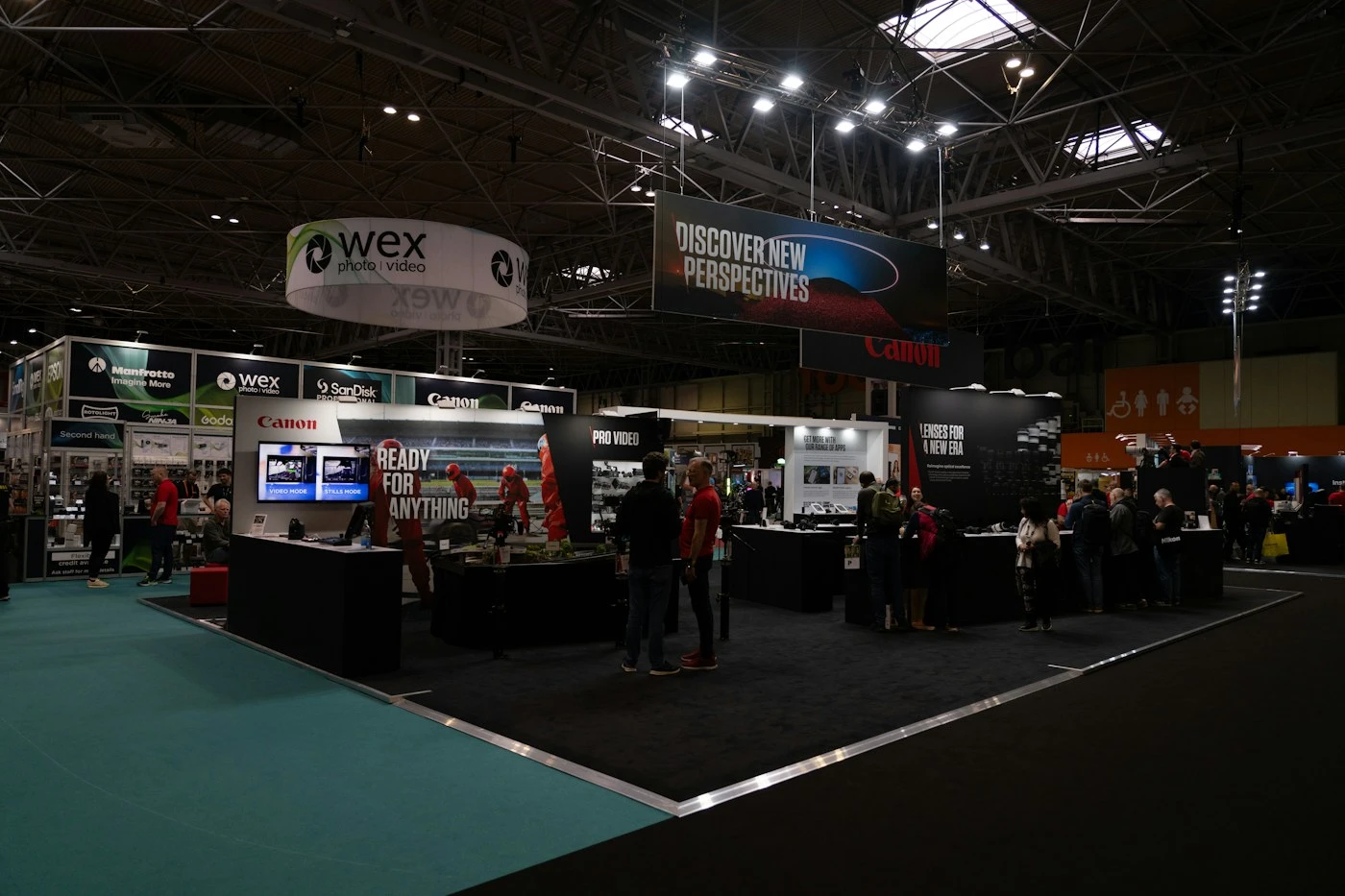
This guide is for exhibitors, brand teams and agencies commissioning physical trade-show experiences. It covers format selection, staffing, connectivity, assets and the handover from a demonstration to a useful sales conversation. It is distinct from selecting a virtual conference platform. Photographs are illustrative stock references, not Mimic XR event installations or client results.
Table of Contents
Define the product question and visitor flow first
Start with a sentence describing what the visitor should understand. Examples include how a machine operates, which modular layout fits a space or how a product differs from another model. A visitor can enjoy an impressive animation and still leave without understanding why the product matters. The demonstration needs a clear product question and a deliberate ending.
Map the journey from the aisle to the next conversation. What attracts attention? What can a visitor understand without assistance? When does a staff member join? What information should the visitor receive afterward? Keep the experience useful for someone with limited time, and offer a deeper route for a qualified prospect who wants more detail.
Plan for both participants and observers. A single-person interaction can leave a group waiting unless a companion screen or staff explanation makes the activity meaningful to them. On the other hand, a large shared screen may be unsuitable for a confidential customer-specific quotation. Choose the presentation mode according to the conversation you expect to have.
Estimate capacity using explicit assumptions. For example, a six-minute session plus two minutes for reset permits at most seven complete sessions per hour at one station, before allowing for delays or breaks. This is planning arithmetic, not a promised visitor rate. Rehearse the actual flow and revise the estimate based on what staff observe.
Our events and brand-activation work is the relevant service context for a booth-led project. Include booth dimensions, operating hours, staffing and venue restrictions in the brief alongside the creative idea. A format that cannot be operated reliably within those conditions should not be selected only for its visual impact.
Use touchscreens for quick, shared product exploration
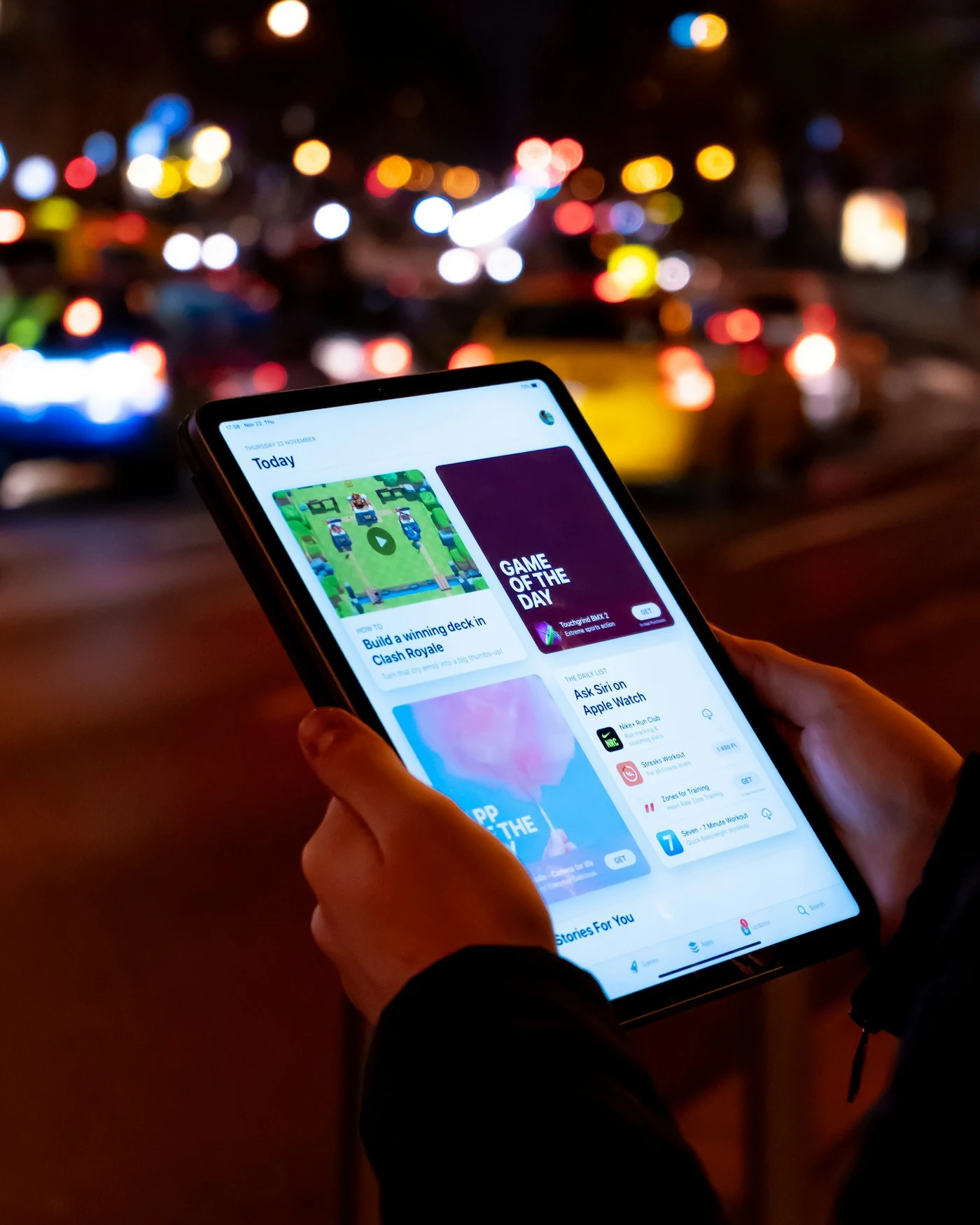
A touchscreen is often a practical starting point when visitors need to inspect products, compare features or select a short explanation. Staff can remain beside the visitor and guide the conversation. Other people can observe the same screen without wearing equipment or using their own phones.
Design the first interaction so its purpose is clear. A visitor should recognise what they can explore without reading a long introduction. Keep essential controls easy to locate, show the current product or option, and provide a visible way to return to the starting point. A staff member should be able to reset the session without entering an administration area.
Specify the viewing and installation conditions. Screen height, reach, glare, audio levels and the space needed by groups affect usability. Test text size and controls on the actual display, not only on a designer’s laptop. Where possible, provide equivalent product information through an accessible conventional page or a staff-assisted route.
A touchscreen can host a simple product viewer, a guided showroom or a more complex configuration journey. Our virtual showroom versus configurator guide helps distinguish those requirements. Do not add pricing or product rules unless the exhibition experience genuinely needs them and the data can be kept accurate.
Decide whether the application must operate without connectivity. A browser interface is not automatically offline-ready: models, scripts, fonts, video, authentication and integrations may still require network access. The delivery team should demonstrate the agreed offline behaviour on the exhibition hardware, including startup, reset and recovery after a restart.
Use the simplest interaction that answers the product question. Rotating a model, exposing a component and viewing a short explanation may be sufficient. Add a configurator only if option selection helps the visitor make a useful decision and the chosen configuration can reach sales accurately.
Choose WebAR when the visitor's phone adds value
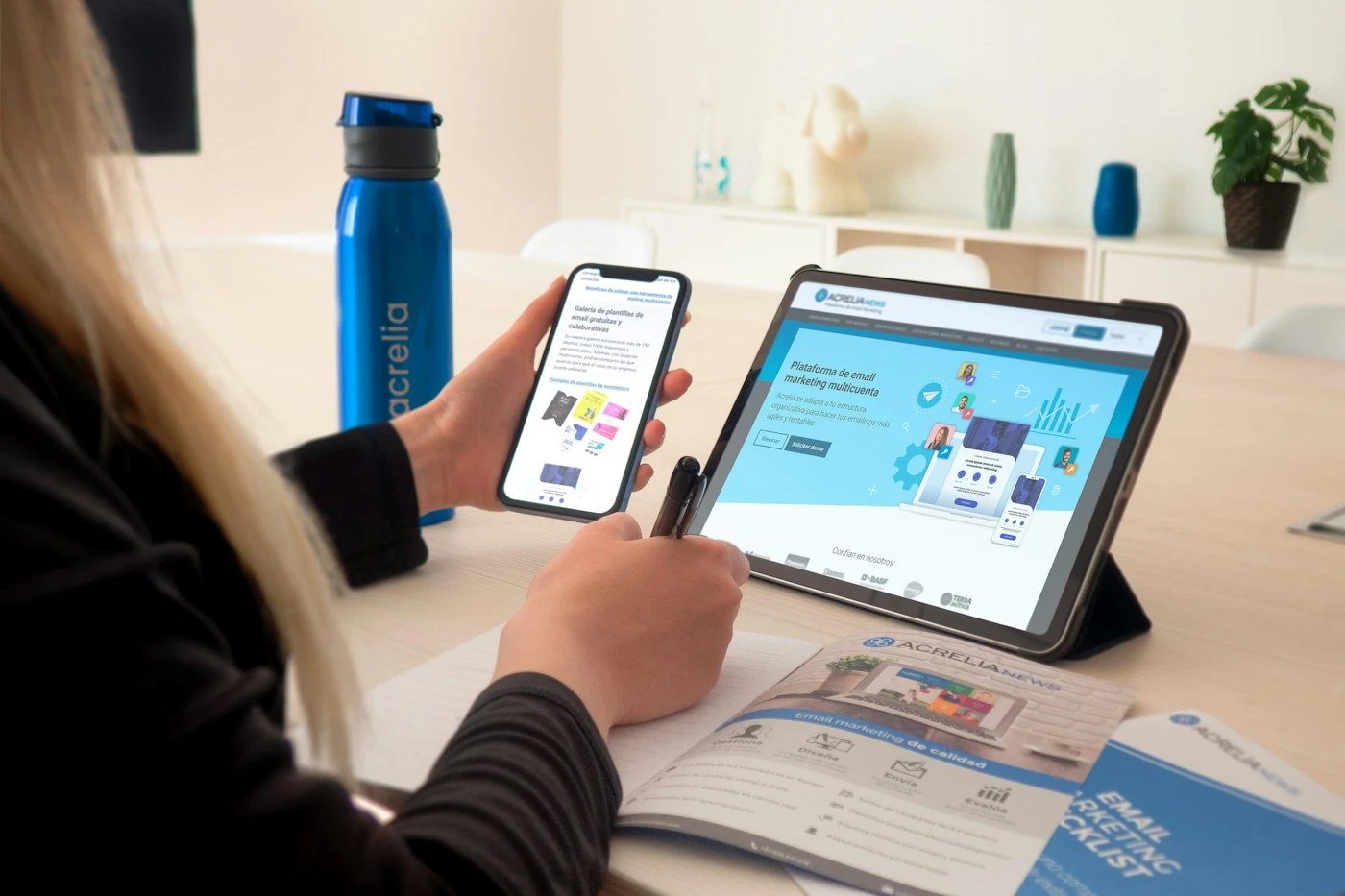
WebAR can provide an experience reached through a web link, often introduced with a QR code. The interaction may involve placing a product in the surrounding space or viewing content associated with a physical object. The browser, device and implementation determine which capabilities are available; the phrase 'web-based' should not be treated as a universal compatibility guarantee.
Define the value of using the phone. If the visitor merely watches a product animation, a booth screen may be easier. If scale or placement helps explain the product, a phone-based experience may provide a useful personal view. The scanning step should lead directly to a clear activity rather than a page that asks the visitor to search for the demonstration again.
Test the full launch sequence on the target devices: scan or open the link, load the content, handle any permission request, start the experience and return to the product information. Provide an alternative viewer or information page when the required capability is unavailable. Our WebXR browser compatibility guide provides a starting point for the device discussion.
MDN’s WebXR Device API documentation identifies limited availability and HTTPS requirements. WebAR implementations can use different delivery approaches, so ask the supplier to explain the chosen route and demonstrate the specific interaction on supported devices rather than relying on a broad platform label.
Venue connectivity, lighting, available surface area and crowd movement can affect the demonstration conditions. Rehearse in conditions close to the actual booth. A successful test in an empty office should not be used as the only acceptance check for a busy exhibition.
For a product-placement requirement, review AR product visualisation. For the underlying browser experience, review WebXR development. Keep a visible path from the demonstration to a product summary or enquiry so visitors can continue the conversation after they leave the stand.
Choose VR for spatial understanding, with a staffed alternative
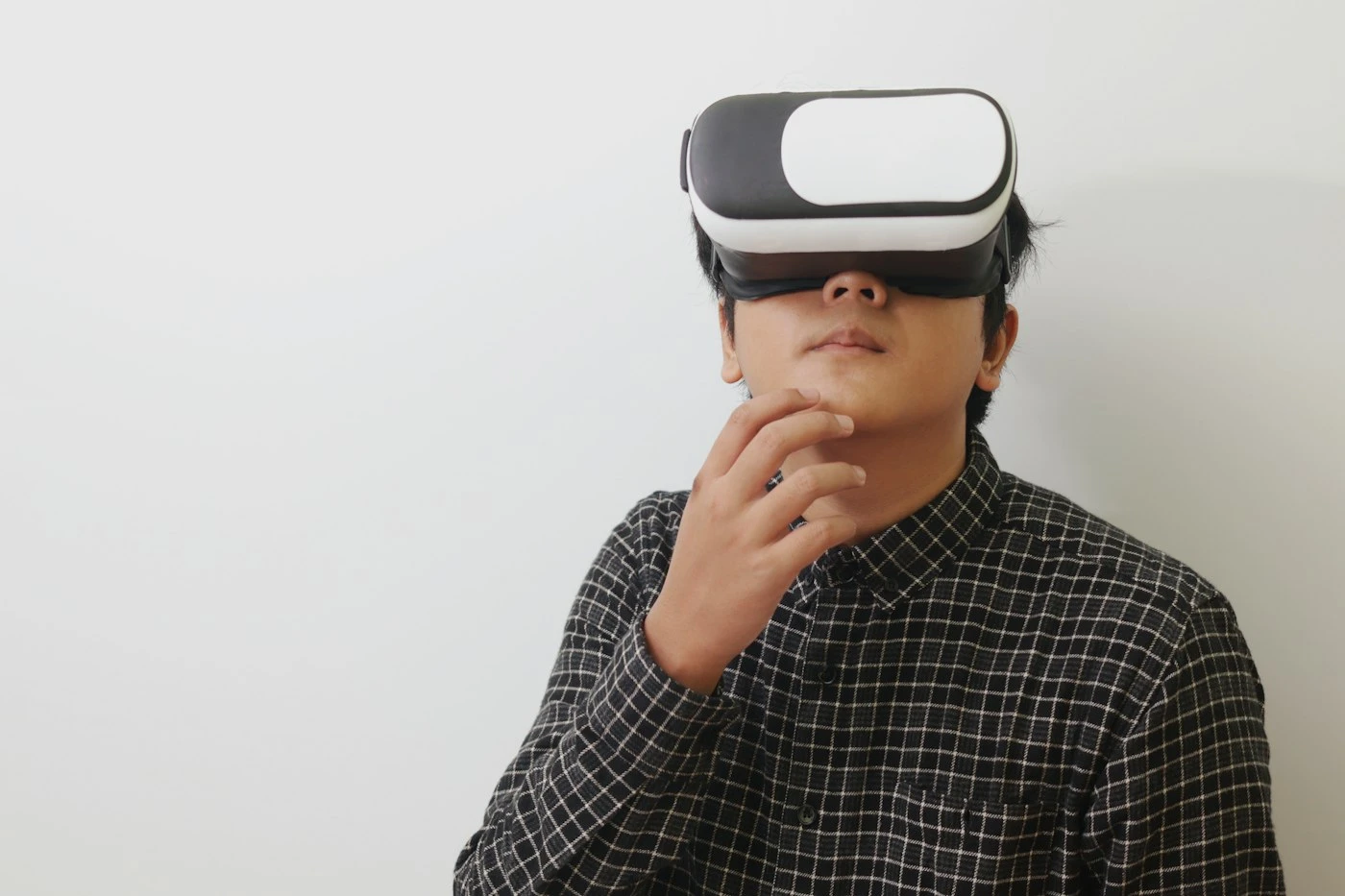
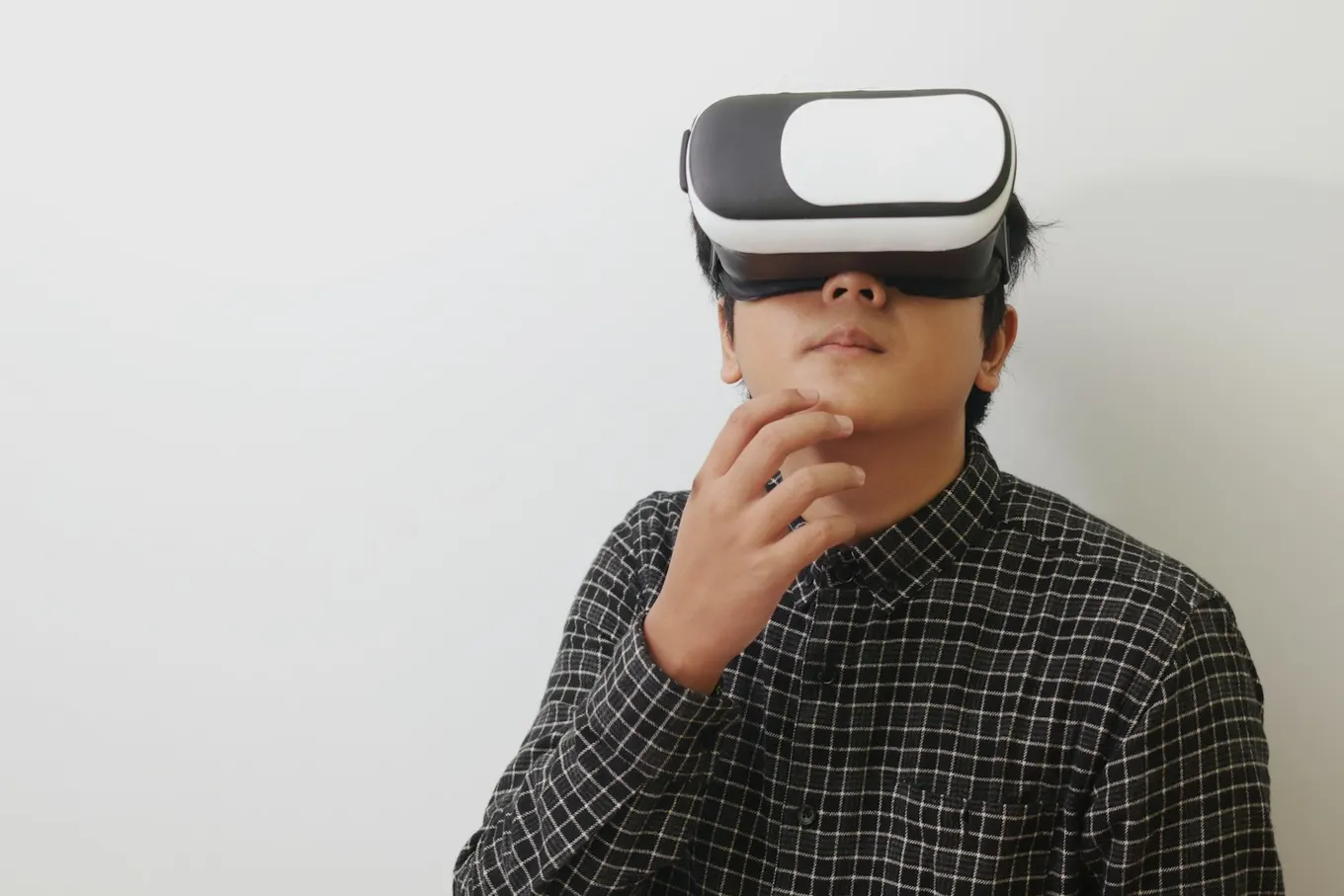
VR deserves consideration when the visitor needs to understand a space, a process or a product at a scale that is difficult to bring to the venue. An inside view of a machine, a spatial walkthrough or an interactive process explanation can justify immersion. Wearing a headset simply to watch a conventional presentation may add setup without improving understanding.
Plan the operator’s role before selecting hardware. Staff may need to explain controls, help with fit, supervise the experience, manage reset and follow the device manufacturer’s handling and cleaning instructions. Assign those responsibilities explicitly. A salesperson who is simultaneously operating equipment may have less time for a detailed commercial conversation.
Provide a non-headset route for visitors who cannot or prefer not to use VR. A companion screen, product video, browser viewer or staff-led explanation can preserve the essential message. Participation should remain optional, and the alternative should still lead to the same relevant next step.
Keep the demonstration focused and allow an obvious exit. Test comfort and usability with people unfamiliar with the controls, and follow the device and venue guidance for the operating area. Do not assume that a technically working scene is suitable for every attendee or that a longer session produces a better sales result.
Hardware selection should follow the application requirements. Our enterprise headset guide can inform the discussion, but confirm availability, deployment arrangements and device suitability for the specific event. Include charging, spares, display output and operator recovery procedures in the plan.
If a headset application is justified, scope it through VR development. State what the visitor must learn or demonstrate, the supported device, session flow and acceptance criteria. Avoid promising that a headset automatically increases lead quality; that requires measurement of the actual audience and follow-up.
Prepare assets and rehearse the complete booth operation
Collect one representative product, approved dimensions, available CAD, material references, branding and the messages that must be communicated accurately. Ask product specialists to identify the most important feature and any confidential or misleading details that should not appear. The digital demonstration should reflect an approved product version.
Decide which outputs are needed beyond the main application. Staff may need a short attract loop, a companion-screen view, a simple product summary and a fallback video. Those are separate deliverables with their own review requirements. Our 3D product visualisation service is relevant when preparing the shared product assets and explanatory imagery.
Review the complete chain on the target equipment. Test cold startup, loading, selection, reset, audio, display connections and the fallback. Disconnect the network if offline use is required, then check whether the application still performs the promised task. A cached successful session is not sufficient evidence that a fresh start will work without connectivity.
Prepare a short operator guide with startup steps, the standard demo route, recovery instructions and an escalation contact. Include the last approved version and a clear method for identifying it. Agree who can authorise changes after content approval, particularly when the event deadline is close.
Rehearse with several people acting as visitors while staff operate the stand. Observe queues, handovers and the time needed to reset equipment. If the same question repeatedly interrupts the flow, improve the interface or staff briefing. The rehearsal should test the sales conversation as well as the software.
Keep project acceptance separate from hoped-for marketing outcomes. A working delivery can be checked against agreed devices, content, operation and handover requirements. Enquiry volume and pipeline contribution depend on audience, positioning and follow-up as well. The VR marketing guide discusses that broader measurement context.
Turn participation into a useful sales follow-up
Define the next step before building the final screen. A useful ending might offer the relevant product specification, a saved selection or a meeting request. 'Thank you for visiting' alone loses the context that made the demonstration valuable. The visitor should understand what information they will receive and what happens if they request contact.
Preserve the product or option of interest in the handover. For a configured product, sales should receive a readable summary and a reference that can be checked later. For an educational demonstration, record the topic the visitor chose when it is appropriate to do so. Keep personal information out of public displays and reset it between participants.
Ask the website and event teams to agree the data flow and applicable privacy requirements. A badge scan, a marketing subscription and a project enquiry are different actions and should not be conflated. Explain the purpose of the requested information clearly and avoid collecting details that the follow-up does not need.
Choose a small set of measurement definitions: demonstration starts, meaningful completions, submitted enquiries and qualified opportunities after review. Count staff tests separately where possible. A screen tap or QR scan is an engagement signal, not proof of a new lead. Record how the sales team will identify event-originated enquiries without losing the product context.
Compare results against the stated objective and audience. If the aim is explaining a complex feature to distributors, qualitative feedback and the quality of subsequent discussions may matter more than the largest possible session count. If the aim is collecting scoped project requests, review whether those requests contain enough information for a useful response.
Before commissioning, prepare the event date, booth conditions, target visitor, product question, assets, preferred handover and operating constraints. Ask suppliers to separate application production, asset work, hardware, setup, support and future reuse. A clear brief helps distinguish a reusable sales tool from a one-off attraction whose content cannot be maintained after the exhibition.
Frequently asked questions
Which format is best for a busy trade show?
A touchscreen can suit quick shared exploration, while WebAR and VR are useful when their specific capabilities answer the product question. Choose based on session flow, staffing, device conditions and the visitor’s next step rather than assuming one format always wins.
Can visitors use WebAR without installing an app?
WebAR is intended for web-accessed experiences, but the launch route and supported features depend on implementation and device. Test the exact flow and offer a useful alternative when the required capability is unavailable.
Does a touchscreen demo work offline?
Only if offline operation is part of the design and has been tested. Models, scripts, media, logins and integrations can depend on connectivity. Test a fresh start without the network on the actual event hardware.
Should every visitor use a VR headset?
No. Make headset participation optional and provide an equivalent screen-based or staff-assisted explanation. Plan equipment handling, supervision and recovery according to the device and venue requirements.
How long should the demo be?
Use the shortest sequence that communicates the intended product decision. Rehearse the complete session, including introduction and reset, then estimate capacity from observed timings rather than a nominal application runtime.
Can the same 3D assets support several formats?
They may share approved source assets, but each delivery environment can require adaptation and testing. Specify touchscreen, browser, phone and headset outputs separately instead of assuming one asset package works unchanged everywhere.
How should we measure leads from the experience?
Separate engagement from completed enquiries and qualified opportunities. Agree event definitions and sales attribution before launch, preserve relevant product context, and avoid treating every scan or screen tap as a lead.
What information is needed for an initial quote?
Provide the event date, booth conditions, audience, product question, available assets, preferred formats, staffing, connectivity requirements and intended follow-up. Ask for hardware, production, support and reuse costs to be separated.
Conclusion
Choose the format that explains the product clearly and can be operated reliably at the venue. Prove the full journey from first interaction to follow-up, including the fallback and reset. Send Mimic XR your trade-show demo brief with the event date, product, booth conditions and the decision you want visitors to make.
Prepared by the Mimic XR editorial team. Published 10 November 2026. Requirements, supported devices and delivery scope must be confirmed for each project.
Image sources: Cover, Body image 1, Body image 2, Body image 3, Body image 4, Body image 5. Licensed Unsplash reference photography; not Mimic XR project evidence.