
What should a merchant prepare before commissioning Shopify 3D models?
Shopify 3D models let customers inspect a digital product from different angles and, on supported devices, explore it in augmented reality. A useful project starts with one product and a clear customer question: is the shape difficult to understand, does scale matter, or do shoppers need a closer look at a particular feature? That decision should guide the asset and implementation brief.
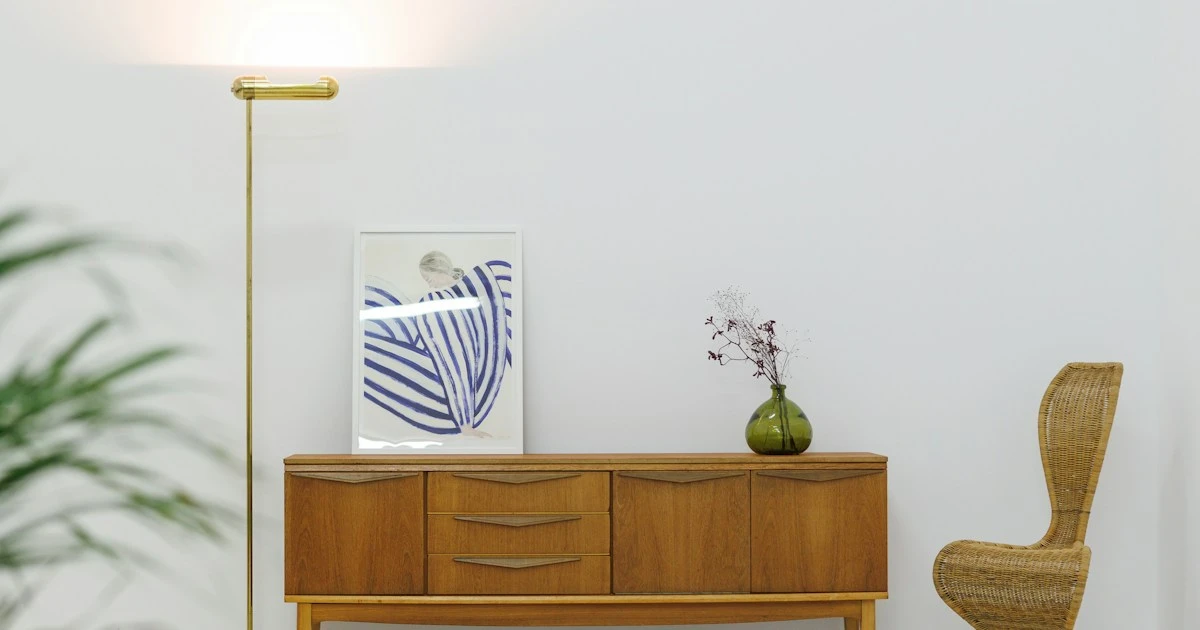
This guide is for brands and retailers commissioning product models for a Shopify store. It separates asset production, storefront setup and configurable-product development so proposals can be compared fairly. The furniture and lighting photographs are licensed stock references, not Shopify screenshots, Mimic XR renders or client results. The sample briefs below are illustrative planning exercises.
Table of Contents
Choose native product media or a configurator

A product model and a product configurator answer different questions. A model viewer lets someone rotate and inspect an item. A configurator lets them make valid choices, such as dimensions or components, and carries those choices into a quote or order. Uploading a model does not by itself create product rules, pricing logic or an order integration.
Start with native product media when the requirement is to inspect a fixed product and offer an appropriate AR viewing route. Start a separate configuration assessment when the shopper must assemble modules, change geometry or select dependent options. Write down the required customer action before deciding whether an app, theme work or a bespoke experience is necessary.
Shopify’s adding product media documentation says that 3D models and videos cannot be used as product variant media. Do not assume that choosing a colour or size will automatically switch a native model. Demonstrate the exact intended behaviour in the store and agree any additional implementation separately.
For example, a fixed table lamp may need one approved model and accurate dimensions. A modular sofa may require valid arrangements, upholstery choices and a configuration record that sales can interpret. Those are different briefs even if both start with a 3D object. Use our furniture configurator software comparison when product rules are central.
Give the implementation team the store URL, current theme and version, relevant apps, intended product pages and devices to test. Clarify who can work on a preview theme and who approves launch. The production studio can prepare the assets while a separate storefront specialist handles theme work, provided responsibilities and acceptance tests are explicit.
Keep the customer journey focused. A useful model should help someone answer a product question and continue to purchase or enquire. Preserve conventional photographs and essential product information so visitors still have a usable page if the interactive asset cannot load or AR is unavailable. See AR product visualisation for the experience-planning side of that brief.
Prepare a representative product and source assets

Choose a first product that exposes the important production challenges without requiring the entire catalogue. It might include reflective metal, a fabric seam, a transparent shade or small printed details. A simple object can validate the upload process, but it may not reveal the work required for the rest of the range. Explain why your sample is representative.
Provide dimensions, clear photographs from useful angles, close-ups of difficult materials, approved artwork and CAD or existing models where available. Identify the authoritative product revision. If photographs, drawings and the physical sample disagree, appoint someone on the merchant’s team to resolve the difference before approving the model.
Shopify’s commissioning guidance describes supplying product photographs and measurements and checking shape, proportion, materials and AR scale. Use those principles to make a review pack. Existing files should be assessed before promising they can be converted directly into a suitable storefront asset.
A hypothetical lamp brief might identify overall height, base diameter, shade dimensions, cable treatment and the approved finish. State whether the shade should appear lit, unlit or both, and whether that change is visual or interactive. Do not leave these decisions to an artist interpreting a single marketing photograph.
For furniture, distinguish changes in finish from changes in construction. Two fabric colours may share geometry, while different arms or leg designs may need additional asset work. Keep a list of approved combinations and product identifiers. Ask how the supplier will name files so the merchandising team can match each delivery to the correct product.
Manufacturing CAD can be a useful source, but it may contain internal detail that is irrelevant to the buyer or unsuitable for efficient interactive delivery. Retain the approved source separately from exported storefront files. Our 3D model file-format guide explains why delivery formats and editable source assets serve different purposes.
Agree review stages around observable decisions: dimensions and shape first, materials and details next, then the final export in the intended viewer. Consolidate feedback through one product owner. A late design revision is different from correcting a modelling error; distinguishing them in advance makes schedules and estimates easier to manage.
Compare costs, deliverables and ownership
There is no useful universal price for a Shopify 3D model project. Cost depends on the product, source quality, material complexity, number of variants, review rounds and implementation scope. A catalogue of simple products with reliable source files differs from a small range of reflective or transparent objects that must be reconstructed from limited references.
Request separate line items for source assessment, modelling or adaptation, material preparation, export, storefront work, device testing and handover. Identify whether the quotation covers only model files or a verified product page. If an integration or app is required, list its subscription and support costs separately from asset production.
Use the same sample product and acceptance brief for every supplier. Ask each to identify assumptions, exclusions and client dependencies. A low asset price may exclude revisions or theme testing; a higher proposal may include them. Comparing the completed scope is more informative than comparing a per-model headline.
Specify the number of approved product versions and the treatment of future updates. A seasonal finish, changed logo or redesigned component can require different amounts of work. Ask how saved source assets will be maintained and whether the merchant receives editable files, exported files, textures and production notes. Confirm any third-party licence restrictions.
A practical handover should name each product, its approved revision, exported files and the environments used for acceptance. Include a record of known limitations and the owner of any remaining storefront tasks. The merchant should be able to identify what was delivered without relying on a conversation with the original artist.
If the same product also needs marketing stills or motion, scope those outputs explicitly. The underlying asset may be reusable, but a polished image, an animation and a responsive viewer involve different production work. Compare our product-rendering buyer’s guide and 3D product animation guide before bundling deliverables.
For an initial enquiry, send one representative product, available source files, the store URL, intended outputs, catalogue size and target date. Mark uncertain requirements as undecided. Mimic XR can discuss 3D product visualisation scope; specific platform implementation, responsibilities and pricing should be agreed for the project.
Test Shopify upload, AR and the live customer journey

Shopify’s current product-media requirements list GLB and USDZ files and a maximum upload size of 500 MB. They also describe automatic optimisation for models above 15 MB and conversion to provide both formats. These are platform limits and processing rules, not sensible loading targets for every store.
Agree an asset budget based on appearance and measured performance on the intended devices. Do not treat the maximum accepted upload size as a production target. A model can upload successfully yet still be inconvenient for a shopper on an ordinary mobile connection. Inspect the processed result, because the delivered viewing experience matters more than the source file alone.
Theme support must be checked on the actual store. Shopify’s media documentation explains that a compatible theme is required. Its developer guidance for product media describes implementation support. Assign theme changes to the appropriate specialist rather than assuming an asset-production quote includes storefront development.
Run a representative test before expanding the catalogue: open the product page, locate the 3D view, rotate and inspect the model, try AR on an agreed supported device, return to the page and continue through the intended buying action. Check scale against known product dimensions and inspect distinctive finishes and small details.
Also test the ordinary alternative journey. A visitor who declines camera access or cannot use AR should still understand the product through photographs, dimensions and text. Verify controls and essential information on the agreed browsers and devices. Record a specific issue with the device, browser, page and reproduction steps rather than describing the model as simply broken.
For any custom option behaviour, check that the displayed product and purchase information agree. The selected variant, price and cart record should not imply that a different model represents the ordered item. Native viewing, variant switching and configuration-to-order handover require separate acceptance decisions.
Measure against a baseline and keep definitions consistent. Model interactions can show interest, but they are not enquiries or orders. Review product-page engagement alongside add-to-cart behaviour, completed purchases or qualified enquiries, using the store’s agreed measurement setup. Small samples and other campaign changes can make short-term comparisons unreliable.
Launch a limited product set after the asset and storefront owners sign off. Keep an update log for model replacements, theme changes and product revisions. Use the XR project brief template to document requirements, then expand when the process is repeatable and the customer journey works.
Frequently asked questions
Can Shopify display 3D product models?
Yes, Shopify supports 3D product media when the store uses a compatible theme. Check the current platform requirements and test the actual product page. Native viewing should be distinguished from custom product configuration or option-to-model switching.
Which file formats should I request?
Shopify currently lists GLB and USDZ for product media. Agree the delivery files, editable source assets and acceptance environment in the brief. Conversion does not remove the need to inspect appearance, scale and behaviour in the final viewer.
Is the upload limit a recommended model size?
No. An upload ceiling describes what the platform accepts, not what performs well for your audience. Agree a practical budget with the production and storefront teams, then evaluate loading and visual quality on representative devices and connections.
Do I need CAD files?
Not always. A supplier may model from dimensions and suitable photographs or assess an existing asset. Missing references and ambiguous product revisions increase uncertainty. Provide what you have and request an assessment before committing to catalogue-wide production.
Will a 3D model automatically follow product variants?
Do not assume so. Shopify states that 3D models cannot be used as native product variant media. If colour, size or component selection must change the model, define and test the additional implementation rather than treating it as an automatic upload feature.
How much will production cost?
The estimate depends on asset complexity, available inputs, variations, review rounds and storefront responsibilities. Request an itemised quote for one representative product. This guide does not publish a fixed Mimic XR price or a guaranteed return on investment.
Will 3D or AR definitely increase sales?
No. Results depend on the product question, experience quality, audience and wider store journey. Define success before launch and measure commercial outcomes separately from interactions. Supplier case-study results should not be treated as a forecast for your store.
What should I send Mimic XR for a first discussion?
Send the store URL, one representative product, dimensions, available CAD or photographs, requested outputs and target date. Explain whether you need a fixed model, AR viewing or configurable options, and identify who owns the Shopify storefront implementation.
Already have engineering source files? Use the CAD to 3D product models guide to assess source quality, geometry preparation, materials and supplier deliverables before commissioning Shopify assets.
Conclusion
Begin with one representative product and a written acceptance checklist. Separate the model, storefront behaviour and commercial handover, then compare proposals against the same scope. A reliable pilot gives you a better basis for catalogue expansion than a large batch of files that has never been tested in the store.
Planning Shopify 3D product assets? Send Mimic XR your product brief with one sample product, your store URL and the outputs you need. We can discuss asset scope and agree the responsibilities for your pilot.
Prepared for Mimic XR with AI assistance. Platform documentation checked on 24 November 2026.
Photography: Metin Ozer, Cole Johnson, Dat Nguyen, Alex Tyson, Urban Vintage, Paul Lichtblau via Unsplash. Images illustrate product types and are not project case studies.