What should a brand agree before commissioning a 3D product animation?
3D product animation uses a digital model, virtual cameras and timed movement to explain or promote a product. A useful commission starts with the buyer’s question: what must someone understand after watching? That decision shapes the shots, technical detail, budget and delivery formats more reliably than asking for a video of a particular length.
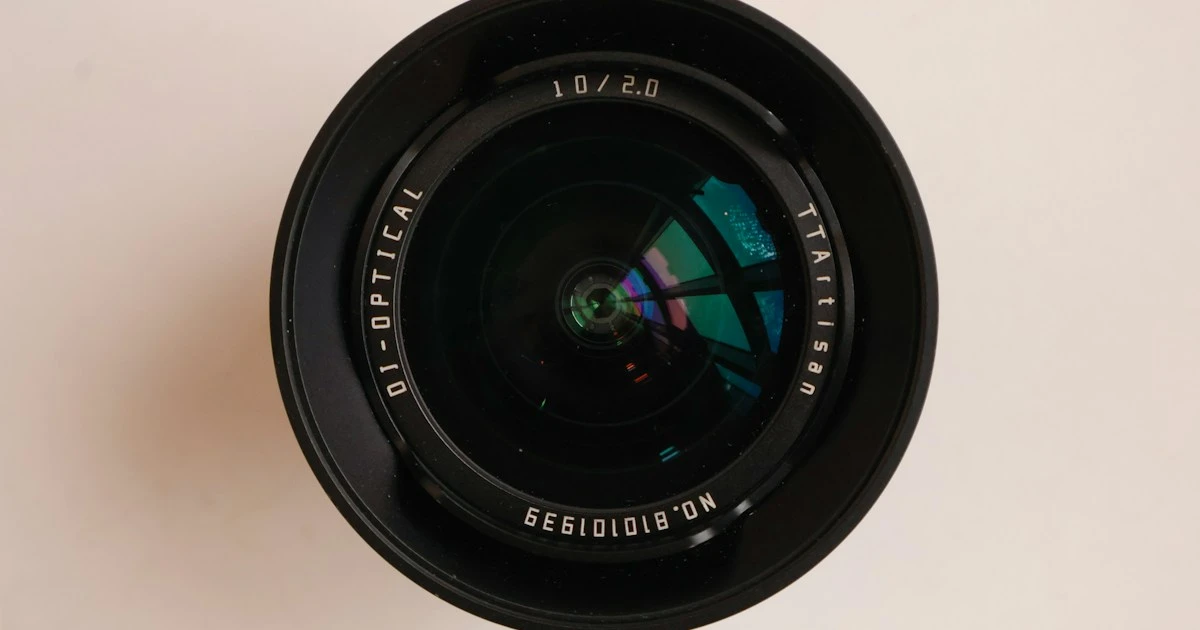
This guide helps product marketers, manufacturers and agencies scope an animation, compare proposals and prepare an enquiry. The camera and lens photographs are licensed Unsplash reference images, not Mimic XR renders, animation frames or client results. The camera-lens brief below is an illustrative planning example, not a completed project.
Table of Contents
Choose the animation format around the buying question
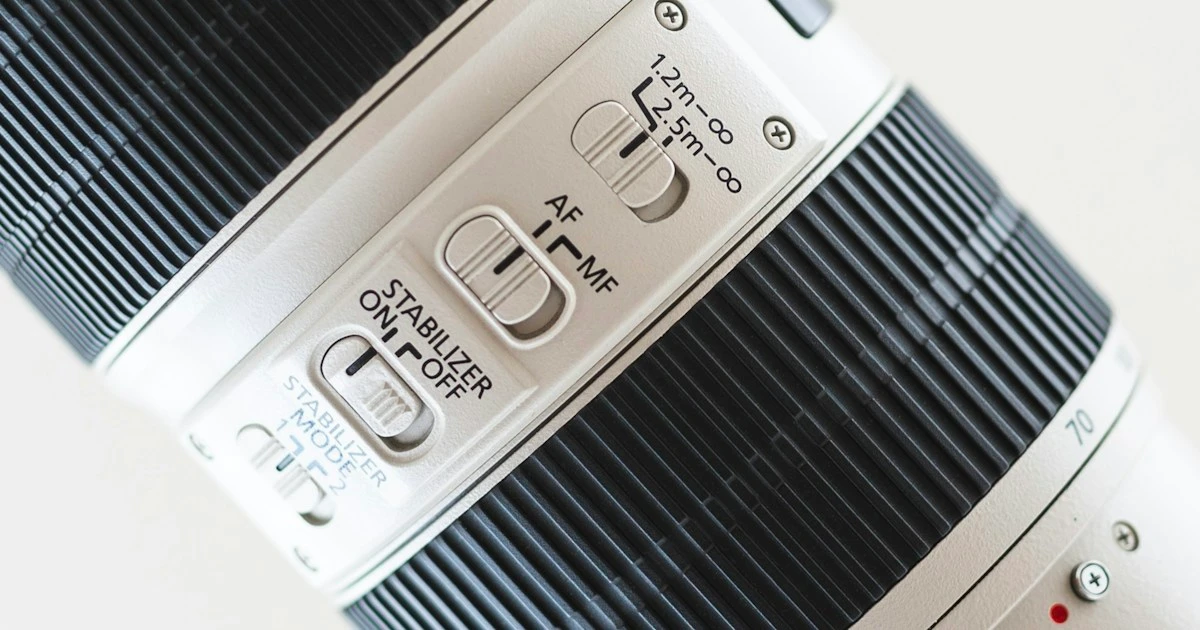
A close product detail, such as a lens control, illustrates why a single rotating view may not explain everything. Decide whether your audience needs to recognise the product, understand a feature, see how components fit together or picture a use case. Give each proposed shot one communication task.
A turntable shows the outside of a product from a controlled sequence of angles. It can suit a product page or catalogue where shape and finish matter. A feature demonstration shows a specific action, such as an adjustment, opening mechanism or interchangeable component. An exploded view separates parts to explain their relationship; a cutaway reveals an interior that an exterior camera cannot show.
A launch film combines several shots, pacing, lighting and sound into a campaign story. A technical assembly animation needs a different review process: the order of operations, tolerances and depicted mechanisms must be checked by the product team. An attractive visual should never imply performance or functionality that the product does not have.
Use pre-rendered animation when you want a controlled sequence that everyone sees. Choose an interactive viewer when users need to rotate the model themselves, or a configurator when they need to select valid options. Our virtual showroom and configurator comparison helps separate those requirements. They may share assets, but a finished video does not supply an interactive application.
An illustrative lens brief might ask for a short hero reveal, a close view of one approved control and an attachment sequence. Start with a shot list that names the audience, message, required product detail and approval owner for each shot. Treat proposed durations as planning assumptions to test in a rough edit, rather than a promise that every message fits into the same number of seconds.
What affects 3D product animation cost?
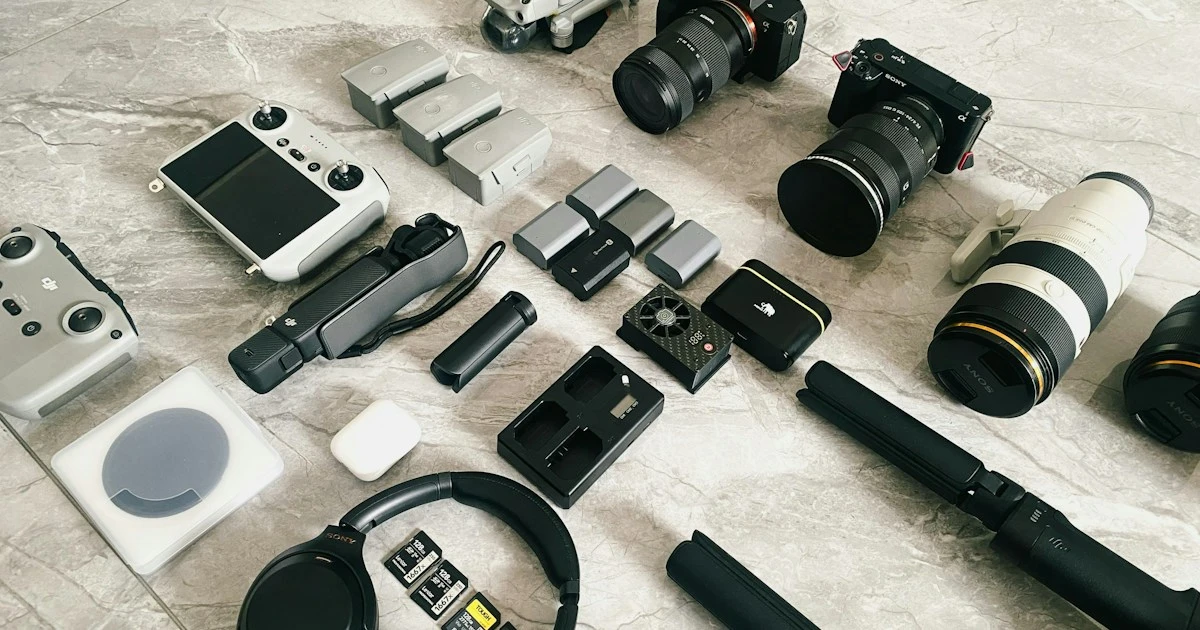
A collection of cameras, lenses and accessories is a useful reminder that one product and a whole range are different production scopes. A single asset with a material variation is not equivalent to several products with different mechanisms. Count the models, options and actions before comparing estimates.
The main cost drivers are source-file readiness, modelling and cleanup, material complexity, shot count, motion requirements, environments, final output quality and review rounds. Supplied CAD can reduce reconstruction work, but it may still need preparation for attractive close-ups, manageable scenes and animation. Missing internal geometry becomes especially relevant for an exploded view or cutaway.
Duration alone is a weak pricing measure. A longer rotation on a plain background may require less setup than a short sequence with multiple products, complex reflections, transparent materials, simulated effects and several camera moves. Ask suppliers to identify what is included in asset preparation, look development, animation, rendering, editing and versioning.
Request an itemised estimate with assumptions: which source files were reviewed, how many shots and variants are included, who supplies copy and audio, how feedback is consolidated, and what counts as a change of scope. Ask whether new aspect ratios require reframing or only export, and whether final source files are included. Those answers make competing proposals easier to compare.
To reduce uncertainty, begin with one representative product and an approved test view. A proof of materials or a rough motion preview can expose problems before every shot is produced. If you also need catalogue stills, coordinate the brief with the 3D product rendering buyer’s guide. Shared preparation can be useful, but additional views and outputs still require explicit scope.
There is no fixed Mimic XR price or universal delivery time stated in this guide. An estimate should follow a review of your product and intended outputs. Send the available asset types and required channels through the project enquiry form; avoid sharing confidential engineering files in the initial public form.
Prepare assets and agree the production approvals
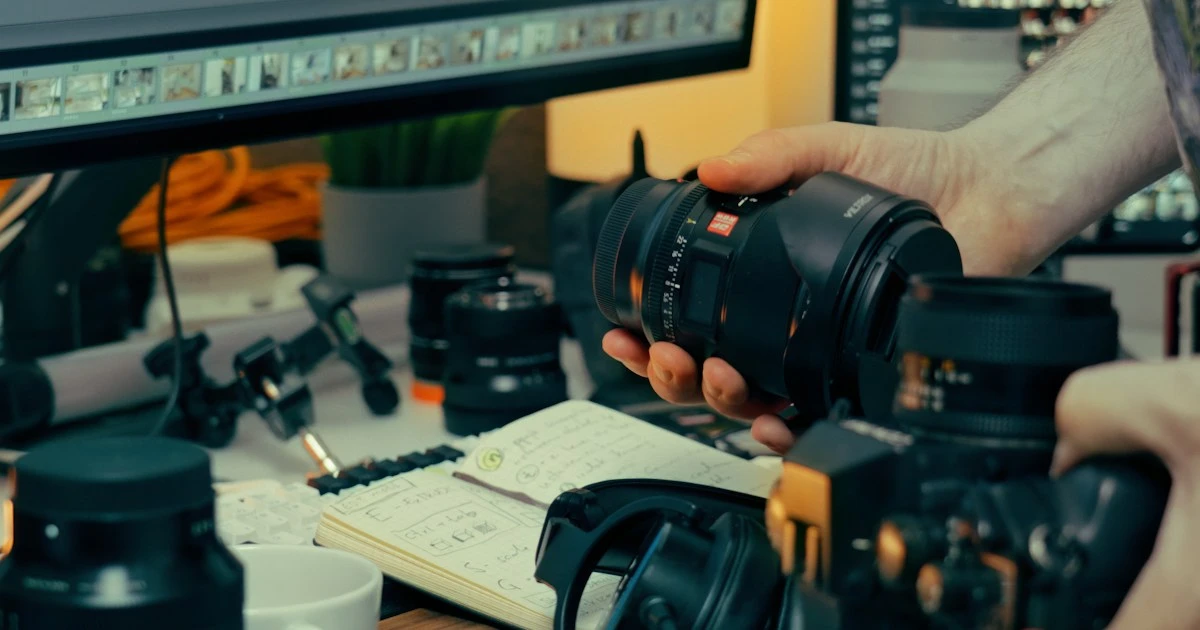
Physical product inspection can reveal surface and proportion details that a file name cannot. Before production, supply the latest approved CAD or model, reference photographs, key dimensions, material references, brand guidance and any packaging or label artwork. State which revision is authoritative and which details are provisional.
If you have no usable model, explain what references or physical samples are available. Modelling from measured references and scanning are different routes, with different limitations. Our photogrammetry guide explains one possible capture approach. Reflective, transparent or very small details may need additional reconstruction and reference work; an assessment should precede a commitment.
Agree a production sequence with named reviewers. First approve the communication goal and shot list. Next review geometry and key proportions. Then review materials and lighting on representative stills. An animatic—a rough timed version of the sequence—lets stakeholders judge the camera moves, order and pacing before final-quality rendering.
Separate technical approval from brand approval. A product engineer may confirm component movement and assembly order, while marketing approves wording, visual direction and channel suitability. Nominate one person to return consolidated feedback at each stage. Conflicting comments from multiple teams can otherwise undo a previously approved decision.
Set acceptance criteria that someone can check. Examples include correct product revision, approved label placement, no visible intersections during movement, readable callouts at the intended display size, and a complete list of required versions. Ask for a short representative render to check reflections, texture stability and compression before approving a long final sequence.
Discuss the schedule in terms of dependencies: asset delivery, review windows, revision rounds and the launch date. A late geometry change can affect materials, animation and already-rendered shots. Mimic XR’s production process provides a starting point for agreeing responsibilities. Ask the studio to identify the next approval needed and the effect of delayed feedback.
Specify deliverables, reuse and the enquiry brief
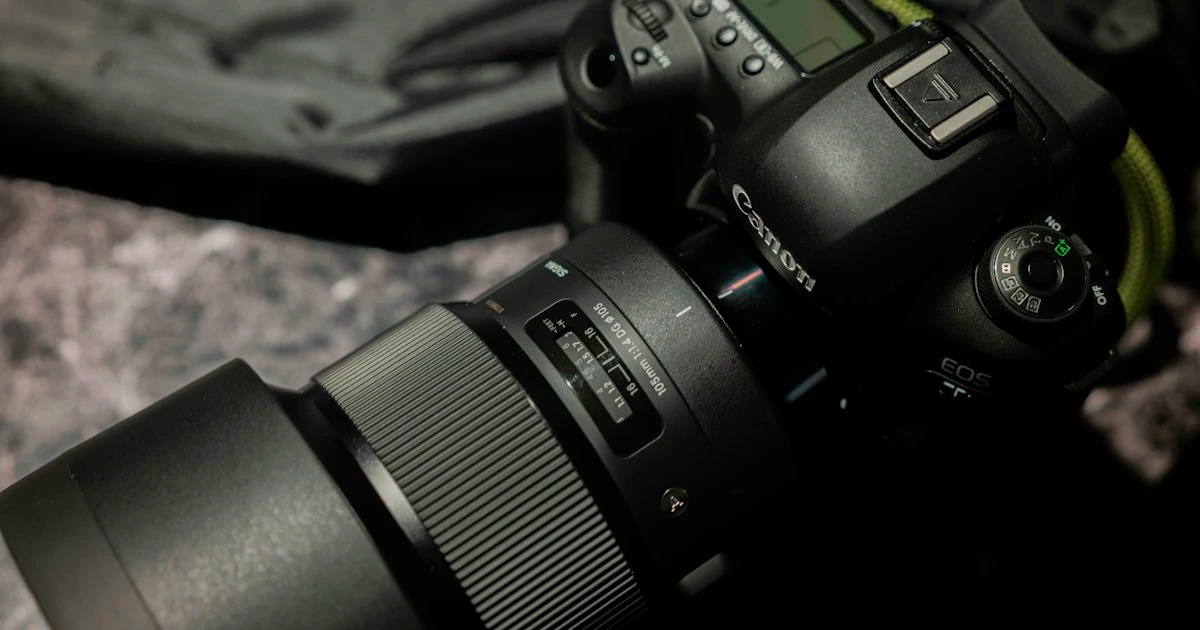
A complete product, such as a camera and lens assembly, may need a different frame from a close-up component. Plan wide and vertical compositions early so important details are not simply cropped out. Specify the destination for every output: website, presentation, exhibition screen, distributor portal or social campaign.
For each video, agree aspect ratio, resolution, frame rate, codec, audio requirements and whether it should loop. List language variants, caption files, versions without text, thumbnail images and separate cutdowns where needed. For a YouTube delivery, check the current official upload encoding guidance, which describes recommended containers, codecs and frame rates. Other platforms and venues may require different exports.
Distinguish delivery videos from editable production files. Confirm whether the handover includes models, materials, textures, rigs, animation scenes, edit projects and documentation, or only final media. Record the required software versions and any third-party dependencies. Agree usage rights, permissions for supplied assets and the practical process for future changes before the project starts.
If a later phase includes WebAR or an interactive product experience, mention it now. High-detail film assets may need geometry reduction, texture work and separate behaviour before real-time use. The 3D model file formats guide covers the handover questions for that route. Reuse should be evaluated rather than assumed to be a one-click export.
Use this enquiry checklist: identify one representative product; describe the buyer and the question to answer; list the proposed shots and approved feature claims; state which CAD, models and references exist; specify delivery channels and versions; name the technical and brand approvers; give the target launch date; and include an indicative budget range if known. A concise brief is more useful than a long list of visual effects without a business purpose.
For supplier selection, ask to see relevant motion work and clarify the supplier’s exact role, including modelling, lighting, animation and post-production. Ask how comparable technical details were approved. Our 3D product visualization service outlines Mimic XR’s approach to models and channel-ready outputs. Discuss the scope before assuming any particular portfolio example or production method is included.
Finally, agree how the asset will be used and evaluated. Compare engagement and completed enquiries on the same landing page over a meaningful period, accounting for changes in traffic source and campaign activity. A view count alone does not establish commercial value. For exhibition use, the interactive trade show demo guide helps assess whether a passive film or a hands-on experience better suits the visitor journey.
Frequently asked questions
What is 3D product animation?
It is a video sequence created from a digital product model using virtual cameras, lighting and animated movement. It can show exterior form, individual features or internal components. It differs from an interactive viewer because the audience normally watches an agreed sequence rather than controlling the model.
How much does a 3D product animation cost?
The estimate depends on asset readiness, modelling, materials, shots, movement, output quality and revisions. Ask for an itemised scope based on a representative product. A price per second alone cannot explain differences between a simple rotation and a complex technical or campaign sequence.
Do we need CAD files before asking for a quote?
No. Describe what you have, including existing models, dimensions, photographs or a physical sample. The studio can assess the preparation needed. CAD is useful when available, but it may need cleanup and material work and may not contain the internal details required for a cutaway.
How long should a product animation be?
Use the length needed to communicate one defined message clearly in its intended setting. A product-page loop, launch film and training explanation have different demands. Agree the shot list and test the timing in an animatic before committing to final production.
Can an animation show how a product works inside?
Yes, if the relevant internal geometry and approved technical information are available or can be created. Exploded views and cutaways need a product expert to check accuracy. Do not infer unverified performance or assembly steps from a visually plausible animation.
Can the same model be used for AR or a configurator?
Sometimes, after adaptation. A film asset may be too detailed or use materials that do not transfer directly to a browser or device. Interactive behaviour, valid options, optimisation and testing are separate tasks that should be scoped before promising reuse.
Will we receive editable source files?
Only when the agreement includes them. Specify the models, textures, rigs, scenes and edit files you need, together with software versions and documentation. Clarify third-party licences and future update arrangements as well as ownership and usage rights.
What should we send to Mimic XR for an initial enquiry?
Send the product category, audience, intended message, available asset types, expected outputs, launch timing and budget range if known. Identify the reviewers and any technical accuracy requirements. Use the enquiry form to discuss a suitable next step before sending confidential production files.
Conclusion
A useful 3D product animation makes an important product detail easier to understand. Start with one audience, an approved message and a manageable shot list. Then agree the assets, review gates, delivery versions and future reuse requirements that make the finished film usable.
Prepared by Mimic XR for brand and product teams planning visual content. This is a scoping guide, not a fixed-price offer or a promise of conversion improvement. Reference photographs illustrate the kinds of product detail and source material a brief may need.
Request a product animation quote: describe your product, available files, target channels and timing. Mimic XR can discuss the production requirements and an appropriate scope.
Photo credits: Micah & Sammie Chaffin (cover); James Thompson (lens glass); Welcome (lens controls); product collection photograph; workspace photograph; and Kano Takahashi (camera assembly), via Unsplash. Product brands shown are photographic references, not claims of a client relationship.