
What should a business commission before investing in an AI smart-glasses app?
AI smart glasses app development is most useful when it solves a specific hands-free task. Start with the audience and workflow, confirm that the chosen device exposes the capabilities you need, and commission a small pilot with agreed acceptance tests. The application, approved content, integrations and operational support all belong in the brief.
This guide helps business owners, product teams and experience producers compare development proposals. It covers practical use cases, cost drivers, required inputs and handover expectations. Google's 12 November 2026 intelligent-eyewear announcement makes the category timely, but a consumer launch does not establish that every proposed enterprise application is ready to deploy. Check the specific development path before setting a launch commitment.
Table of Contents
Choose the device and prove the development path
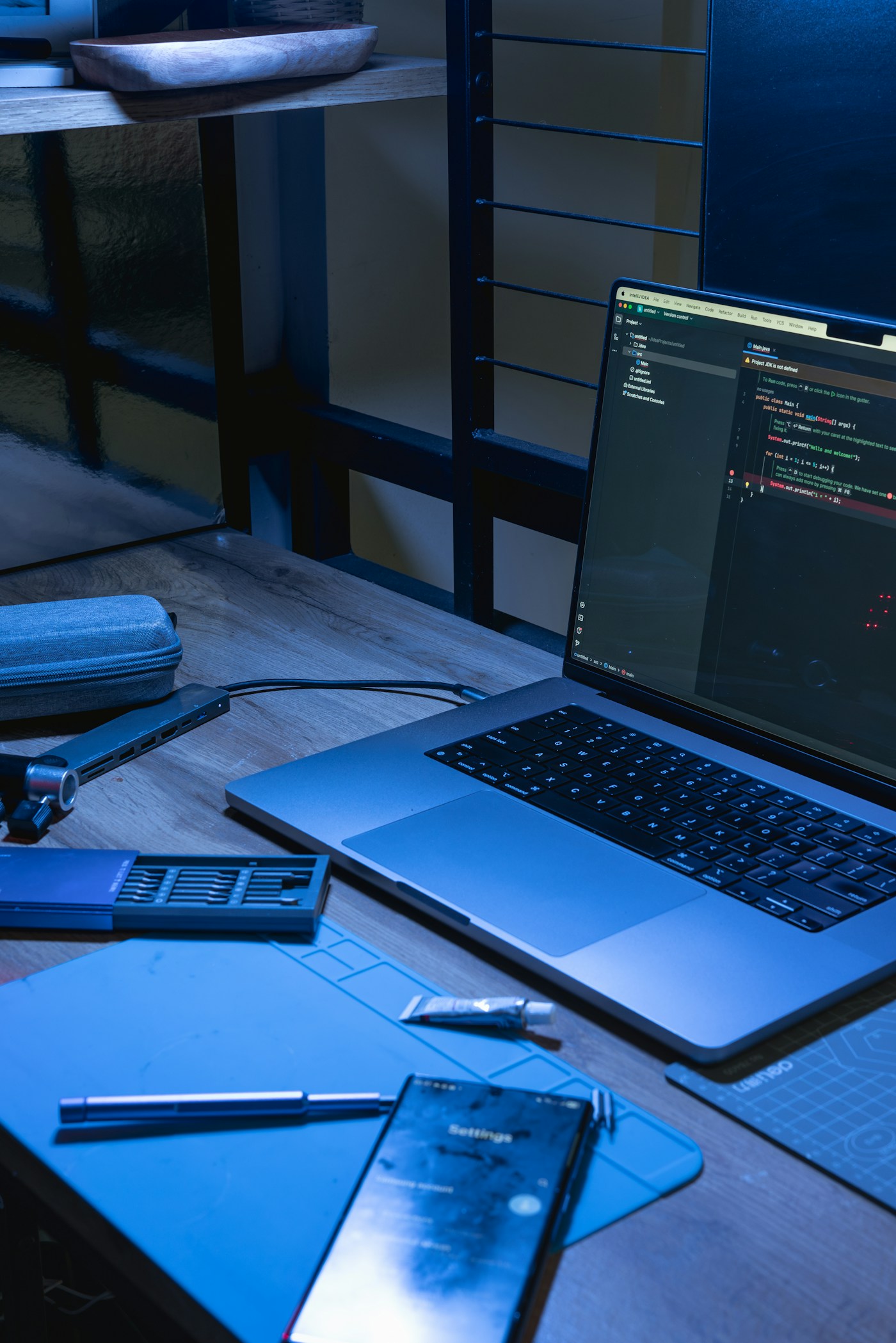
AI smart glasses app development starts with a device decision. A camera and microphone do not imply a transparent display, and a display does not guarantee spatial mapping or access to every sensor. Write down what the user must hear, see and do before selecting hardware. A spoken product answer may need audio; a short instruction may benefit from a display; a full-scale interactive product may need a different device entirely.
Google distinguishes immersive experiences on headsets and wired XR glasses from augmented experiences on audio and display glasses. Its Android XR development overview is the starting point for identifying the appropriate toolchain. In its Jetpack XR SDK guidance, Google describes audio and display-glasses apps running on a companion host device, such as an Android phone. It also identifies the SDK as Developer Preview, so confirm current API availability at project kickoff.
Treat a manufacturer's built-in AI assistant and your custom business application as separate products. The presence of a conversational assistant does not prove that your application can access its context, use the same camera stream or connect to your company's systems. Ask the development partner to demonstrate the exact required capability through supported APIs on the intended device. Record any dependence on preview software, restricted programmes or hardware that has not arrived.
Your feasibility checklist should name the glasses model, companion phone, operating-system version, SDK version, required permissions, connectivity and distribution method. Include sign-in, supported languages, session duration and the fallback when a permission is denied. Verify these together: an application that works on a developer's phone is not yet a deployable experience for every visitor or employee.
Use our enterprise smart-glasses comparison for device-selection questions and the Android XR enterprise-readiness guide for rollout considerations. This article focuses on the work you commission: requirements, implementation boundaries, acceptance tests and handover. A short technical feasibility stage can prevent a larger production commitment built on an unverified assumption.
Select one use case with a measurable business outcome
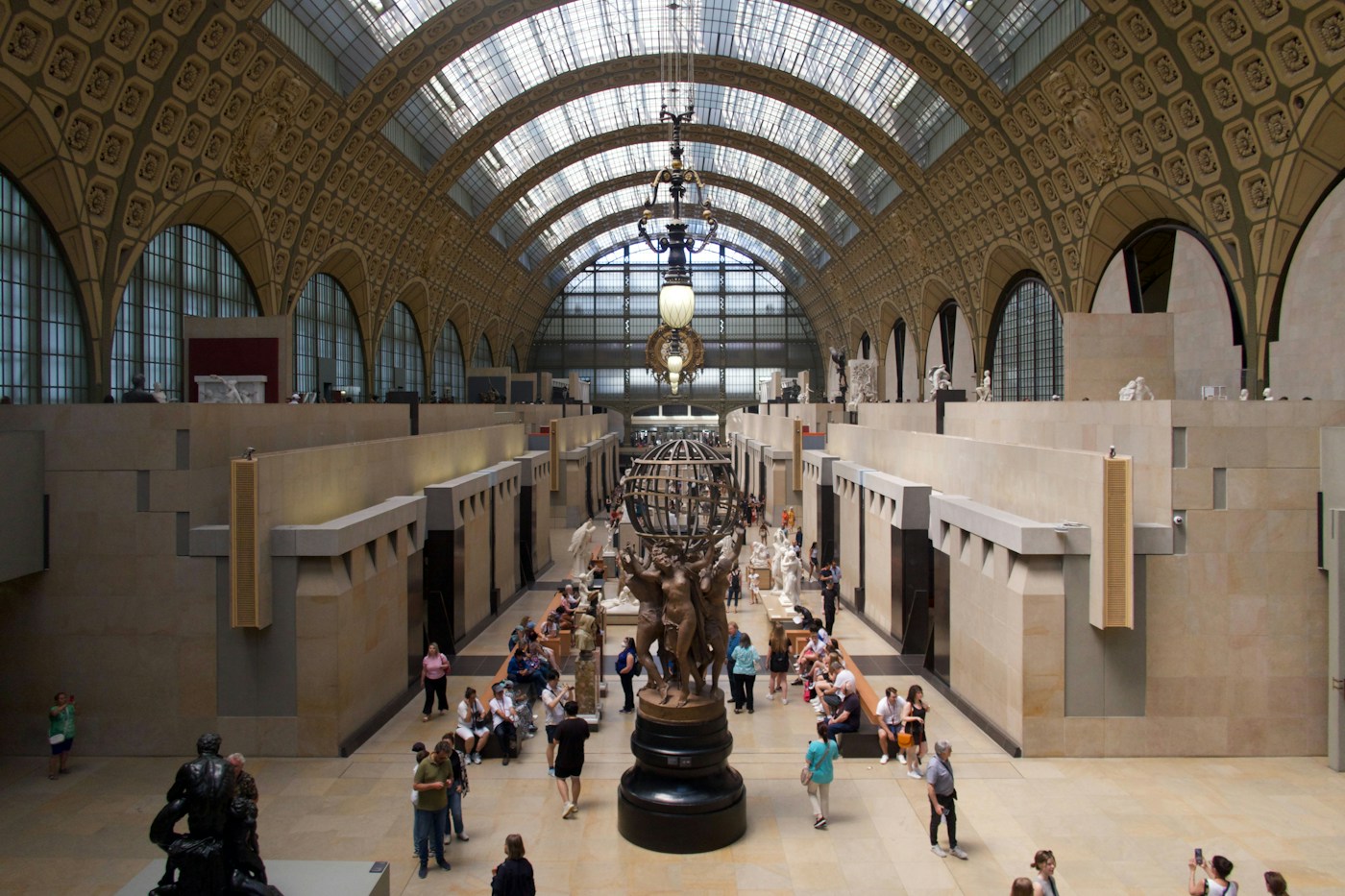
A museum or visitor venue offers a useful example of hands-free information delivery. A proposed pilot could let a visitor request an approved explanation of a selected exhibit and hear a short answer while looking at the object. Begin with a small, curated content set and a reliable selection method. Do not assume automatic object recognition is necessary, accurate or permitted simply because the glasses have a camera.
For this visitor-guide concept, test whether users can start, pause, repeat and stop the explanation without staff intervention. Provide a phone or conventional audio alternative for people who cannot or do not want to use eyewear. Evaluate background noise, language comprehension, physical comfort and whether the interaction distracts people from the actual exhibit. The venue remains responsible for approving the factual content.
A second concept is hands-free assistance for a routine, low-risk workplace task. The application could retrieve approved instructions and let an operator confirm progress. Keep the content version, source and completion record visible to the relevant reviewer. Do not make an unconstrained language-model response the authority for a safety-critical action. Ambiguous requests should lead to clarification or a human, not an invented instruction.
A third concept is contextual product information for a sales or retail team. Staff might request approved specifications or a short comparison while keeping their hands free. Define which system supplies price, availability and technical details. Spoken answers should distinguish confirmed data from information requiring a colleague's review. Access to customer-specific information needs an appropriate sign-in and permission model.
These are proposed planning examples, not claims of completed Mimic XR projects or validated performance improvements. For public campaigns, connect the pilot to the wider journey described in our smart-glasses brand activation guide. Select one audience, one task and one success measure before combining several experiences.
Measure the existing workflow first. Useful comparisons include task completion without assistance, correct answers grounded in approved content, staff interventions, response delays and user willingness to repeat the experience. Record failures alongside successes. More interactions or longer sessions are not automatically valuable if people are struggling to finish a simple task.
Understand development costs and compare supplier deliverables
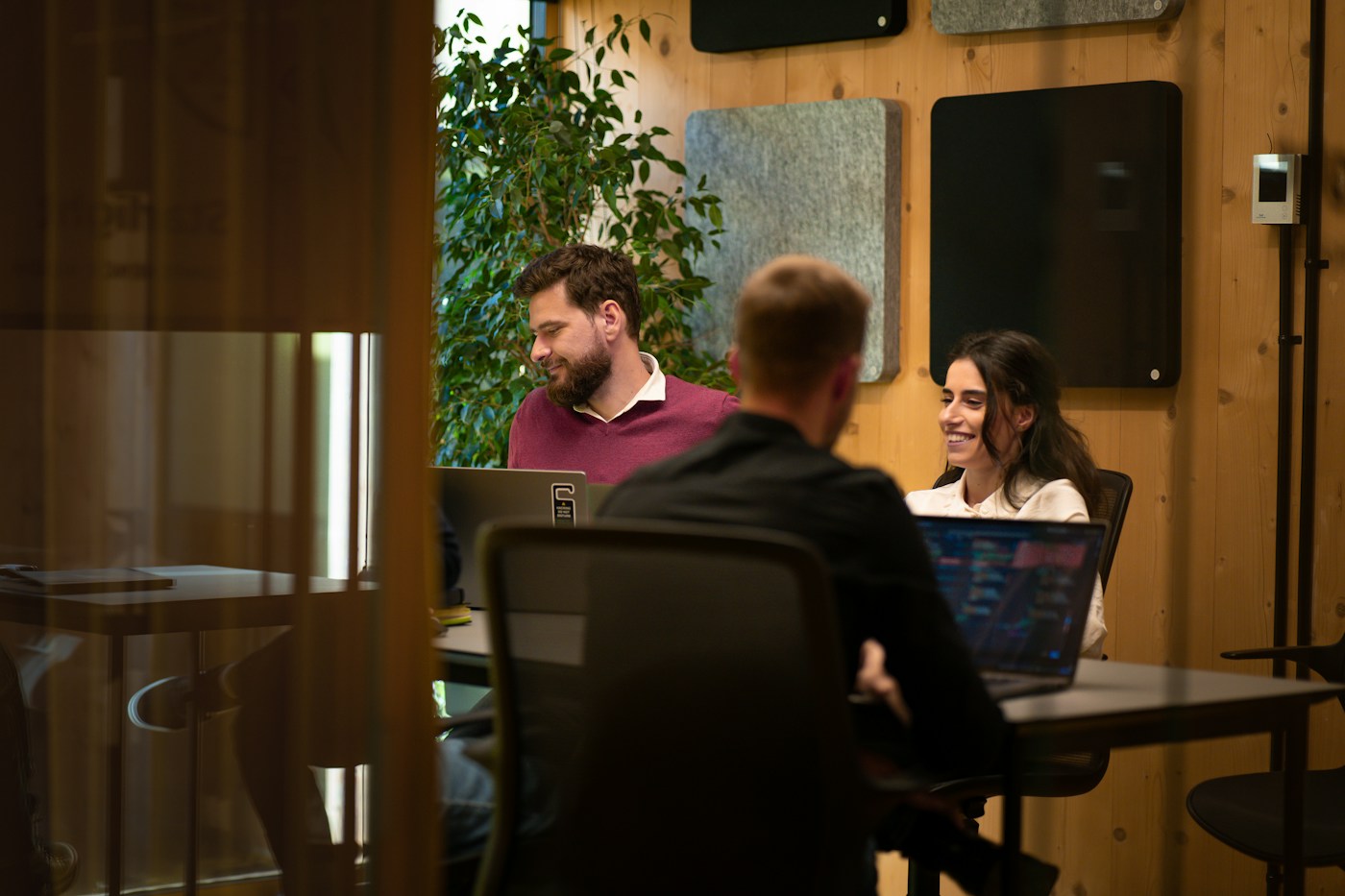
A useful smart-glasses development estimate separates feasibility, prototype production and deployment. There is no defensible universal price for all AI glasses applications: a scripted visitor guide and an authenticated application connected to several enterprise systems are different scopes. Ask for a quote against a shared brief and keep optional features separate from the minimum usable experience.
Feasibility work should establish the supported device route, permission requirements, a representative interaction and the largest technical uncertainty. The deliverable is evidence that the critical path works, plus a decision about what should proceed. A presentation or rendered concept can help communicate an idea, but it does not replace a working test of the necessary hardware and APIs.
Prototype production includes interaction design, the application, content preparation and any required service integration. Specify whether answers come from a fixed script, search over an approved knowledge collection or a generative model. For generative answers, budget for evaluation examples, source attribution, uncertainty handling and an escalation path. Ask what happens when the source material is missing, contradictory or out of date.
Deployment adds another set of costs: device procurement, supported phones, account setup, distribution, training, monitoring and ongoing maintenance. Recurring charges may include hosting, model usage, third-party software and support. Ask the supplier to document assumptions about active users, average session length and request volume, then explain how costs change when those assumptions increase.
Compare quotes using the same checklist: named target devices; included workflows; integration boundaries; content volume and languages; design review rounds; acceptance tests; source-code and asset handover; licence responsibilities; support period; and exclusions. Confirm who owns credentials and production accounts, and who can update approved answers after launch. A lower initial fee can hide work that your internal team must supply.
Our AR application cost guide explains broader estimation questions. For a project-specific discussion, review Mimic XR's smart-glasses app development service. Describe the outcome you need, rather than asking for an unspecified app with every available AI feature.
Ready to assess the scope? Send Mimic XR your smart-glasses use case, including the audience, target device, existing content, required integrations and preferred launch date. A budget range, if available, helps define a practical first version. Feasibility, timing and pricing must be confirmed against the agreed requirements.
Write a pilot brief and test the complete experience
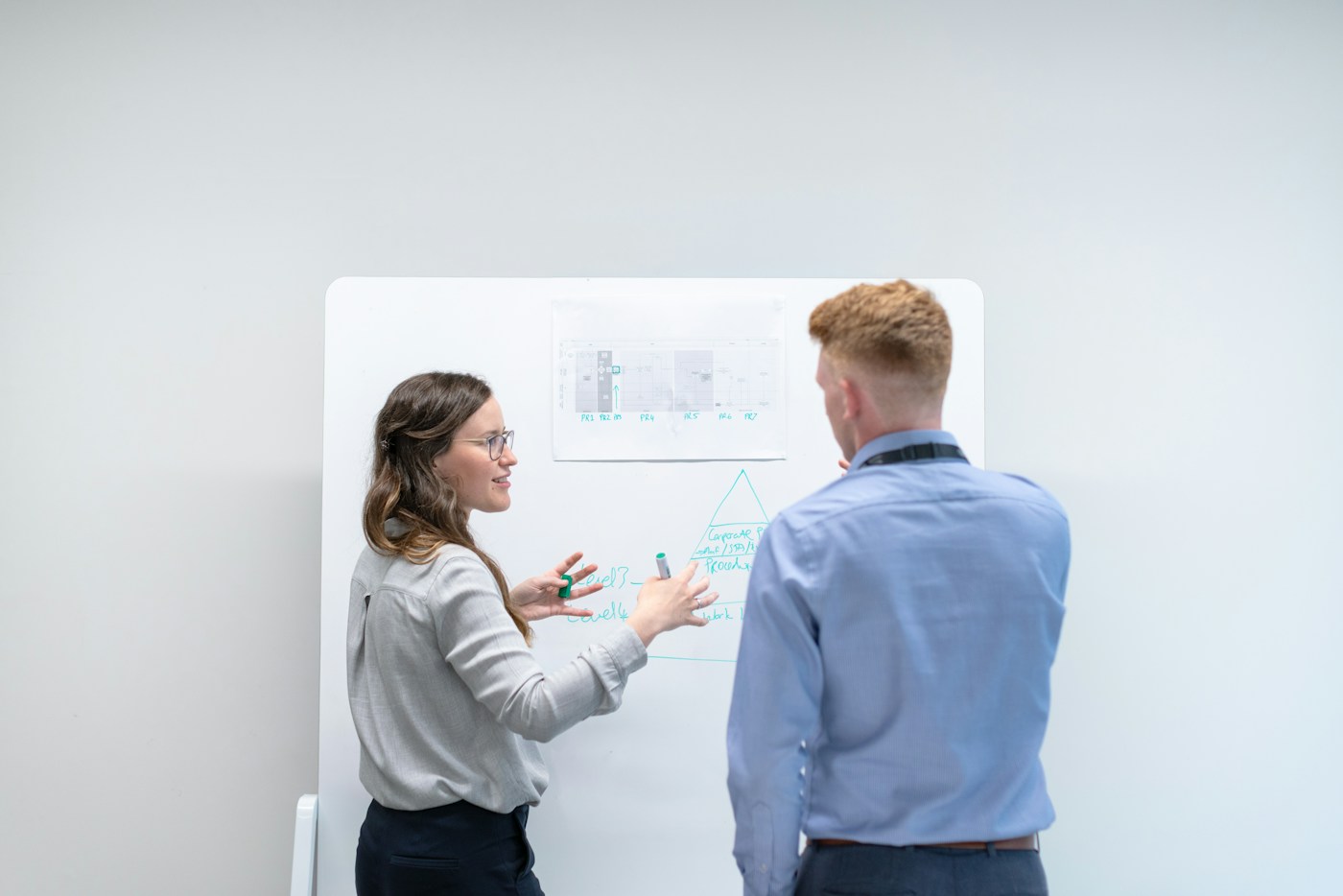
Start the brief with a plain-language task: who uses the application, where they use it, what they need to accomplish and what happens afterwards. For example, a fictional visitor pilot might cover one gallery and a small group of approved exhibits. State what is outside the pilot, such as unrestricted questions, facial recognition, payments or a full collection rollout.
Supply a sample of the approved content, the intended device and phone combination, a list of integrations, and the people who approve design and technical decisions. Use synthetic or non-sensitive sample records for initial integration tests. Our XR project brief builder can help organise these inputs before a scoping conversation.
Agree acceptance tests before implementation. Test a successful request, an unclear request, missing source information, a denied permission, loss of connectivity and a user who wants to stop. Confirm whether the system explains that it cannot answer instead of presenting a plausible invention. Test the complete journey from onboarding to finishing or handing over to a human.
Evaluate the interaction in the intended setting. A quiet office demonstration does not establish voice recognition in a busy venue. Include realistic noise, lighting, movement and network conditions; users with different accents; and people unfamiliar with the device. Log the time and assistance required to start the experience, because onboarding friction can outweigh the benefit of the core interaction.
Plan data handling as an explicit product requirement. Document what audio, images, prompts, account details and usage events are collected; where they go; who can access them; and how long they are retained. Make capture behaviour understandable to the wearer and people nearby. The policy for your own application must be assessed separately from a manufacturer's consumer assistant. Obtain the appropriate organisational review before a live deployment.
Request a handover pack containing the working build, supported-device list, configuration instructions, content-update process, known limitations, test findings and support responsibilities. Set a review point to decide whether to expand, revise or stop. Expansion should follow demonstrated usefulness and operational readiness, not the fact that the first demonstration looked impressive.
A pilot can be planned in phases—discovery, technical proof, usable prototype and supervised evaluation—but calendar commitments depend on hardware access, integrations and review availability. Ask for a milestone schedule with explicit dependencies. This makes supplier proposals easier to compare and prevents a hardware delivery date from being mistaken for application readiness.
Frequently asked questions
What is AI smart glasses app development?
It is the design and implementation of an application that uses supported glasses capabilities, often alongside a companion phone and backend services. The scope can include voice interaction, approved information retrieval or short visual prompts, depending on the device.
Do AI smart glasses always have a display?
No. Audio glasses and display glasses support different experiences. Confirm the exact model and supported developer capabilities before promising visual overlays, spatial tracking or a particular interaction.
Can a normal Android app run unchanged on smart glasses?
Do not assume so. Android XR distinguishes headsets and wired XR glasses from audio and display glasses. The development route depends on the device type and the specific experience. Validate the current platform documentation and test on the intended hardware.
How much does a custom smart-glasses app cost?
The estimate depends on supported devices, workflows, content, integrations, testing and deployment requirements. Request separate prices for technical feasibility, prototype production and ongoing operation against the same written brief.
Do we need generative AI for the first version?
Not necessarily. A fixed or searchable set of approved answers may be sufficient. Add generative interaction when it solves a defined user problem and you can evaluate answer quality, missing-information handling and operating costs.
Can we connect the app to our existing business systems?
Potentially, if supported APIs, authentication and access permissions are available. Identify the authoritative data source, allowed operations and failure behaviour. Prove the most important integration before committing to wider production.
What should we measure in a pilot?
Measure completion of the intended task, accuracy against approved information, response time, staff interventions and user acceptance. Compare results with the current workflow and record unsuccessful sessions as well as successful ones.
What should we send Mimic XR to discuss a prototype?
Send the audience, one priority workflow, target glasses and phones if known, example content, integration needs, preferred launch date and budget range if available. Include the people responsible for approving content and deployment.
Plan your first smart-glasses application
A strong pilot connects a real user need with supported hardware, trustworthy content and a measurable result. Keep the first workflow narrow, validate the difficult dependency early and agree who maintains the experience after handover. The useful outcome is evidence for the next investment decision, including a clear reason to revise or stop when the pilot does not meet its goals.
Explore smart-glasses app development with Mimic XR, then send your prototype brief. Include the audience, one priority task, available content, target device, integration requirements and preferred date. We can discuss the scope and feasibility before a production commitment.
Prepared by the Mimic XR editorial team. Published 16 November 2026. Platform references were checked for this guide; supported devices, SDKs and distribution requirements should be rechecked at project kickoff. The use cases are proposed examples, and the photographs illustrate development and visitor settings rather than Mimic XR projects.
Photography: Mapbox on Unsplash — cover; Ngital on Unsplash — hero; Bayu Syaits on Unsplash — platform; Aurora Song on Unsplash — usecases; Creatopy on Unsplash — cost; ThisisEngineering on Unsplash — pilot. Used under the Unsplash licence. Photographed organisations and people do not imply endorsement.