The best enterprise smart glasses are the ones that complete your specific task on an approved, supportable device. For hands-free remote assistance, start with assisted-reality devices; for spatial product reviews, evaluate tracking and 3D interaction; for brief prompts, assess lightweight audio or display glasses. These are different application briefs, even when suppliers use similar AR terminology.
This buyer’s guide combines a task-based shortlist with a procurement scorecard, a pilot test and the information needed for an application-development enquiry. Manufacturer documentation was checked on 12 November 2026. This is a planning comparison, not a hands-on hardware ranking, a price quotation or a claim that every listed device is suitable for your site.
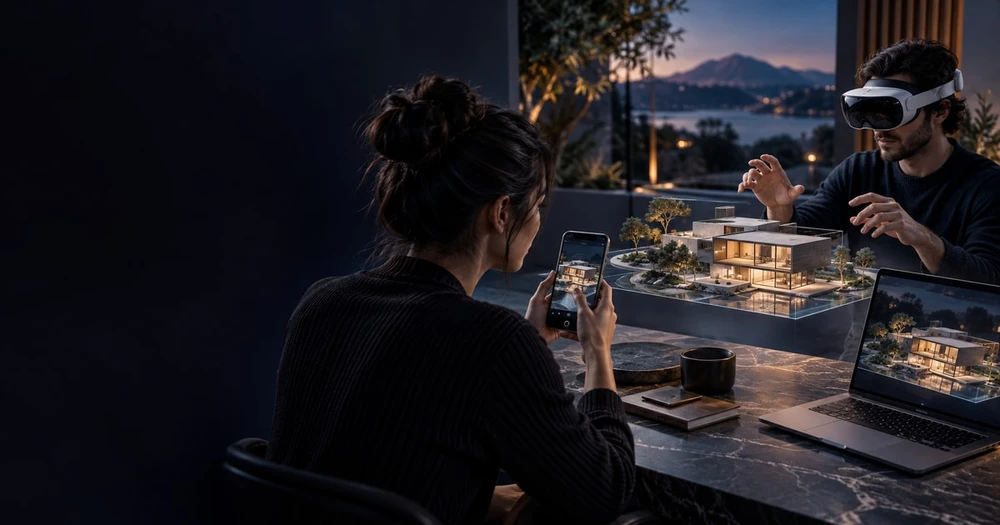
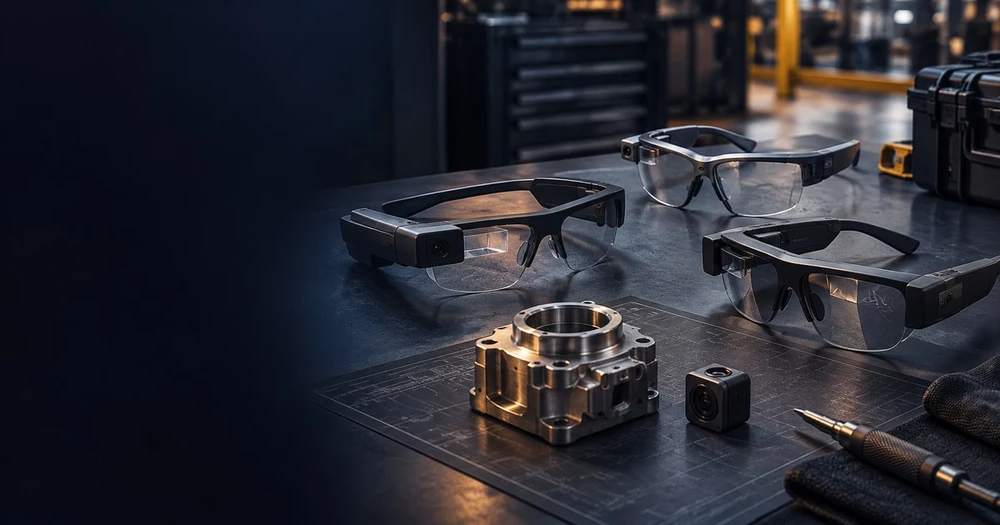
Cover image: editorial concept illustration. It does not depict a tested device comparison or a Mimic XR client project.
In this guide
Enterprise smart-glasses shortlist by use case
Shortlist a category before a model. Write down what the wearer must see, hear and do, and what a remote colleague needs to receive. A device that displays a checklist may solve a different problem from one that positions a model beside a physical product. Require a demonstration of the needed capability rather than relying on the phrase “AR glasses.”
For remote assistance and step-by-step instructions: evaluate RealWear Navigator 520 and Vuzix M400 against your actual collaboration application, camera view, input method and operating environment. Include support policy in the decision.
For interactive spatial content: evaluate the exact spatial device and application together. Meta’s VR Glasses documentation describes a different form factor and primary input from Quest; the distinction matters when adapting an existing experience.
For short prompts or audio assistance: assess the relevant Android XR audio or display-glasses category. Confirm the specific hardware and application route instead of treating Android XR as a single purchasable device.
For fully simulated training: a VR headset may fit the task better than glasses used during real work. Choose based on what users must practise and whether they need to see the physical environment.
If the task needs an entirely simulated environment, compare the enterprise VR headset guide and the scope of VR training simulations before buying a wearable. For a spatial review over a real room, use the mixed reality solutions guide to define the interaction and acceptance test.
Assisted reality for frontline work
For remote expert calls and digital instructions, consider a device that keeps information available while the worker uses their hands. RealWear’s Navigator 520 documentation positions it around frontline workflows and remote collaboration. Its support library covers fit, power, cleaning and safety. This is assisted reality; do not assume it provides the same spatial overlays as a mixed-reality headset.
The procurement test is practical: can a technician read the next step, operate the interface with the required protective equipment and maintain a useful remote video connection in the actual work area? Confirm environmental suitability with the manufacturer and the site’s safety team. A successful office demonstration is insufficient.
For a complete technician-to-expert trial, use the headset remote-assistance guide to test camera detail, call recovery, expert availability and service-record handover before committing to a wider device rollout.
Vuzix’s M400 product information describes hands-free access to instructions and remote support. Its published support commitment states that product and technical support is planned through 31 December 2028, while the operating system remains on Android 13 and routine OS security updates are no longer planned. Critical or severe issues will be evaluated. Check whether that policy meets your organisation’s requirements before approving a deployment.
Separate a supported application from a supported operating system. Ask the hardware supplier to identify the update policy, supported software versions, replacement arrangements and migration options in writing. An application demonstration cannot answer those procurement questions. Use the same review for every candidate; a familiar model name is not a support plan.
Glasses for spatial applications
Meta’s device comparison distinguishes Meta VR Glasses from Quest headsets: the glasses use an external compute puck and different primary input. That makes input design and application compatibility explicit evaluation items. Do not treat the shared operating-system family as proof that an existing application works unchanged.
For a brand demonstration, prototype the most demanding interaction first: selecting a small product feature, reading a label or moving around a scene. Test onboarding and device sharing with the intended visitors. Confirm regional availability, support and commercial deployment terms directly before planning an event around a model.
Android XR is a platform, not one pair of glasses
Google’s Android XR guide separates immersive headsets and wired XR glasses from augmented experiences on audio and display glasses. These categories should have separate briefs. An audio prompt does not need the same assets or interface as a spatial product demonstration.
Ask which hardware, SDK version and application permissions the proposed experience needs. Keep an alternative delivery route available while device access or deployment requirements are unresolved. A development preview can support exploration without being the basis for a committed fleet rollout.
Use the Android XR enterprise-readiness guide to check the difference between a working prototype and an approved deployment. For public-facing experiences, the smart-glasses brand experience guide covers the visitor journey. Neither a platform label nor a successful demo establishes that all required features are ready for a fleet.
Use a shortlist scorecard
Score each candidate against task completion, readability, comfort, input reliability, connectivity, battery operations, application distribution and support. Weight the criteria before testing. Record which conditions were tested and which remain assumptions.
Include content maintenance and user support in the budget. Define who can deploy updates, recover a failed device and remove access when a worker changes role. Use our field-service AR planning for operational requirements and smart-glasses application development for a focused prototype.
Use a two-stage scorecard. First mark non-negotiable requirements as passed, failed or unverified. Only then compare convenience and preference. Do not let an attractive display compensate for an unapproved installation route or an application that cannot perform the required task. A weighted score is useful only after the essential conditions have been met.
Task and information: ask the wearer to complete one representative job using approved instructions. Record wrong selections, missed information, help requests and whether the remote expert can see the detail needed to make a decision. Define acceptable results before the trial.
Input and attention: test voice, buttons, hand input or other controls in the intended conditions. Include noise, required gloves and interruption handling where relevant. Measure whether the interaction distracts from the task rather than assuming hands-free operation is automatically easier.
Fit and session operations: include representative users, prescription requirements and relevant protective equipment. Record setup, adjustments, charging and changeover between users. Keep these observations separate from the application’s completion time.
Connectivity and recovery: demonstrate a disconnected call or unavailable service, then recovery. Decide which steps can continue without a network and what must stop. Test what the expert and the wearer see when the connection returns.
Administration and support: demonstrate installation, an approved update and account removal on a pilot device. Name who controls releases and who responds to a failed device. Capture required licences and account dependencies before comparing total costs.
Content and handover: ask who approves instructions, who updates them and how an obsolete version is withdrawn. Require an agreed asset list, configuration notes and a repeatable acceptance test so that a later change does not depend on undocumented knowledge.
For each criterion, record the device model, application version, test condition, observed result and evidence owner. Keep unknowns visible. For example, “remote expert could read the serial number under the trial lighting” is more useful than “camera quality good.” Do not extrapolate an office trial to a different factory, network or user group without another check.
Make the purchase follow the pilot
Run the same task on shortlisted devices with representative users. Measure completion, assistance required and interruptions against the existing method. Discuss your smart-glasses pilot findings with Mimic XR before expanding production. Include the workflow, tested devices and unresolved application requirements.
Illustrative pilot: one technician follows a short approved inspection sequence and asks a remote expert to check a detail. The same task is completed using the current method and each shortlisted device. Record task completion, errors, assistance requests and disruptions. This is a suggested test design, not a Mimic XR client result or a promised productivity improvement.
Agree the deliverables before development begins: a task flow, a build for the named device, approved instruction content, a test record and operating notes. If reporting is required, name the fields and their destination. A video of a prototype is useful evidence, but it does not replace an installable build and a demonstrated recovery process.
At the review, separate three decisions: whether the wearable helps the task, whether the application is usable, and whether the organisation can operate it. A good result in one area does not resolve the others. Continue only when the agreed conditions are met; otherwise revise the task, device or implementation and document what the next test needs to establish.
What to send for a smart-glasses application quote
A useful enquiry describes the work to be done and the evidence you need before expanding it. Include the following information even if some answers are still unknown. This helps a development team distinguish application production from hardware procurement, deployment and ongoing support.
The workflow: the user’s role, one complete task, current instructions and the point at which a remote expert or digital prompt should help.
The environment: where the experience runs, target devices, connectivity, session duration and relevant site constraints.
The available content: approved procedures, diagrams, photographs, 3D assets and the person responsible for reviewing them.
The integration: any sign-in, remote-call, reporting or business-system connection, together with its owner and the required pilot behaviour.
The handover: supported device and application versions, installation notes, content-update responsibilities, acceptance evidence and support scope.
The commercial boundary: pilot size, budget range, target date, review availability and which hardware, licences or subscriptions you expect to purchase separately.
Ask suppliers to separate reusable software, custom development, content preparation, integrations, device testing and ongoing operations. Confirm whether the quote covers one device configuration or several. Compare proposals against the same task and acceptance conditions, rather than choosing the lowest total when the deliverables differ.
Review our smart-glasses app development service and organise requirements with the XR project brief template. Then send your smart-glasses application brief with the task, preferred devices, users, site conditions, integrations and pilot date. Distinguish application work from hardware procurement and operational support; mark undecided requirements clearly.
Planning a custom application? Our AI smart glasses app development guide explains buyer requirements, cost drivers, supplier deliverables and pilot acceptance tests before a production commitment.
Frequently asked questions
Is there one best enterprise smart-glasses model?
No. The task, environment, application access and support requirements determine the shortlist.
Are assisted reality and spatial AR the same?
No. A readable information display does not necessarily anchor interactive 3D content in the environment.
Are Meta VR Glasses the same as Quest?
Meta documents different form factors and input; test the exact device and application combination.
Does Android XR mean every device runs the same experience?
No. Device categories and capabilities differ, so compatibility requires an explicit test.
Can consumer glasses be used at an industrial site?
Only after the application, security, safety and environmental requirements have been reviewed.
Should price decide the pilot?
Compare total deployment cost, including software, support, charging, spares and training.
What should a first pilot cover?
One repeatable task, representative users, real operating conditions and a clear success criterion.
Does Mimic XR sell the devices?
This guide concerns experience development. Confirm hardware supply and commercial terms with the manufacturer.
How should we compare smart-glasses development quotes?
Give each supplier the same task, device assumptions, content and integration requirements. Compare the installable build, testing, handover and support deliverables. Separate hardware and recurring licences from custom application work, and state who owns content updates after the pilot.
Does technical support include operating-system security updates?
Not necessarily. Check the manufacturer’s published policy and ask which OS versions, routine security updates and application updates are covered. Treat unsupported or unverified requirements as a procurement decision before approving the device. An application that still runs is not evidence that its operating system meets your organisation’s policy.
Sources and further reading
Apple Developer — visionOS: official platform capabilities and developer resources.
Khronos Group — OpenXR: the open standard for cross-platform XR application access.
W3C — WebXR Device API: the web standard for virtual- and augmented-reality device access.
About this article
Mimic XR is an extended reality production studio based in Potsdam, Germany. This article provides general planning information; project decisions should be validated against current hardware, platform, privacy and operational requirements.
Creation note: AI tools assisted with drafting and structure. Mimic XR is responsible for the published content. Manufacturer sources are linked where relevant. Last updated: 12 November 2026.