Could your maintenance team see the right instruction, asset data, and expert guidance exactly when a fault appears?
Augmented reality maintenance places digital instructions, inspection points, warnings, and live support over the equipment a technician is servicing. Instead of switching between a machine and a manual, the worker can follow contextual guidance through a tablet, phone, or wearable display while remaining anchored to the physical task.
For operations leaders, the opportunity is broader than a novel interface. AR can standardize complex work, shorten time to competence, preserve expert knowledge, and create a measurable maintenance record. It connects naturally with XR remote assistance, digital twins, connected sensors, and the wider enterprise XR implementation roadmap.
Key takeaways
Augmented reality maintenance places digital instructions, inspection points, warnings, and live support over the equipment a technician is servicing.
Instead of switching between a machine and a manual, the worker can follow contextual guidance through a tablet, phone, or wearable display while remaining anchored to the physical task.
For operations leaders, the opportunity is broader than a novel interface.
AR can standardize complex work, shorten time to competence, preserve expert knowledge, and create a measurable maintenance record.
It connects naturally with XR remote assistance , digital twins, connected sensors, and the wider enterprise XR implementation roadmap .
Table of Contents
What Augmented Reality Maintenance Means
Augmented reality maintenance is the use of spatially aligned digital information to support inspection, diagnosis, repair, assembly, and preventive maintenance on real assets. The physical machine stays visible. Digital content adds context: arrows can identify a valve, a 3D animation can show the correct removal sequence, and a checklist can require evidence before a step is completed.
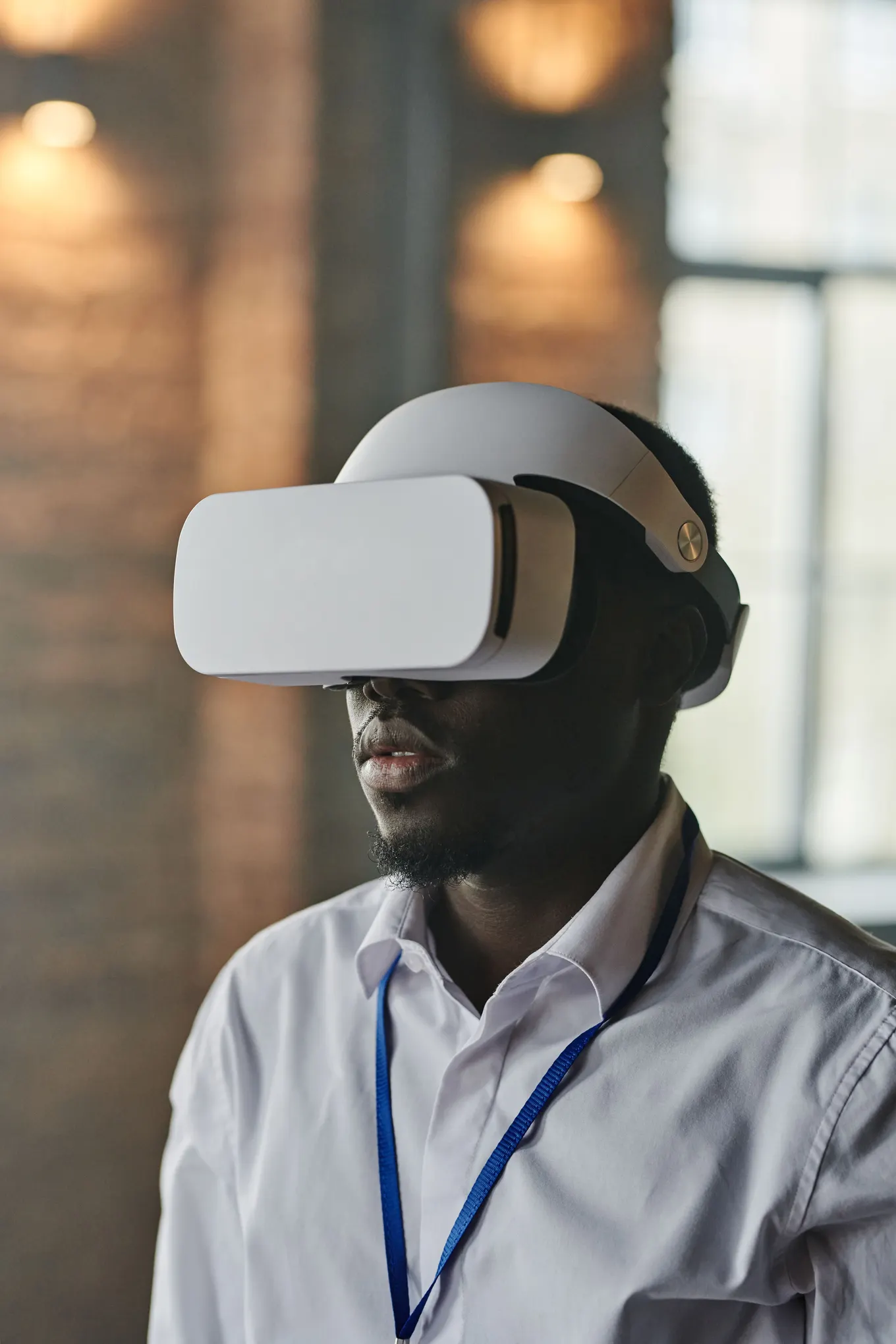
That distinction matters. A virtual environment replaces the surrounding world and is ideal for rehearsal before a worker approaches live equipment. AR supports the worker at the point of performance. Organizations often combine both: use virtual training with XR for safe practice, then deliver concise AR guidance during real maintenance.
A useful AR experience is asset-aware, task-aware, and role-aware. It recognizes or identifies the equipment, loads the approved procedure and revision, and shows only the information the technician needs at that moment. It should also capture completion data without forcing the worker to repeat documentation later.
The interface can be simple. Many high-value projects begin with a QR code or asset tag that launches a guided procedure on a tablet. Computer vision, spatial anchors, object tracking, and sensor integrations can be added when they solve a verified operational problem, not merely because the technology supports them.
This focus protects the business case. A lightweight solution that removes ten minutes of searching from a repeated task may outperform a visually impressive 3D experience that does not fit the technician’s real workflow. The design should earn complexity only when the extra spatial capability improves accuracy, safety, speed, or evidence quality.
How an AR Maintenance Workflow Works
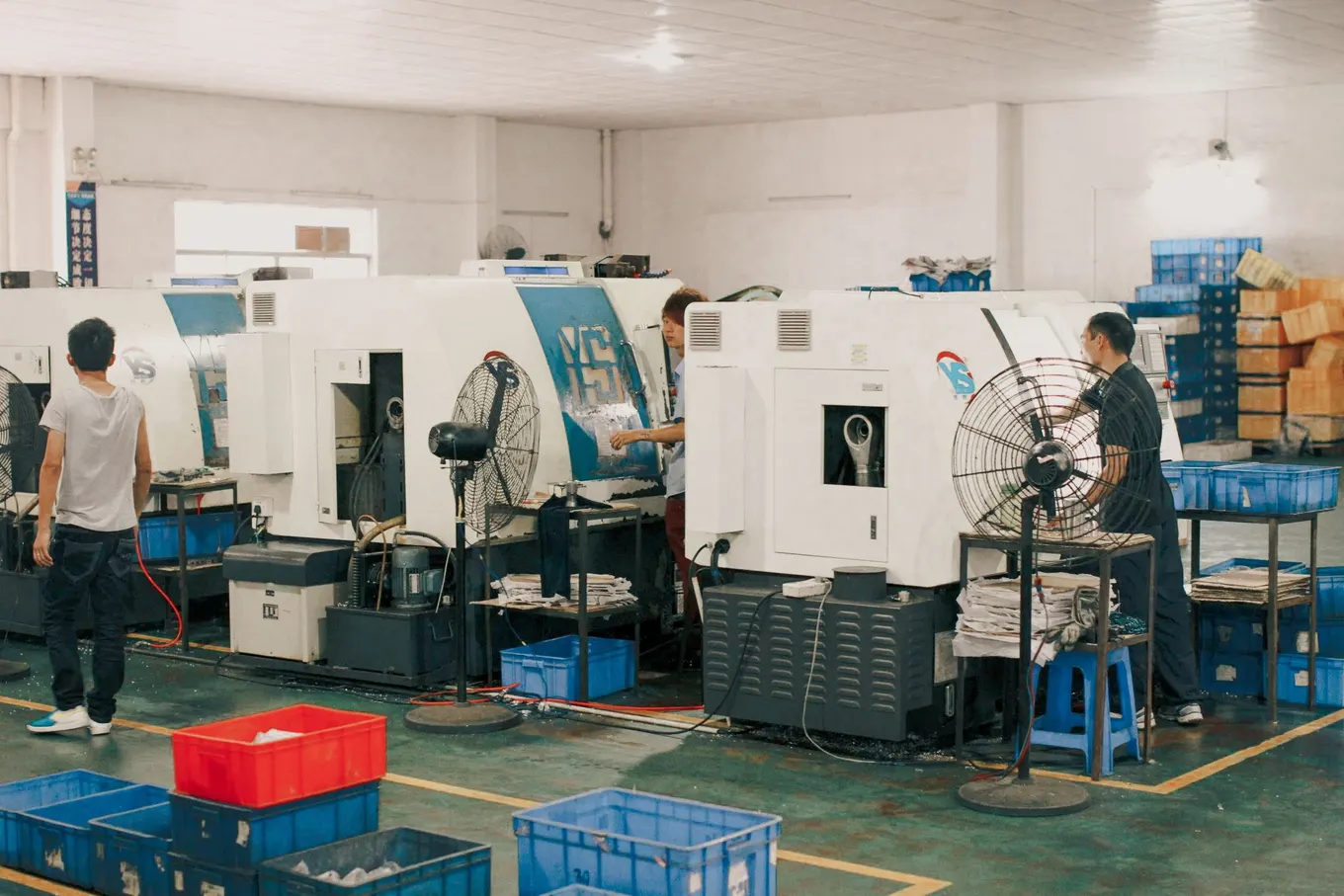
A production workflow starts before the technician opens the AR application. The organization must connect an asset identity to approved content, permissions, and maintenance history. When the worker scans the asset or selects a work order, the system retrieves the correct procedure and records which version was used.
Identify the asset through a QR code, marker, serial number, image recognition, or a connection to the maintenance system.
Load the correct job plan, safety prerequisites, tools, parts, and isolation requirements for that asset and work order.
Guide the technician step by step with concise text, photos, 3D cues, animations, or spatial highlights.
Validate critical actions through confirmations, measurements, photos, barcode scans, or supervisor approval.
Escalate unusual conditions to a remote expert with shared video, annotations, and asset context.
Write completion evidence back to the CMMS, EAM, quality system, or learning record.
The sensing and alignment layer is what makes the experience spatial. Cameras, depth sensors, motion tracking, mapping, and rendering work together to keep guidance attached to the correct physical location. For a deeper explanation, see how extended reality sensors and spatial mapping work.
Good workflow design anticipates failure. Lighting changes, dirty equipment, protective gloves, network dead zones, and model variations can break an idealized demo. The product should provide a fallback path: manual asset selection, offline instructions, clear reset controls, and an easy way to report that the physical asset does not match the digital procedure.
Integration should also be selective. The AR layer does not need to reproduce every field in a maintenance system. It should expose the information required to complete the current task, then return structured evidence. Keeping the boundary narrow reduces screen clutter, simplifies validation, and makes system ownership clearer.
Where AR Creates Operational Value
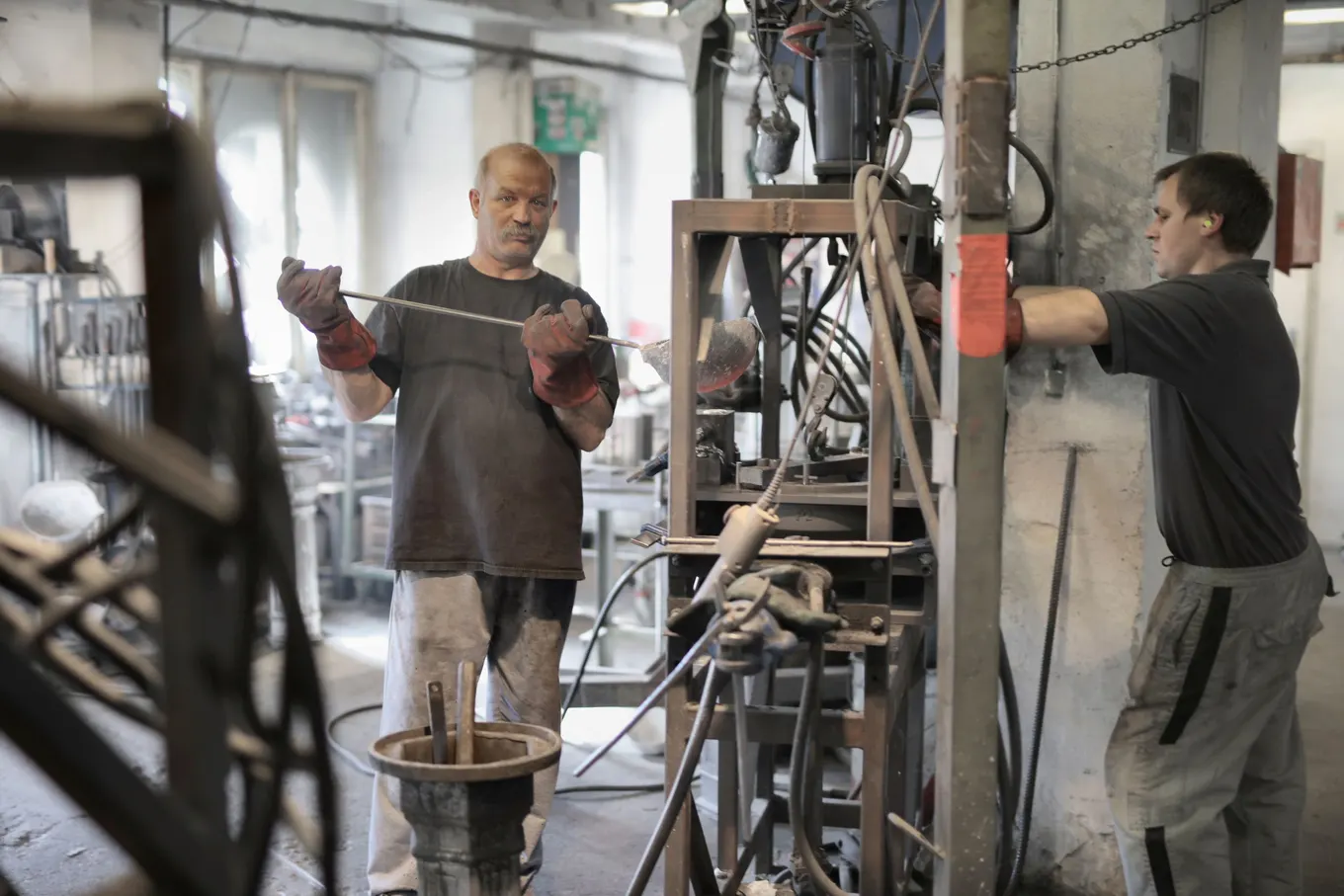
The strongest use cases occur where work is complex, infrequent, variable, or expensive to perform incorrectly. In those situations, a small reduction in diagnosis time, repeat visits, or avoidable downtime can justify the content and device investment.
Preventive maintenance benefits from consistent sequencing. AR can show inspection zones, acceptable conditions, torque values, lubrication points, and evidence requirements. Corrective maintenance benefits from branching diagnostics. This complements AR guidance and support workflows already used by field teams.
Changeovers and setup tasks are another practical entry point. Workers can verify tooling, alignment, material, calibration, and safety checks in the correct order. Organizations with aging assets can capture the tacit knowledge of experienced technicians before it disappears, turning expert demonstrations into reviewed digital procedures.
Field service: faster diagnosis, fewer repeat visits, and better first-time fix rates.
Manufacturing: guided inspections, line changeovers, calibration, and quality checks.
Utilities: asset identification, safety zones, remote expertise, and standardized field evidence.
Warehousing: conveyor maintenance, fault isolation, and technician onboarding.
Facilities: equipment rounds, compliance evidence, and vendor-independent work instructions.
AR is not a substitute for engineering controls, lockout procedures, competent supervision, or certification. The experience should reinforce the approved system of work and clearly stop when a qualified human decision is required. Safety-critical content needs the same review discipline as any controlled procedure.
AR Maintenance Options Compared
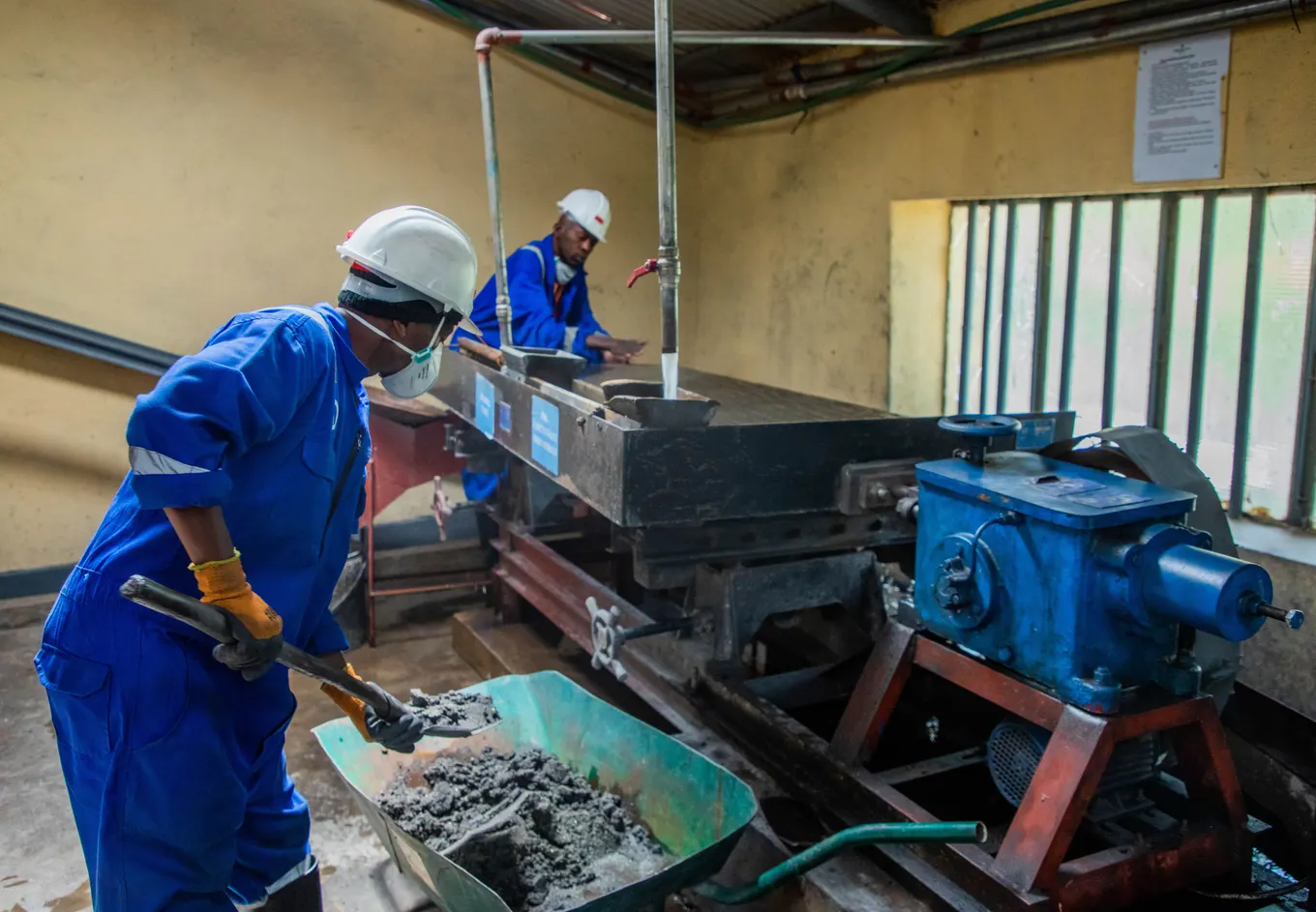
The best delivery method depends on task duration, environmental constraints, interaction frequency, and business value. A tablet pilot can validate the workflow quickly. Smart glasses become attractive when the technician needs both hands, moves constantly, or must maintain visual attention on the asset.
Device selection should follow the task, not lead it. Evaluate field of view, focal comfort, battery life, protective-equipment compatibility, camera quality, microphone performance, ruggedness, cleaning, security controls, and whether the device can operate in restricted or offline environments.
The content format matters just as much as hardware. A flat instruction panel may be sufficient for a checklist, while a spatial arrow or animated 3D part is useful when orientation is difficult to describe. Understanding the difference between VR, AR, and MR helps teams avoid overbuilding the experience.
Remote expert functionality is valuable for rare faults, but it should not become the default answer to every task. The long-term goal is to convert repeated expert interventions into reusable, governed knowledge while preserving escalation for truly novel conditions.
How to Build a Successful AR Maintenance Pilot
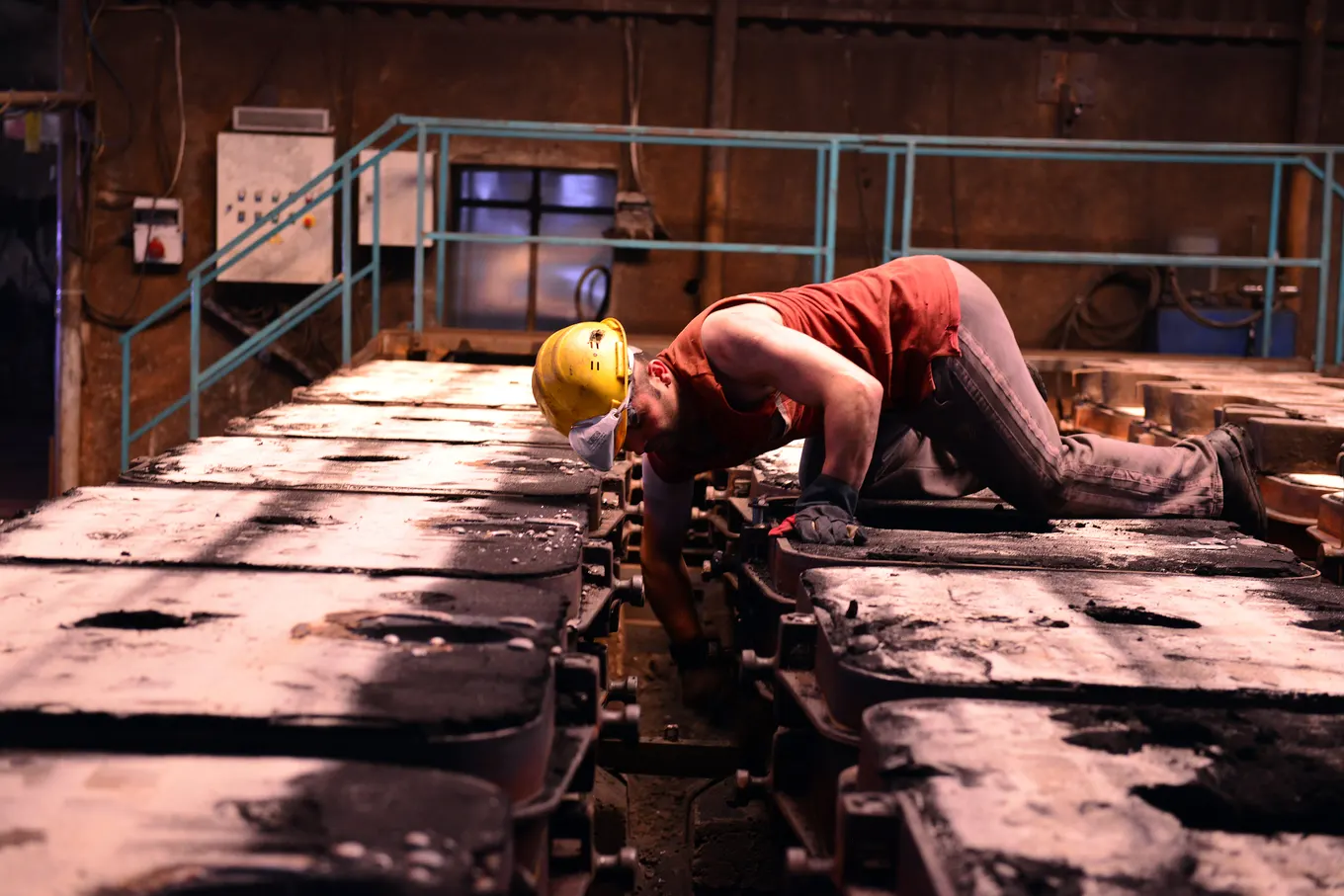
Choose one process with a visible pain point and a measurable baseline. Good candidates have repeated errors, long search time, scarce expertise, complex sequencing, or high travel cost. Avoid starting with the most dangerous or technically complex asset; the first pilot should prove operational value without creating unnecessary risk.
Baseline the current workflow: completion time, waiting time, error rate, repeat work, travel, downtime, and training effort.
Observe real technicians and record decision points, workarounds, environmental constraints, and information gaps.
Reduce the procedure to concise steps; separate must-know guidance from optional reference material.
Prototype on the lowest-complexity device that can prove the use case, then test with representative users.
Run safety, cybersecurity, accessibility, and data-governance reviews before live deployment.
Pilot across enough shifts, experience levels, and asset conditions to expose variation.
Review results with technicians and supervisors, improve the content, and decide whether to scale.
A strong pilot defines ownership. Maintenance engineering approves the procedure; operations owns adoption; IT governs identity, devices, integrations, and security; and the XR team manages interaction design and content production. The spatial computing strategy guide provides a wider framework for aligning these stakeholders.
Content maintenance is frequently underestimated. Every asset revision, software change, safety update, and process improvement can affect the digital instructions. Establish a review date, named owner, version history, approval route, and withdrawal process. If workers cannot tell whether the AR procedure is current, trust will collapse quickly.
Human factors deserve equal attention. Keep text short, controls large, audio optional, and alerts unambiguous. Test with gloves, hearing protection, prescription eyewear, and the actual lighting and noise of the workplace. Provide a safe way to pause the experience and return to the previous verified step.
How to Measure ROI and Scale

Measure the workflow, not headset usage. A successful program should improve an operational result: mean time to repair, first-time fix rate, planned-maintenance compliance, downtime, quality escapes, travel, training time, or worker confidence. Usage is useful for adoption analysis, but it is not the business outcome.
Calculate benefits conservatively. Separate time saved during active work from waiting time and production downtime. Apply realistic labor and downtime rates. Include content creation, device procurement, integration, security, support, replacement, and update costs. Report assumptions so finance and operations can challenge them.
Efficiency: average task time, diagnosis time, documentation time, and expert wait time.
Quality: error frequency, repeat work, inspection findings, and first-time fix rate.
Availability: planned versus unplanned downtime and time to return the asset to service.
Capability: time to independent performance, assessment scores, and escalation frequency.
Adoption: completion rate, abandonment points, user feedback, and supervisor confidence.
Scaling should occur by reusable patterns. Standardize the asset-launch method, procedure template, analytics events, integration contracts, visual language, and governance. Then each new use case becomes a controlled content project rather than a new technology experiment. Mimic XR services can support experience design, simulation, digital humans, and enterprise implementation.
Before expansion, verify that the pilot remains effective after the novelty fades. Compare experienced and novice workers, check whether supervisors trust the evidence, and confirm that procedure updates can be published without a lengthy development cycle. Sustainable value comes from an operating system for spatial work, not a collection of disconnected demos.
Frequently Asked Questions
What is augmented reality maintenance?
It is the use of digital instructions, spatial cues, asset data, and remote guidance over the real equipment a technician is inspecting or repairing.
What devices are used for AR maintenance?
Programs commonly use phones, tablets, or smart glasses. The correct choice depends on whether the task must be hands-free, the environment, duration, security, and required visual precision.
How is AR different from VR maintenance training?
AR supports work on a real asset by adding contextual information. VR places the learner in a simulated environment and is better for rehearsal before live work.
Can AR integrate with a CMMS or EAM?
Yes. A production solution can receive work orders and asset data, then return completion status, measurements, photos, exceptions, and timestamps through supported integrations.
Does augmented reality maintenance work offline?
It can, if the application and content architecture support local procedures, cached assets, and later synchronization. Offline behavior should be designed and tested explicitly.
How long does an AR maintenance pilot take?
A focused pilot can often be prototyped in weeks, but production readiness depends on content approval, asset variation, device management, integrations, safety review, and field testing.
What is the best first AR maintenance use case?
Choose a repeated task with measurable delay, error, travel, or expertise scarcity, but avoid an extremely hazardous or highly variable process for the first deployment.
How do you measure AR maintenance ROI?
Compare a baseline with pilot results across task time, downtime, first-time fix rate, repeat work, travel, training effort, and program costs. Use conservative assumptions and enough trials to account for variation.
Can AR replace experienced maintenance technicians?
No. AR can preserve and distribute expert knowledge, standardize routine work, and support decisions, but qualified technicians remain responsible for judgment, safety, and unexpected conditions.
Conclusion
Augmented reality maintenance is most valuable when it removes friction from a real operational workflow. Start with a clear baseline, design around technicians and approved procedures, prove a measurable improvement, and build governance before scaling across sites or asset families.
Ready to turn maintenance knowledge into a practical spatial workflow? Explore Mimic XR’s services or contact the team to plan an AR maintenance pilot aligned with your assets, workforce, and systems.
Sources and further reading
Apple Developer — Augmented Reality: platform capabilities, tools and implementation guidance.
Google for Developers — ARCore: Android augmented-reality capabilities and developer documentation.
W3C — WebXR Device API: the web standard for accessing virtual- and augmented-reality devices.
About this article
Mimic XR is an extended reality production studio based in Potsdam, Germany. This article provides general planning information; project decisions should be validated against current hardware, platform, privacy and operational requirements.
Creation note: AI tools assisted with drafting and structure. Mimic XR reviewed and is responsible for the published content. External technical sources are linked where relevant. Last reviewed: 29 October 2026.