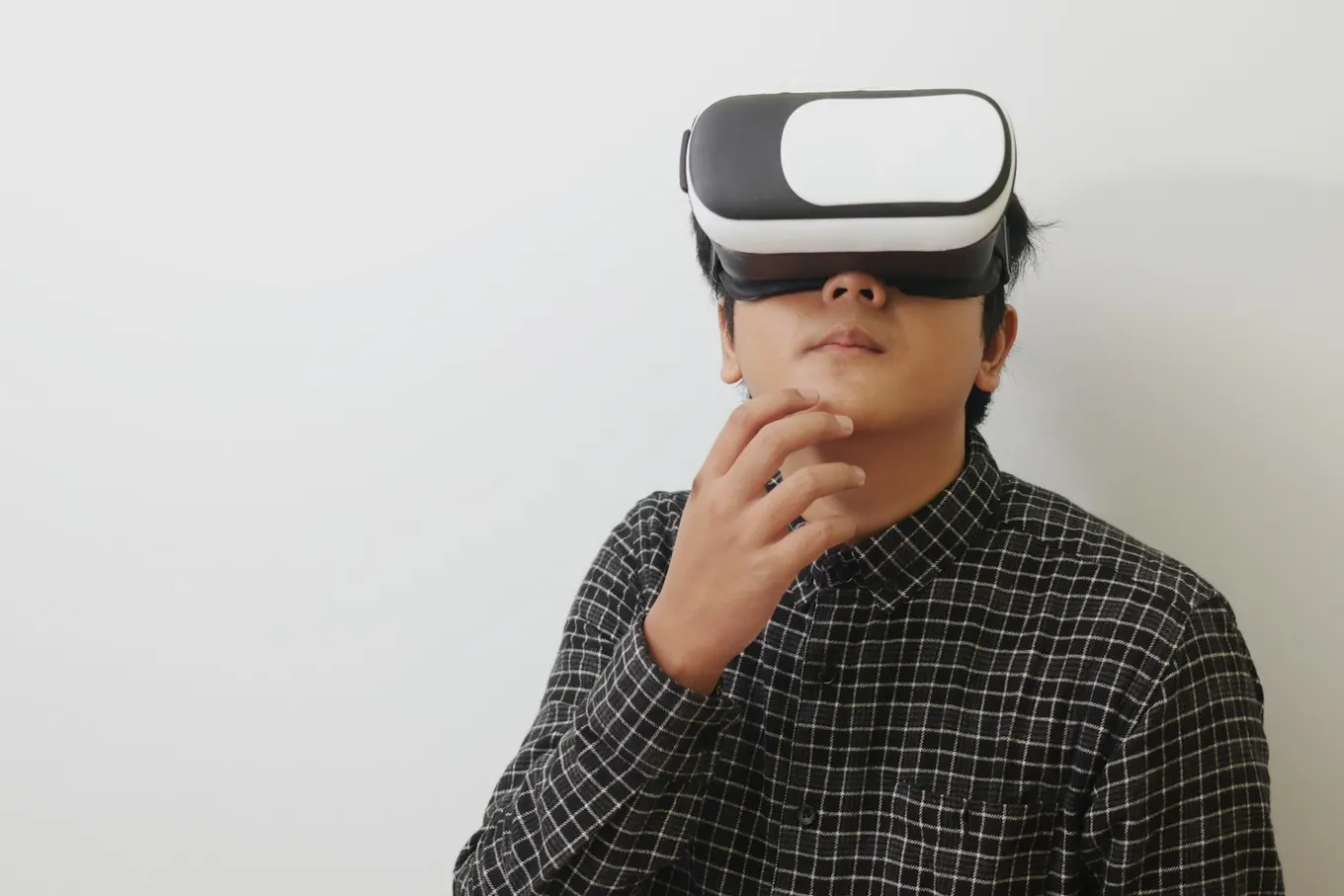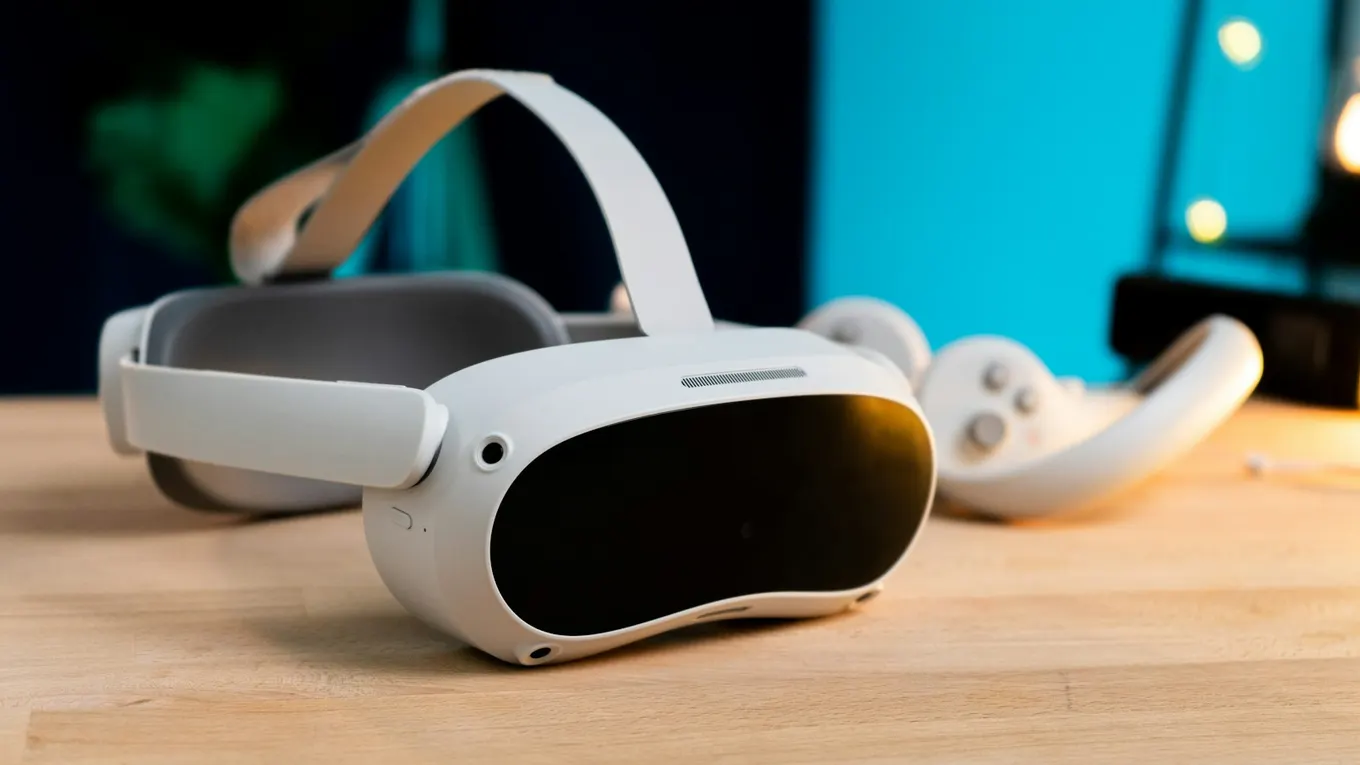

How is virtual reality used in business—and where does it create measurable value?
Virtual reality for business places employees, customers, or decision-makers inside an interactive 3D environment where they can practise, inspect, collaborate, or experience something before it exists physically. The strongest applications are not technology demonstrations. They solve an expensive, risky, hard-to-repeat, or hard-to-explain business problem.
This guide explains the most practical business uses of VR, how VR differs from the wider XR category, which projects deserve investment, and how to move from an idea to a scalable experience. It draws on the production capabilities behind Mimic XR’s immersive services, including virtual worlds, simulation, photogrammetry, real-time characters, and spatial interaction.
Key takeaways
Virtual reality for business places employees, customers, or decision-makers inside an interactive 3D environment where they can practise, inspect, collaborate, or experience something before it exists physically.
They solve an expensive, risky, hard-to-repeat, or hard-to-explain business problem.
This guide explains the most practical business uses of VR, how VR differs from the wider XR category, which projects deserve investment, and how to move from an idea to a scalable experience.
It draws on the production capabilities behind Mimic XR’s immersive services , including virtual worlds, simulation, photogrammetry, real-time characters, and spatial interaction.
Virtual reality for business is the use of a computer-generated, spatial environment to achieve an organizational goal.
Table of Contents
What does virtual reality for business mean?
Virtual reality for business is the use of a computer-generated, spatial environment to achieve an organizational goal. A headset gives the user a sense of presence and lets them look, move, select, speak, or interact naturally. The experience may reproduce a real workplace, visualize a future product, simulate a high-risk event, or create an entirely new world.
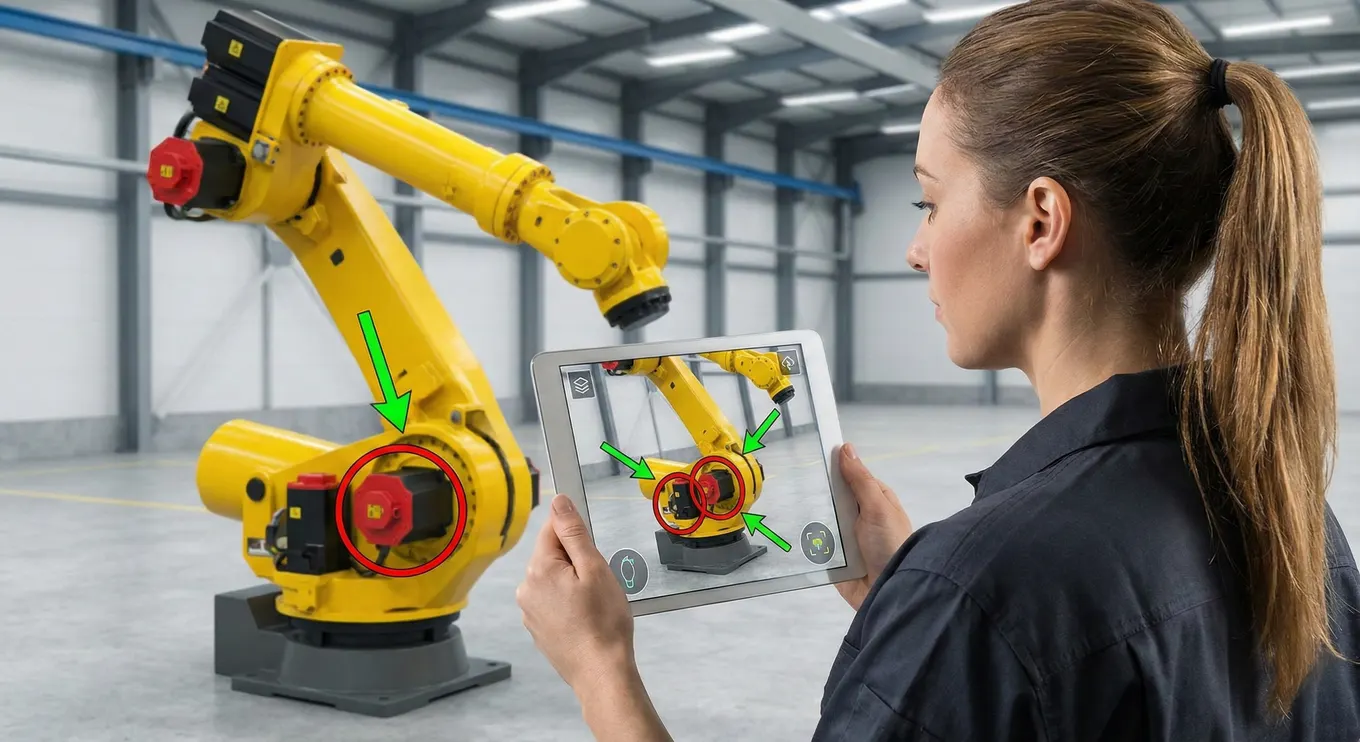
VR is one part of extended reality. Augmented reality adds digital information to a view of the real world, while mixed reality anchors interactive digital objects into physical space. Mimic XR’s XR vs. VR business guide and its explanation of the difference between VR, AR, and MR provide useful context.
A simple selection rule is to match the medium to the job. Choose VR when full immersion, controlled repetition, or freedom from physical constraints creates value. Choose AR when people must keep seeing the real environment while receiving instructions or product overlays. Choose MR when digital content must understand, occupy, and respond to the physical space.
For buyers, this distinction prevents an expensive category-first decision. Start by defining the user, the task, the environment, the desired behavior, and the metric that should improve. The device and development stack follow from those answers.
1. Safer, repeatable workforce training
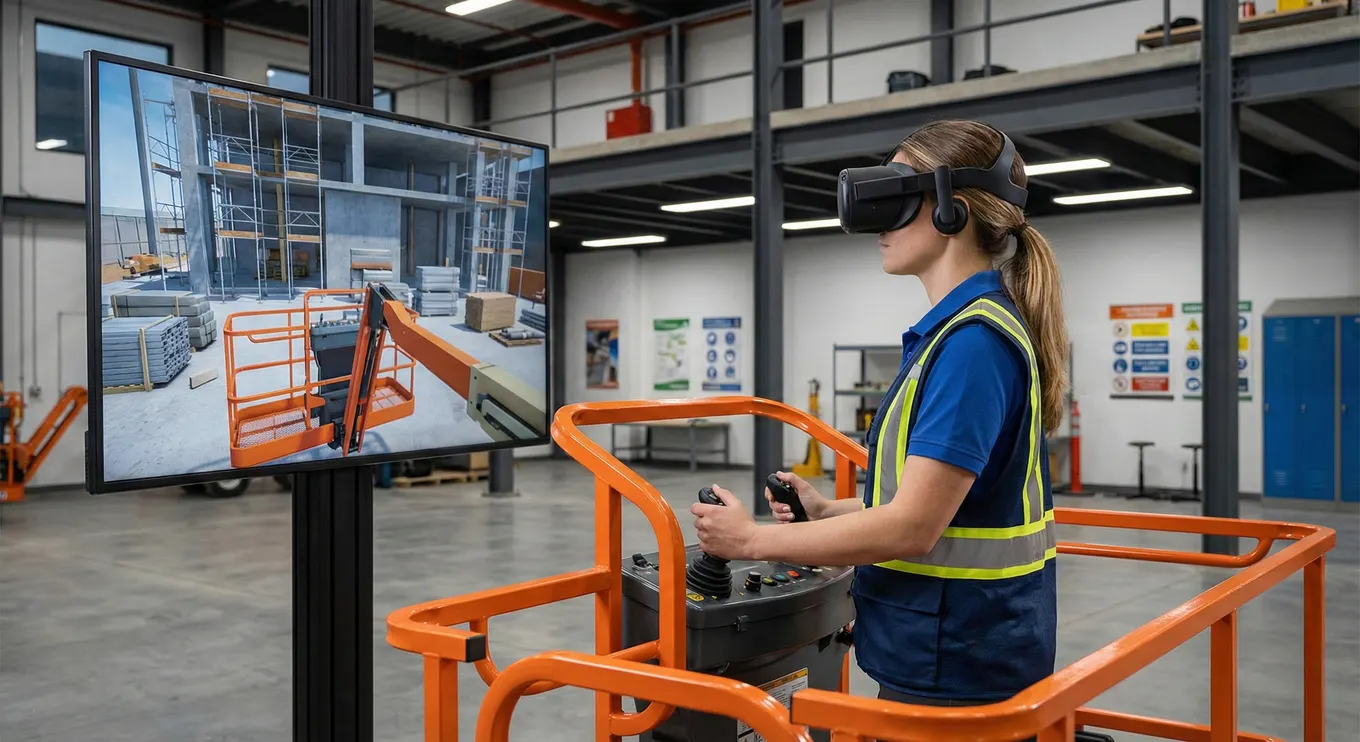
Training is one of the clearest uses of virtual reality for business because it turns knowledge into practice. Employees can rehearse a procedure, make decisions, receive feedback, and repeat the scenario without shutting down equipment or exposing people to avoidable danger.
The common advantage is controlled experience: every learner can face the same conditions, while difficulty and feedback can adapt to performance.
A strong simulation is more than a 360-degree video. It includes meaningful choices, realistic consequences, clear learning objectives, and usable performance data. Mimic XR’s XR training simulation service combines interactive environments with production-ready 3D content. Its guide to VR training benefits and ROI explains how safety, consistency, and learning efficiency can become evaluation criteria.
VR is particularly useful when classroom instruction cannot reproduce pressure, spatial judgment, or practised operational decisions. A technician can locate controls on a virtual machine. A supervisor can practise an emergency response. A new employee can explore a facility before arriving on site. The organization gains a repeatable learning asset rather than a one-time demonstration.
Useful training metrics include completion rate, time to proficiency, error frequency, knowledge retention, confidence, instructor hours, travel avoided, and reduction in exposure to hazardous practice. Pick two or three metrics before production so the scenario, analytics, and pilot design support a real decision.
2. Faster design, prototyping, and product visualization
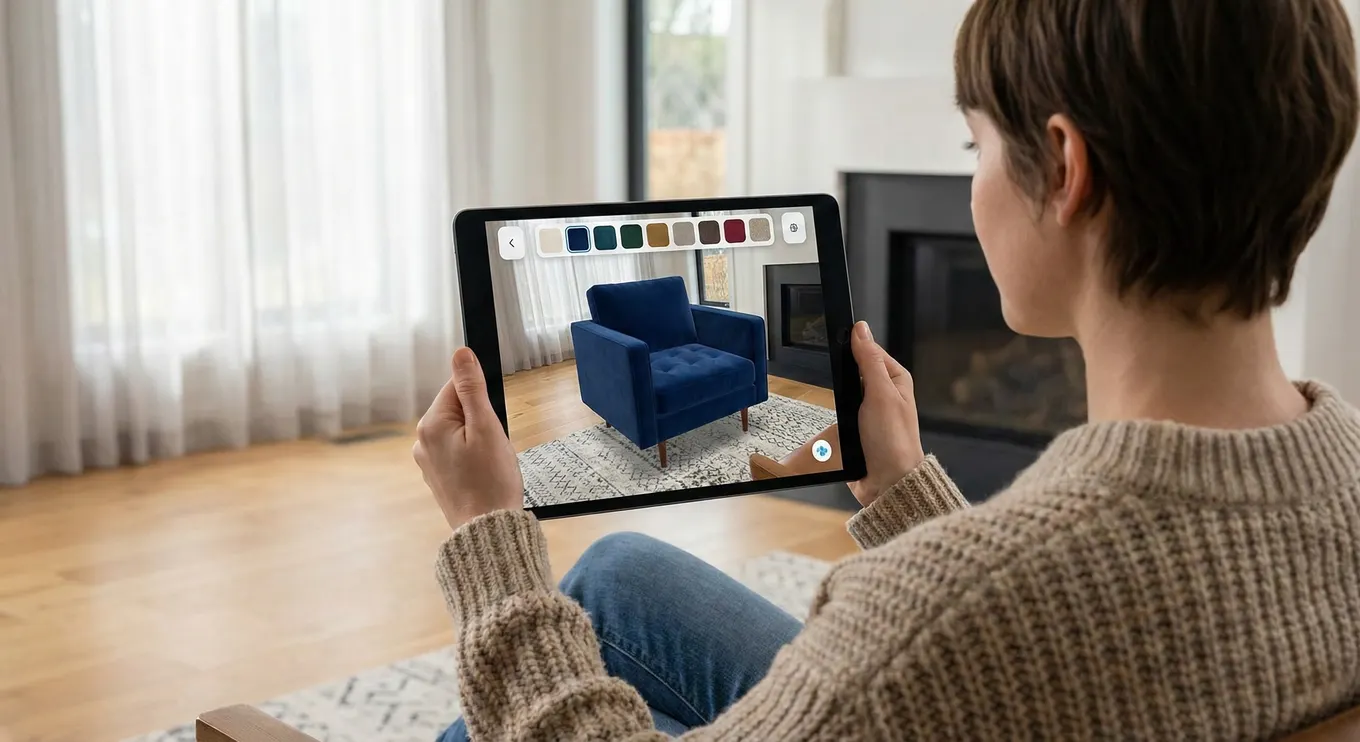
VR lets teams inspect an idea at human scale before committing to a physical build. Designers can walk through a space, examine a machine, compare layouts, identify access problems, and communicate a concept to stakeholders who may not read technical drawings fluently.
This is valuable in architecture, mobility, industrial design, retail, entertainment, and any field where size, reach, sight lines, or movement matter. A 3D model viewed on a laptop communicates shape; the same model viewed in VR communicates scale and spatial relationships. That difference can uncover issues earlier, when changes are cheaper.
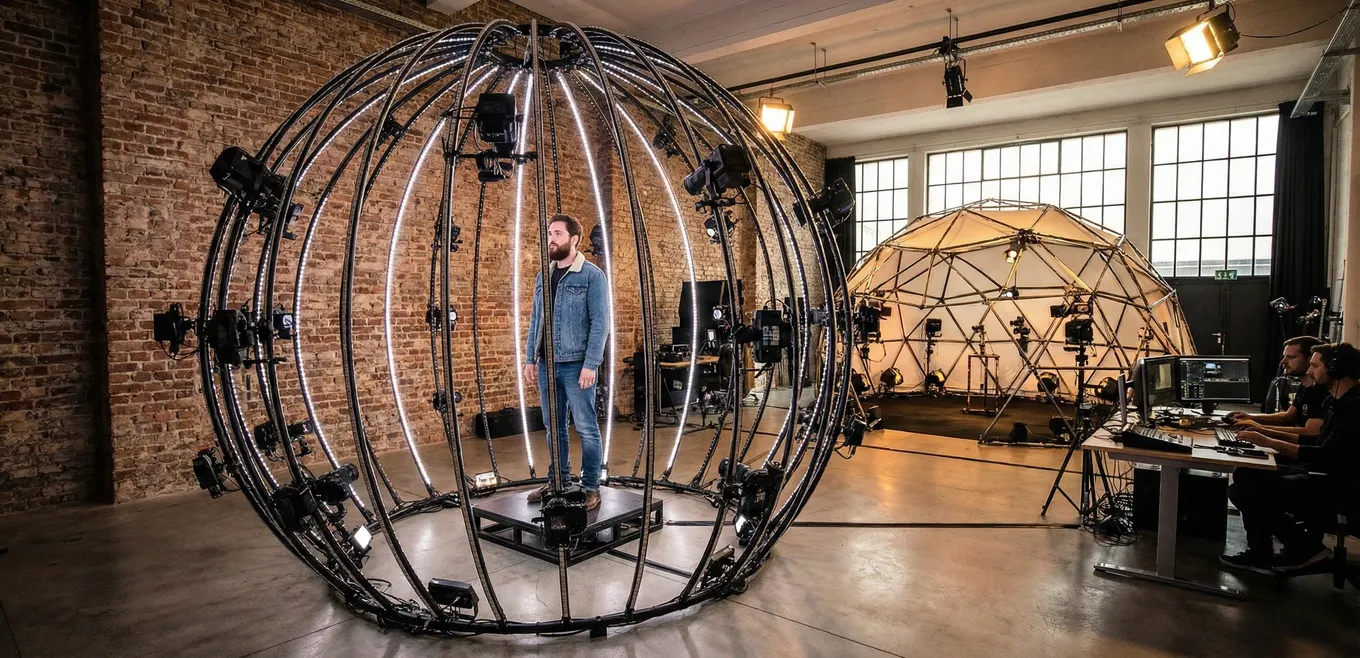
The source material can come from CAD, 3D modeling, or reality capture. Mimic XR’s 3D scanning and photogrammetry service can turn real objects and environments into accurate digital assets. Its AR product visualization work shows how spatial content can also reach people through real-world overlays.
A useful design-review workflow gives participants specific tasks: check maintenance access, compare material options, validate ergonomics, assess visibility, or approve a customer journey. Structured review produces decisions; an unguided virtual tour often produces only reactions.
Teams should also decide what fidelity is necessary. Early concept review may need correct scale and interaction but not cinematic surfaces. A sales experience may require polished lighting, animation, sound, and brand detail. Matching fidelity to the decision protects budget and schedule.
3. Remote collaboration and virtual workplaces
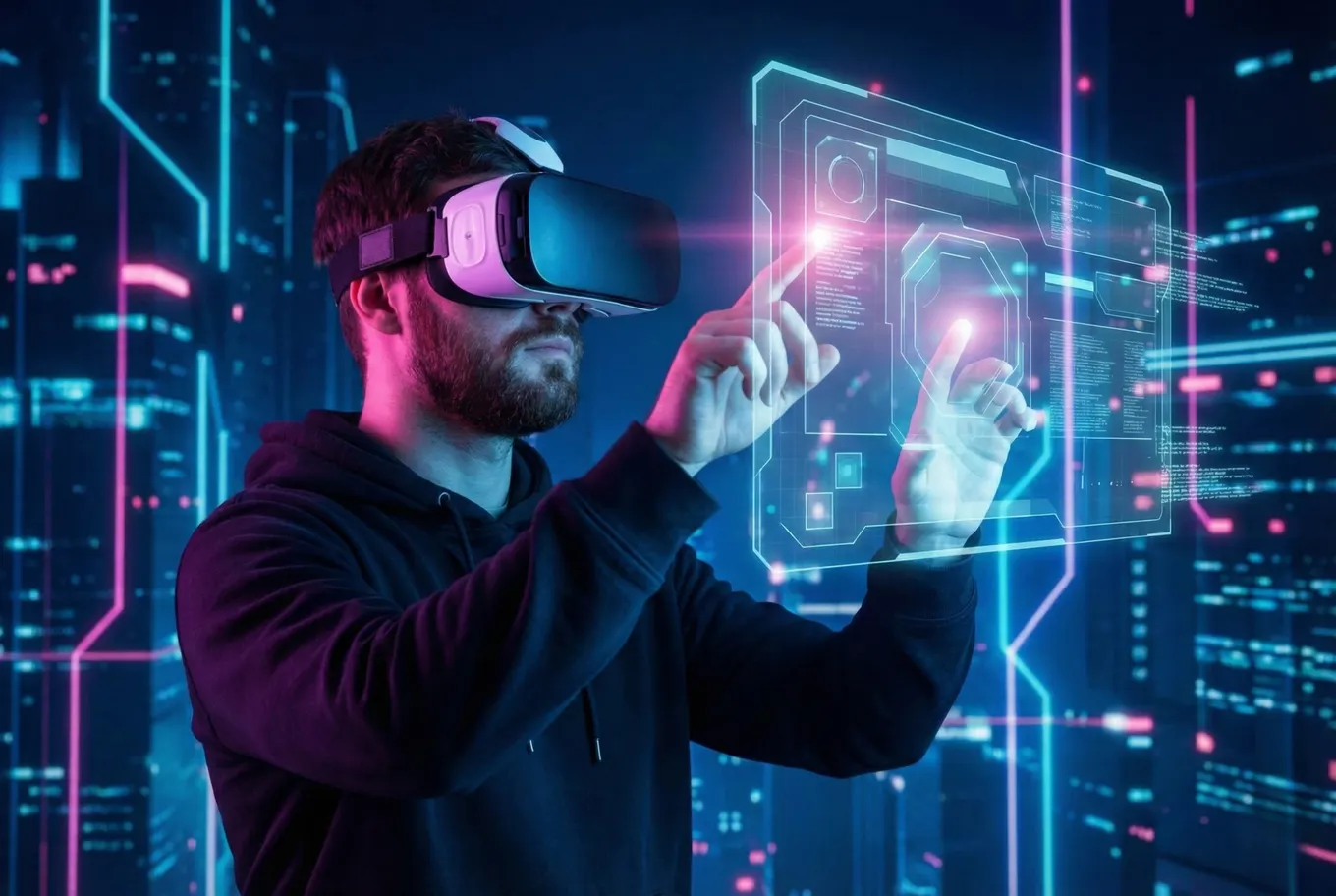
Virtual worlds can give distributed teams a shared sense of place. Instead of viewing the same model through separate screens, participants can gather around it, point to details, change viewpoints, and discuss the work in spatial context.
The best collaboration use cases have an object or environment worth sharing: a facility, product prototype, training scenario, stage, exhibition, digital twin, or future space. VR should make the meeting more informative than a normal video call, not merely replace familiar controls with novelty.
Mimic XR’s virtual world development service supports persistent and purpose-built 3D environments. When a project needs expressive guides or customers inside the world, smart avatars and NPCs can add presence, dialogue, and guided interaction.
Collaboration design must address identity, voice, navigation, facilitation, permissions, and device access. Some participants may use headsets while others join from a desktop or browser. Supporting multiple access modes can increase reach, but the essential interaction should remain clear in every mode.
Measure success through decisions made, review cycles shortened, travel avoided, stakeholder participation, task completion, and the quality of issues found. A virtual workspace earns its place when it improves a recurring workflow, not when attendance alone is the headline.
4. Sales, marketing, and customer experiences

VR can make an offer understandable before a customer can visit, touch, or use the final product. A property developer can present an unbuilt space. A mobility brand can place visitors inside a future vehicle. A manufacturer can demonstrate large equipment without shipping it to every event. An entertainment brand can invite audiences into a story rather than showing them a trailer.
The goal is not simply immersion. It is to remove a barrier to understanding, create a memorable interaction, or help a buyer make a more confident decision. That means the experience needs a clear beginning, a focused action, and a strong ending or next step.
For premium campaigns and experiential work, cinematic XR storytelling combines narrative craft with interactive production. Real-time digital humans can also act as hosts, trainers, or product guides; Mimic XR explains how digital humans reshape XR interaction in a related guide.
Design customer VR around context. A showroom tool may need product configuration and lead capture. A remote WebXR experience may need immediate access without an app download. The delivery channel changes the content.
Useful commercial metrics include qualified leads, dwell time, completion, product configurations explored, recall, follow-up actions, sales-cycle movement, and conversion compared with a non-immersive experience. Privacy and consent should be planned wherever the experience collects behavior or personal data.
How to choose a VR use case and prove ROI
A good VR candidate has a valuable task, a defined audience, and a reason immersion improves the outcome. Look for work that is dangerous, costly to stage, difficult to access, spatially complex, emotionally sensitive, or frequently repeated. If a normal video, mobile app, or desktop 3D viewer solves the problem just as well, use the simpler medium.
Begin with a discovery phase. Interview users and process owners, observe the current workflow, identify constraints, and write one measurable hypothesis. For example: a VR maintenance module will reduce time to independent task completion; or an immersive sales tool will help customers understand configuration options before a physical prototype exists.
Next, build a focused prototype around the riskiest assumption. Test comfort, interaction, content comprehension, technical performance, hardware fit, and operational setup with representative users. Avoid using polished visuals to hide an unclear workflow. A simple but testable prototype produces more useful evidence than a cinematic demo with no success criteria.
Plan deployment at the same time as content. Consider headset management, physical space, accessibility, onboarding, cleaning, localization, updates, analytics, security, and ownership after launch. Mimic XR’s enterprise XR implementation roadmap provides a practical path from discovery through pilot and scale.
Calculate value using avoided cost, improved productivity, reduced risk, faster decisions, increased revenue, or better learning outcomes. Compare those benefits with content production, hardware, software, integration, support, and refresh costs over the useful life of the program. Separate pilot evidence from assumptions, and state the time period clearly.
Finally, decide whether the project should stay a targeted tool or become a platform. Reusable environments, modular scenarios, shared asset libraries, analytics, and integration with existing learning or business systems can improve long-term economics. Scale only after the pilot proves that users can complete the intended task and the organization can operate the experience reliably.
Frequently asked questions
What is virtual reality for business?
Virtual reality for business is the use of immersive, interactive 3D environments to achieve an organizational goal such as training employees, reviewing designs, collaborating around spatial content, or demonstrating products.
How is VR used in the workplace?
Workplaces use VR for safety drills, equipment training, onboarding, soft-skills practice, design review, remote collaboration, facility visualization, customer demonstrations, and immersive events.
What is the difference between VR, AR, MR, and XR?
VR replaces the visible environment with a digital one. AR overlays information on the real world. MR anchors interactive digital objects into physical space. XR is the umbrella term that includes these immersive technologies.
How much does a business VR project cost?
Cost depends on content scope, visual fidelity, interaction complexity, supported devices, integrations, analytics, and deployment scale. A focused pilot is usually the best way to validate requirements before estimating a broader rollout.
Does business VR require an expensive headset?
Not always. Hardware should match the task, performance needs, comfort, security, device-management requirements, and deployment size. Some immersive experiences can also support desktop, mobile, or browser access.
How do companies measure VR ROI?
Companies measure VR ROI with task-specific outcomes such as training time, error rates, instructor hours, travel avoided, design cycles shortened, safety exposure reduced, qualified leads, sales progress, and productivity gains.
Can VR integrate with existing business systems?
Yes. Depending on the project, VR can connect with learning platforms, analytics, identity systems, digital twins, product data, content management, collaboration tools, and operational software.
How long does it take to develop a VR experience?
Timelines vary with discovery, asset readiness, interaction depth, integrations, testing, device support, and approval cycles. A small prototype may take weeks, while a production program with multiple scenarios can take several months.
How should a company start a VR project?
Start with one valuable business problem, define users and success metrics, prototype the riskiest interaction, test with representative users, and plan deployment requirements before investing in scale.
Conclusion: start with the business problem
Virtual reality for business works best when immersion changes what people can practise, understand, decide, or experience. Training, design review, collaboration, visualization, and customer engagement can all benefit—but only when the project begins with a specific outcome and a realistic deployment plan.
Ready to assess a practical VR use case? Explore Mimic XR’s services or contact the Mimic XR team to turn a business challenge into a focused immersive prototype and a roadmap for scale.
Sources and further reading
About this article
Mimic XR is an extended reality production studio based in Potsdam, Germany. This article provides general planning information; project decisions should be validated against current hardware, platform, privacy and operational requirements.
Creation note: AI tools assisted with drafting and structure. Mimic XR reviewed and is responsible for the published content. External technical sources are linked where relevant. Last reviewed: 29 October 2026.