Which VR software will help your team ship a playable experience?
The right virtual reality game development software depends on the headset, the interaction and the people who will maintain the finished game. Unity, Unreal Engine and Godot are worth evaluating, but an engine name alone does not tell you whether a project will run comfortably, meet its brief or survive a handover. Start with a small playable test on the intended hardware before committing to full production.
For a business commissioning an experience, the software decision also affects asset production, distribution, staff training and support. A short exhibition game has different requirements from a home entertainment release or a learning simulation. This guide explains how to compare the toolchain, test the difficult parts early and ask a VR game development team for evidence that matches your project.
Key takeaways
The right virtual reality game development software depends on the headset, the interaction and the people who will maintain the finished game.
Unity, Unreal Engine and Godot are worth evaluating, but an engine name alone does not tell you whether a project will run comfortably, meet its brief or survive a handover.
Start with a small playable test on the intended hardware before committing to full production.
For a business commissioning an experience, the software decision also affects asset production, distribution, staff training and support.
A short exhibition game has different requirements from a home entertainment release or a learning simulation.
Table of Contents
Choose virtual reality game development software
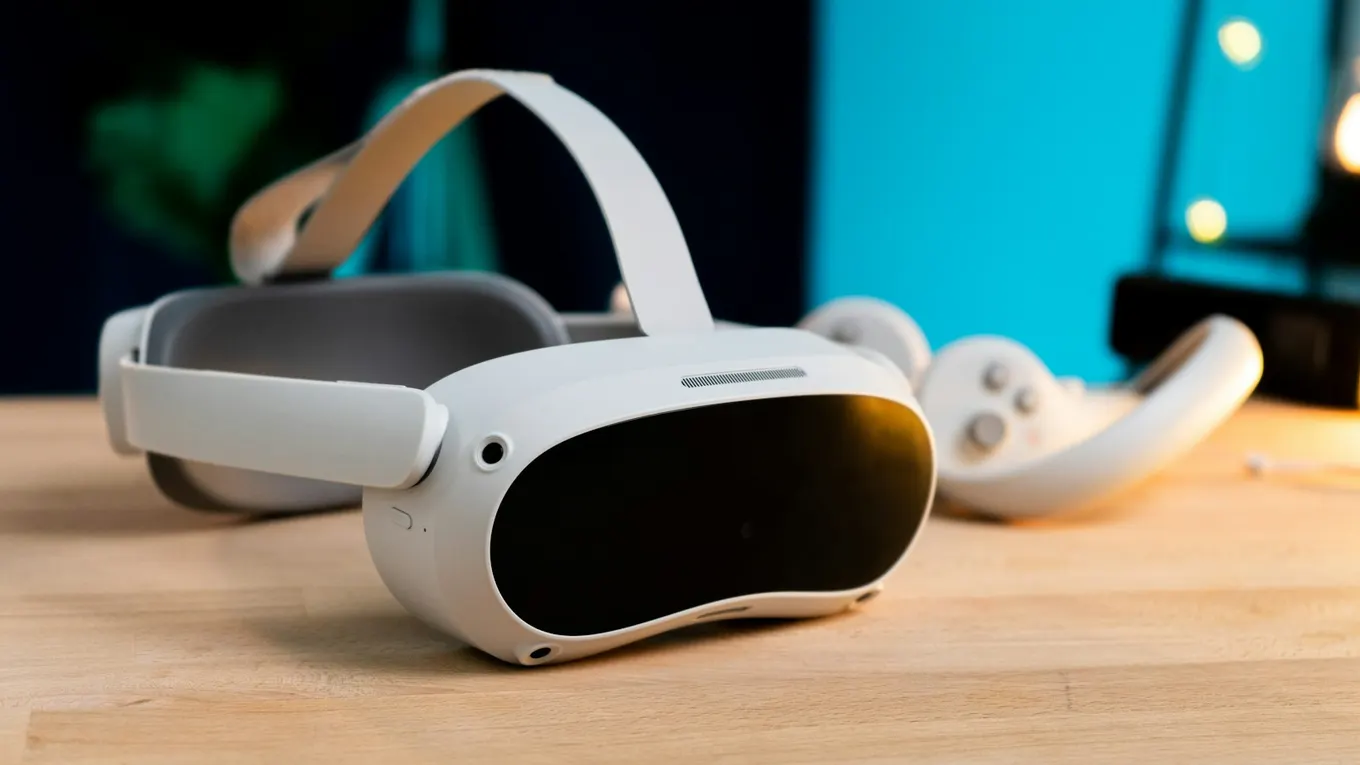
A headset is the delivery environment for the game, so name the minimum supported device in the brief. Specify whether the experience runs on standalone hardware, a connected PC or a console, and whether users sit, stand or move around. Include the available floor space and who helps first-time players. These choices affect visual complexity, input, setup and testing. If the format is still undecided, review how XR and VR differ before treating every spatial device as interchangeable.
Think of virtual reality game development software as several connected layers. The engine runs scenes and game rules. An XR integration connects those scenes to supported headsets and input devices. Interaction tools handle actions such as selecting, grabbing and moving. Content tools supply models, animation and audio. Build and testing tools turn that working project into something another person can install. Ask which components the supplier will use, which versions it will support and which dependencies need separate accounts or licences.
OpenXR, maintained by Khronos, provides a common API standard for XR devices and applications. It can reduce platform-specific integration work, but it does not make every headset feature identical. Hand tracking, passthrough and other capabilities still depend on the engine integration, runtime and device. Request a feature checklist for each target. If seeing the physical room is central to the mechanic, scope those requirements alongside your mixed reality application, rather than assuming they come with basic VR support.
Write a one-page target brief before comparing engines: audience, primary device, input method, session length, core action, installation route and acceptance conditions. For example, a hypothetical museum puzzle might need a seated mode, a five-minute session and a staff-controlled reset. A consumer adventure might instead prioritise save games and a longer progression system. Keeping the first milestone specific makes quotes easier to compare and gives developers a clear reason to accept or reject a tool.
Compare Unity, Unreal Engine and Godot
Compare engine candidates by building the same small interaction on the target headset. Use an object the player can pick up, a readable instruction and one complete objective. Check how quickly the team can change the scene, diagnose a fault and produce a device build. The purpose is to expose production friction before there are dozens of levels. Avoid choosing from promotional footage alone: a beautiful desktop scene is not evidence that the same content meets your headset's performance budget.
Unity: Its XR Interaction Toolkit supplies components for common 3D and interface interactions, alongside locomotion tools. That makes it a useful candidate when your team wants established interaction building blocks to adapt. Evaluate the exact engine, XR package and target-platform combination, then ask the developers to demonstrate the required inputs on a device. Familiarity matters: an existing team that understands its tools can often resolve integration problems more effectively than a team switching engines for a checklist feature.
Unreal Engine: Epic's VR Template provides an OpenXR-based starting point with teleport movement, snap turning and object interaction. It is a candidate when the proposed team already works effectively with Unreal's workflows. Treat the template as a starting point, not a finished game. Ask how the supplier will adapt its interaction logic, control scene complexity and prove performance on the minimum device. Existing environment or character assets still need review before being brought into VR.
Godot: Godot's XR documentation describes its XR scene structure and integrated OpenXR support. The engine is available under the MIT licence, which may suit teams that value source access. Assess the actual requirements, available integrations and the people responsible for supporting them. For all three candidates, document the chosen version and why it passed the prototype. Include an asset import test with your 3D modelling and asset creation workflow, so a software choice does not create avoidable rework for artists.
Match the software evaluation to the experience. A short exhibition game needs fast onboarding, a clear goal, staff controls and reliable resets. A longer consumer game may need progression, save recovery, content loading and an update strategy. A training simulation needs task logic, useful feedback and assessment criteria agreed with the training owner. These requirements can matter more than an engine's promotional feature list.
For VR and AR training software, compare the authoring workflow as well as the learner experience. Ask how an approved procedure is turned into actions, how mistakes trigger feedback and how a subject specialist reviews changes. If reporting or an LMS connection is required, specify the events, identifiers and interface separately. Do not assume that an engine, interaction toolkit or template includes a complete learning-management system.
If the same brief includes AR, add a separate device test for the real-world interaction. Demonstrate placement, scale and the required input in representative conditions; then explain what happens when tracking is interrupted. Reusing a model or a game mechanic does not prove that a VR build can be delivered unchanged as an AR application.
Use the same evaluation task for each shortlisted engine: import a representative asset, complete one interaction, display readable feedback, package a device build and repeat the task after a content change. Record the exact engine and package versions, time to make the change, device performance, failures and workarounds. Mark each requirement as demonstrated, requiring custom work, unavailable or untested.
Set pass criteria before reviewing demonstrations. For a training prototype, an example is completing a defined procedure and recording the agreed outcome. For an event game, it may be resetting cleanly for the next visitor. For a longer game, it could be recovering a saved session after restarting. Choose the criteria that answer your delivery risk; these examples are not benchmarks or promised results.
Prototype interactions before expanding the world
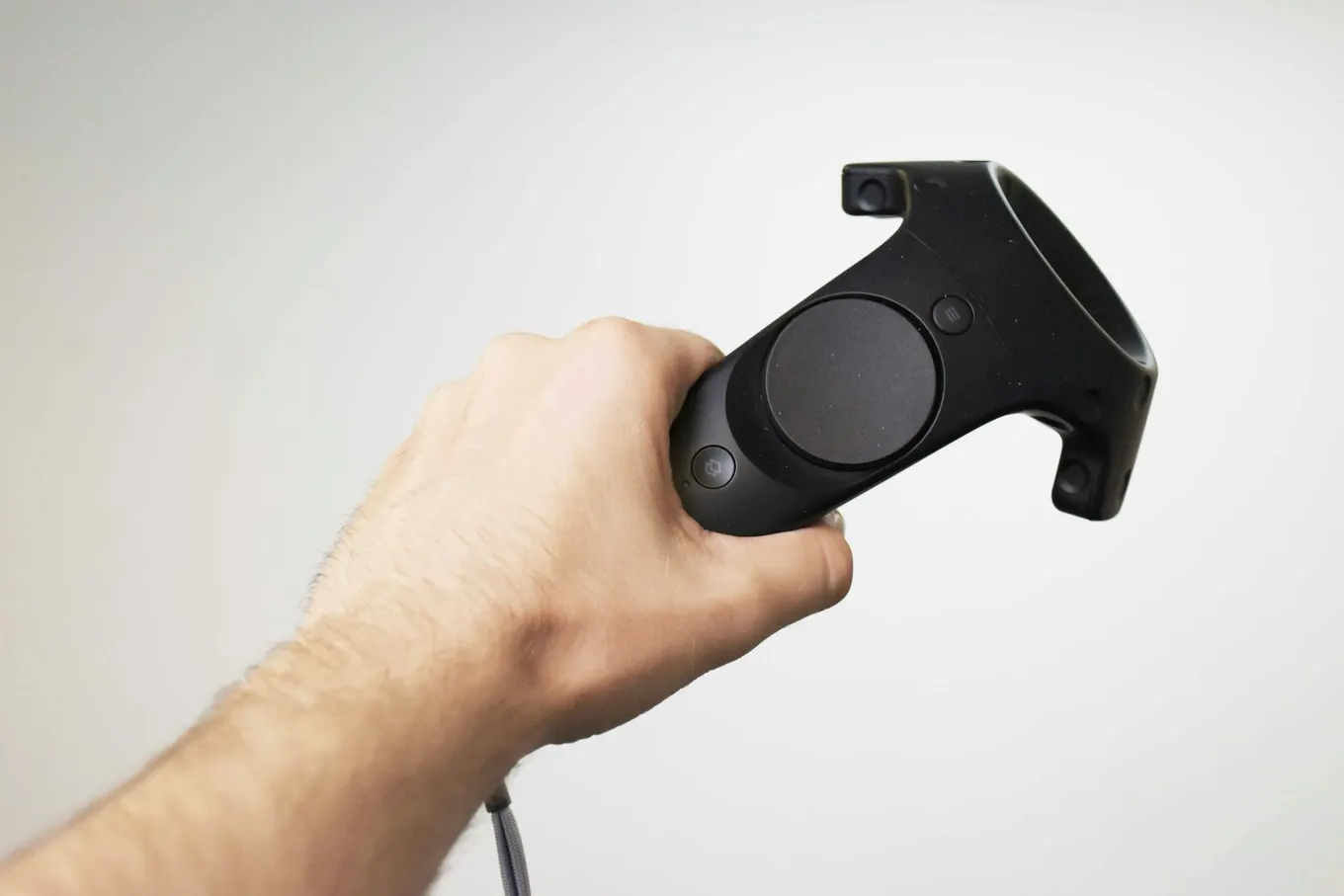
A controller puts the player's hand inside the game, but the software must explain what that hand can do. Begin with one essential action: picking up a part, placing a tool, opening a door or choosing a route. Build a clear response for success and failure. A player should understand why an object attached to their hand, why it was rejected by a socket and how to try again. These small behaviours deserve attention before decorative detail fills the scene.
Make a short interaction checklist for the prototype. Can someone discover the action without verbal coaching? Can they reach the object when seated? Does the task work with either hand? What happens if they release the controller button early or drop an object out of reach? Test the intended controller and hand-tracking modes separately if both are in scope. Do not describe hand tracking as a free substitute for controller input; its availability and behaviour need confirmation on the chosen hardware.
The environment should support the action. Put important objects where users can recognise them, keep instructions readable at their intended viewing distance and provide an obvious route back to the task. Plan virtual world development around these needs. A richly detailed room can still fail if players cannot identify the one object they need. Likewise, character quality and game logic are separate production responsibilities. Mimic XR's work on Marina Abramović's Rising involved digital replica creation and animation; that contribution should not be confused with ownership of every part of the application.
Use the prototype review to decide what to build next. Record observed problems, their proposed fixes and the evidence needed to close them. For a training game, check whether the mechanic supports the intended learning task with the people responsible for that training. A score alone does not establish learning effectiveness. Scope assessment and feedback with your XR training simulation requirements. For entertainment, observe whether people understand the goal and want to continue playing, rather than relying only on stakeholder enthusiasm.
Test performance and the complete player journey
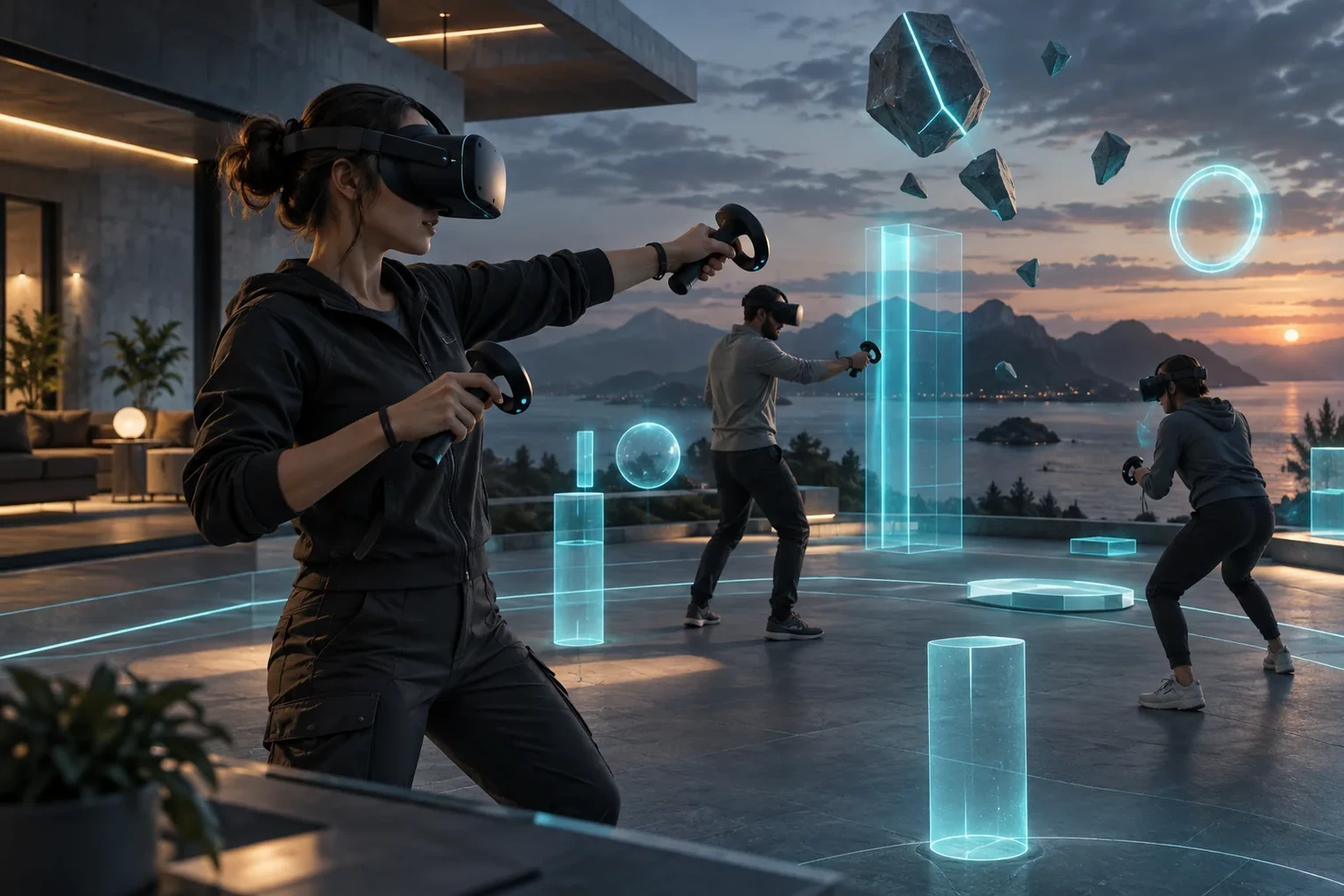
A shared VR session makes the limits of a simple demo obvious: several people may need to start, pause and recover at different times. Even a single-player release needs a test plan covering the complete journey. Start from a closed application, follow the onboarding, play the intended session and exit. Include someone unfamiliar with the project. Developers already know where to look and what to press, which can hide unclear instructions and fragile recovery flows.
Measure performance on the minimum supported device using a packaged build. Agree the target refresh rate and examine CPU and GPU frame time during representative play. As a simple calculation, 90 frames per second gives roughly 11.1 milliseconds per frame; that is a timing budget, not a universal guarantee of comfort. Check demanding moments such as spawning objects, loading content and entering a busy scene. Test long enough to catch behaviour that a short editor preview misses, and keep results with the build version.
Comfort testing also needs observation. Review movement and turning options, seated access, text readability and how players pause or stop. Record reports of discomfort without treating the absence of complaints from a small group as proof that everyone will be comfortable. If multiplayer is planned, add disconnects, late joins, session resets and inconsistent game state to the test cases. Ask who owns networking and service operation; shared gameplay is a separate scope, not an automatic result of selecting an engine.
Agree what counts as a pass before the final review. Useful conditions might include completing onboarding without staff intervention, recovering a dropped object and restarting a session without losing the next player's setup. These are example criteria to adapt to the project, not guaranteed outcomes. Mimic XR's production process includes prototype reviews and delivery checks in the intended setting. Keep that connection between creative review and practical operation throughout development, so the final demonstration tests the experience people will actually receive.
Budget for publishing, ownership and maintenance
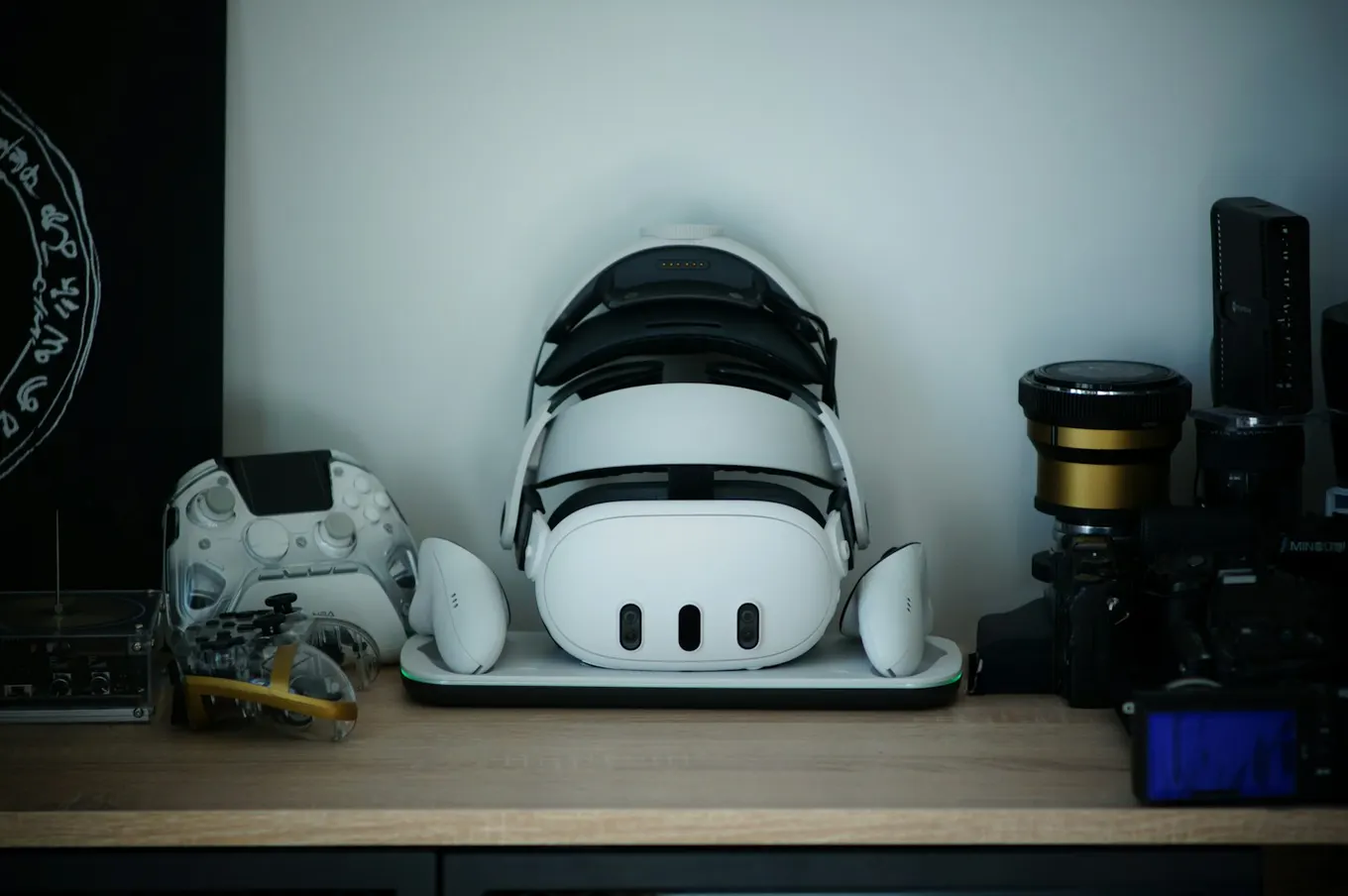
The headset, controllers and installation setup all need an owner after delivery. Ask who provisions devices, keeps them charged, installs updates and resets the experience between sessions. At an event, a build that works only when its developer is present is not a complete handover. At home, a release also needs a supported installation and update route. Write these responsibilities into the scope while the software architecture can still accommodate them.
Request separate estimates for discovery, prototype, production, testing, release preparation and ongoing support. Include content changes, localisation and accessibility work where needed. Engine licence cost is only one part of the budget; plugins, asset licences, backend services and device management may add costs of their own. Confirm current supplier terms for the intended commercial use rather than copying an old pricing comparison. A low initial quote is difficult to assess if nobody has defined the release requirements or what happens when a dependency changes.
Separate development software from operating software. A game engine creates the experience; device management, venue scheduling, user accounts and session administration are additional responsibilities where needed. Ask which system owns each function, whether a separate subscription is required and who supports it after delivery. This prevents a game-development quote from being mistaken for a complete venue or training operation.
Use the XR project brief template to specify the audience, target headset, core task, required reporting and acceptance test. Send that same brief to prospective suppliers so their engine recommendation explains the production trade-offs for your game or simulation.
The handover package should identify the source project, required tool versions, build instructions, editable asset files and account ownership. Ask a team member who did not prepare the build to follow the instructions. Keep a record of third-party components and any restrictions affecting their transfer. For a browser-accessed concept, assess that delivery model separately using the WebXR business guide; a native headset build does not automatically become a browser experience just because the same 3D assets are available.
Finish with a support agreement that names the supported hardware and software versions, response arrangements and the boundary between bug fixes and new features. Decide who reviews future device or runtime changes before rolling them out. The best software choice is the one your team can build, test and maintain for the agreed purpose. Keep a record of those decisions so the next supplier or internal developer can understand the project without reconstructing it from scattered messages.
Frequently asked questions
What is virtual reality game development software?
It is the toolchain used to create and deliver an interactive VR game. The game engine handles scenes and rules, while XR integrations connect the experience to supported headsets and inputs. Teams also need tools for 3D assets, audio, builds and testing. Buying or downloading an engine does not replace those production tasks.
Which VR game engine is best for a business project?
There is no single best choice for every brief. Compare Unity, Unreal Engine and Godot against your target hardware, required features and delivery team's experience. A useful selection test is a small playable scene built on the intended device. Include an asset change and a fresh build in the demonstration.
Can Unity and Unreal Engine both be used for VR games?
Yes. Unity provides XR packages and interaction tools, while Unreal provides a VR Template and OpenXR integration. Check the supported platform, package versions and required features for your specific project. Support for VR in general does not guarantee that every device capability works in the same way in both engines.
Is Godot a free option for VR development?
Godot is an open-source engine distributed under the MIT licence and includes OpenXR support. That does not make a complete VR project cost-free. Asset production, development time, testing hardware and any outside services still need a budget. Review the engine's licence notices and the terms of third-party components included in the project.
Does OpenXR mean one build works on every headset?
No. OpenXR standardises an interface between XR applications and supported runtimes, reducing some platform-specific work. The operating system, required extensions, device inputs and distribution rules can still differ. Maintain a list of supported devices and verify the required features on each, rather than advertising universal compatibility from an OpenXR checkbox.
Can the team make a VR game without writing code?
Templates and visual tools can help produce an early interaction, but a production project still needs someone responsible for its logic, integrations and debugging. Ask how the proposed team will handle save data, failure states and updates. A demonstration assembled from templates should be assessed against the same acceptance conditions as a coded prototype.
How should we estimate a VR game's development cost?
Define the smallest useful playable milestone, then separate it from the complete release. Request estimates for content, interaction systems, device testing, distribution and maintenance. State whether multiplayer, localisation, analytics and backend services are included. Without that scope, a total price says little about what the supplier will actually deliver.
Can the same software be used for games and training?
Often, yes: real-time engines can support both entertainment and training experiences. Their requirements differ. A training application may need assessed tasks, feedback and reporting, while a game may focus on progression and replay. Specify the intended outcome and validate it with the relevant users rather than assuming that game mechanics alone produce effective training.
Which software should we choose for VR or AR training simulations?
Evaluate the engine against the training task, device, input and content-update workflow. Unity, Unreal and Godot are candidates to test, not interchangeable guarantees. Demonstrate one complete task with feedback and assessment, and scope reporting or LMS integration separately.
Is VR game development software the same as VR venue management software?
No. A game engine builds the interactive experience. Venue scheduling, device administration and session operations are separate functions that may need other systems. Ask which functions are included, how they connect and who maintains them.
Conclusion
Choose virtual reality game development software by proving the hardest part of the experience on the intended hardware. Compare the engine, inputs and asset workflow together, then carry the same evidence into testing and handover. A clear prototype can help you commit to production with fewer unanswered questions about performance, usability and ownership.
Discuss your VR game brief with Mimic XR. Share the audience, target headset and core mechanic, and identify whether you need a prototype, specialist production support or a complete application.
Sources and further reading
Unity — XR Interaction Toolkit 3.0 documentation: Version-specific interaction and locomotion documentation; match it to the package used in your project. Checked 30 October 2026.
Epic Games — Unreal Engine VR Template: Official template guidance for OpenXR, locomotion and object interaction. Checked 30 October 2026.
Godot — Setting up XR: Official XR setup and OpenXR guidance. Confirm the documentation version against your chosen engine. Checked 30 October 2026.
About this article
Mimic XR is an extended reality production studio based in Potsdam, Germany. This article provides general planning information; project decisions should be validated against current hardware, platform, privacy and operational requirements.
Creation note: AI tools assisted with drafting and structure. Mimic XR reviewed and is responsible for the published content. External technical sources are linked where relevant. Last reviewed: 29 October 2026.