
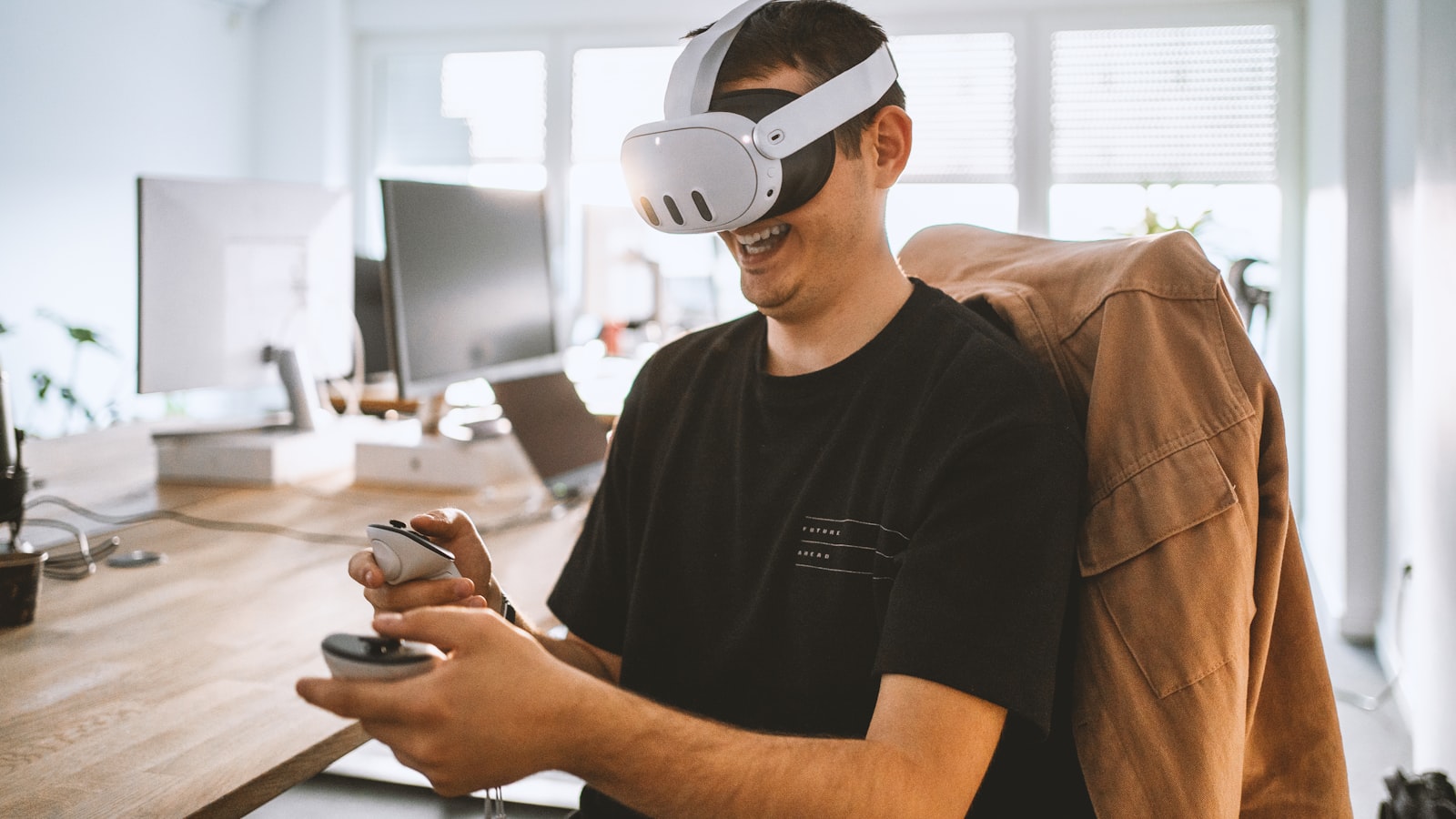
Could spatial computing turn your physical workplace into an interactive digital interface?
Spatial computing brings digital information into the spaces where people work, learn, design, shop, and make decisions. Instead of keeping software inside a flat screen, it lets people interact with 3D content that understands position, scale, surfaces, movement, and context. The result can be a safer training environment, a clearer design review, a more useful maintenance guide, or an entirely new customer experience.
For business leaders, the opportunity is bigger than buying a headset. A valuable program connects a real workflow to the right combination of augmented reality, virtual reality, mixed reality, 3D assets, sensors, AI, and human-centered interaction. Mimic XR’s mixed reality solutions show how these components can become practical spatial experiences rather than isolated technology demos.
Table of Contents
What Is Spatial Computing?
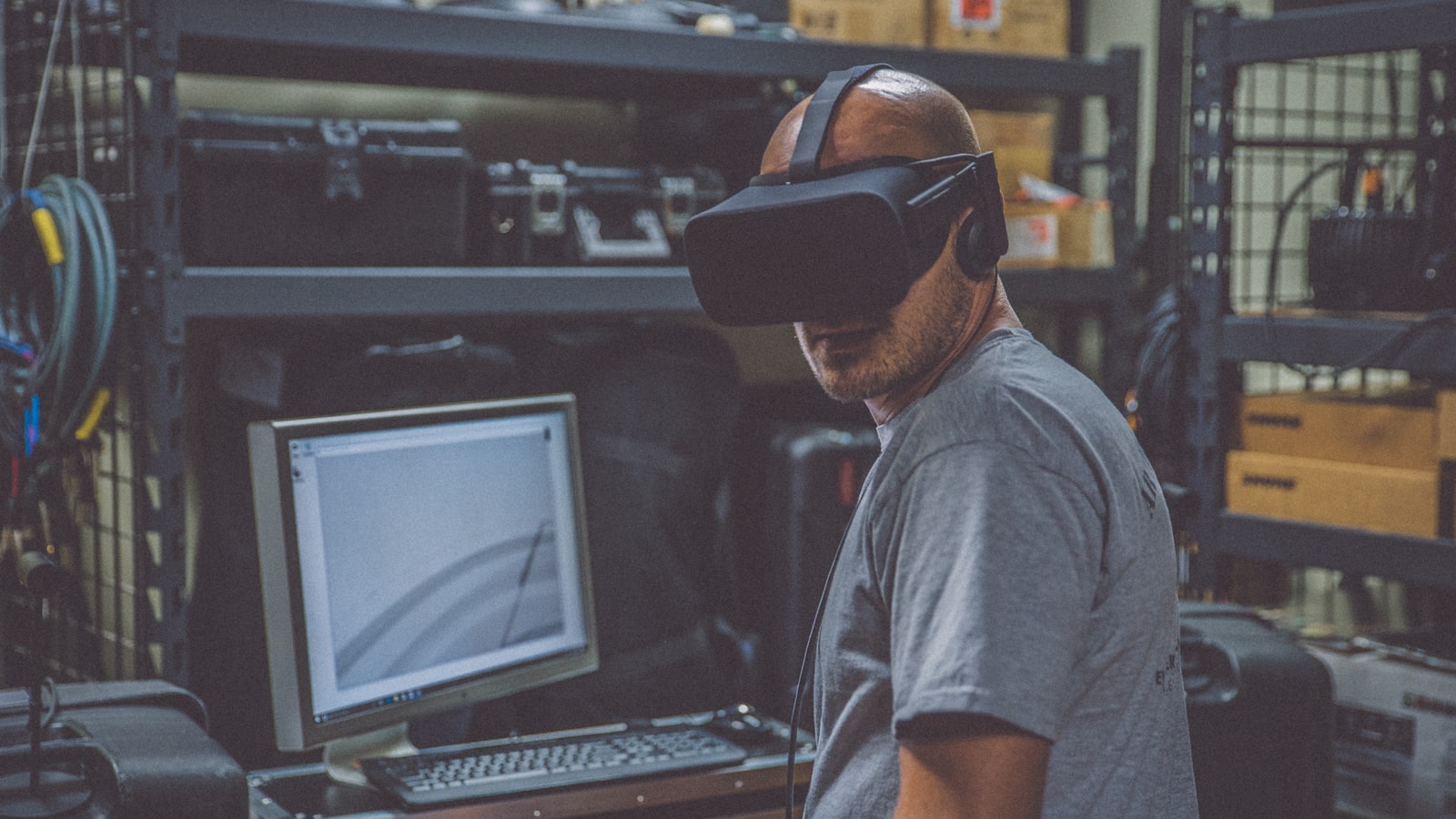
Spatial computing is a way of designing digital systems that understand and respond to three-dimensional space. A spatial application can recognize rooms, objects, people, gestures, gaze, and movement, then place digital content in a meaningful relationship with the physical or virtual environment. A maintenance arrow can stay attached to the correct machine panel. A virtual prototype can appear at full scale in a design studio. A trainee can walk around a simulated hazard and practice the correct response.
The term overlaps with extended reality, but the emphasis is slightly different. XR describes the spectrum of augmented, virtual, and mixed reality experiences. Spatial computing describes the wider computing model that makes those experiences context-aware. It includes mapping, tracking, computer vision, spatial audio, real-time 3D rendering, interaction logic, and the data layer that connects an experience to business systems.
This distinction matters because a business rarely needs spatial computing in the abstract. It needs a better way to train a technician, review a product, guide a field worker, explain a complex space, or help a customer make a confident choice. The existing guide to extended reality as a spatial interface provides useful background on how AR, VR, and MR fit together.
A strong spatial experience therefore begins with a human task. Where does the user stand? What do they need to notice? Which objects can they touch or change? What must remain anchored? What information should appear now, and what would create distraction? Answering those questions turns a visually impressive scene into a useful interface.
Spatial computing can run on many devices. Headsets and smart glasses provide deep immersion or hands-free overlays, but phones, tablets, projection systems, web-based 3D viewers, motion-tracking rooms, and large displays can also deliver spatial interactions. Device choice should follow the environment, audience, safety needs, session length, and deployment constraints—not the other way around.
How Spatial Computing Works
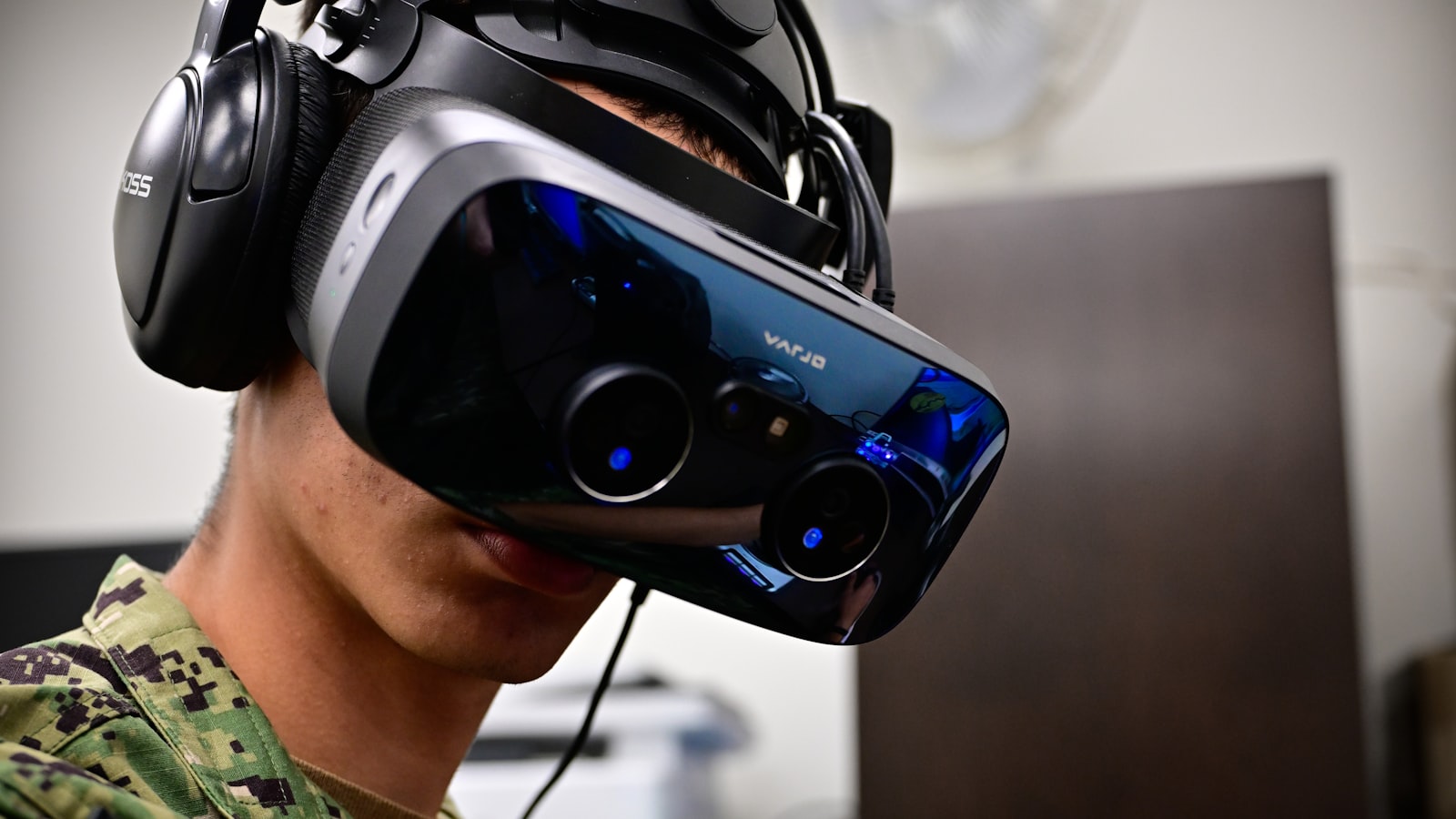
Most spatial computing systems combine five layers. First, sensing captures information through cameras, depth sensors, inertial measurement units, microphones, eye tracking, hand tracking, or external beacons. Second, mapping builds a model of the environment and estimates where the device and user are located. Third, a real-time engine renders digital objects at the correct scale, lighting, and perspective. Fourth, interaction logic translates gestures, gaze, voice, controllers, or physical movement into actions. Finally, a data layer connects the experience to content, analytics, digital twins, learning systems, or operational software.
The quality of the 3D content is central. Models created for engineering, film, ecommerce, or visualization often need optimization before they can run smoothly on an XR device. Polygon counts, textures, materials, animations, physics, and level-of-detail behavior must suit the target hardware. Assets also need accurate scale and clear interaction states so users understand what they can select, move, assemble, inspect, or activate.
Human movement makes the experience believable. Motion capture can give instructors, digital humans, and virtual characters natural gestures and body language. Mimic XR’s guide to motion capture for XR avatars and training simulations explains how recorded performance becomes reusable behavior inside real-time environments.
Spatial anchors and persistence allow digital content to remain associated with a location or object across sessions. This is important for work instructions, exhibit layers, retail visualization, collaborative design, and digital twins. The system must also handle change: lighting shifts, objects move, networks drop, and users enter from different angles. Reliable experiences define how tracking recovers and how the interface communicates uncertainty.
Privacy and safety belong in the technical architecture from the beginning. Spatial systems may capture rooms, faces, voices, equipment, or behavioral data. Teams should minimize collection, define retention, control access, separate testing from production data, and decide which processing can happen locally. Physical boundaries, comfort breaks, accessibility, hygiene, emergency exits, and supervised modes are equally important when people move through immersive environments.
Spatial Computing Use Cases for Business

The best spatial computing use cases share one characteristic: space is essential to the problem. If a normal web page solves the task clearly, an immersive layer may add cost without adding value. Spatial computing becomes compelling when users must understand scale, position, movement, sequence, risk, or the relationship between digital information and a real environment.
Training and simulation: employees rehearse hazardous, rare, expensive, or complex tasks in a controlled environment with repeatable feedback.
Field service and maintenance: technicians receive anchored work instructions, remote expert annotations, inspection checklists, and contextual equipment data.
Design and engineering: teams review full-scale prototypes, compare options, detect ergonomic issues, and collaborate around shared 3D models.
Retail and sales: customers explore products at realistic scale, configure variations, and visualize items in their own environment.
Healthcare and education: learners practice procedures, study spatial anatomy, explore environments, and receive guided instruction without exposing patients or equipment to unnecessary risk.
Entertainment, culture, and events: audiences enter interactive stories, exhibitions, branded worlds, games, and shared performances.
Training is often a practical starting point because the process, audience, and performance goals can be defined clearly. The business benefits of VR training include safer repetition, consistent delivery, better practice for high-consequence decisions, and reduced dependence on physical equipment or travel.
Operations teams can extend the same spatial foundation into live work. Augmented reality maintenance places guidance in the technician’s field of view, while XR remote assistance connects frontline staff with experts, annotations, 3D references, and documentation at the point of need.
Customer-facing applications need a different design lens. The goal is not maximum immersion; it is confidence and clarity. A product visualization should load quickly, preserve accurate scale and materials, make configuration simple, and offer a graceful path to purchase or conversation. A virtual event or branded world should reward participation rather than forcing visitors through an unfamiliar interface.
Reusable assets increase the value of a portfolio. A product model created for a sales configurator may also support service training. A scanned environment can become a planning tool, safety simulation, stakeholder walkthrough, or event venue. A smart avatar built for onboarding may later guide customers or explain equipment. Planning this reuse early reduces duplicated production and creates a consistent spatial language across experiences.
Building the Business Case and Measuring ROI
A credible business case starts with a baseline, not a promise. Document how the workflow performs today: time to competence, error rate, travel cost, equipment downtime, instructor hours, conversion, rework, support calls, safety exposure, or decision cycle time. Then identify which part of that outcome could reasonably change when information becomes spatial, interactive, and available in context.
Separate value into direct, risk-adjusted, and strategic categories. Direct value includes avoided travel, lower material use, reduced downtime, faster task completion, and fewer instructor hours. Risk-adjusted value includes safer rehearsal, fewer mistakes, better compliance, and improved readiness for rare events. Strategic value includes reusable 3D assets, stronger customer differentiation, faster product iteration, and organizational capability that supports future applications.
The pilot should test one measurable hypothesis. For example: a guided MR procedure will reduce average assembly errors without increasing task time, or a VR scenario will help new supervisors demonstrate required conflict-resolution behaviors after two practice sessions. A narrow hypothesis makes content decisions easier and prevents the pilot from becoming a showcase with no decision criteria.
Use a total-cost view that includes discovery, experience design, 3D production, development, hardware, device management, integration, security review, training, support, analytics, and content updates. The enterprise XR implementation roadmap shows why governance and reusable production standards matter when a successful pilot begins to scale.
Measure behavior as well as sentiment. Enjoyment and novelty are useful signals, but they do not prove operational value. Track completion, accuracy, time on task, decision quality, retention, transfer to real work, help requests, comfort, and accessibility. Compare results with an appropriate control or historical baseline, and review whether improvements persist after the initial excitement fades.
A practical ROI model can remain simple: estimate annual benefits, subtract annual operating costs, and compare the result with the initial investment. Add a payback period and test conservative, expected, and optimistic scenarios. The most persuasive case is transparent about uncertainty and names the evidence required to authorize the next stage.
A Practical Spatial Computing Implementation Roadmap
Start with discovery. Interview the people who perform and manage the workflow, observe the physical environment, collect existing materials, and identify constraints that are easy to miss in a boardroom. Network coverage, protective equipment, lighting, noise, available floor space, cleaning procedures, accessibility, and shift patterns can shape the solution as much as the software does.
Next, prioritize use cases with a balanced scorecard. Consider business value, spatial fit, user need, content readiness, technical complexity, integration effort, safety, and the ability to measure results. A modest use case with clear ownership and available data is often a better first project than a spectacular concept that depends on five unfinished systems.
Create a prototype that answers the riskiest questions before full production. Test tracking, interaction, comfort, content style, device choice, and the workflow sequence with representative users. If outside expertise is needed, the guide to choosing an extended reality development company outlines how to evaluate strategy, platforms, 3D production, pilots, deployment, and scale.
Build the pilot around a minimum lovable experience, not a minimum feature list. Users should understand what to do, receive clear feedback, recover from mistakes, and leave with a coherent outcome. Instrument the experience from the start so the team can see where people hesitate, fail, ask for help, or abandon the flow.
After evaluation, decide whether to stop, revise, expand, or scale. Scaling requires more than copying the application to additional devices. It needs content ownership, release management, device provisioning, support procedures, security controls, localization, accessibility, analytics, training for facilitators, and a schedule for updating assets when products or processes change.
Treat virtual environments and 3D assets as a reusable capability. A well-governed virtual world for training and collaboration can support multiple scenarios, audiences, and locations. Shared interaction patterns and asset standards reduce the effort required for each new application.
Finally, keep a human owner accountable for the outcome. Spatial computing crosses learning, operations, IT, security, design, communications, and procurement. A named product owner should maintain the roadmap, resolve tradeoffs, protect the user experience, and connect technical decisions to measurable business results.
Frequently Asked Questions
What is spatial computing in simple terms?
Spatial computing is technology that lets digital content understand and interact with three-dimensional space. It combines sensing, mapping, 3D rendering, and natural inputs so information can appear in the right place and respond to people, objects, and environments.
Is spatial computing the same as XR?
They overlap, but they are not identical. XR describes augmented, virtual, and mixed reality experiences. Spatial computing is the wider computing approach that uses spatial awareness, mapping, tracking, and interaction to connect digital systems with physical or virtual environments.
Does spatial computing always require a headset?
No. Headsets and smart glasses are common, but spatial experiences can also run on phones, tablets, projection systems, web-based 3D viewers, large displays, and tracked rooms. The best device depends on the task and environment.
Which industries benefit most from spatial computing?
Manufacturing, healthcare, education, retail, entertainment, engineering, architecture, field service, logistics, corporate learning, media, and culture can benefit when scale, position, movement, or contextual guidance matters.
What is a good first spatial computing use case?
Choose a workflow with a clear problem, a strong spatial component, representative users, available content, manageable integration, and measurable outcomes. Training, guided maintenance, design review, and product visualization are common starting points.
How much does a spatial computing project cost?
Cost depends on discovery, content complexity, 3D asset readiness, device targets, integrations, analytics, security, deployment scale, and support. A focused prototype can reduce uncertainty before committing to full production.
How do companies measure spatial computing ROI?
Compare defined baselines with outcomes such as training time, errors, task duration, downtime, travel, material use, conversion, support demand, safety exposure, and retention. Include implementation and ongoing operating costs in the model.
What data does spatial computing collect?
Depending on the design, a system may process room maps, device position, gestures, gaze, voice, images, equipment data, or user behavior. Teams should minimize collection, define retention, secure access, and explain the purpose to users.
Can existing 3D models be reused?
Often yes, but engineering, film, or ecommerce models usually need optimization for real-time performance. Scale, geometry, textures, materials, animations, collision, and interaction states must be adapted to the target platform.
How long does implementation take?
A prototype may take weeks, while an integrated enterprise deployment can take months. The timeline depends on content, integrations, device management, security review, testing, localization, and the number of workflows and locations.
Conclusion
Spatial computing creates value when it makes space itself part of the interface. It can help people understand complex systems, practice safely, work with better context, collaborate around 3D information, and experience products or stories in more memorable ways. The strongest programs begin with a real human task, test a measurable hypothesis, and build reusable content and governance for the future.
Ready to explore a practical spatial experience for training, operations, products, or customer engagement? Talk to Mimic XR about your use case.